 EN
 IT Italiano
 ES Español
 FR Français
 DE Deutsch
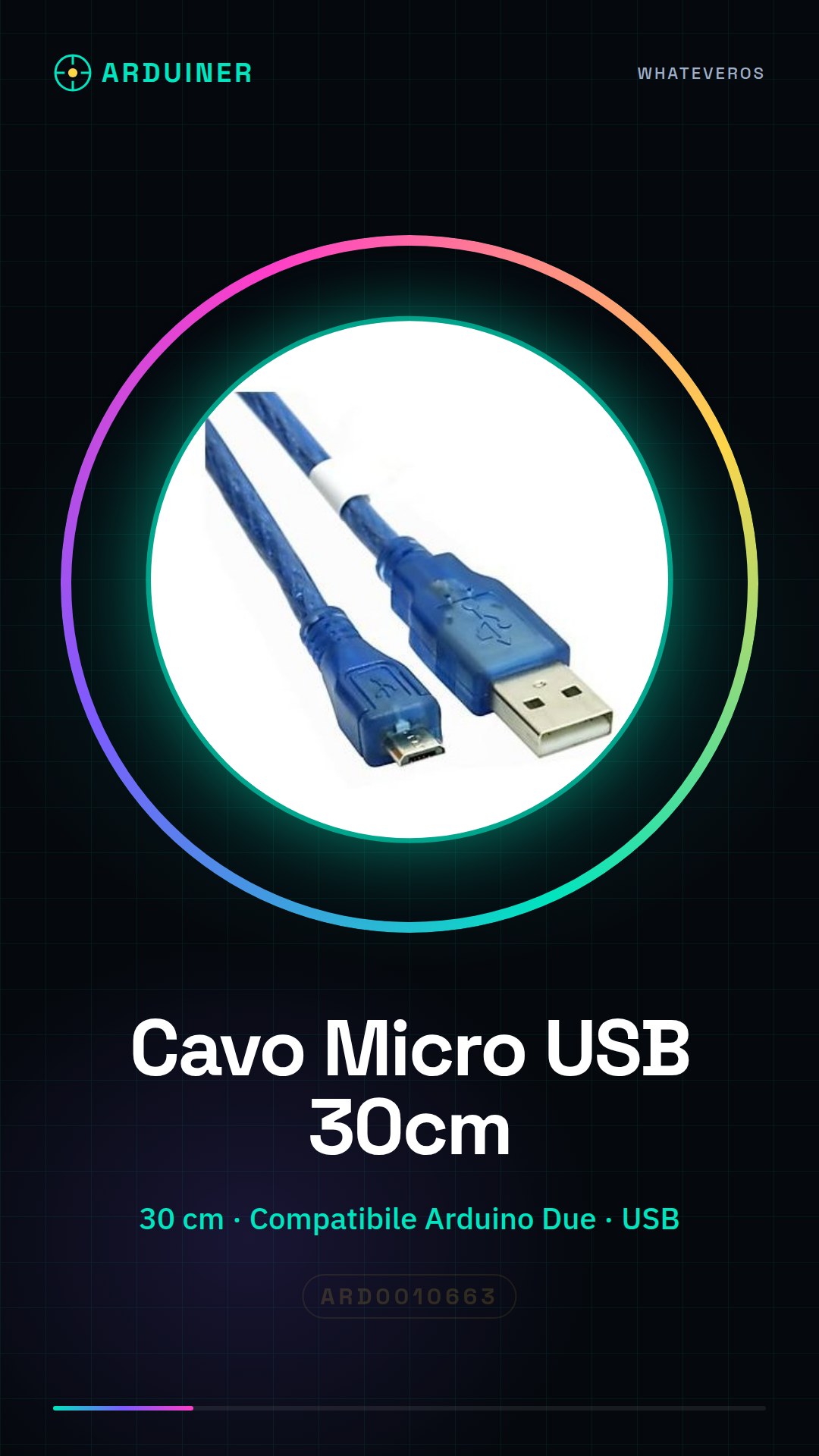
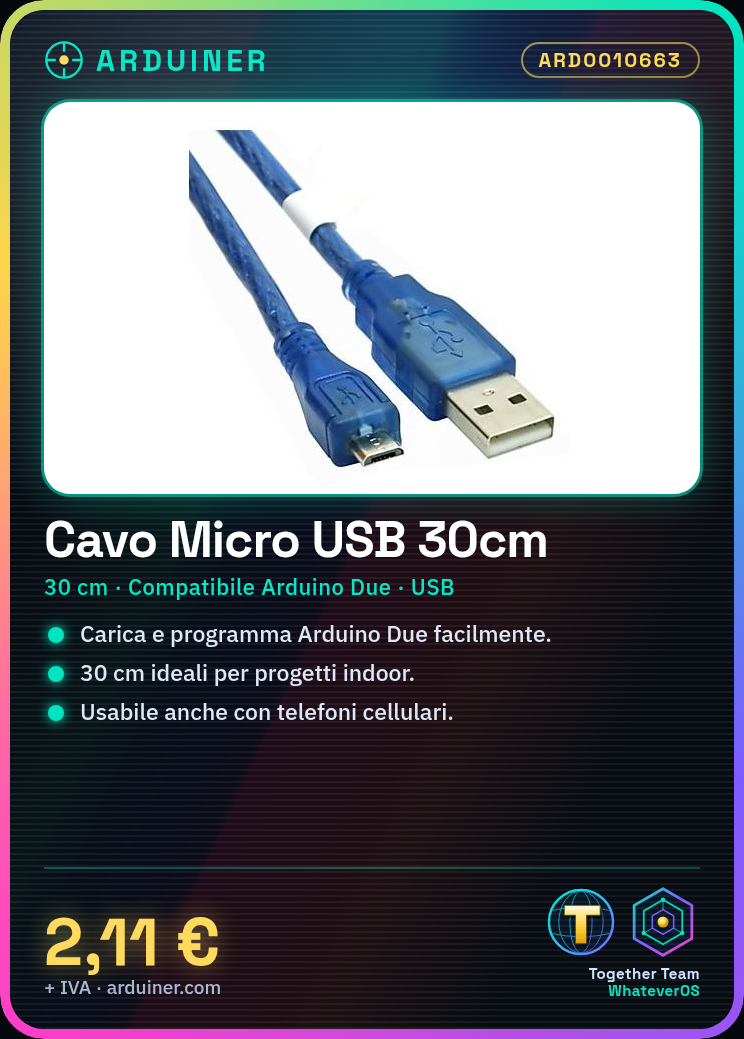
Description
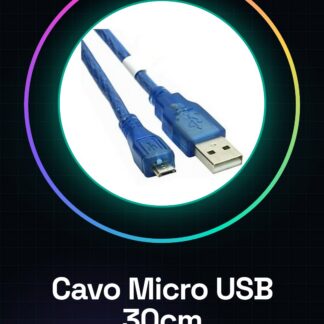
Tutorial: How to Use Micro USB Cable 30cm
The micro USB cable is essential for charging and programming your Arduino Due. This tutorial will guide you through the necessary steps to easily connect your device.
What you need
- Arduino Due
- Computer with USB port
Steps
- Connect the micro USB end of the cable to the Arduino Due.
- Connect the other end of the cable to your computer’s USB port.
- Open Arduino IDE and select the correct board in the ‘Tools > Boards’ menu.
- Upload the desired code to your Arduino Due via the ‘Upload’ button in Arduino IDE.
Mini project
Create a simple lighting project by controlling an LED lamp with the Arduino Due and the micro USB cable to load the code.
Common mistakes
- Unable to find the USB port in the ‘Tools > Boards’ menu
- Connection issues due to a damaged or incompatible cable
- Difficulty installing the necessary drivers for the micro USB
Recommended accessories
- Arduino Due (SKU: ARD0010674)
- 3D Print Case for Arduino Due (SKU: ARD0010985)
- Temperature and Humidity Sensors Compatible with Arduino Due
- External Power Supply for Arduino Due
Frequently asked questions
Is this cable length sufficient?
Yes, 30cm are suitable for most indoor projects.
Can I use this cable with other devices?
Yes, the micro USB cable can be used with cell phones and other devices that support this interface.
Reviews
There are no reviews yet.