 EN
 IT Italiano
 ES Español
 FR Français
 DE Deutsch
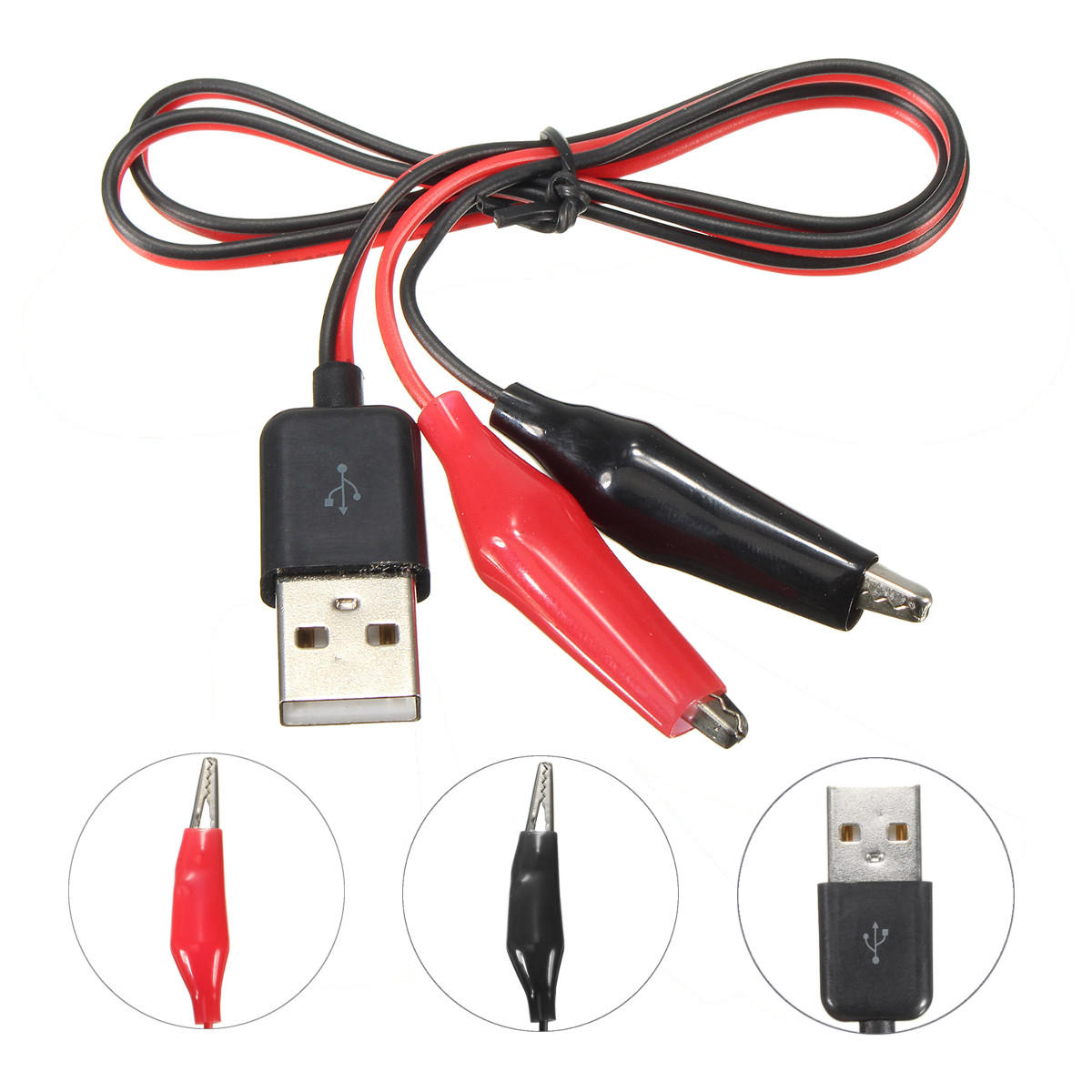
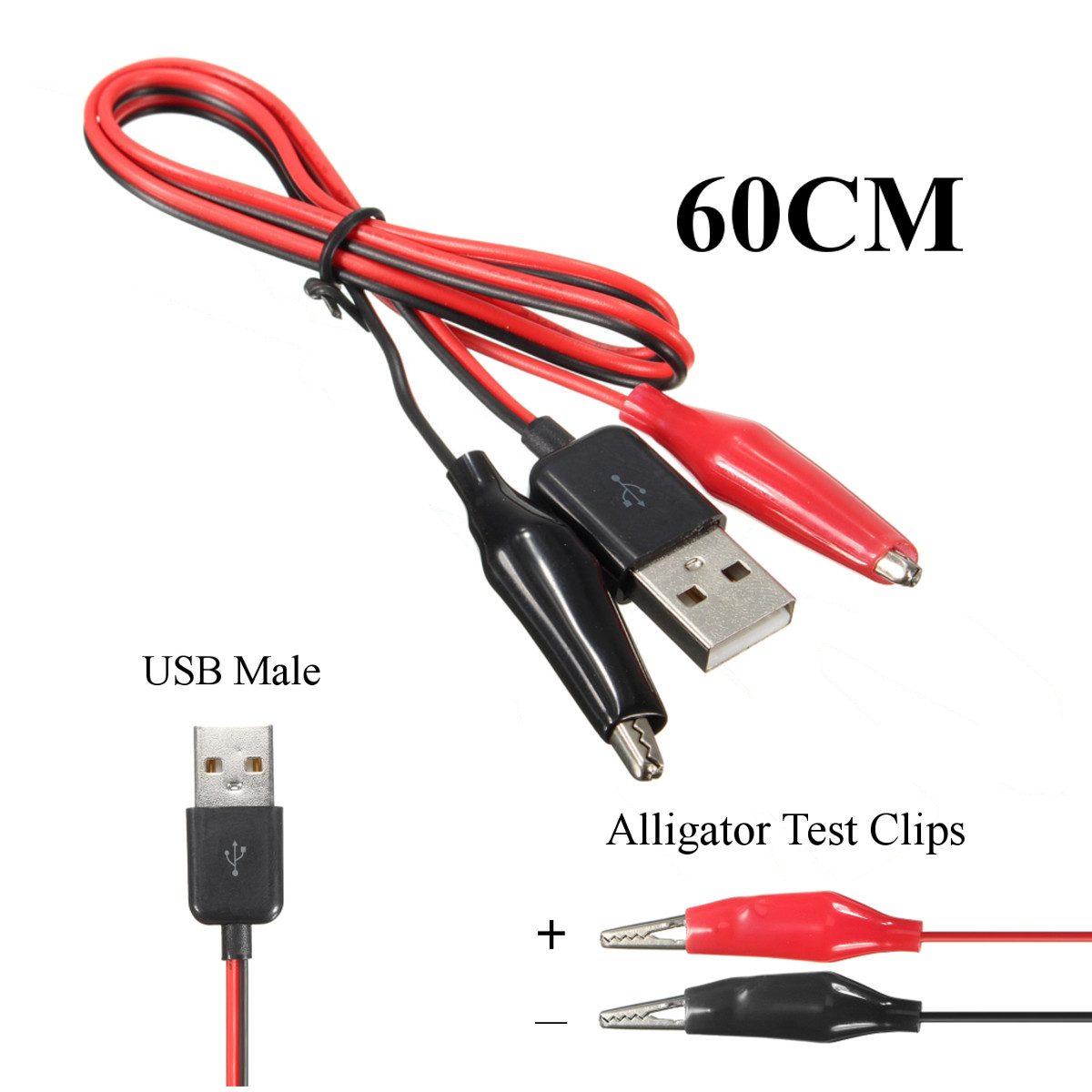
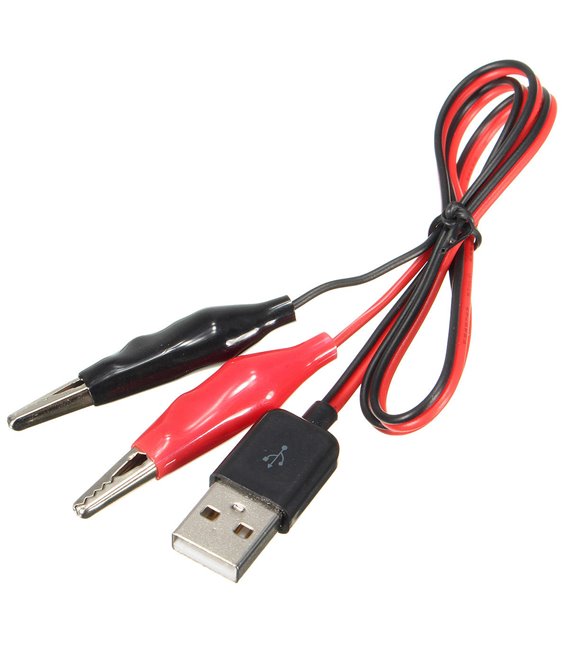
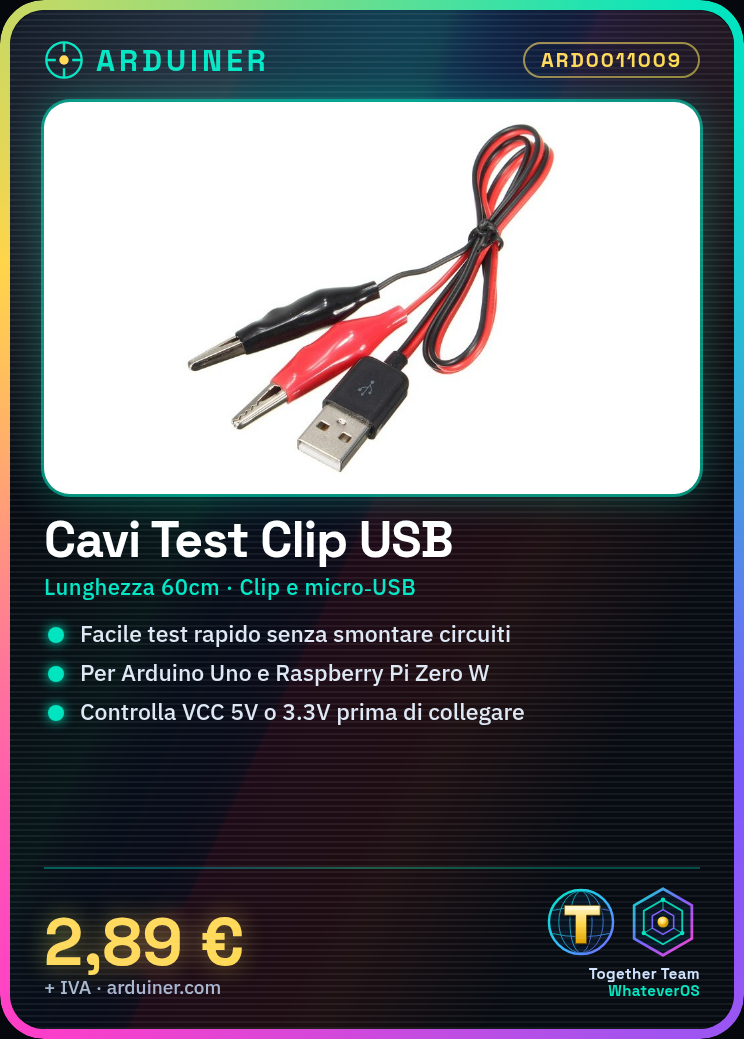
Description
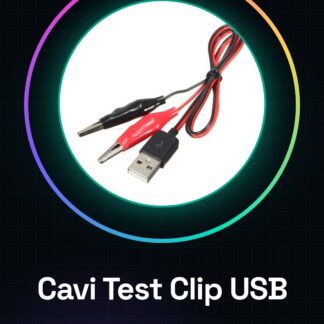
Tutorial: How to Use USB Test Clip Leads with Alligator Clips 60CM
USB test clip leads with alligator clips are essential tools for makers and electronics enthusiasts working on Arduino, Raspberry Pi, or any other device with USB connectors. This type of cable allows you to perform quick tests without having to disassemble your circuit.
What you need
- Arduino Uno
- Raspberry Pi Zero W
- USB compatible microcontroller
Steps
- Check for the two ends of the cable: one with test clips and the other with a micro-USB connector.
- Connect the cable to the device you want to test, using the test clips to connect the correct lines (VCC, GND, D+, and D-) of the circuit.
- Verify that the VCC voltage is appropriate for your device (5V or 3.3V).
- Use the cable to send data from the computer to the microcontroller via the USB connector.
- If necessary, use a multimeter to verify power and data lines.
Mini project
Create a simple circuit with Arduino that turns on an LED when a command is sent from a computer via the USB cable to test clips.
Common mistakes
- Do not check the VCC voltage before connecting the device.
- Use test clips on incorrect circuit lines.
- Omit using a multimeter to check connections.
Recommended accessories
- Multimeter
- Arduino Uno
- Raspberry Pi Zero W
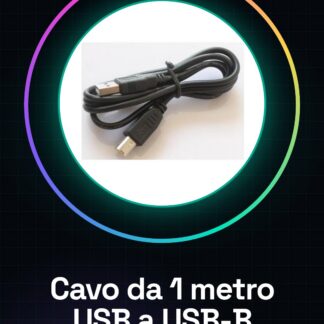
- USB A-B cable
Frequently asked questions
What is the length of the cable?
The cable has a length of 60 cm.
Can I use these clips on AC lines?
No, test clips are designed for DC lines and should not be used on high voltage lines such as AC.
Reviews
There are no reviews yet.