 EN
 IT Italiano
 ES Español
 FR Français
 DE Deutsch
Description
What it is
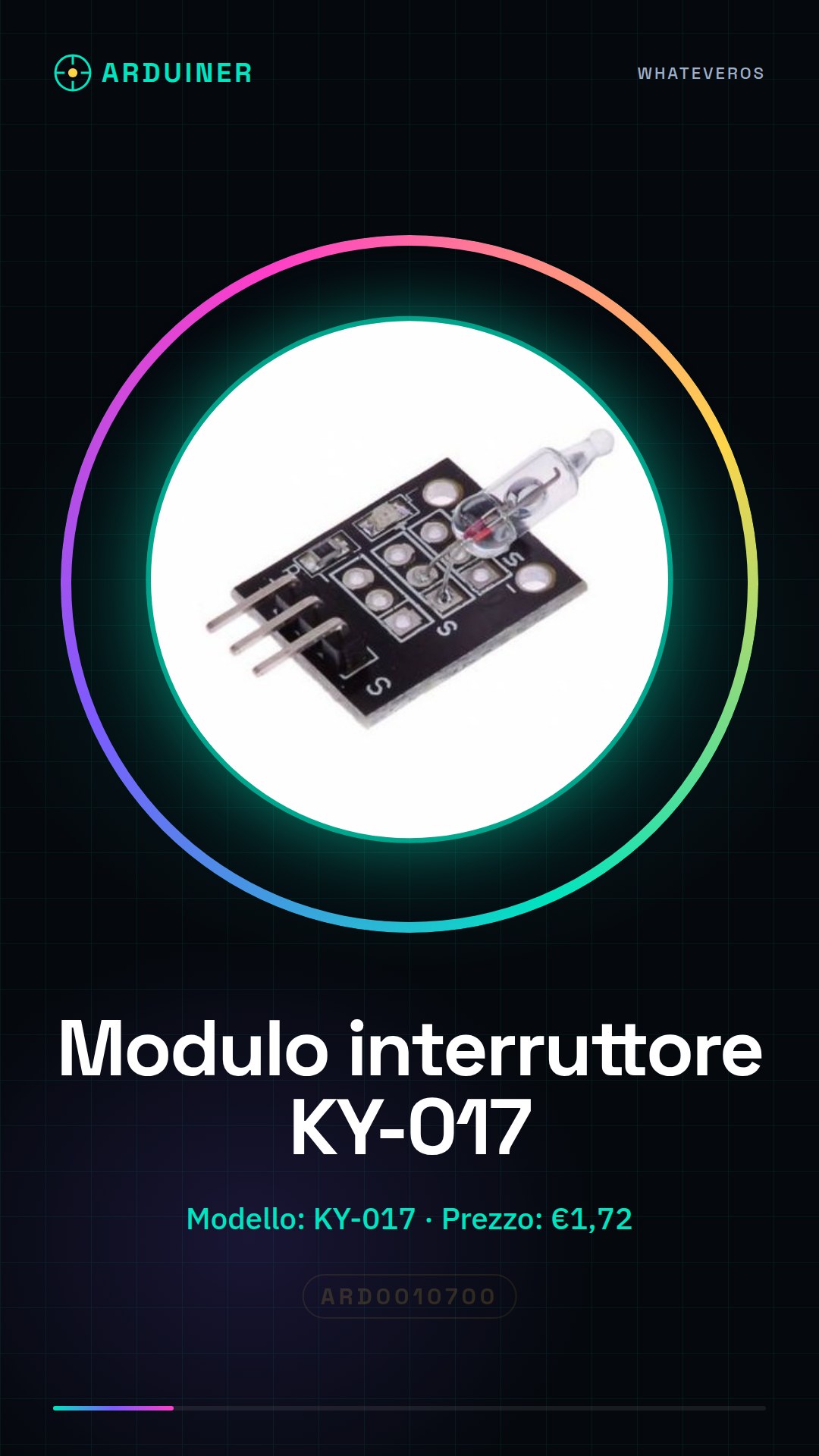
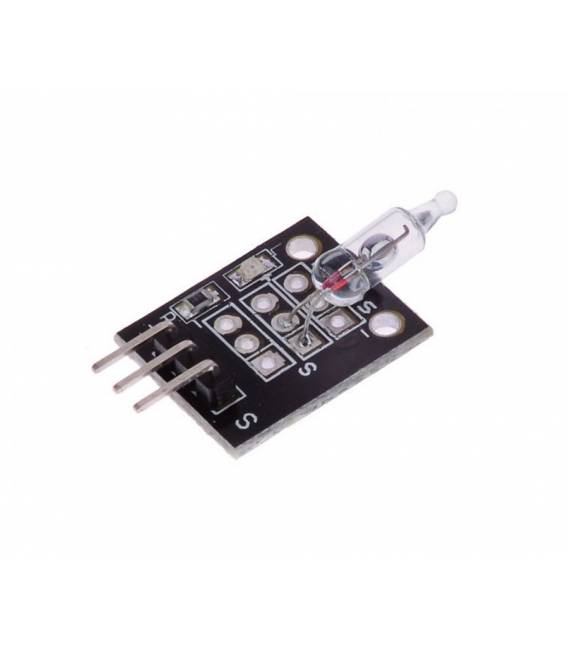
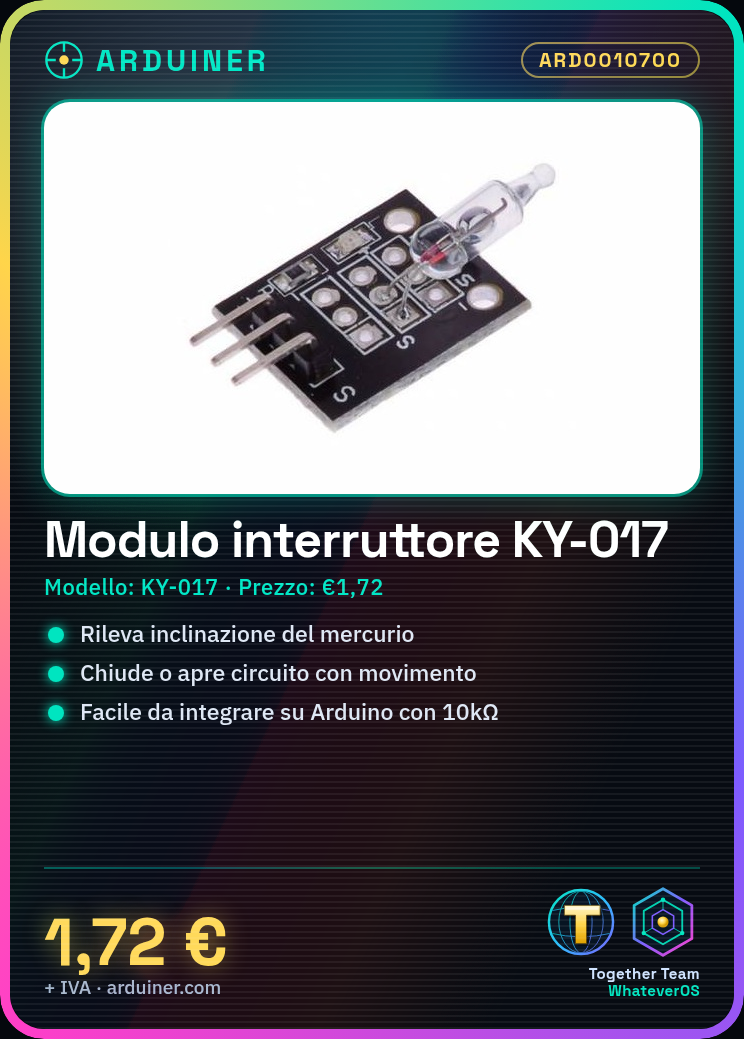
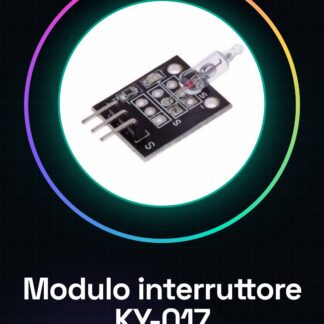
The KY-017 mercury switch module is a mercury optical switch. Used to detect inclination, this switch relies on the movement of mercury within a chamber to close or open a circuit.
Features
- SKU: ARD0010700
- Price: 1.72 €
- Type: mercury optical switch
- Model: KY-017
What it is for
The KY-017 mercury switch module is ideal for projects requiring motion sensitivity. It can be used to create simple alarm systems, motion sensors, or to control the opening or closing of a circuit based on inclination. It is compatible with Arduino and other microcontrollers.
How to Use the KY-017 Mercury Switch
The KY-017 mercury switch is a mercury optical switch ideal for projects requiring motion sensitivity. Useful for beginners and intermediates, it is used to control the opening or closing of a circuit.
What you need
- KY-017 mercury switch module
- Arduino
- 10kΩ resistor
- power cable
Steps
- 1. Connect the VCC of the KY-017 to the 5V of the Arduino.
- 2. Connect the GND of the KY-017 to the GND of the Arduino.
- 3. Connect a 10kΩ resistor between the S (sense) pin and the A0 pin of the Arduino.
- 4. Connect the GND pin of the KY-017 to the GND of the resistor.
- 5. Upload the following code to your Arduino.
- 6. Verify the exact pin positions on the datasheet.
- 7. Try moving the switch and observe the values on the serial monitor.
- 8. Adapt the code for your project.
Example code
int sensorPin = A0;
void setup() {
  Serial.begin(9600);
}

void loop() {
  int sensorValue = analogRead(sensorPin);
  Serial.println(sensorValue);
  delay(100);
}
Mini project
Create a simple alarm system. Connect an LED to pin 13 of the Arduino and modify the code to turn on the LED when the switch is closed.
Common mistakes
- Connect the VCC to 3.3V instead of 5V.
- Omit the 10kΩ resistor.
- Connect the S pin directly to GND.
- Do not verify the pin positions on the datasheet before connecting.
Recommended accessories
- LED
- 220Ω Resistor
- Arduino UNO
- Power Supply Cable
Frequently asked questions
How can I verify the pin positions?
Check the KY-017 datasheet.
Does the KY-017 work with Arduino Nano?
Yes, but make sure the Arduino Nano supports analog pins.
Does the KY-017 work with Arduino Mega?
Yes, but check the pin compatibility.
Reviews
There are no reviews yet.