 EN
EN IT Italiano
 ES Español
 FR Français
 DE Deutsch
Description
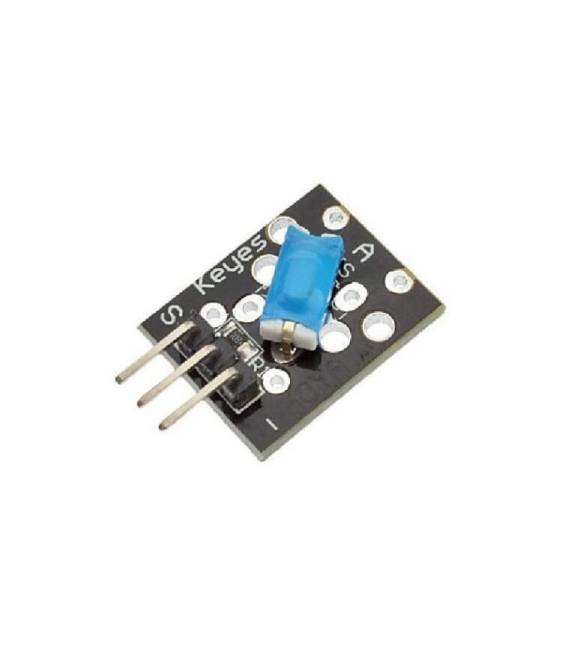
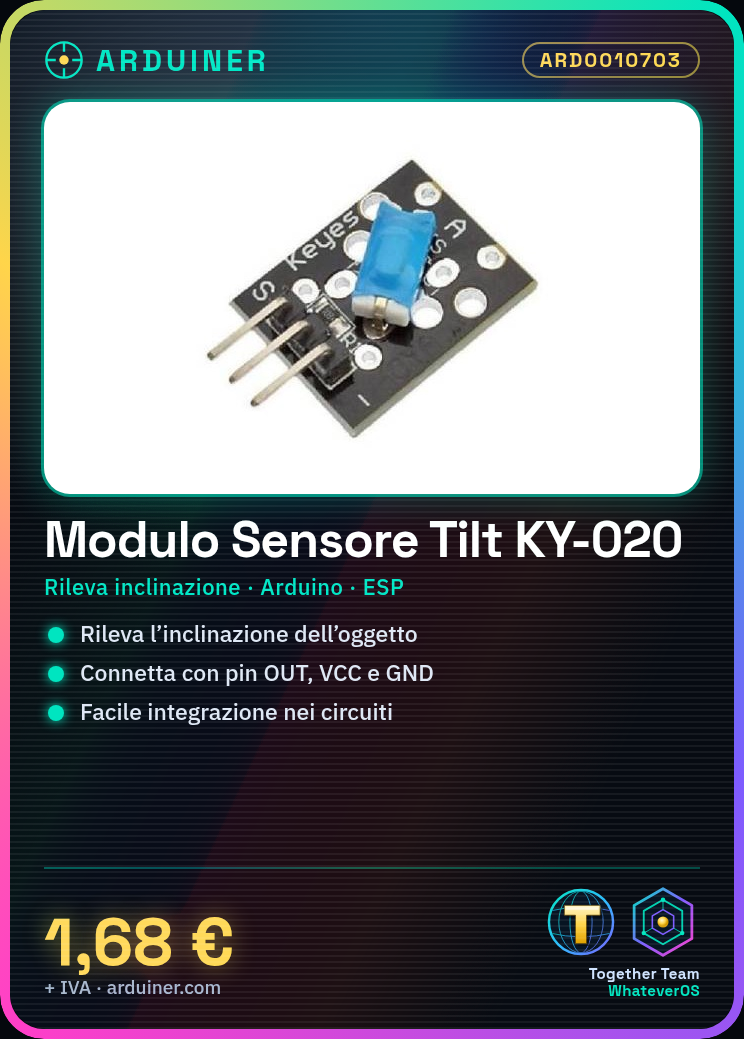
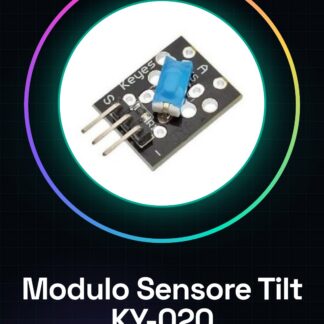
What is it The KY-020 tilt switch sensor module detects changes in position, switching the output signal state. It is perfect for Arduino projects and prototypes where monitoring changes in inclination or position is required. Features Detects position changes (tilt) Easy to integrate into electronic circuits What is it used for The KY-020 tilt switch sensor module can be used to create home security alarms, interactive games, or any application requiring position change detection. It is compatible with Arduino and ESP. Tutorial: How to use Tilt Switch Sensor Module KY-020 The KY-020 tilt switch sensor module is a simple device that changes state when flipped. It is ideal for projects like home security alarms, interactive games, and any application where position changes need to be detected. What you need Arduino Jumper cable (various colors) Connecting to PC Steps Connect the VCC pin of the tilt switch to the 5V pin on the Arduino. Connect the GND pin of the tilt switch to the ground (GND) on the Arduino. Connect the OUT pin of the tilt switch to a digital pin on the Arduino, e.g., pin 2. Open Arduino IDE and create a new sketch. Insert the provided code in the ‘code’ section. Upload the sketch to the Arduino. Observe the serial console to see how the sensor state changes when flipped. Example code: const int tiltPin = 2; void setup() { pinMode(tiltPin, INPUT); Serial.begin(9600); } void loop() { int state = digitalRead(tiltPin); Serial.println(state); } Mini-project Create a home security alarm that sends a notification when the sensor is flipped, for example, to protect valuable objects. Common errors Incorrectly connect the GND pin, the sensor will not work. Use a high pull-up or pull-down resistor without checking the tilt switch specifications. Ignore configuring the Arduino digital pin settings. Omit checking the sensor state in the sketch. Recommended accessories RGB LED Module KY-016 Buzzer KY-027 16×2 LCD Display KY-040 Relay Module KY-038 Frequently asked questions How can I test the sensor without an Arduino? You can connect it to a multimeter and check the pin states. The sensor is not working, what should I do? Check all electronic connections. Ensure the tilt switch is securely mounted in the circuit.

Reviews
There are no reviews yet.