 EN
 IT Italiano
 ES Español
 FR Français
 DE Deutsch
Description
Product Description
Tutorial: How to Use MAX31855K Thermocouple Module
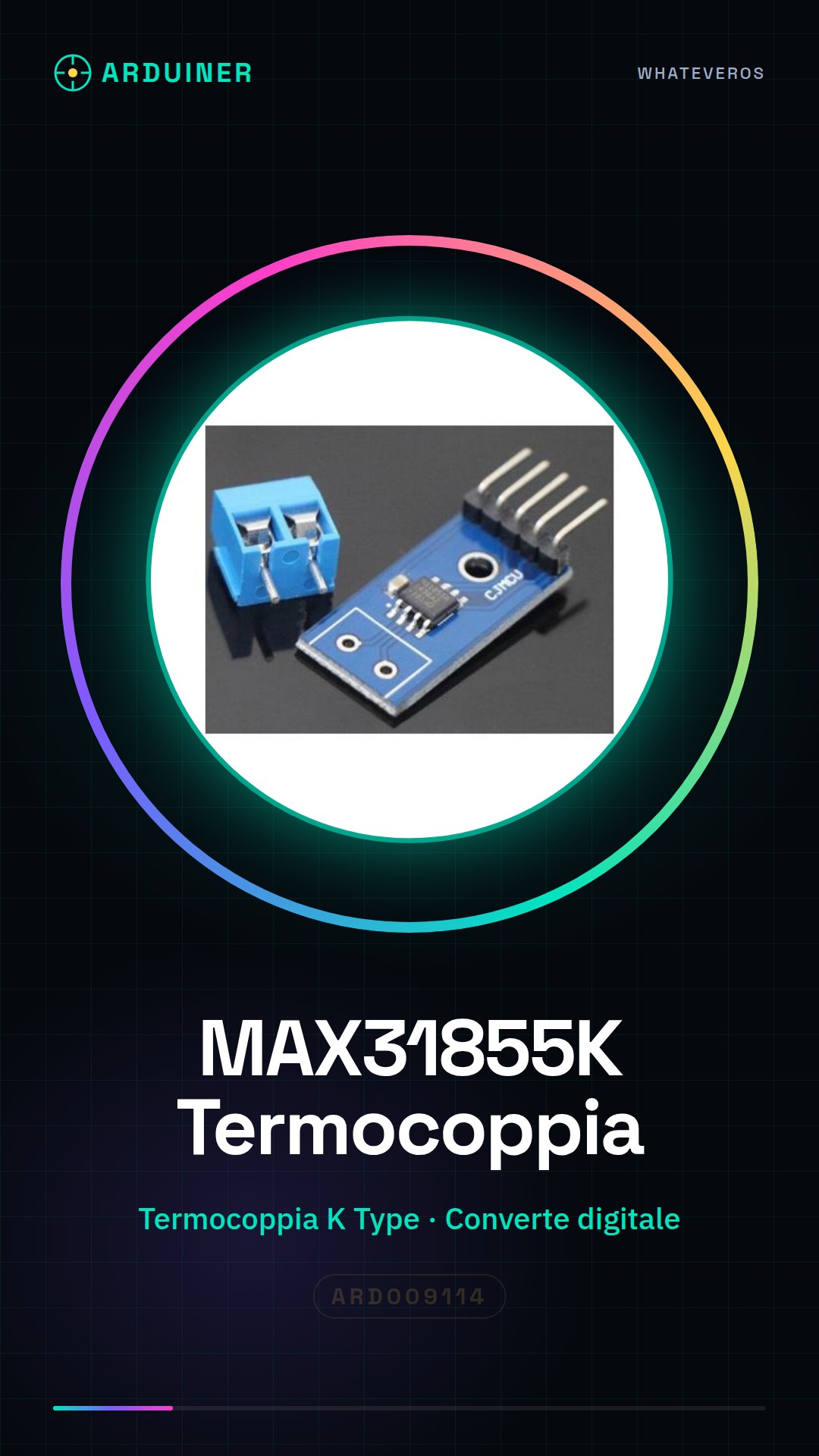
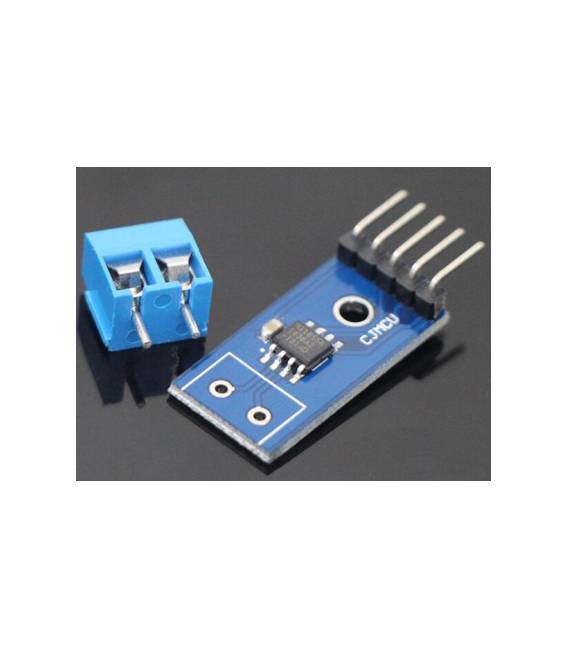
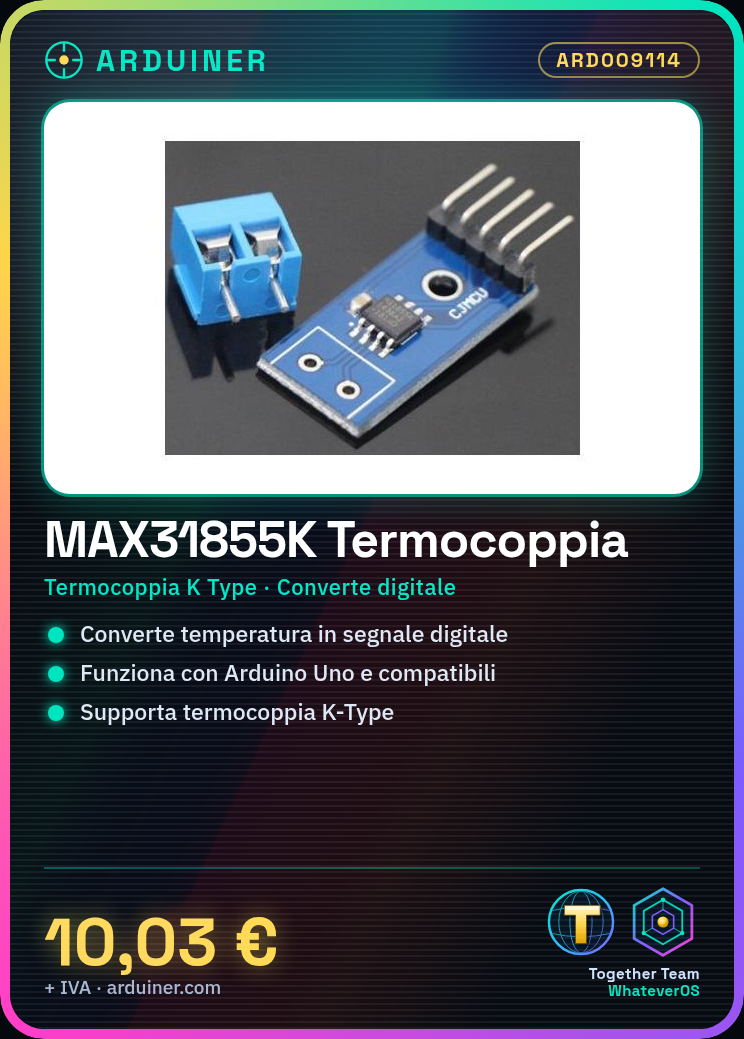
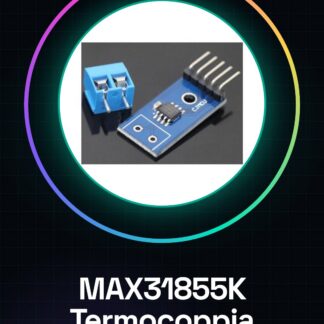
The MAX31855K module is a thermocouple sensor that converts temperature signals into digital format. It is ideal for DIY projects and prototypes where precise measurement of extreme temperatures is required.
What you need
- Arduino Uno or Compatible
- Jumper Wire M/F
- K Type Thermocouple
Steps
- Connect the GND pin of the MAX31855K module to the GND of the Arduino.
- Connect the VCC pin of the module to the 5V of the Arduino.
- Connect SCK (Clock) of the module to one of the digital pins of the Arduino, for example D2.
- Connect DO (Data Out) of the module to another digital pin of the Arduino, such as D3.
- Connect the thermocouple to the K-Type connector of the MAX31855K module.
- Download and install the Adafruit_MAX31855.h library from the Arduino Library Manager.
- Include the library in your sketch: #include
- Create an instance of the MAX31855 sensor with the correct clock and data pins.
Example code
Adafruit_MAX31855 thermocouple(SCK_PIN, DO_PIN);
float temperature = thermocouple.readCelsius();
Mini project
Create a simple digital thermometer that displays the temperature on an LCD screen.
Common mistakes
- Do not properly verify the connections between the module and Arduino.
- Use the wrong library to interface with MAX31855K.
- Ignore the power supply specifications of the thermocouple sensor.
- Omit the installation of the necessary library in the Arduino software.
Recommended accessories
- 16×2 LCD Screen
- Jumper Cable M/F
- K Type Thermocouple
- Arduino Batteries
Frequently asked questions
How can I verify if the MAX31855K module is functioning correctly?
Check the temperature with a known thermometer and compare it to the data acquired by the sensor.
What are the minimum and maximum temperatures that this module can measure?
Check the datasheet of the MAX31855K to obtain these specific details.
Reviews
There are no reviews yet.