 EN
 IT Italiano
 ES Español
 FR Français
 DE Deutsch
Description
What it is
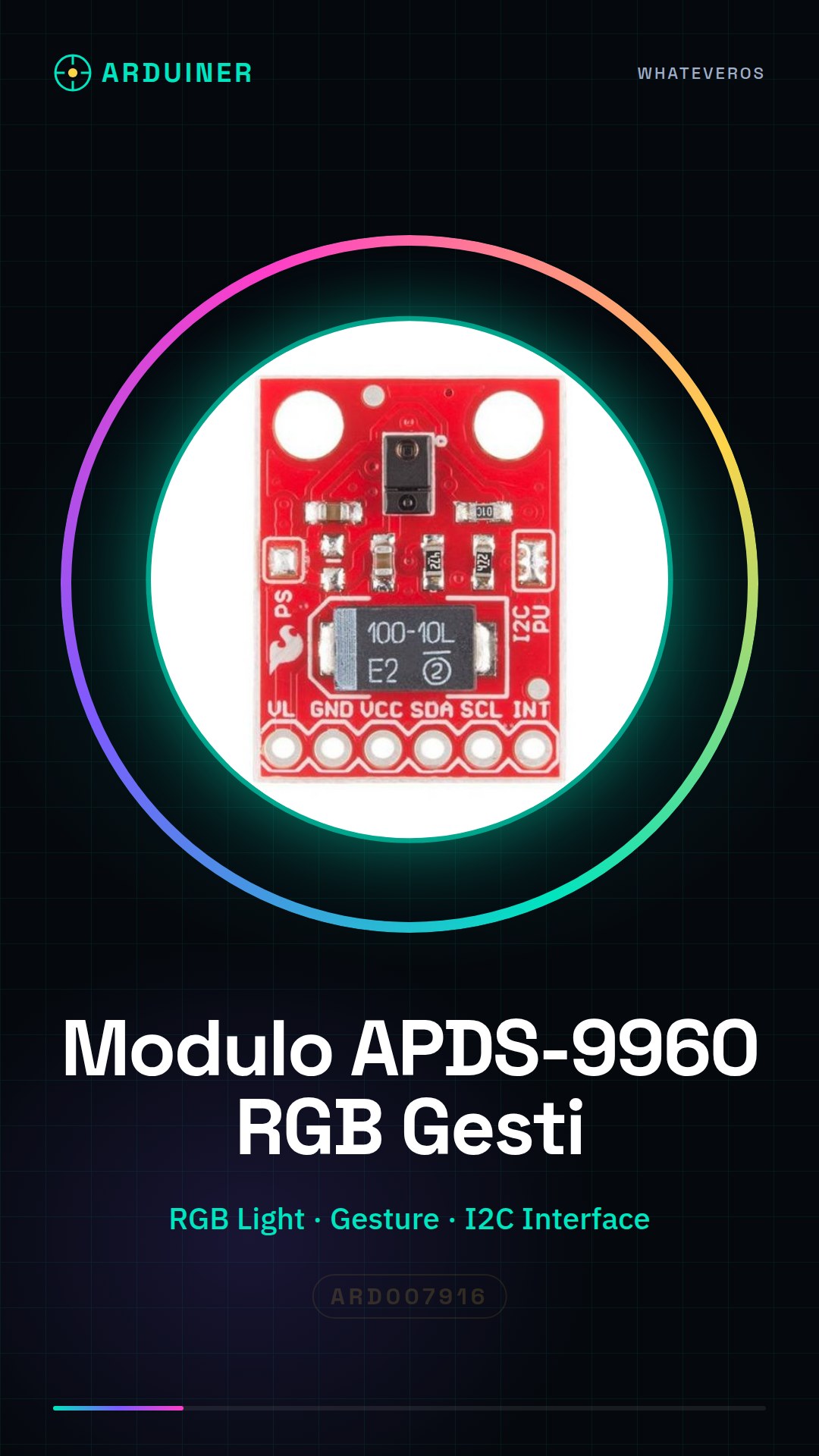
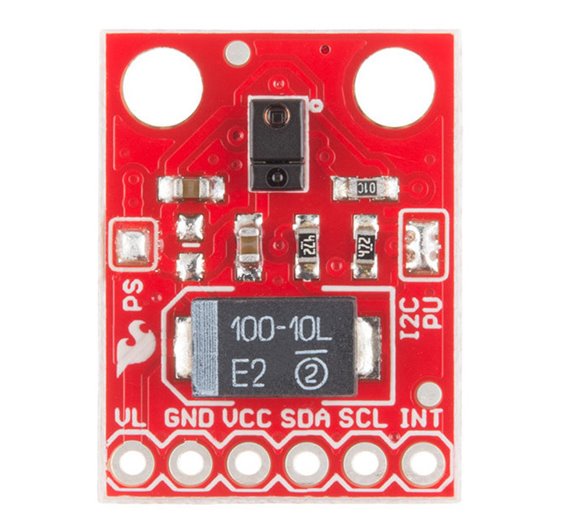
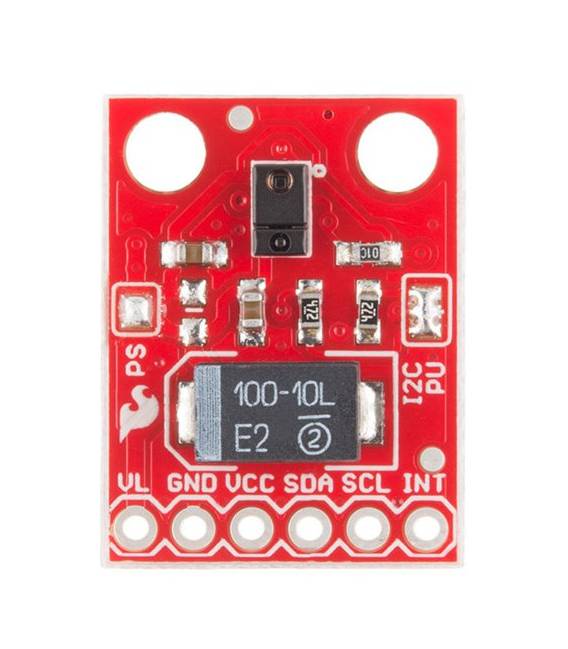
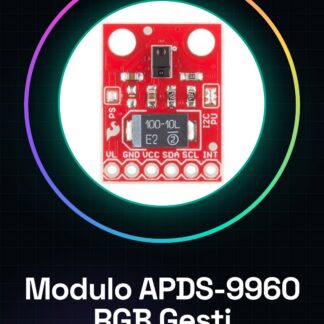
The APDS-9960 module is a multifunction sensor that allows measuring ambient RGB light and detecting gestures. It is designed to be used in various types of projects, such as lighting monitoring systems or gesture-based interactions.
Features
- RGB Light Sensor
- Gesture Detection
- I2C/IIC Interface
What it is for
The APDS-9960 sensor is ideal for projects that require measuring ambient light and detecting gestures. It can be used in applications such as lighting monitoring systems, gesture-based user interfaces, or any other project that needs to detect changes in ambient light or recognize specific movements.
Tutorial: How to Use APDS-9960 Module
The APDS-9960 module is a multifunction sensor that allows detecting gestures, measuring ambient light, and acquiring RGB data. It is ideal for interactive and environmental monitoring projects.
What you need
- Arduino
- I2C Connection
- Arduino IDE Software
Steps
- Connect the SDA pin of the APDS-9960 module to pin A4 on the Arduino.
- Connect the SCL pin of the module to A5 on the Arduino.
- Connect VCC and GND to the corresponding power supply on the Arduino.
- Install the Adafruit_APDS9960 library via the Arduino Library Manager.
- Include the library in your sketch: #include
- Create an object of the APDS9960 class: Adafruit_APDS9960 apds = Adafruit_APDS9960();
- In the setup(), initialize the sensor and verify the connection.
- In the loop(), read the sensor data for gestures, ambient light, and RGB.
Example code
#include <Adafruit_APDS9960.h>

Adafruit_APDS9960 apds = Adafruit_APDS9960();

void setup() {
  Serial.begin(9600);
  if (!apds.begin()) {
    Serial.println(F("Failed to initialize APDS-9960!"));
    while (1);
  }
}

void loop() {
  apds.enableGesture(true);
  delay(250);
}
Mini project
Create a lighting monitoring system that sends notifications when the light is too low or high.
Common mistakes
- Put the sensor in gesture mode without first activating it.
- Omit the connection verification of the sensor in the setup().
- Do not install the Adafruit_APDS9960 library correctly.
- Use non-standard I2C pins for Arduino.
Recommended accessories
- Arduino Uno R3
- Jumper Connections
- Breadboard
- Adafruit_APDS9960 Library
Frequently asked questions
What is the power supply voltage for the APDS-9960 module?
Check the datasheet.
What type of connections are needed to connect the module to the microcontroller?
I2C (SDA and SCL).
Reviews
There are no reviews yet.