 EN
 IT Italiano
 ES Español
 FR Français
 DE Deutsch
Description
What it is
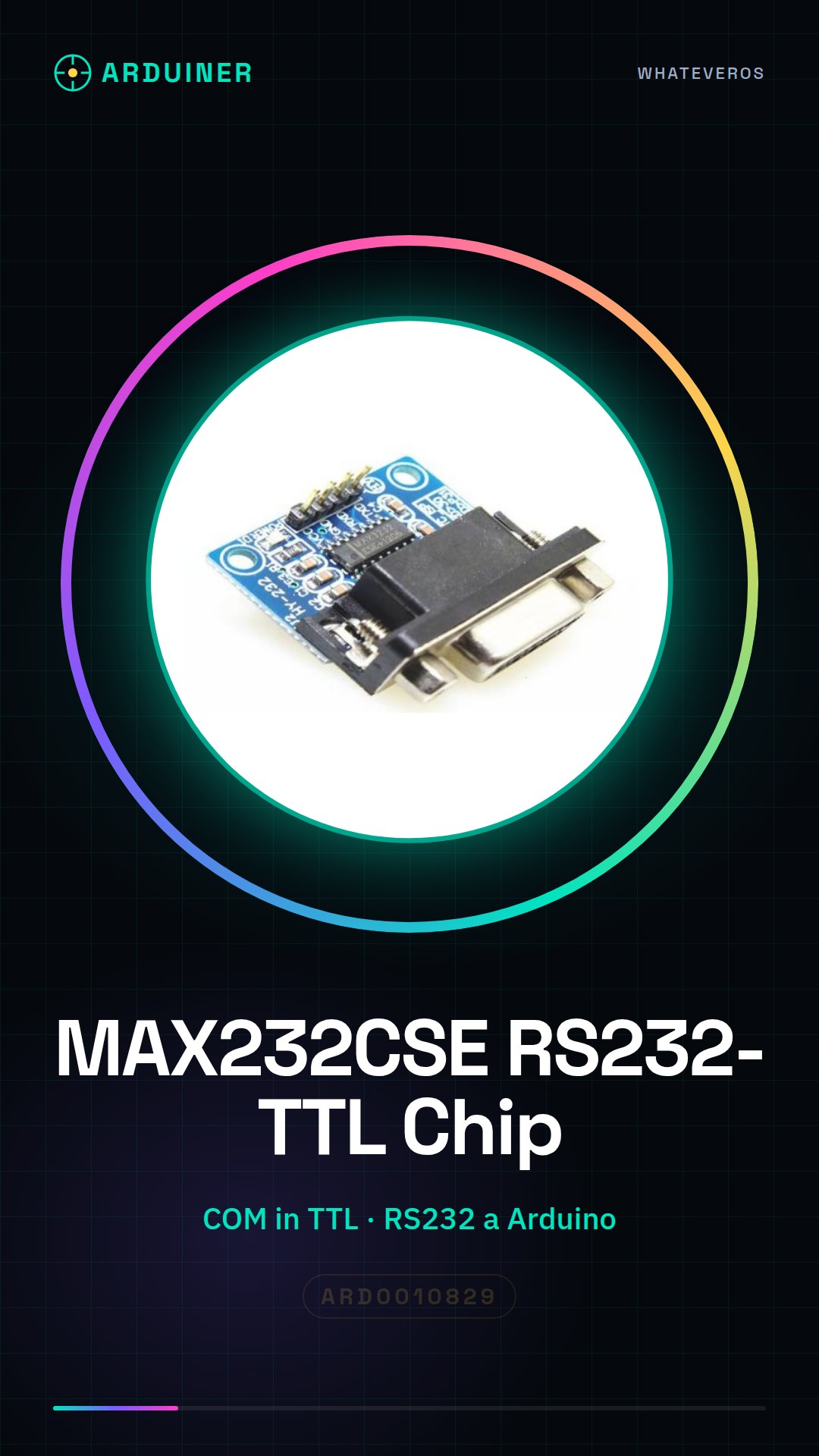
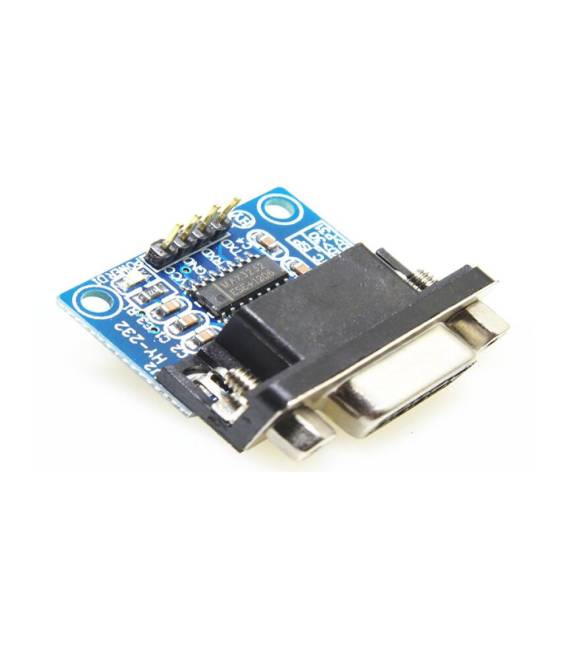
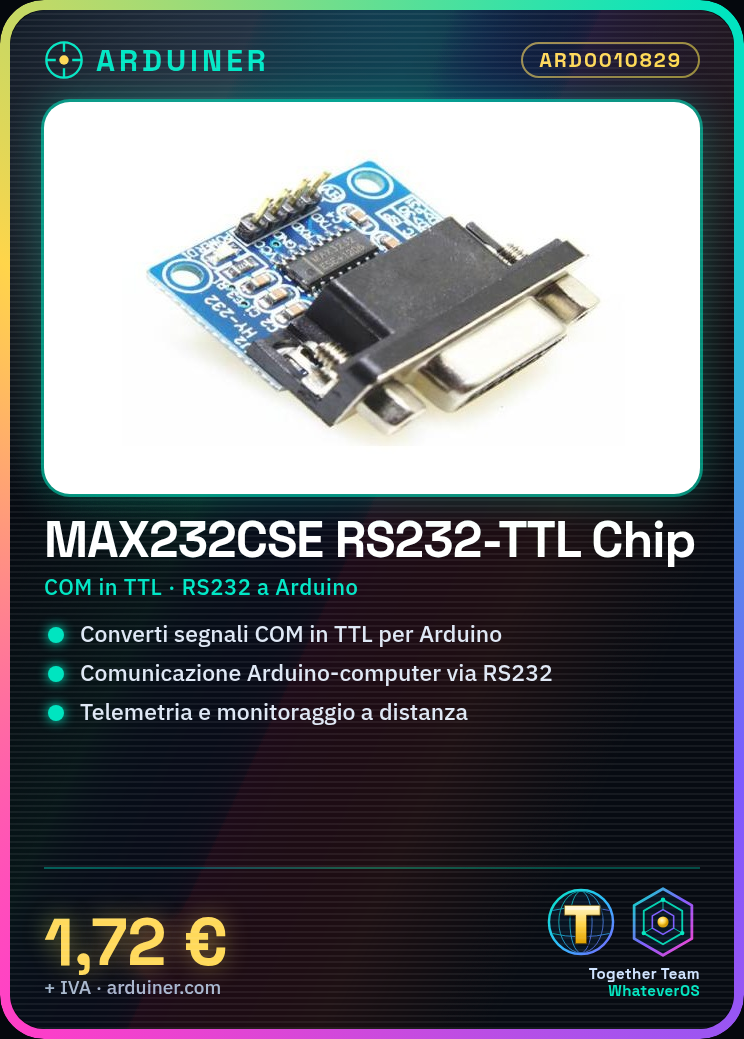
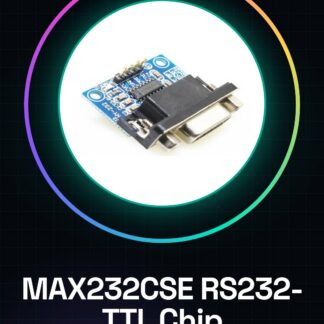
The MAX232CSE is an RS232-TTL transfer chip that allows the conversion of COM serial signals to TTL and vice versa. This component is essential for establishing effective communication between devices such as Arduino and microcontrollers on one side, and computers or modems on the other.
Features
- RS232-TTL Transfer Chip
- Converts COM serial signals to TTL for Arduino and microcontrollers
What it is for
Ideal for projects that require telemetry or remote monitoring. For example, it can be used to send data from a temperature sensor to a computer via RS232.
Tutorial: How to Use MAX232CSE RS232 Converter
The MAX232CSE chip is crucial for converting TTL signals to RS232, allowing communication between Arduino and external devices such as computers or modems. Ideal for telemetry and remote monitoring projects.
What you need
- Arduino Uno
- USB A-MicroB Cable
- COM TTL Serial Module
- Jumpers
Steps
- Connect the MAX232CSE module to the Arduino circuit following the pinout table in the datasheet.
- Connect the following jumpers: TXD and RXD of the module to D0 and D1 of Arduino, respectively; VCC to 5V on Arduino; GND to GND on Arduino.
- Verify the connection with a multimeter or LED to understand the orientation of the signals.
- Write a simple sketch that sends serial data from Arduino to the RS232 module.
- Connect the COM TTL module to the output of the MAX232CSE and verify communication with a serial monitoring software like PuTTY or Tera Term.
- Configure the serial monitoring application to use the correct COM port and compatible baudrate settings.
- Test bidirectional data transmission between Arduino and external RS232 device.
- Repeat the tests with different baudrates to verify the stability of the connection.
Example code
// Sketch semplice di esempio
void setup() {
  Serial.begin(9600);
}

void loop() {
  Serial.println("Messaggio da Arduino");
}
Mini project
Create a telemetry system that sends temperature sensor data to a computer via RS232.
Common mistakes
- Incorrect connection of TXD and RXD signals reversed
- Incompatible baud rate settings between Arduino and external device
- VCC or GND connections swapped
- Incorrect connection of COM TTL module
Recommended accessories
- DS18B20 temperature sensor
- RS232 serial cable
- Various jumpers
- Digital multimeter
Frequently asked questions
How can I verify the configuration of the COM TTL module?
Check the datasheet or manufacturer documentation for default settings.
What is the difference between RS232 and TTL?
RS232 uses high voltages (+12V) and low voltages (-12V), while TTL works with 5V or 3.3V.
Reviews
There are no reviews yet.