 EN
 IT Italiano
 ES Español
 FR Français
 DE Deutsch
Description
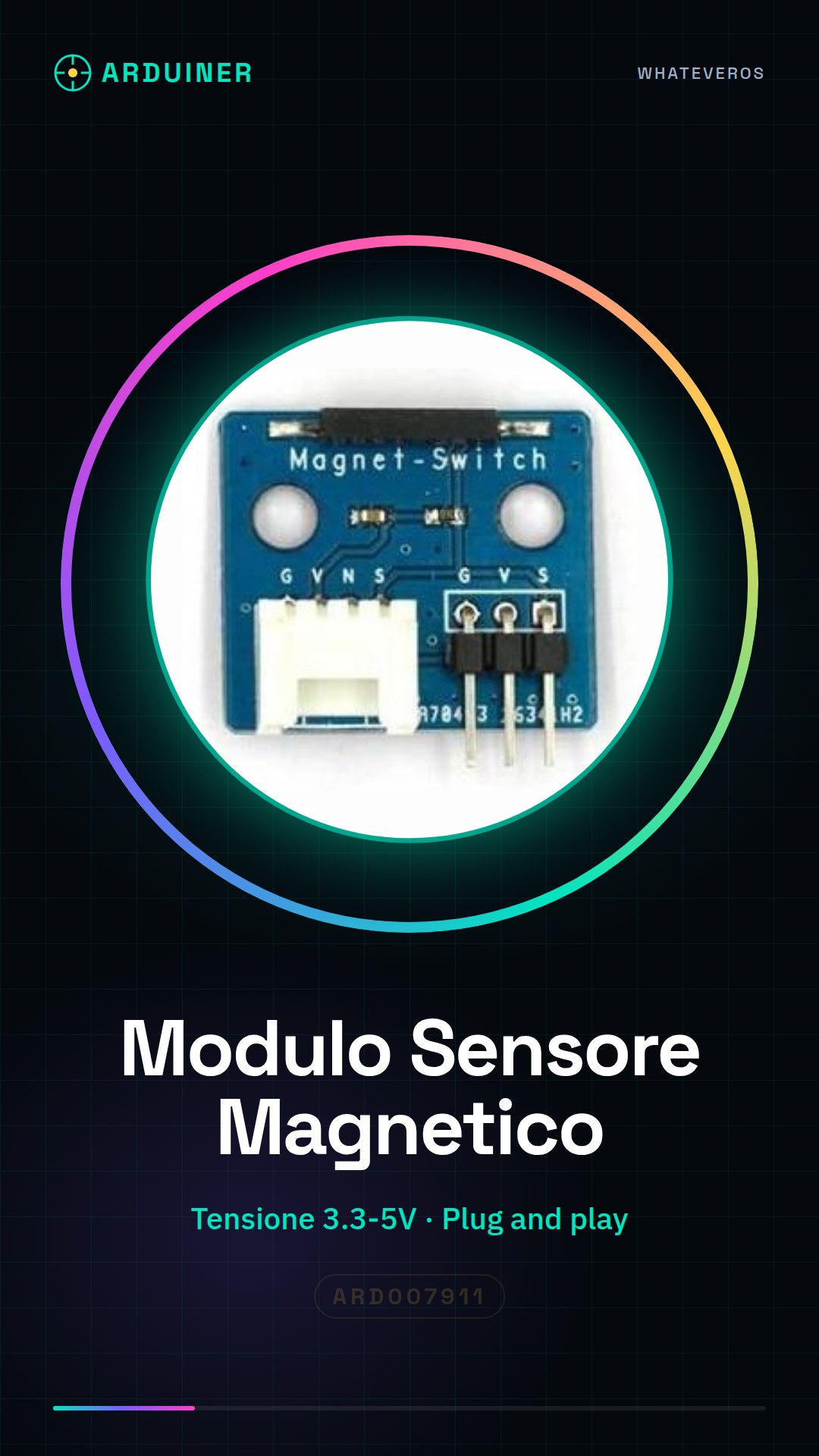
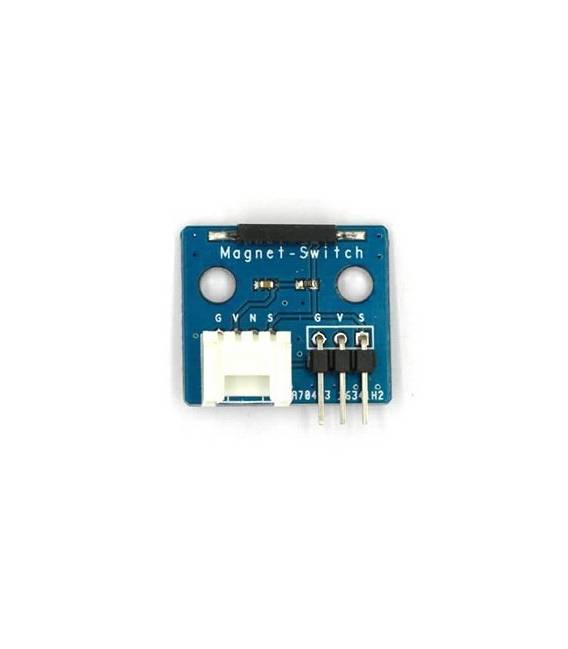
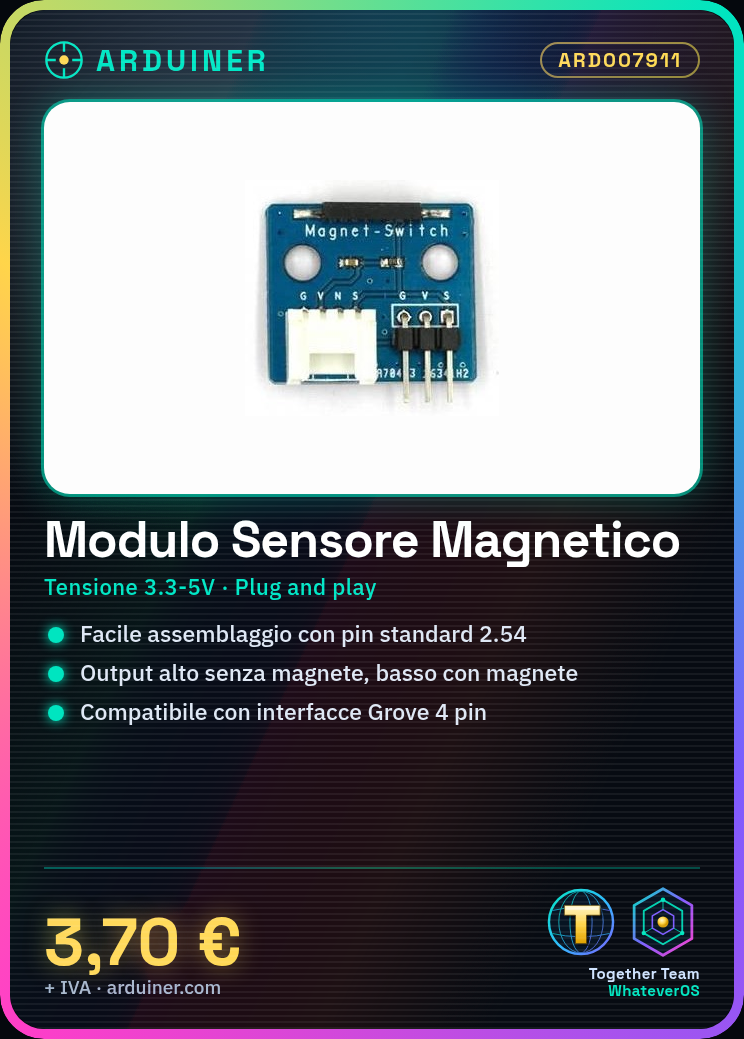
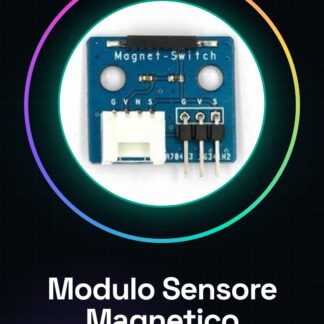
Magnetic Switch Sensor Module for Arduino
An electronic building block, an electronic module that can be assembled like Lego blocks simply by connecting and unplugging. Unlike traditional universal boards and circuit modules assembled with various electronic components, the electronic building block has standardized interfaces, plug and play, which simplify the construction of the prototype circuit.
The magnetic switch electronic building block can be connected to a digital I/O port to obtain the current state of the magnetic switch by reading the current digital signal. Generally, high-level output; when the sensor encounters magnetic objects (such as magnets), low-level output.
Features:
Operating voltage: 3.3 V to 5 V.
Plug and play, easy to use. Compatible with mainstream 2.54 interfaces and 4-pin Grove interfaces on the market.
With the use of standard M4 mounting holes, compatible with standard M4 kits such as Lego and Makeblock.
The sensor is located on the edge of the PCB to facilitate detection.
Tutorial: How to use Magnetic Switch Sensor Module
The magnetic switch sensor module for Arduino is a simple and cost-effective component that allows functions to be activated or deactivated based on the presence of a magnetic field. Ideal for projects such as automatic doors, home alarms, or any situation where it is necessary to detect the position of an object.
What you need
- Arduino
- magnetic switch sensor module
- magnetic field
Steps
- Connect the module to digital pin 2 of the Arduino using connectors or connection lines.
- Check the polarity of the magnetic field relative to the sensor coil (N/S).
- Load the Arduino sketch onto the device.
- Bring a magnet near the sensor and observe the change in logical state on the Serial Monitor.
Example code
const int interruptPin = 2;
int state = HIGH;
void setup() {
pinMode(interruptPin, INPUT_PULLUP);
Serial.begin(9600);}

void loop() {
state = digitalRead(interruptPin);
if (state == LOW) Serial.println("Magnet detected"); else Serial.println("No magnet");}
Mini project
Create a home security system that sends a notification when the door is opened, using a magnetic sensor and a Wi-Fi module.
Common mistakes
- Do not check the polarity of the magnet.
- Incorrect pin connection.
- Omission of the pull-up resistor.
- Absence of code to manage the sensor’s state.
Recommended accessories
- ESP8266 Wi-Fi Module
- Arduino Buzzer
- 16×2 LCD Display
- Relay Module
Frequently asked questions
How does the magnetic sensor work?
Detects the presence of a magnetic field and changes the logical state of the pin connected to the Arduino.
Can I use any type of magnet?
Yes, but make sure it is strong enough to activate the sensor at reasonable distances.

Reviews
There are no reviews yet.