 EN
 IT Italiano
 ES Español
 FR Français
 DE Deutsch
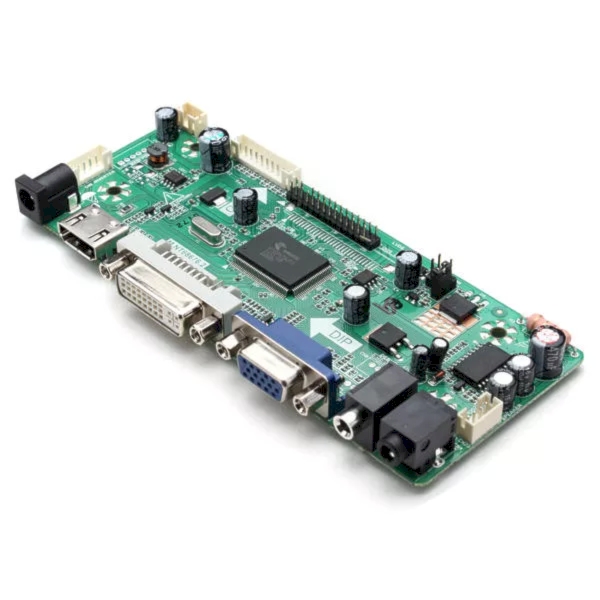
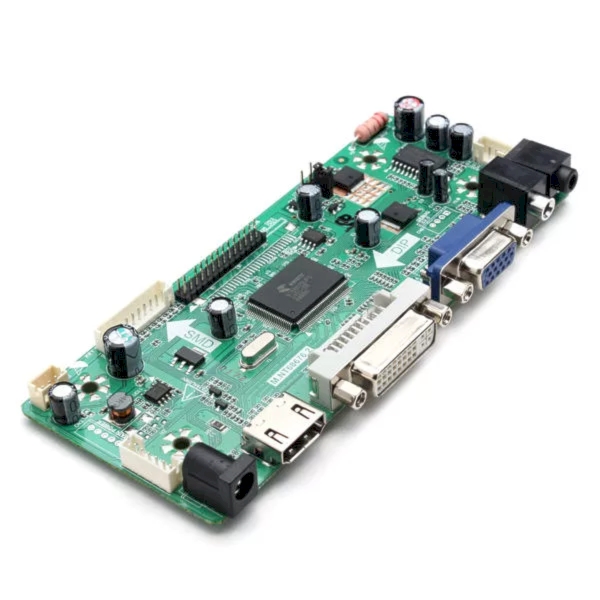
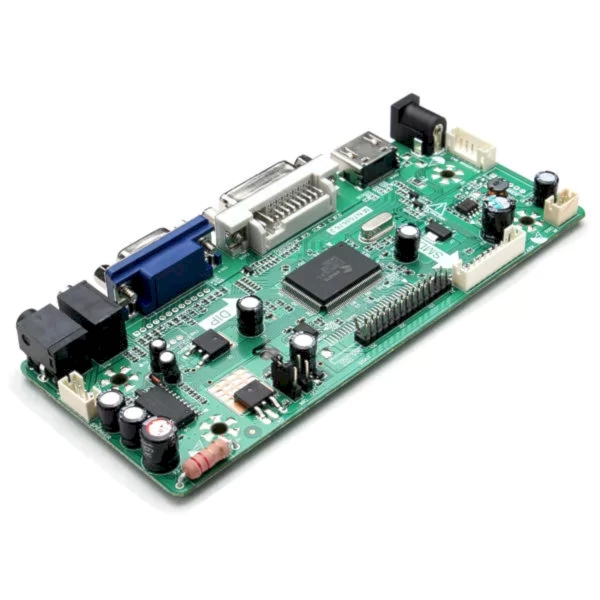
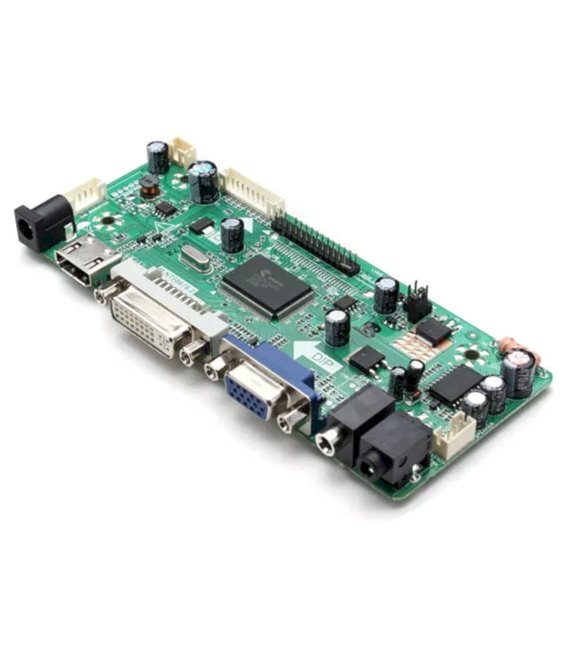
Description
M.NT68676.2A HD Universal Driver Board for LCD HDMI VGA DVI with Audio Model: NT68676 (UFG) OSD Language: Simplified Chinese, Traditional Chinese, English, French, German, Italian, Spanish, Portuguese, Japanese, Korean (optional) Panel: LED/LCD Single/Dual LVDS Interface (8): Maximum Resolution 2048 x 1152 Video Input Format: RGB PC, 2048 x 1152 @ 60Hz HD 480i, 480p, 576i, 576p, 720p, 1080i, 1080p PC Headphone Output: 0.2 ~ 2.0 VRMS Audio Output Frequency Response: 100 Hz to 3 kHz – 15 kHz @ db (1 kHz, reference signal decibel) Maximum Output Power: 2 x 1W (8 ohm) + N <10% @ tuning of 1kHz (Power: 12V, audio input: 0.5 VRMS) Power Supply: 3.3V / 5V / 12V Standby Current Consumption: <0.5W (board only) Key Definitions, Menu, Volume +, Volume -, Adjustment / Output Tutorial: How to use M.NT68676.2A HD Universal Driver Board This board allows powering and controlling LCD, HDMI, VGA, DVI displays with audio. Useful for user interface projects. What is needed for the M.NT68676.2A HD Driver Board? M.NT68676.2A HD Driver Board HDMI or DVI Cable Audio cable (if required) Compatible LCD display Steps 1. Check display compatibility with the board (check on datasheet). 2. Connect the HDMI/DVI cable to the display and the board. 3. Connect the audio cable (if required) to the display and the board. 4. Mount the board onto a PCB or protoboard. 5. Connect the board to an Arduino microcontroller (5V on VCC, GND on GND). 6. Load the source code (check on datasheet). 7. Turn on the display and check audio function (if enabled). 8. Test user interface (if applicable) Mini-project Create a welcome screen with an Arduino and compatible LCD display in 30 minutes. Common mistakes Connecting the board to a microcontroller other than 5V. Omitting display compatibility verification. Forgetting to connect the audio cable (if required). Not testing audio (if enabled) Recommended accessories Arduino UNO Compatible LCD Display 16×2 HDMI/DVI Cable Audio 3.5mm Cable (if required) Frequently Asked Questions How can I verify display compatibility? Check on the datasheet of the display and board. Does the display support audio? Check on the datasheet. Some versions do support audio. Can I connect the board to a microcontroller other than Arduino? Check compatibility on the datasheet. Some boards support different microcontrollers.
Reviews
There are no reviews yet.