 EN
 IT Italiano
 ES Español
 FR Français
 DE Deutsch
Description
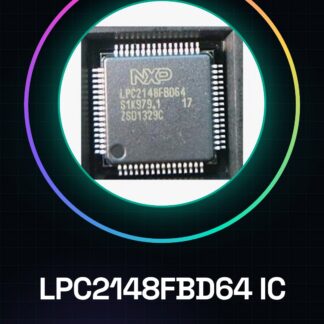
Tutorial: How to Use LPC2148FBD64 IC Microcontroller
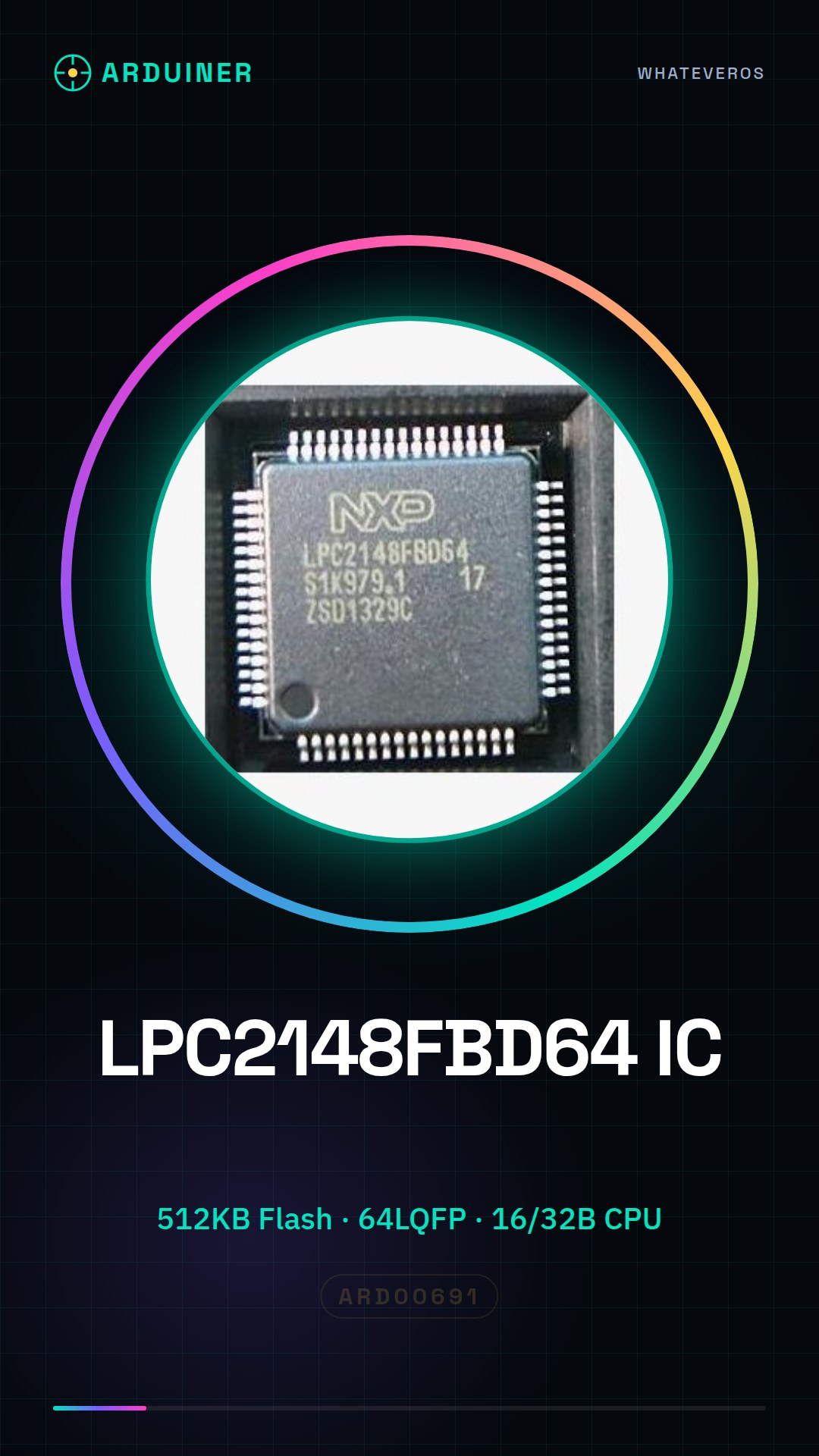
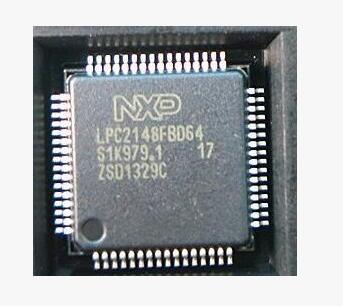
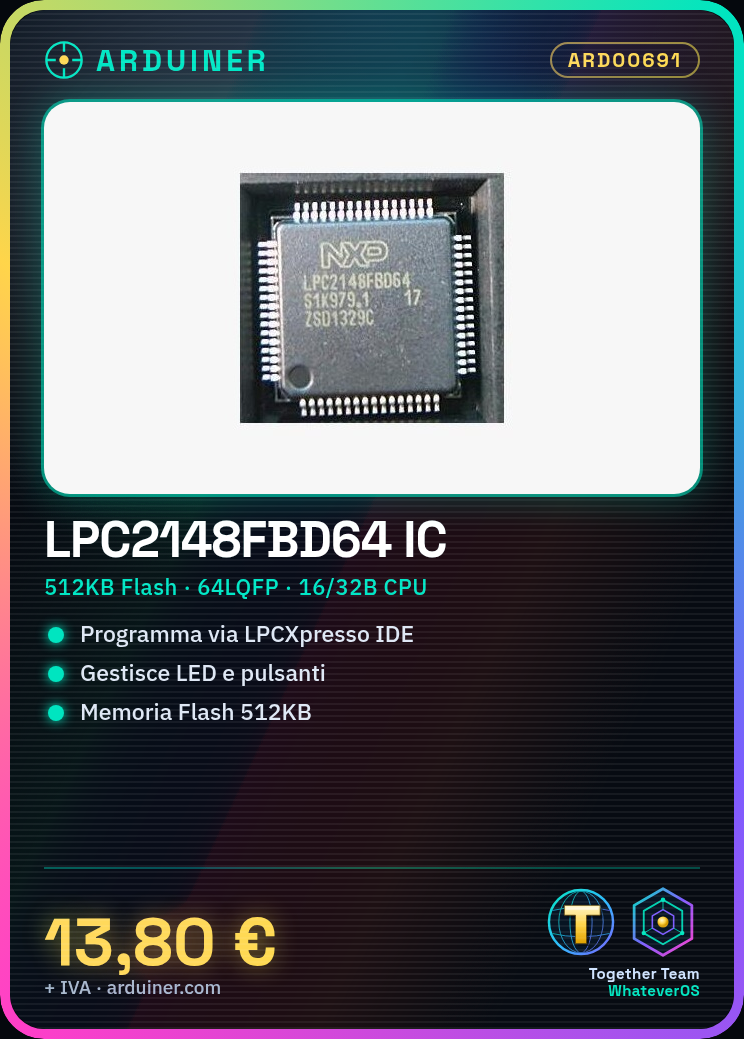
The LPC2148 IC is a powerful microcontroller with 512KB flash memory, ideal for projects requiring fast processing and sufficient memory. This tutorial will guide you through the necessary steps to start using it.
What you need
- LPC2148FBD64 IC
- LPCXpresso Development Kit
- Mini-B USB Cable
- Prototype Board or Motherboard
Steps
- Install LPCXpresso software for programming.
- Connect the IC to the development kit via a logic level shifter.
- Configure project settings in the LPCXpresso IDE.
- Write and compile a simple example program.
- Load the source code into the IC.
- Verify the correct execution of the code through the serial monitor output.
Mini project
Create a small control interface with LEDs and buttons that change the state of the LEDs based on commands.
Common mistakes
- Do not verify the correct connection between the development kit and the IC.
- Use a clock not supported by the IC.
- Forget to load the necessary libraries correctly in the LPCXpresso IDE.
- Do not configure the GPIO pins correctly for input/output.
Recommended accessories
- LPCXpresso Development Kit
- USB Mini-B Cable
- Prototype Board
- LEDs and resistors
Frequently asked questions
How can I verify if the IC is connected correctly?
Check the connections between the development kit and the IC, make sure all lines are connected correctly.
What clocks does the LPC2148FBD64 support?
Check the datasheet for detailed information on the clocks supported by the IC.
Reviews
There are no reviews yet.