 EN
 IT Italiano
 ES Español
 FR Français
 DE Deutsch
Description
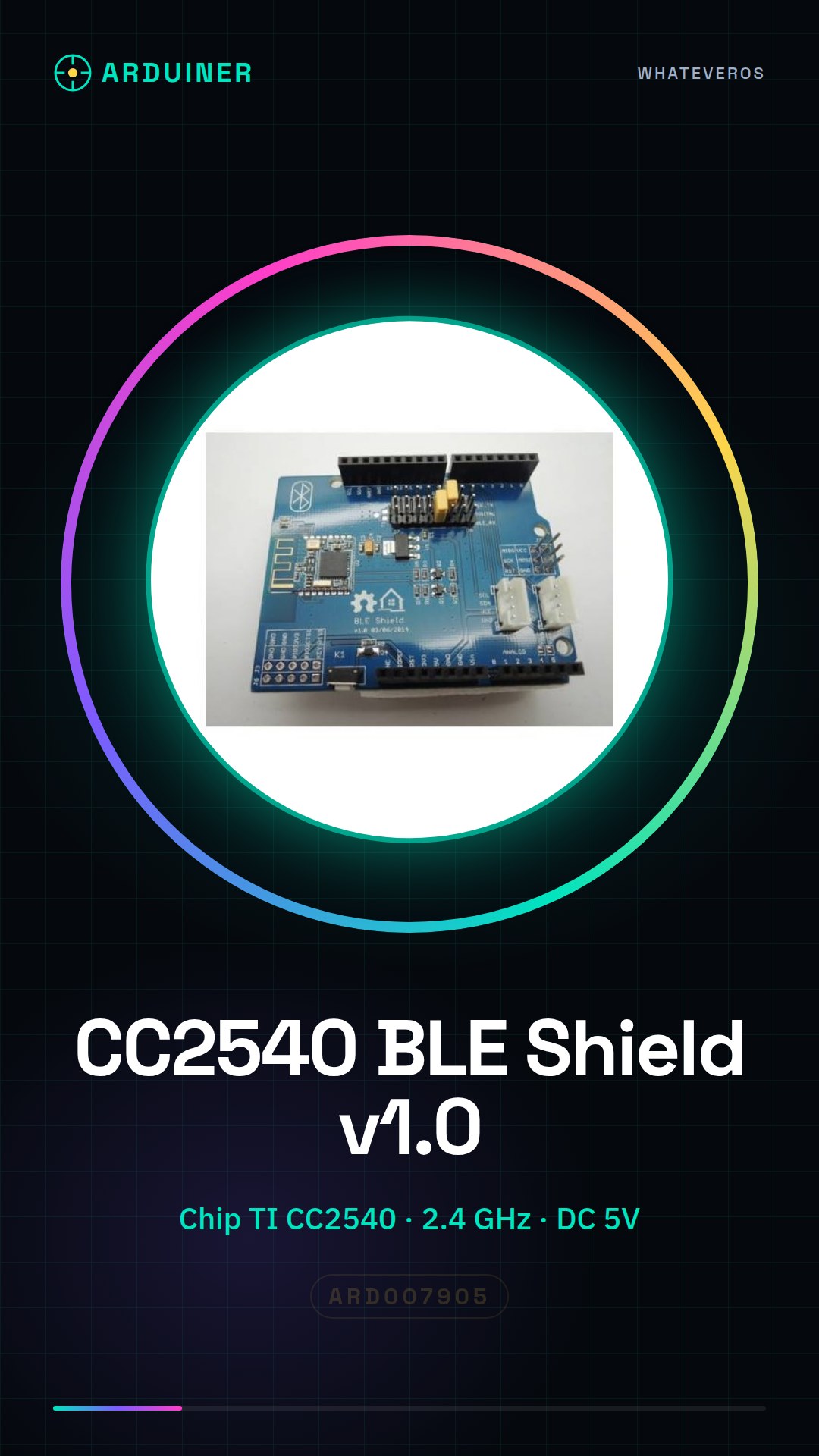
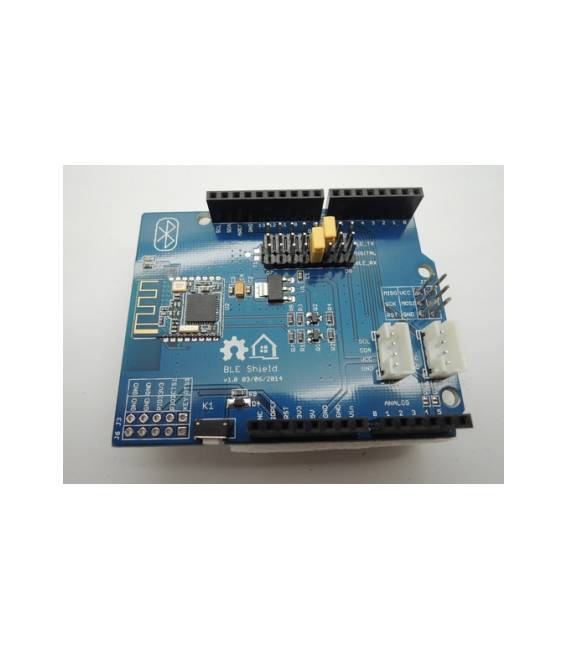
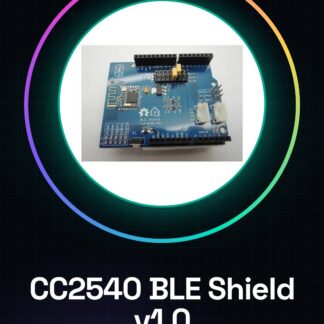
CC2540 BLE Shield v1.0 Bluetooth V4.0 for Arduino
Chip: TI CC2540; Supports AT commands;
Suitable for remote control, game controller, data collection, and smart appliances, etc.;
Moreover, it can be used as a shield;
Operating frequency: 2.4 GHz ISM band;
Modulation: GFSK;
Transmission power: -23dbm, -6dbm, 0dbm, 6dbm;
Sensitivity: <= -84dBm at 0.1% BER;
Transmission speed: asynchronous: 6K bytes, synchronous: 6k bytes;
Service support: central and peripheral UUID FFE0, FFE1;
Current consumption: operating current: <15mA;
Search current: <30mA;
Suspend current: <3mA;
Power supply: DC 5V;
Operating temperature: -5 ~ 65’C;
Communication range: 100m; Dimensions: 68 x 43 mm;
With two puzzle connectors;
Hard or softserial port for transmission port;
Reserved pins by HM-11;
With the Restore button
Tutorial: How to use CC2540 BLE Shield v1.0
The CC2540 BLE Shield is an expansion board for Arduino that enables Bluetooth V4.0 communication, ideal for IoT projects and remote monitoring.
What you need
- Arduino Uno or compatible
- CC2540 BLE Shield v1.0
- USB cable for Arduino
Steps
- Connect the CC2540 BLE Shield to the Arduino serial port using the appropriate connectors.
- Download and install the ‘CC2540BLE’ library from the Arduino library manager.
- Upload the example sketch provided by the library to your Arduino.
- Use the software serial monitor to verify that the Bluetooth communication works correctly.
- Modify the code parameters (such as MAC address) if necessary, based on your project requirements.
- Experiment with additional features such as data transfer and multiple connections.
Example code
void setup() {
 Serial.begin(9600);
}

void loop() {
 // Aggiungi qui la tua logica di comunicazione Bluetooth.
}
Mini project
Create a home security system that sends a Bluetooth notification when triggered.
Common mistakes
- Ensure the physical connection between the Arduino and the CC2540 BLE Shield is correct.
- Verify that the ‘CC2540BLE’ library is installed correctly.
- Check the serial transmission settings in Arduino IDE.
- Manage timeouts properly in your Bluetooth communications to avoid interruptions.
Recommended accessories
- Arduino Uno R3
- LiPo 18650 Battery with prototype
- Wireless compatible sensors
Frequently asked questions
How can I connect the CC2540 BLE Shield to another Bluetooth device?
Use the ‘CC2540BLE’ library to manage connections and send data.
What is the maximum range of communication for the CC2540 BLE Shield?
Check the datasheet for specific details.
Reviews
There are no reviews yet.