 EN
 IT Italiano
 ES Español
 FR Français
 DE Deutsch
Description
What it is
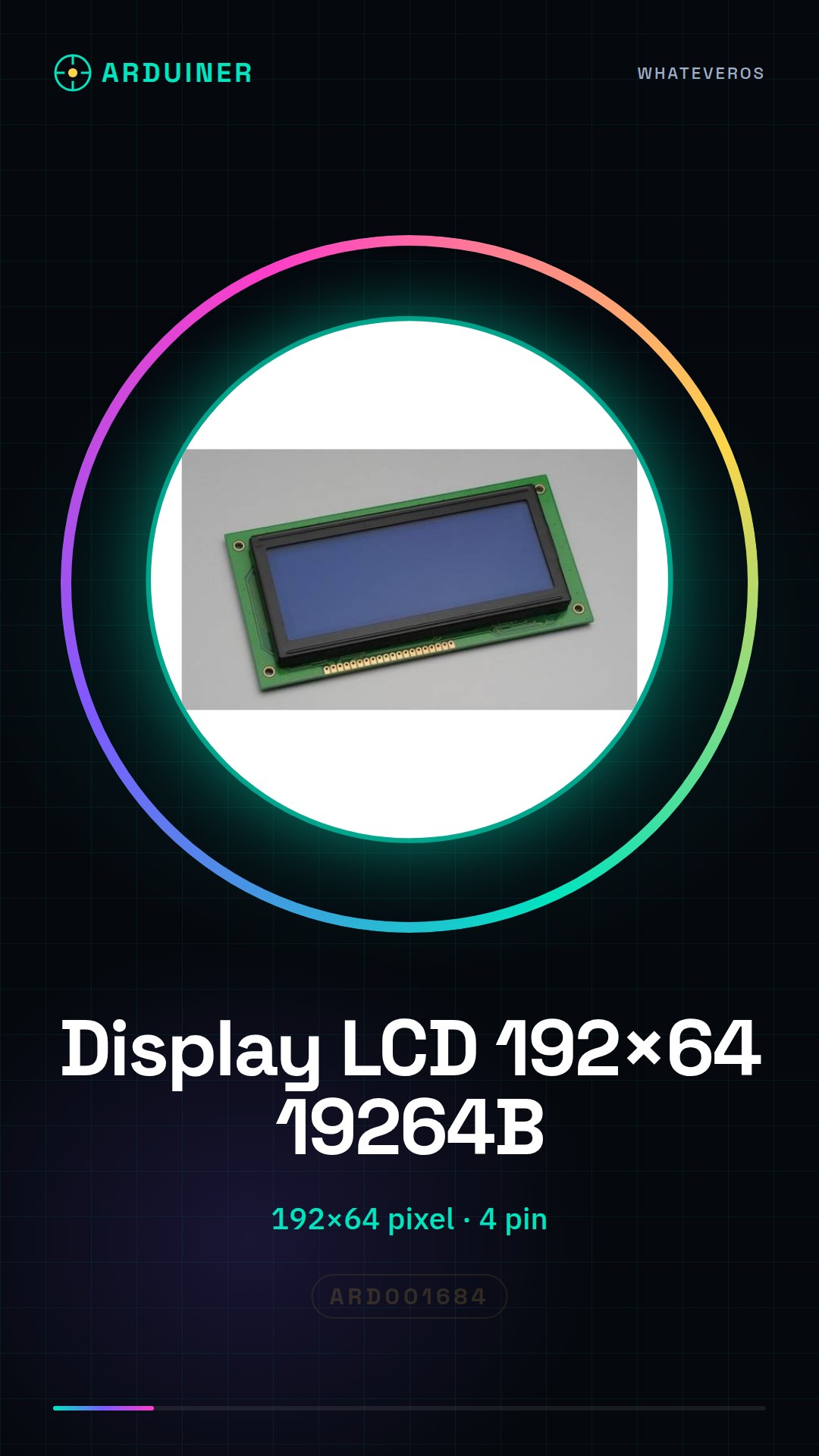
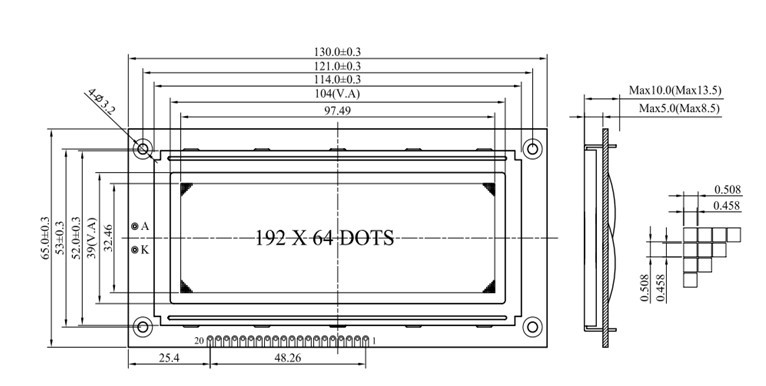
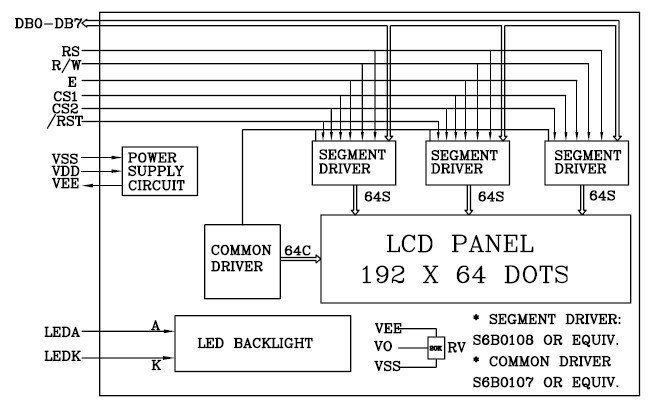
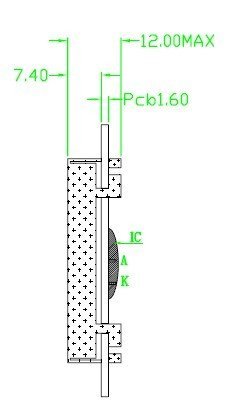
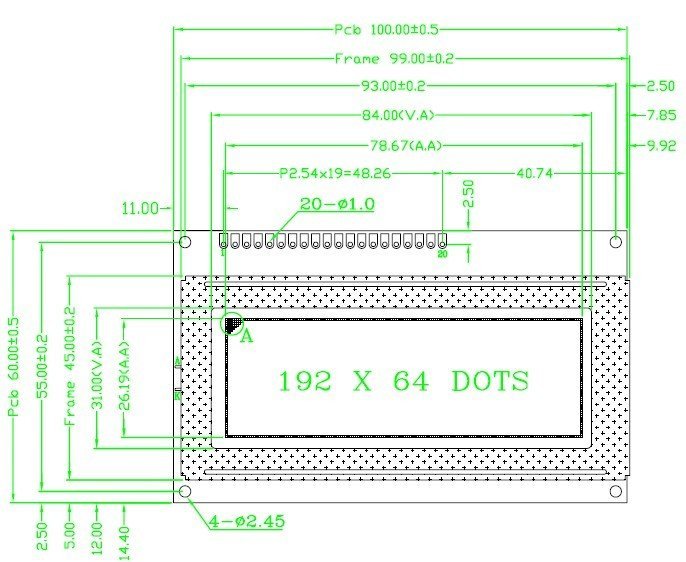
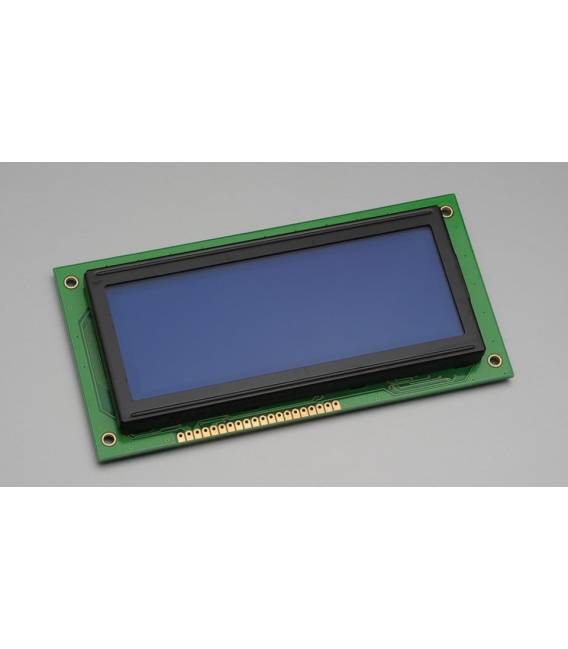
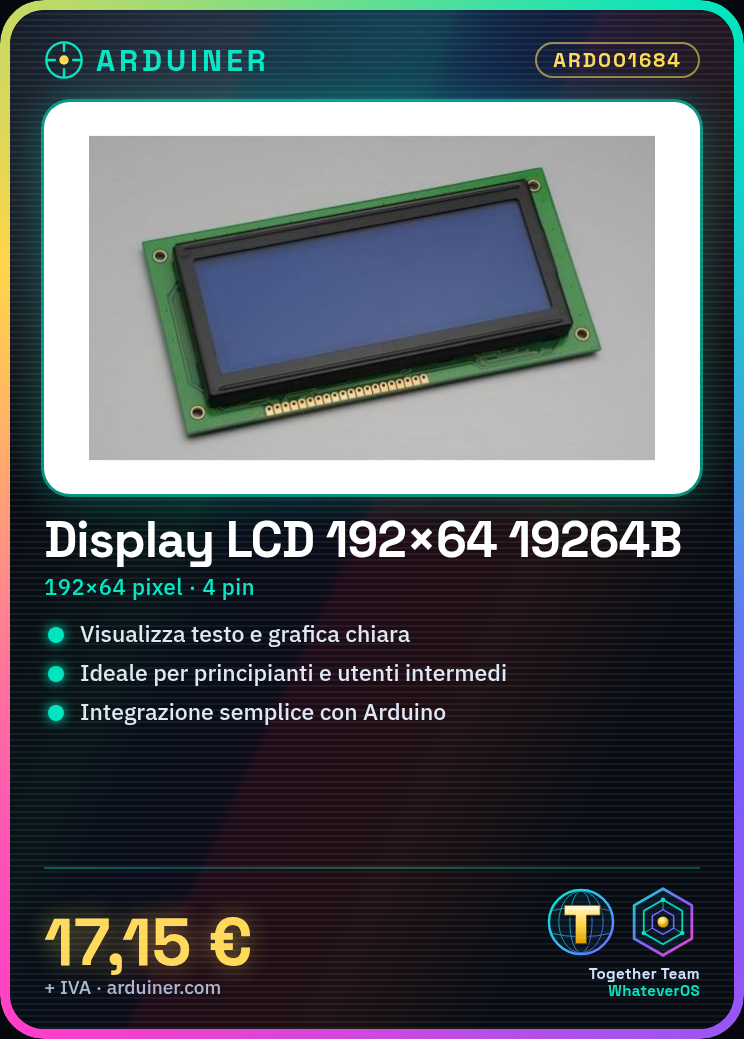
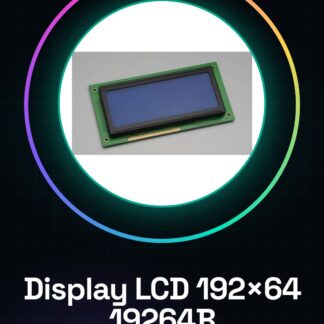
The LCD Display Module 19264B is an electronic component designed for text and graphic display in Arduino projects. With a resolution of 192×64, this display offers a large visual area to present clear and readable information.
Features
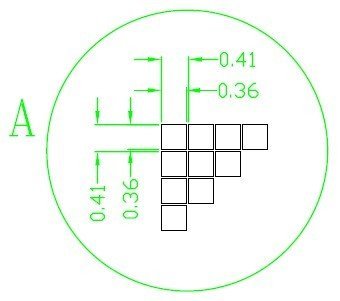
- Resolution: 192×64 pixels
What it is for
This LCD display is ideal for projects requiring clear text and graphic display. It is suitable for both beginners and intermediate users, offering many possibilities such as creating simple timers or indexing various data.
Tutorial: How to use the LCD Display Module 19264B 192×64
This LCD display is ideal for projects that require a clear and easy-to-read information display. Suitable for both beginners and intermediate users.
What you need
- Arduino or compatible board
- 4-pin cable
- Pull-up resistor (10kΩ)
- Connector for Arduino
Steps
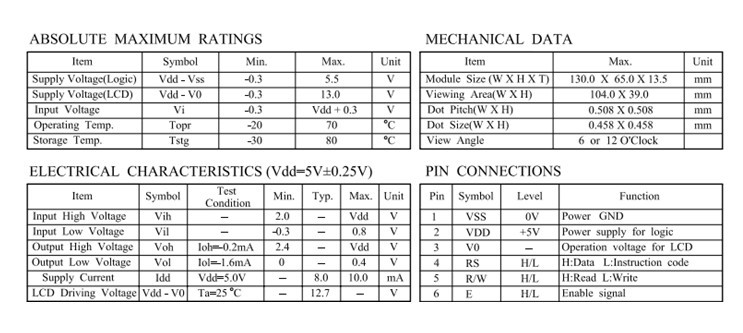
- 1. Connect the display to the Arduino using the following pins: VCC to 5V, GND to GND, SCL to SCL, SDA to SDA, RS to D4, RW to GND, EN to D5.
- 2. Add the LiquidCrystal_I2C library to your Arduino environment.
- 3. Insert the following code to initialize the display: `LiquidCrystal_I2C lcd(0x27, 16, 2);`
- 4. Set the cursor position and display text: `lcd.setCursor(0, 0); lcd.print(“Hello, Arduino!”);`
- 5. Add a delay to display the message: `delay(2000);`
- 6. Clear the screen: `lcd.clear();`
- 7. Display a number: `lcd.setCursor(0, 1); lcd.print(42);`
- 8. Save the code and upload it to your Arduino.
Example code
```cpp
#include <LiquidCrystal_I2C.h>
LiquidCrystal_I2C lcd(0x27, 16, 2);
void setup() {
  lcd.init();
  lcd.backlight();
}
void loop() {
  lcd.setCursor(0, 0);
  lcd.print("Ciao, Arduino!");
  delay(2000);
  lcd.clear();
  lcd.setCursor(0, 1);
  lcd.print(42);
}
```
Mini project
Create a simple stopwatch that displays the time and minutes on the display.
Common mistakes
- Forget to add the LiquidCrystal_I2C library.
- Connect the display pins to the Arduino with incorrect connectors.
- Do not use an adequate delay to display the text.
- Omit the lcd.clear() command to clear the screen.
Recommended accessories
- Arduino Uno
- 4-pin cable
- Pull-up resistor (10kΩ)
Frequently asked questions
How can I customize the text color on the display?
Check the datasheet for information on how to use color commands.
Does the display work with Arduino Mini?
Yes, but make sure the pinout is compatible.
Can I use this display with an STM32 microcontroller?
Check the datasheet for pin compatibility.
Does the display support images?
No, it only supports text and numbers.
Reviews
There are no reviews yet.