 EN
 IT Italiano
 ES Español
 FR Français
 DE Deutsch
Description
What it is
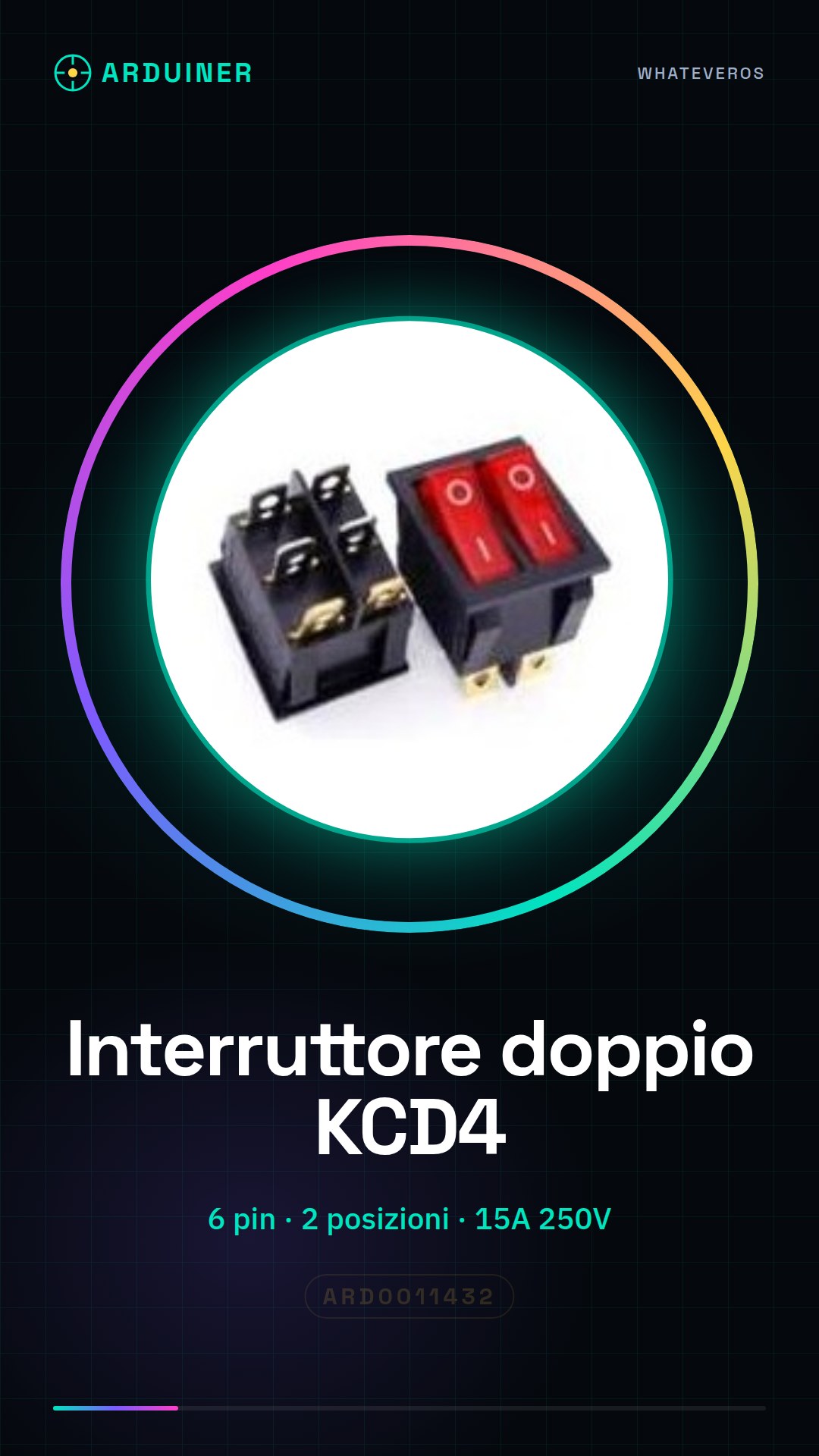
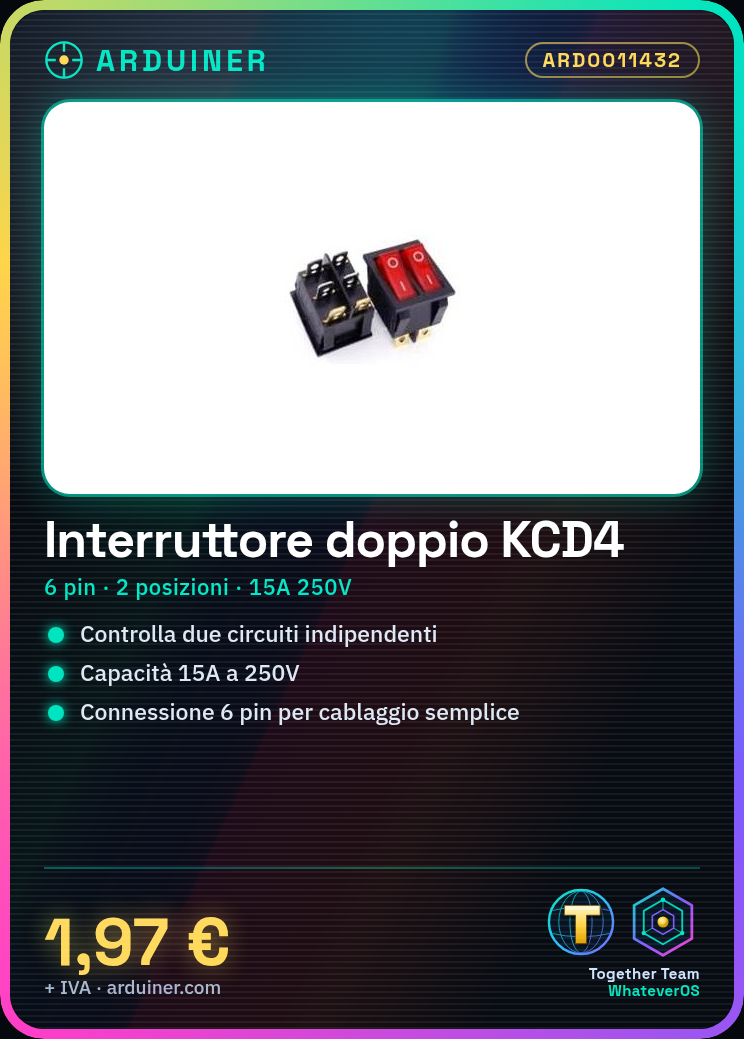
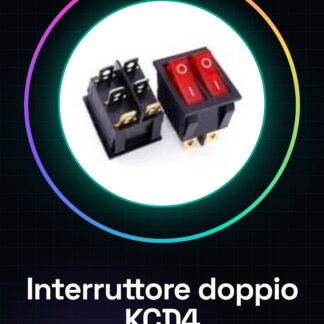
The KCD4 round double switch is an electronic component that allows adding control functionalities to projects such as lamps, household circuits, or small devices. With 6 pins and two positions, this switch offers a simple yet effective solution for current management.
Features
- Type: Round Double Switch
- Connection Points: 6 pins
- Positions: 2
- Maximum Capacity: 15A at 250V
What it is for
The KCD4 switch is ideal for Arduino projects and DIY systems, allowing the control of two independent circuits. It can be used to create a controllable household lighting system from Arduino or to manage other electrical devices.
Tutorial: How to use KCD4 Double Switch
The KCD4 round double switch is an essential electronic component for anyone wanting to add control functionality to projects such as lamps, household circuits, or small devices. With a maximum capacity of 15A at 250V, this switch is ideal for both beginners and experts.
What you need
- Arduino Uno
- Connect to AC power supply (if necessary)
- Connection cable
Steps
- Ensure the switch is correctly positioned according to the project and securely mounted.
- Identify the six pins of the switch: check the datasheet for exact specifications.
- Connect the GND, VCC, IN1, and IN2 pins to the Arduino as indicated in the datasheet.
- If the switch is intended to control an AC circuit, connect it correctly to the AC power supply.
- Write an Arduino sketch to manage the switch control according to the project requirements.
- Check that the switch functions as intended before using it in a real environment.
- If necessary, add electronic protections such as fuses or resistors to ensure safety.
- Test the entire circuit with various scenarios to ensure everything works correctly.
Mini project
Create a controllable home lighting system using the KCD4 double switch with Arduino. Connect it to two separate lamps and design a sketch to allow individual control of each.
Common mistakes
- Connecting pins incorrectly or failing to properly identify input lines.
- Omitting essential electronic protections such as fuses when working with AC power supplies.
- Failing to check the circuit operation before final implementation.
- Using a switch that does not conform to the project specifications.
Recommended accessories
- Arduino uno
- Relay to control larger electrical loads
- Motion or light sensors for automatic lighting management
- Electronic protections such as fuses
Frequently asked questions
What is the difference between this switch and a single one?
This double switch allows controlling two independent circuits, while a single one manages only one.
Can I use it with AC power supplies?
Yes, but make sure it conforms to the project specifications and that you know how to safely connect it to the AC power supply.



Reviews
There are no reviews yet.