 EN
 IT Italiano
 ES Español
 FR Français
 DE Deutsch
Description
What it is
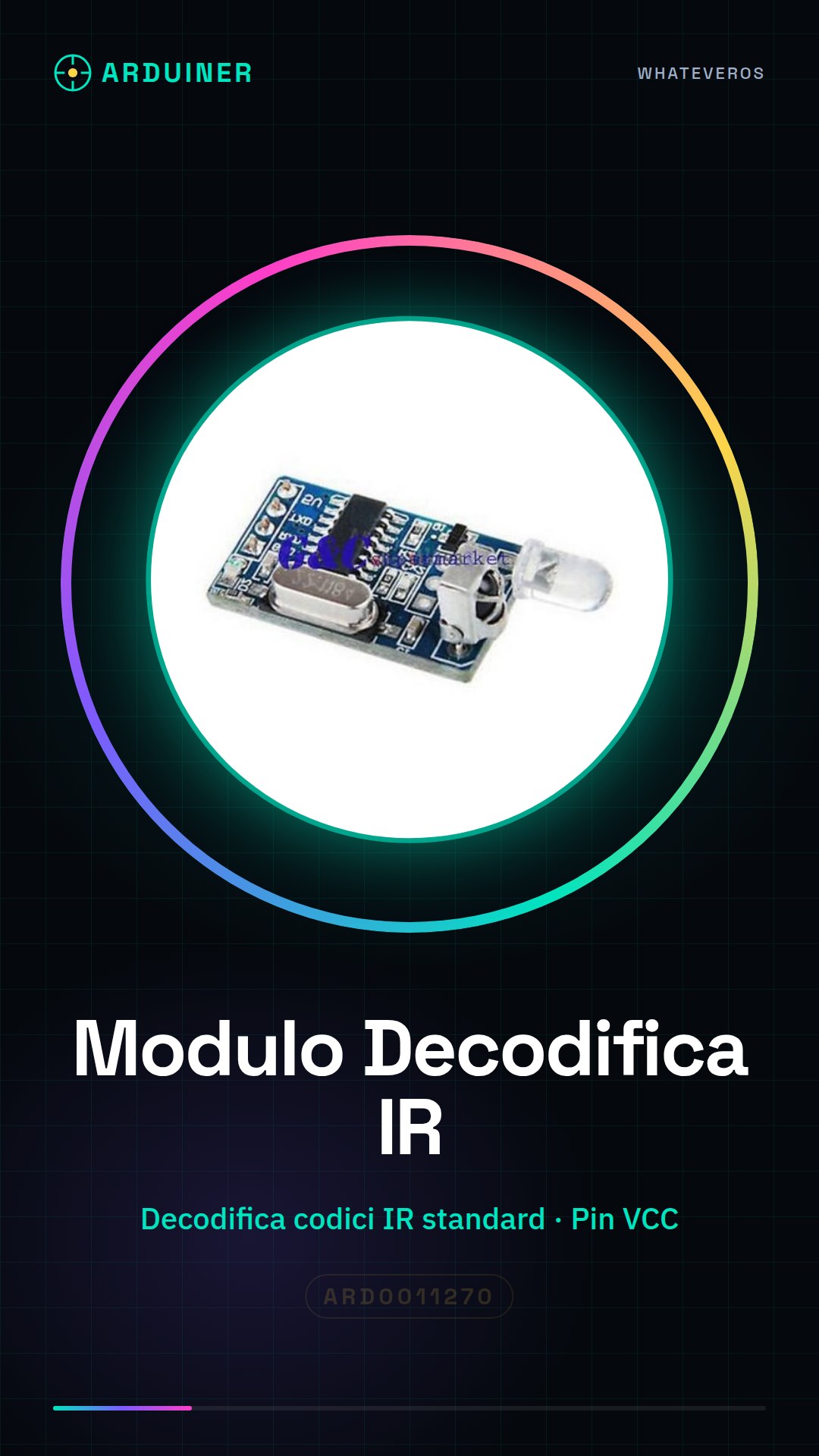
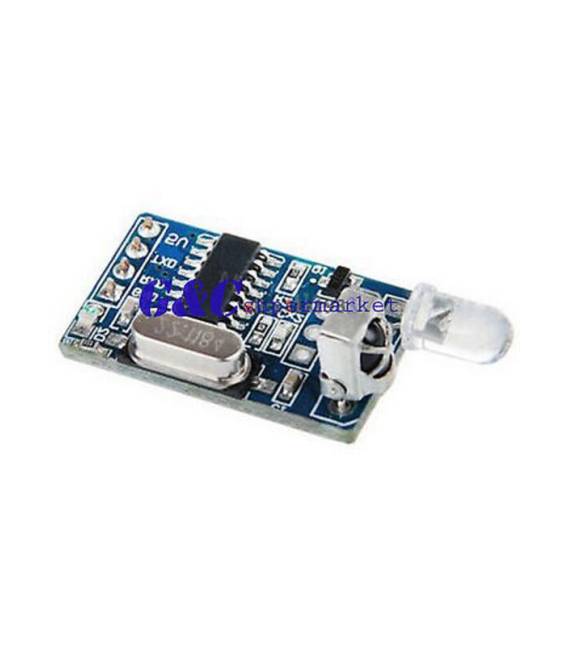
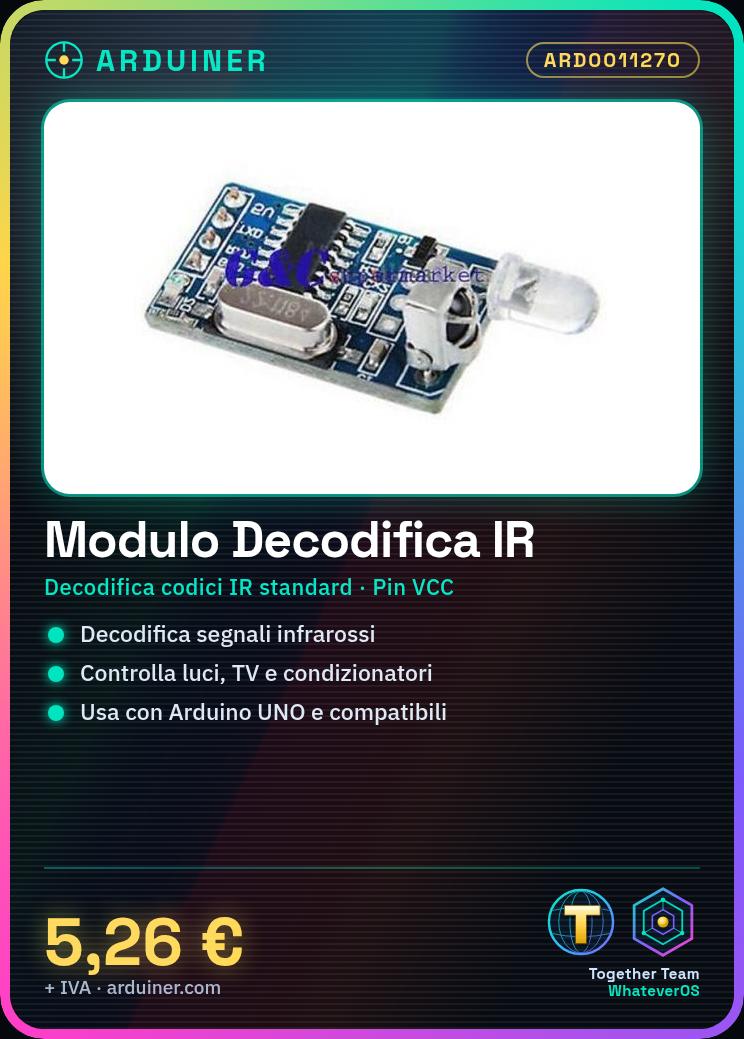
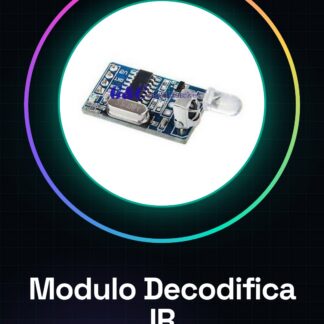
The IR decode module ARD0011270 allows you to interpret IR signals and use them to control compatible devices.
Features
- SKU: ARD0011270
- Price: 5.26 €
- Category: Pre-order
- Decodes standard IR codes
- Compatibility: check datasheet
What it is for
The module is ideal for controlling IR devices with an Arduino, such as lights, TVs, or air conditioners. You can use it to create home automation systems, like turning on lights when a certain IR code is received.
Tutorial: How to Use the IR Decode Module
The IR decode module ARD0011270 is ideal for anyone who wants to control IR devices with an Arduino. It works with standard IR codes.
What you need
- Arduino UNO or compatible
- Jumper wire
- PC with Arduino IDE
Steps
- 1. Connect the module to the Arduino via the VCC, GND, TX, and RX pins.
- 2. Power on the module and the Arduino.
- 3. Install the following code in your Arduino IDE.
- 4. Upload the code to your Arduino.
- 5. Use the module to receive infrared codes from remotes or televisions.
- 6. Configure the received codes with your devices.
- 7. Try to send an infrared command with a remote control and check the result.
- 8. Test the module with different infrared codes.
Example code
```cpp
#include <IRremote.h>

IRrecv irrecv(11);
decode_results results;

void setup() {
  Serial.begin(9600);
  irrecv.enableIRIn(); // Start the receiver
}

void loop() {
  if (irrecv.decode(&results)) {
    Serial.println(results.value);
    irrecv.resume(); // Receive the next value
  }
}
```
Mini project
Create an automatic infrared light activation system. Connect the module to the Arduino and configure the code to turn on an LED when it receives a certain code.
Common mistakes
- The module does not receive codes: check the correct power supply and the pin RX configuration.
- Decoding issues: check the type of infrared code sent and compatibility.
- Weakly illuminated: make sure the module is placed in an environment with sufficient infrared light.
- Does not work with all remotes: check the infrared emission frequency of your remote control.
Recommended accessories
- Infrared Remote Control
- LED
- 220 Ohm Resistor
- Jumper Connectors
Frequently asked questions
Does the module work with all remote controls?
No, check the infrared emission frequency of your remote control.
Can I use any Arduino?
Yes, the module is compatible with Arduino UNO or compatible boards.
How long does the battery last?
The module does not use batteries, it is directly powered by the Arduino.



Reviews
There are no reviews yet.