 EN
 IT Italiano
 ES Español
 FR Français
 DE Deutsch
Description
What it is
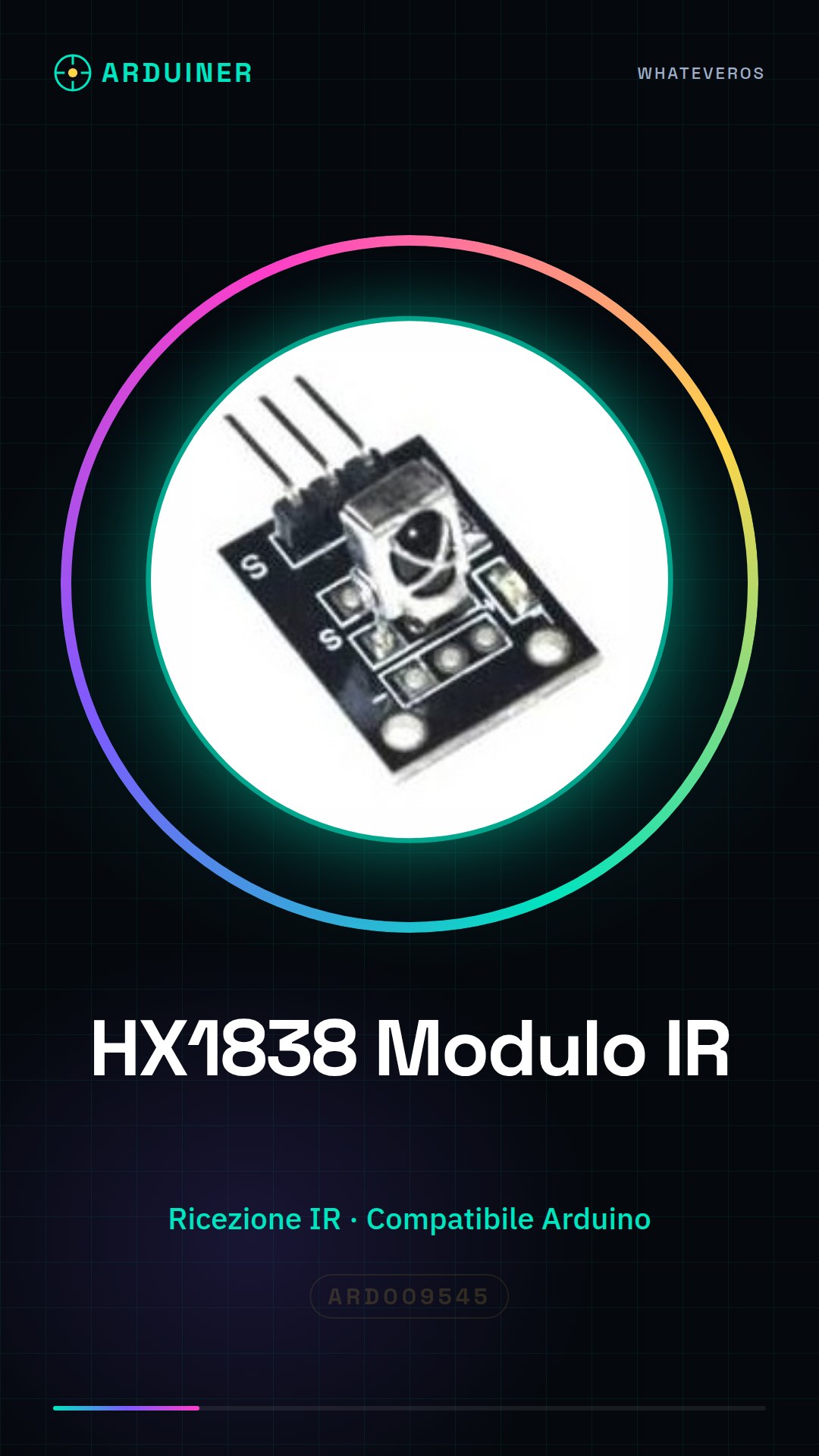
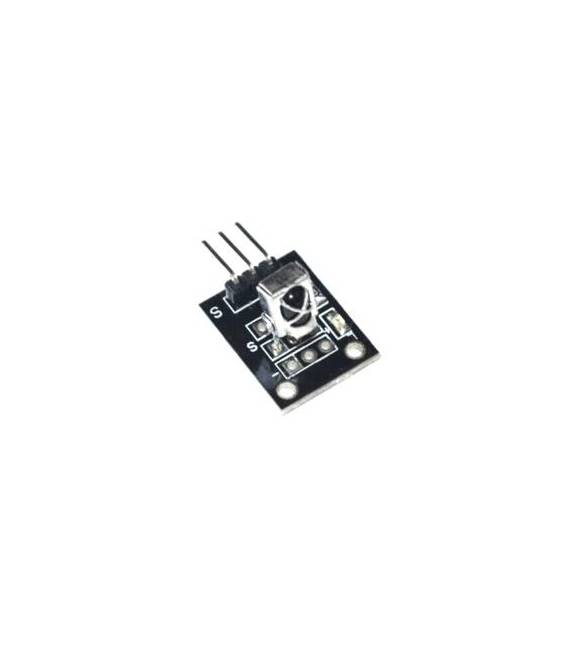
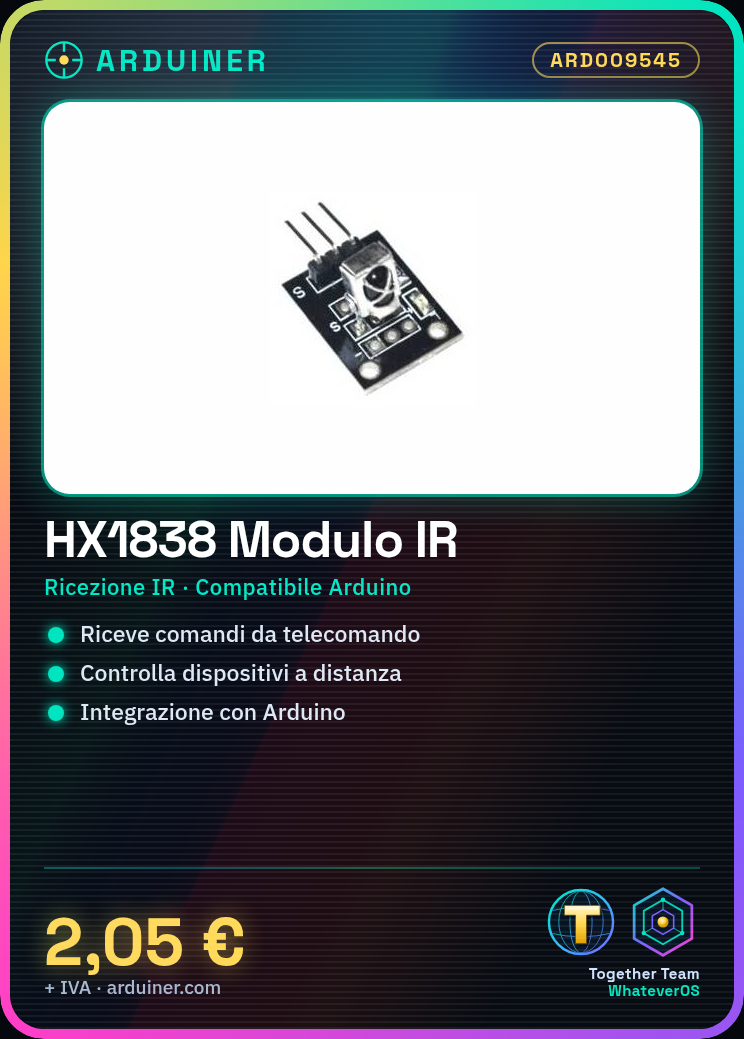
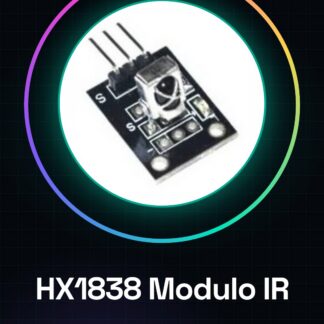
The HX1838 module is an electronic component designed for receiving infrared signals, suitable for various types of applications that require remote control. This module allows intercepting commands sent from an infrared remote control and managing them through a microcontroller like Arduino.
Features
- Receives infrared signals for remote control
- Insertable in any project based on Arduino or ESP8266/ESP32
- Check the datasheet for precise technical specifications
What it is for
HX1838 modules are ideal for implementing remote control functionalities in electronic projects, for example turning devices on or off with a remote control. It is compatible with Arduino and ESP microcontrollers.
Tutorial: How to use HX1838 Remote Control Module
This infrared module allows you to control devices remotely, ideal for projects based on Arduino.
What you need
- Arduino UNO or compatible
- Jumper Wire
- 1 kΩ Resistor
- 3V Battery
Steps
- 1. Connect the HX1838 module to the 5V and GND pins of the Arduino.
- 2. Connect the 1 kΩ resistor between the TX pin of the module and pin 2 of the Arduino.
- 3. Connect the RX pin of the module to pin 3 of the Arduino.
- 4. Connect the GND pin of the module to the GND of the Arduino.
- 5. Load the example code to receive infrared signals.
- 6. Test the module with a standard remote control.
- 7. Configure the code to handle received commands.
- 8. Try to control a device with the remote control.
Example code
```void setup() { Serial.begin(9600); } void loop() { if (Serial.available()) { int comando = Serial.read(); switch (comando) { case 'A': Serial.println("Comando A ricevuto"); break; case 'B': Serial.println("Comando B ricevuto"); break; default: Serial.println("Comando non riconosciuto"); break; } } } ```Mini project
Create a small project that turns an LED on and off with a remote control.
Common mistakes
- Make sure the remote control and the HX1838 module are compatible.
- Check the correct polarity of the connections.
- Verify in the datasheet if the remote control used supports commands received by the module.
- Make sure the resistor is 1 kΩ, otherwise you may have power supply issues.
Recommended accessories
- LED and current limiting resistor
- 38 kHz Remote Control
- 16×2 LCD Display
- Relay
Frequently asked questions
How can I test the module before connecting it to the Arduino?
Connect the module directly to a 3V power source and try using a standard remote control.
Does the module support all commands from remote controls?
Check the datasheet to understand the supported commands.
Is there a limit to the number of commands I can map?
The module supports 16 predefined commands, but you can map them in a customized way.
Can I use this module with an Arduino Nano?
Yes, the module is compatible with any Arduino compatible with pins 2 and 3.
Reviews
There are no reviews yet.