 EN
 IT Italiano
 ES Español
 FR Français
 DE Deutsch
Description
What it is
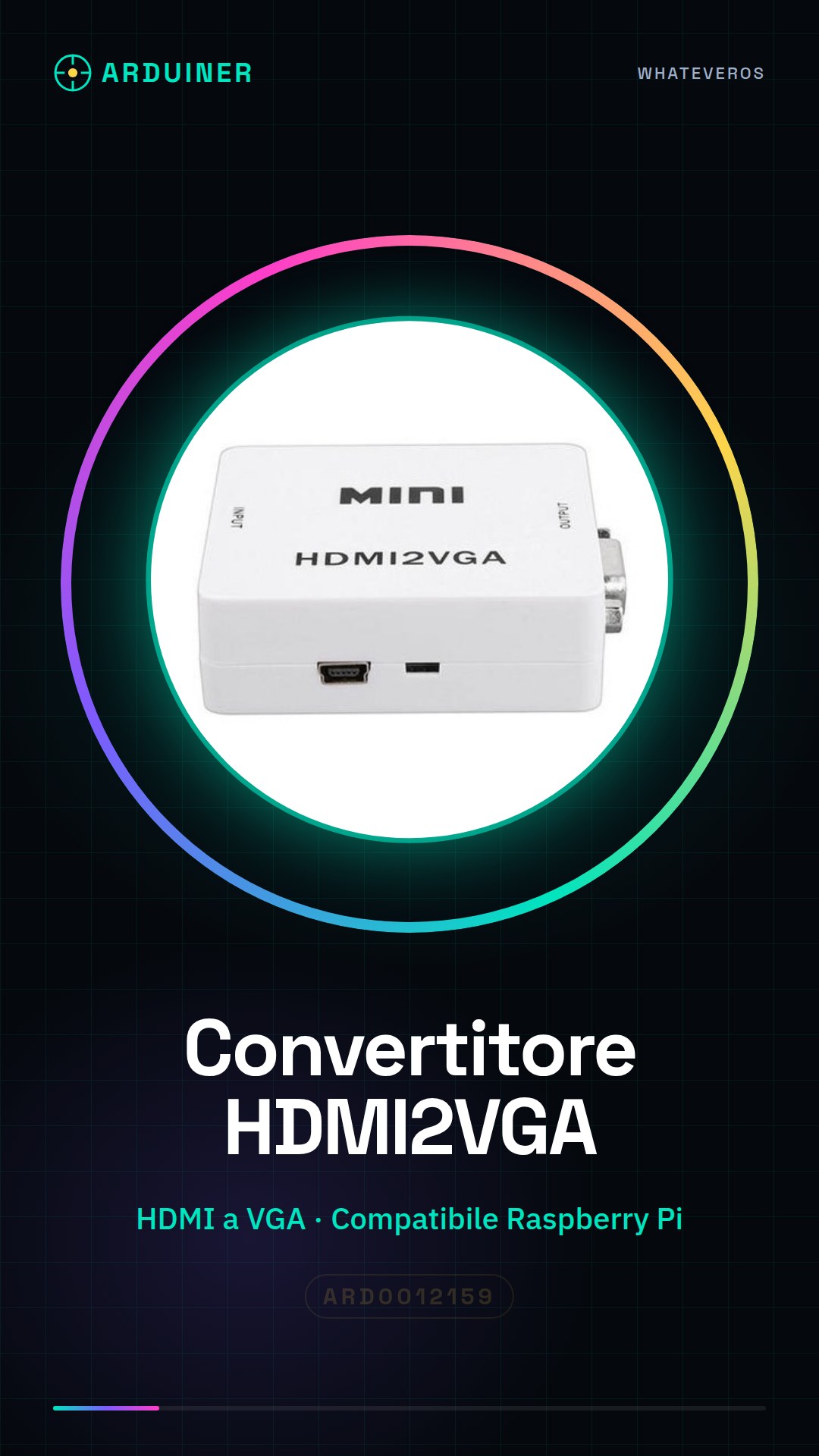
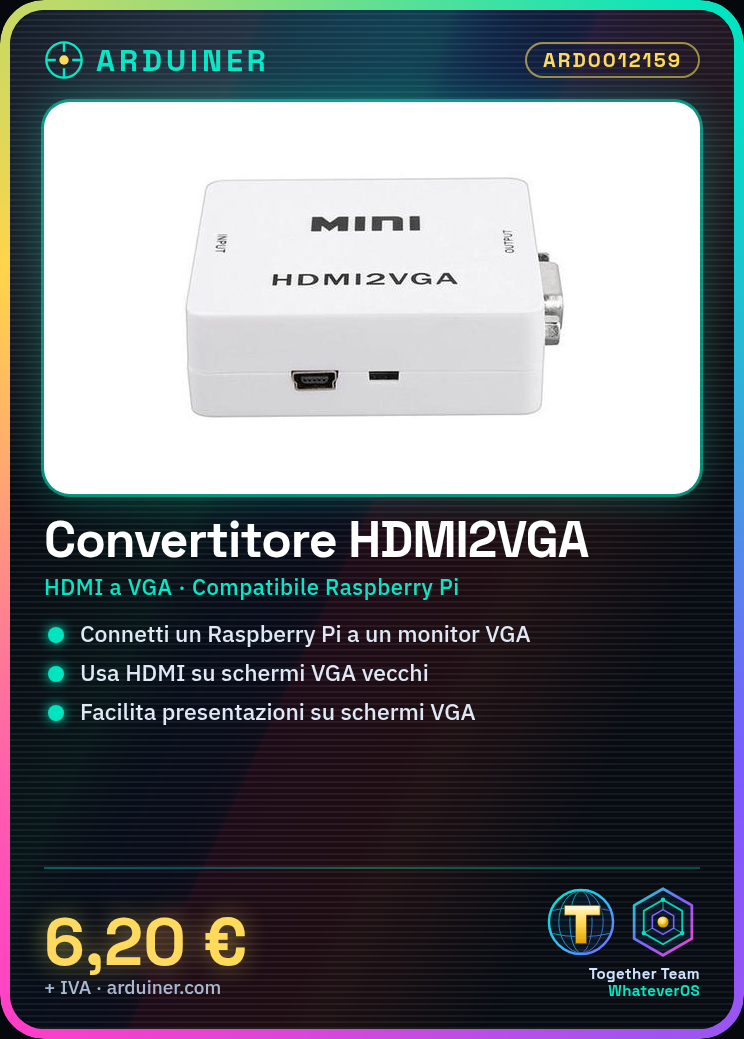
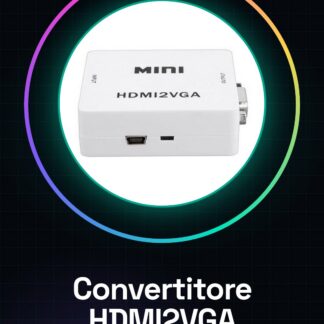
The HDMI2VGA Converter is a device that allows connecting HDMI output devices to VGA screens, ensuring compatibility between old and new display systems.
Features
- Allows HDMI to VGA connection
What it is for
It is used to connect devices with HDMI outputs, such as Raspberry Pi, to monitors that use VGA input. Useful for backward compatibility and presentations.
Tutorial: How to use the HDMI2VGA Converter
The HDMI2VGA Converter is required when you want to connect an HDMI device to a VGA screen. Useful for connecting your Raspberry Pi to a VGA monitor.
What you need
- HDMI2VGA Converter
- HDMI cable
- VGA cable
- HDMI device (e.g., Raspberry Pi)
Steps
- 1. Make sure the HDMI cable is compatible with your HDMI device.
- 2. Connect the HDMI cable to your HDMI device (e.g., Raspberry Pi).
- 3. Connect the HDMI2VGA Converter to the HDMI cable.
- 4. Connect the HDMI2VGA Converter to the VGA cable.
- 5. Connect the VGA cable to your VGA screen.
- 6. Turn on your VGA screen.
- 7. Turn on your HDMI device.
- 8. Check the datasheet to see if your HDMI device supports video rotation.
Mini project
Connect a Raspberry Pi to a VGA monitor using the HDMI2VGA Converter. Configure the Raspberry Pi to display the HDMI output on the VGA monitor.
Common mistakes
- Do not connect the HDMI cable directly to the VGA monitor without going through the converter.
- Make sure your HDMI device supports the resolution of the VGA monitor.
- Check that the HDMI cable is properly connected to the converter.
- Check that the VGA cable is properly connected to the monitor.
Recommended accessories
- HDMI cable
- VGA cable
- VGA monitor
- Raspberry Pi
Frequently asked questions
My HDMI device does not detect the VGA monitor.
Check that the HDMI cable is properly connected to the converter and that the VGA cable is properly connected to the monitor.
The converter does not work with my resolution.
Check the datasheet to see if your HDMI device supports the VGA monitor resolution.
What are the minimum requirements for my HDMI device?
Check the datasheet of your HDMI device.
Reviews
There are no reviews yet.