 EN
 IT Italiano
 ES Español
 FR Français
 DE Deutsch
Description
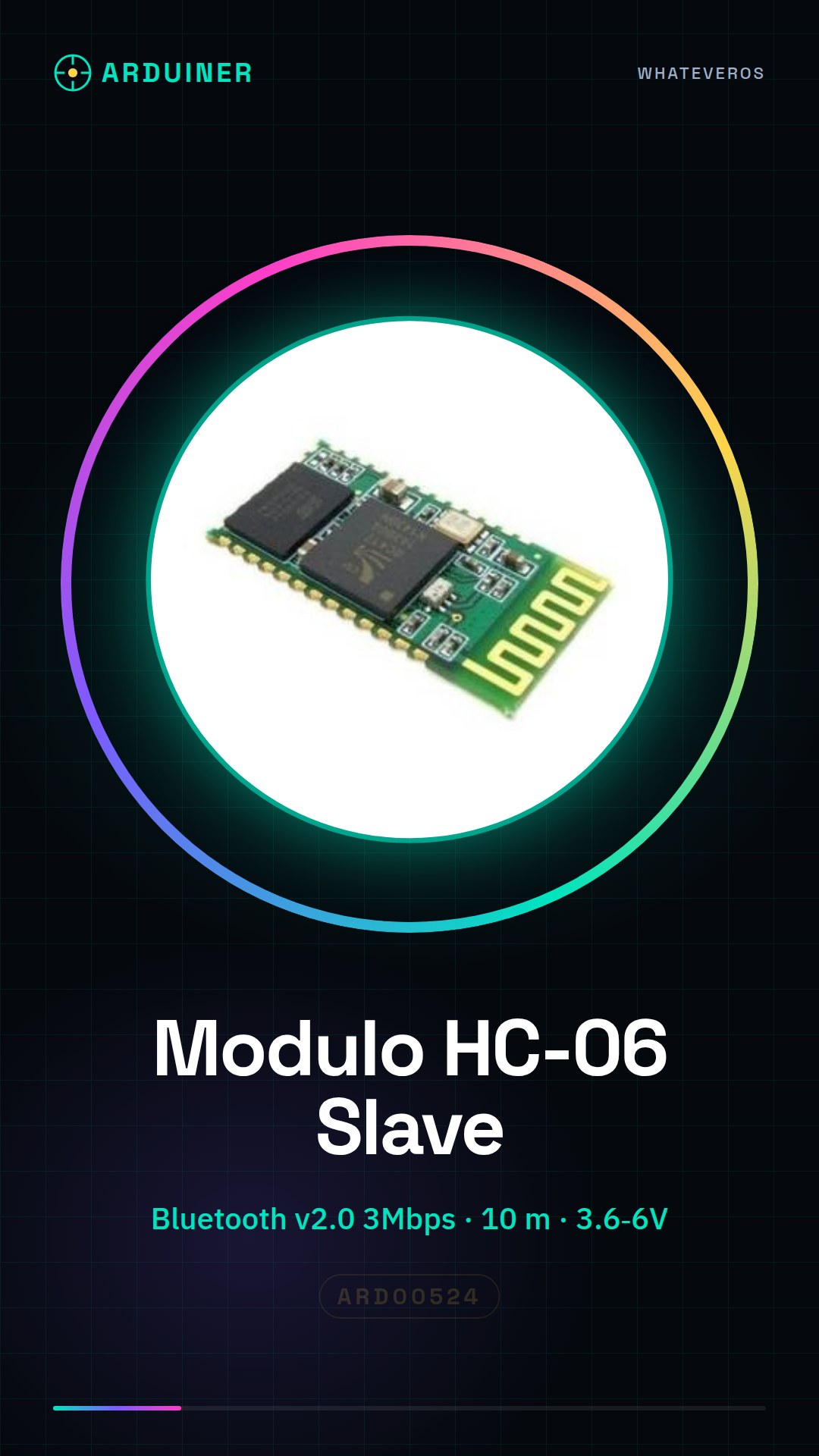
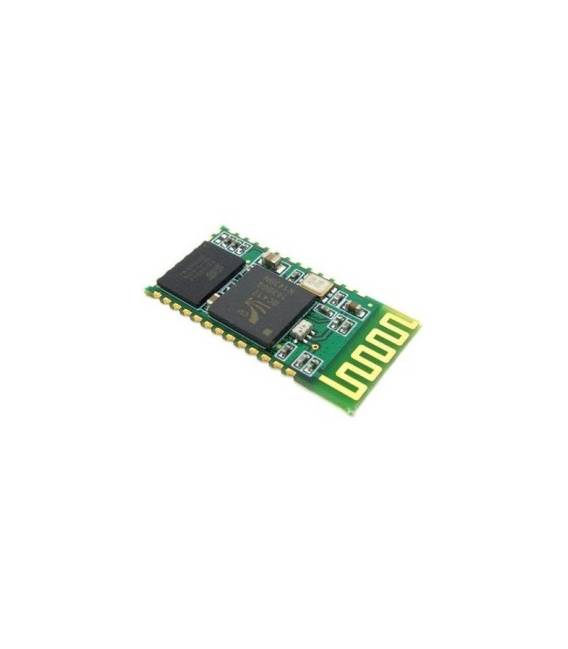
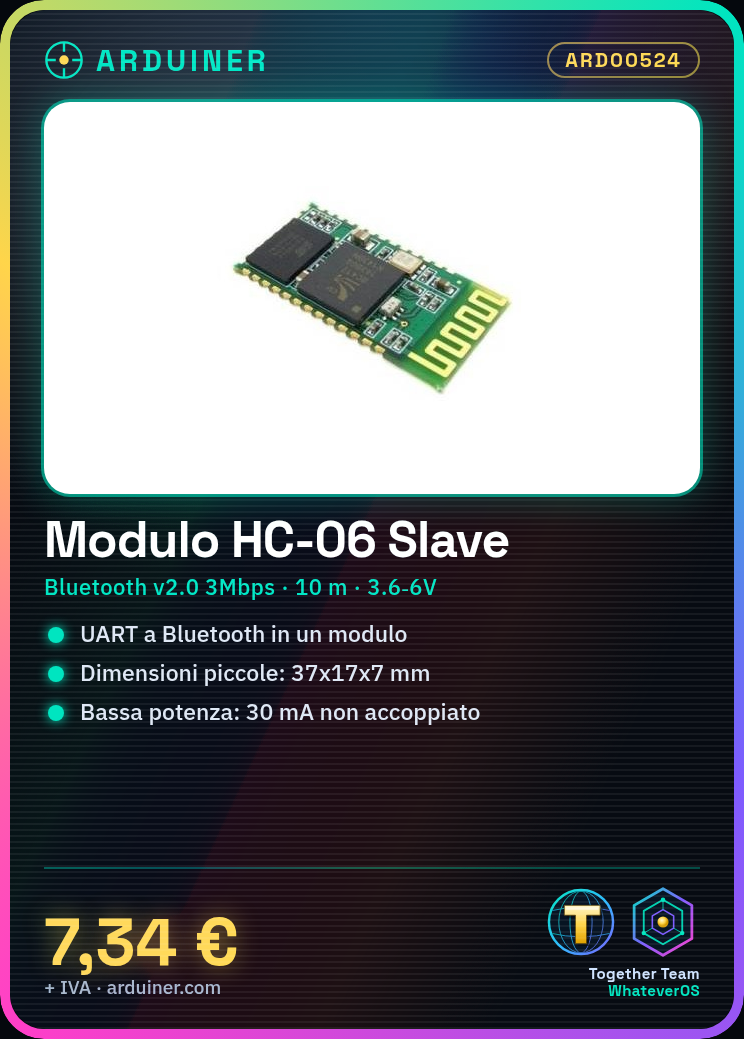
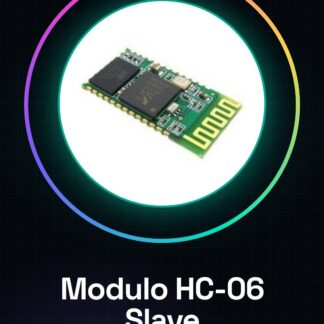
Bluetooth Serial Converter Module HC-06 Slave for Arduino
The HC-06 module is a module that allows converting a UART serial port into a Bluetooth port; this device can be used to enable communication between a microprocessor (MCU), for example mounted on an Arduino board, and a device equipped with Bluetooth communication, such as a PC, a Smartphone, or a Tablet.
The HC-06 module operates only in Slave mode: this allows using the module to create, for example, a network between a robot containing the HC-06 module, set as Slave, and a notebook set as Master.
This module is based on the CSR Bluecore 04 External chip with CMOS technology and AFH (Adaptive Frequency Hopping Feature) and is compatible with the Bluetooth V2.0 3Mbps + EDR (Enhanced Data Rate) protocol.
Specifications
Mode: ONLY Slave
Chip: CSR Bluecore 04
USB Protocol: Full Speed USB1.1, compatible 2.0
Bluetooth Name (default): linvor
Password (default): 1234
Operating Range: 10 meters
Baud Rate (default): 9600
Input Voltage: 3.6V~6V
Input Current (module UNBUFFERED): 30mA
Input Current (module BUFFERED): 10mA
Pinout: VCC, GND, TXD, RXD
Linear Voltage Regulator (LDO): 3.3V
Data Bits: 8
Stop Bits: 1
Parity Bit: NO
Baud Rate, Bluetooth Name, and Password: programmable via AT commands (with module disconnected)
Sensitivity: -80dBm
Transmission: up to +6dBm RF
Antenna: integrated
Connection: automatic to last previously connected device
Dimensions: 37 x 17 x 7mm
Weight: 4.5g
Default serial port setting: 115200 (optional 4800,9600,19200), N, 8, 1
Pairing code: 1234
Slave role execution: Pair with the BT dongle and the master module
Usage
Paired mode: Two modules automatically establish communication when powered.
Host PC mode: Pair the module with the Bluetooth dongle directly as a virtual serial port.
Bluetooth protocol: Bluetooth v2.0 + EDR
Frequency: 2.4 GHz ISM band
Modulation: GFSK (Gaussian Frequency Shift Keying)
Transmission power: 4dBm, class 2
Sensitivity: -84 dBm at 0.1% BER
Speed: asynchronous: 2.1 Mbps (max) / 160 kbps, synchronous: 1 Mbps / 1 Mbps
Security: authentication and encryption
Profiles: Bluetooth serial port
CSR chip: Bluetooth v2.0
Frequency band: 2.4GHz-2.8GHz, ISM band
Protocol: Bluetooth V2.0
Power Class: (+ 6dbm)
Receive Sensitivity: -85 dBm
Voltage: 3,3 (2,7 V – 4,2 V)
Current: Paring – 35mA, connected – 8mA
Temperature: -40 C ~ + 105 C
User defined transmission speed: 4800, 9600, 19200, 38400, 57600, 115200, 230400,
460800,921600, 1382400.
Dimensions: 26,9 mm * 13 mm * 2,2 mm
Pin Definition:
* PIO8 connects to the cathode of an LED with a series resistor of 470 ohm in between. The LED NEGATIVE connects to ground. Used to indicate the state of the module. After startup, the blinking intervals differ in different states.
* PIO9 used to control the LED indicating pairing. It will remain stable when pairing is successful.
* PIO11, module state switching pin. HIGH -> responds to AT command; LOW or floating -> normal working state.
* With the built-in reset circuit, the reset is automatically completed after power-up.
* Steps to set to MASTER:
* Set PIO11 HIGH with a 10K resistor in between.
* Power on, the module enters AT command response state.
* Open HyperTerminal or another serial tool, set the baud rate to 38400, 8 data bits, 1 stop bit, no parity bit, no flow control.
* Through the serial port, send characters “AT + ROLE = 1 r n”, if successful, return “OK r n”, where r n is the carriage return.
* Set PIO11 LOW, re-power, then in Master state, automatically search for and connect to the slave module.
We have datasheets for all components available, if not present in the product download card, send us a message from the contact us module and we will publish it as soon as possible on our website.
Tutorial: How to Use the HC-06 Bluetooth Module for Arduino
The HC-06 module allows serial communication via Bluetooth. Ideal for IoT projects and remote controls.
What you need
- Arduino Uno
- HC-06 Module
- USB Connection
- Battery or Power Supply
Steps
- Connect the HC-06 module to the Arduino using the TX, RX, and GND pins.
- Load the example sketch for Bluetooth serial communication.
- Ensure the module is set in slave mode (default setting).
- Configure the mobile app or PC software to connect to the HC-06 module.
- Send data from the device to Arduino and vice versa.
- Check data reception through the Arduino IDE serial monitor.
Example code
void setup() {
  Serial.begin(9600);
}

void loop() {
  if (Serial.available()) {
    String data = Serial.readString();
    // Elabora i dati ricevuti
  }
}
Mini project
Build a home alarm system that sends notifications via Bluetooth.
Common mistakes
- Set the HC-06 module in master mode instead of slave mode.
- Use a baud rate different from the one configured in the module (check the datasheet).
- Connect the TX and RX pins in reverse between Arduino and the Bluetooth module.
- Do not check the device connection before sending data.
Recommended accessories
- LCD module to display messages received via Bluetooth
- Motion sensors or alarm sensors for interactive projects
- External antennas to improve the range of the connection.
- Li-ion batteries for autonomous power supply.
Frequently asked questions
Can the HC-06 module be used with other microcontrollers?
Yes, but it may require a logic level shifter or different power supply voltages.
How can I change the password of the HC-06 module?
Use a specific application to configure the module, such as BTconfigurator.
Reviews
There are no reviews yet.