 EN
 IT Italiano
 ES Español
 FR Français
 DE Deutsch
Description
What it is
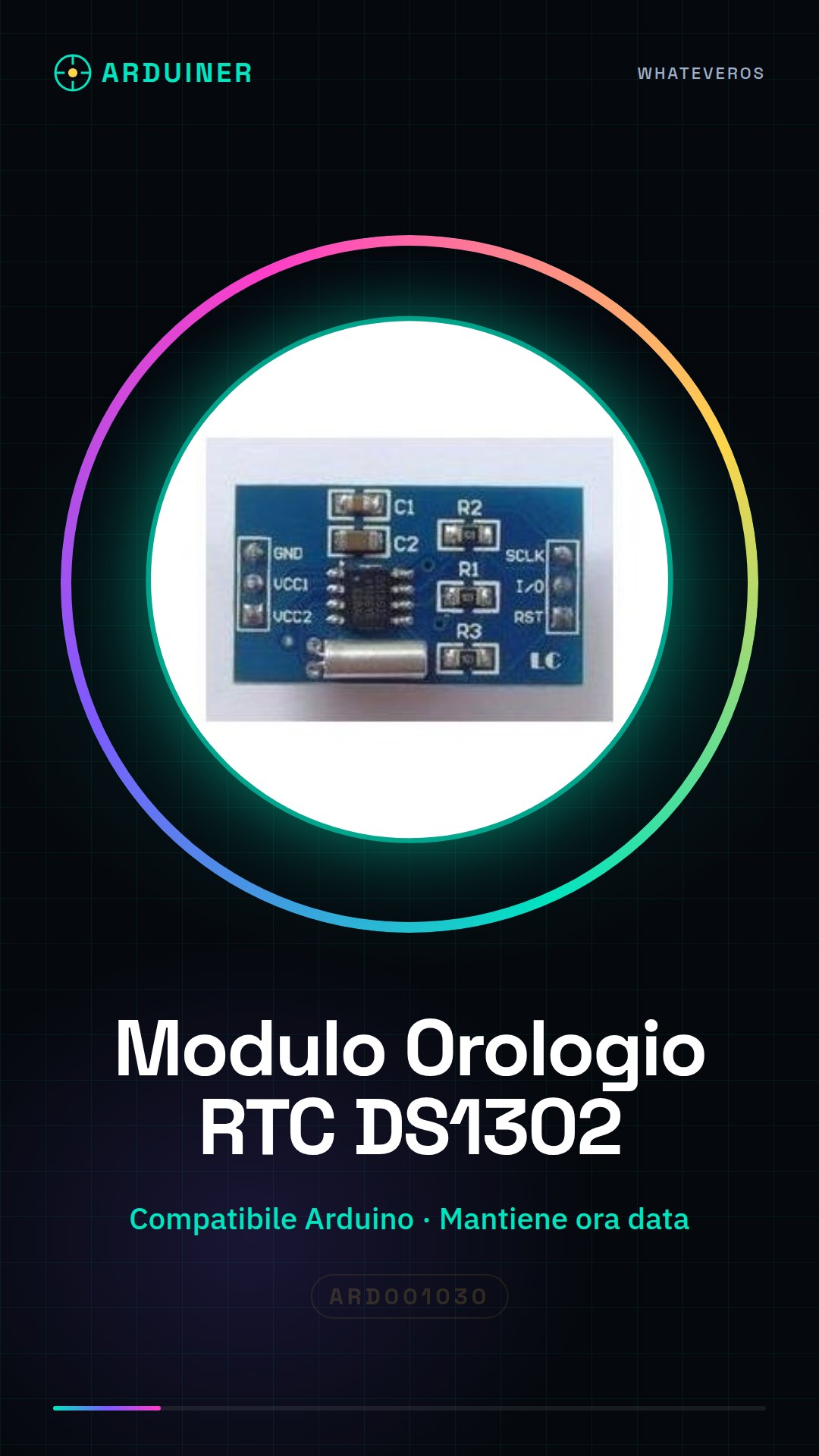
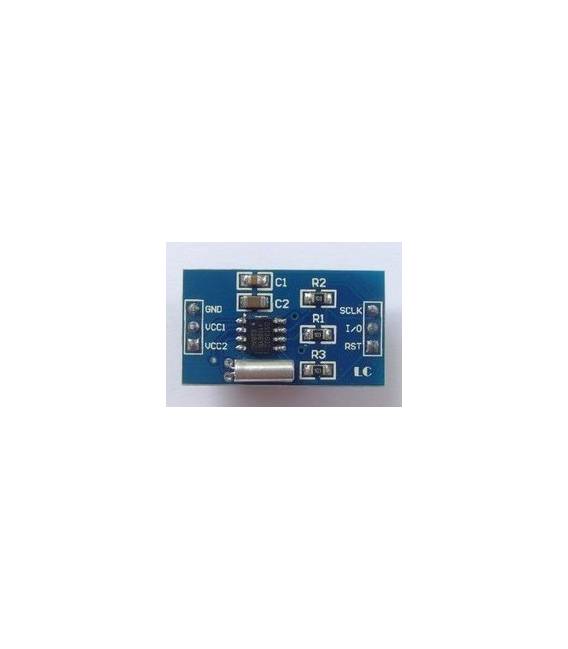
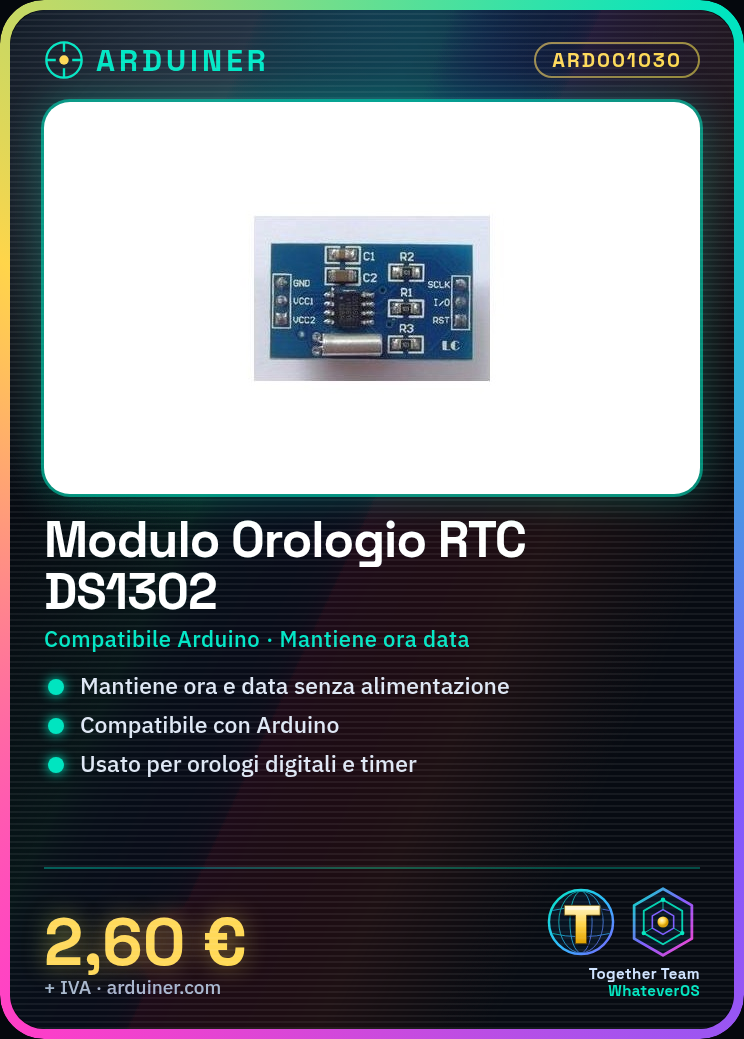
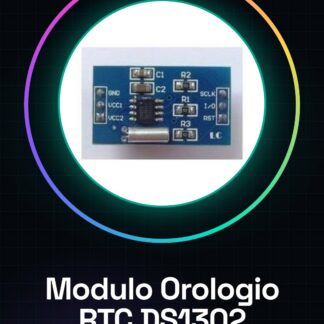
The DS1302 RTC Module is an integrated circuit that allows maintaining the time and date even when power is interrupted. It is compatible with Arduino and can be used for electronic projects that require precise timing.
Features
- Compatible with Arduino
- Maintains time and date even without power
- SKU: ARD001030
- Price: 2.6 €
What it is for
The DS1302 RTC Module is useful for projects that require precise timing, such as digital clocks, time recording systems, or timers. It can be used with an LCD display to show the time and date, or integrated into more complex projects to monitor events or record temporal information.
Tutorial: How to Use the DS1302 RTC Module
The DS1302 RTC is a clock module that maintains time even when power is interrupted. Useful for projects that require precise timing.
What you need
- Arduino
- 10-pin connections
- 10kΩ resistor
Steps
- 1. Assemble the module on a breadboard or a protoboard.
- 2. Connect VCC to the 5V of Arduino.
- 3. Connect GND to GND of Arduino.
- 4. Connect DIO to one of the digital pins of Arduino (e.g., D2).
- 5. Connect SCLK to a digital pin of Arduino (e.g., D3).
- 6. Connect RST to a digital pin of Arduino (e.g., D4).
- 7. Connect VCC to the 3.3V of Arduino (optional, if the module supports 3.3V).
- 8. Connect the 10kΩ resistor between RST and GND.
Example code
```cpp
#include <Wire.h>
#include <RTClib.h>
RTC_DS1302 rtc;
void setup() {
  Serial.begin(9600);
  if (!rtc.begin()) {
    Serial.println("Failed to initialize RTC");
    while (1);
  }
}
void loop() {
  DateTime now = rtc.now();
  Serial.print("The time is now ");
  Serial.print(now.hour(), DEC);
  Serial.print(":");
  Serial.print(now.minute(), DEC);
  Serial.print(":");
  Serial.print(now.second(), DEC);
  Serial.println();
  delay(1000);
}
```
Mini project
Create a digital clock on a 16×2 LCD display with updates every 5 seconds.
Common mistakes
- Forget to connect the RST pin to GND, which can cause the RTC to not work properly.
- Use the wrong power supply voltage (5V instead of 3.3V or vice versa).
- Fail to initialize the RTC library in the setup() function.
- Forget to include the Wire library for I2C communication.
Recommended accessories
- 16×2 LCD Display
- 220Ω resistor for the display
- Breadboard
- Connection cables
Frequently asked questions
The module does not keep time after a restart.
Check the VCC and GND connection, and make sure the module supports 3.3V if you are using an Arduino that provides 5V.
How can I synchronize the RTC with the current time?
Use the `setTime()` function of the RTClib library with the current time.
The module does not respond when a message is sent.
Check the I2C connection and make sure the RTClib library is initialized correctly.
What is the difference between VCC and VCC3.3?
VCC is generally 5V, while VCC3.3 is 3.3V. Use VCC3.3 if the module supports 3.3V.
Reviews
There are no reviews yet.