 EN
 IT Italiano
 ES Español
 FR Français
 DE Deutsch
Description
What it is
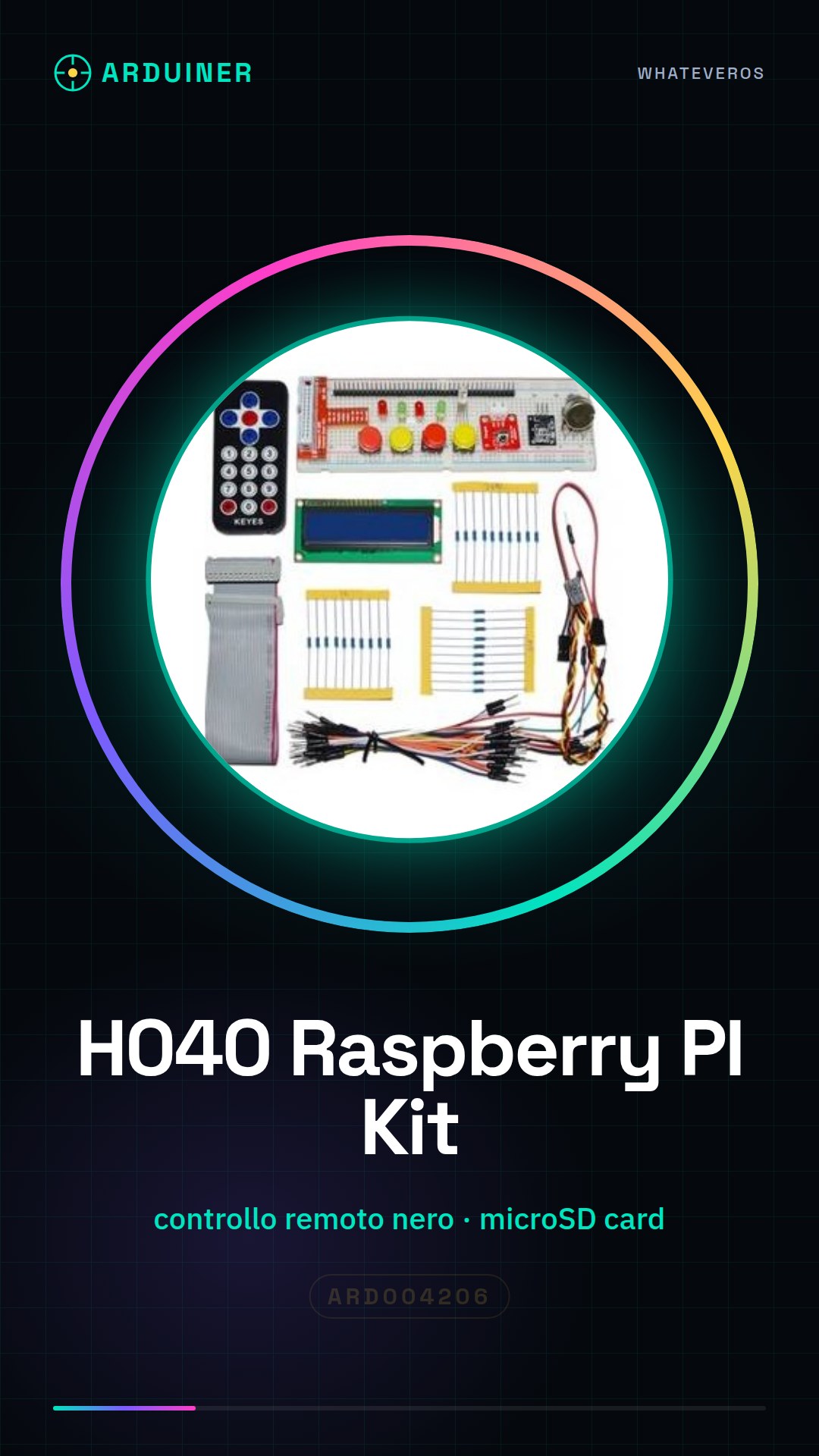
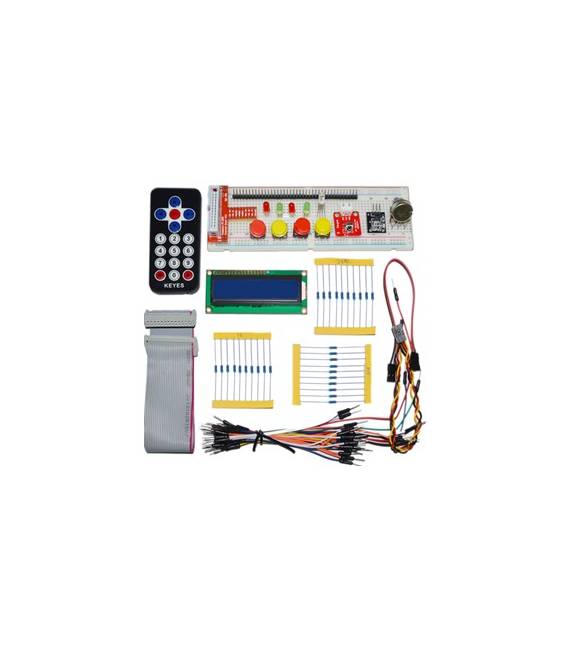
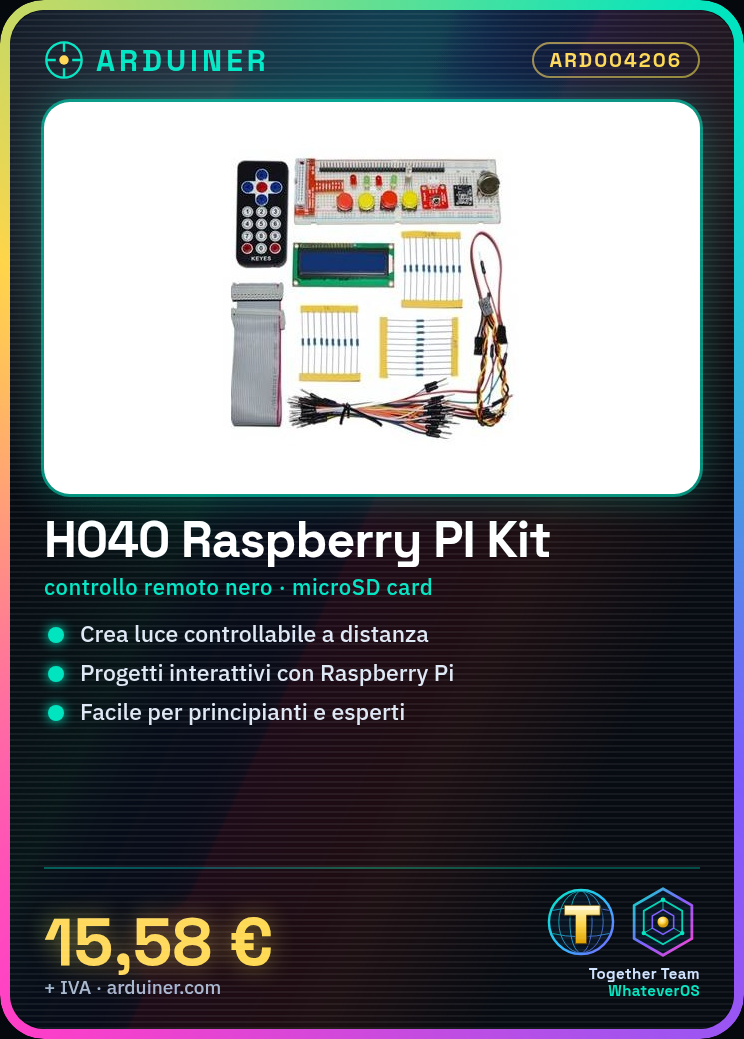
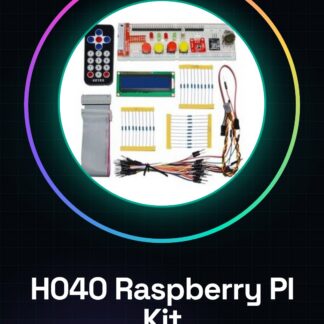
The H040 Raspberry PI Kit (Black Remote Control) is a complete package designed for makers and programming enthusiasts who want to start exploring the world of Raspberry Pi. This kit includes a black remote control, ideal for getting started with home automation or smart home projects.
Features
- Raspberry PI Kit H040 with black remote control included
What it is for
The main uses of the kit are for creating interactive projects such as remote-controlled lighting, using an LED and a relay. It is suitable for both beginners and experts in programming and electronics.
Tutorial: How to use Raspberry PI kit (Black Remote Control)
The Raspberry Pi Kit H040 is a complete package to start exploring the world of Raspberry Pi, ideal for both beginners and programming and electronics enthusiasts. This kit allows you to create interactive projects with the included remote control, opening the door to applications such as home automation or smart home.
What you need
- Raspberry Pi
- microSD card
- USB power supply
Steps
- Connect the Raspberry Pi to the monitor via HDMI.
- Connect the remote control buttons to the Raspberry Pi GPIO pins (check the datasheet).
- Install Raspbian or another Linux distribution on a microSD card.
- Insert the microSD into the Raspberry Pi and connect it to the USB power supply.
- Start the Raspberry Pi and access the operating system.
- Install the necessary drivers for the remote control (check the datasheet).
- Configure the remote control through the Linux interface or a specific software.
- Test remote control functionality with simple test commands.
Mini project
Create a remotely controllable light: connect an LED and a relay to the Raspberry Pi, configure the remote control to turn the light on or off.
Common mistakes
- Do not verify the correct GPIO pins before connecting the remote control.
- Use a microSD card with insufficient size to install a full operating system.
- Skip remote control configuration, rendering the hardware unusable.
- Do not test remote control functionality after configuration.
Recommended accessories
- LED and relay
- Motion sensors
- 3D printer for custom cases
Frequently asked questions
How can I add another remote control?
To add another remote control, you will need to configure the Raspberry Pi to recognize new devices and set the corresponding commands.
Which Linux distributions are compatible with this kit?
Raspbian is the most popular distribution, but others like Ubuntu MATE or LibreELEC can be used (check the datasheet).
Reviews
There are no reviews yet.