 EN
 IT Italiano
 ES Español
 FR Français
 DE Deutsch
Description
What it is
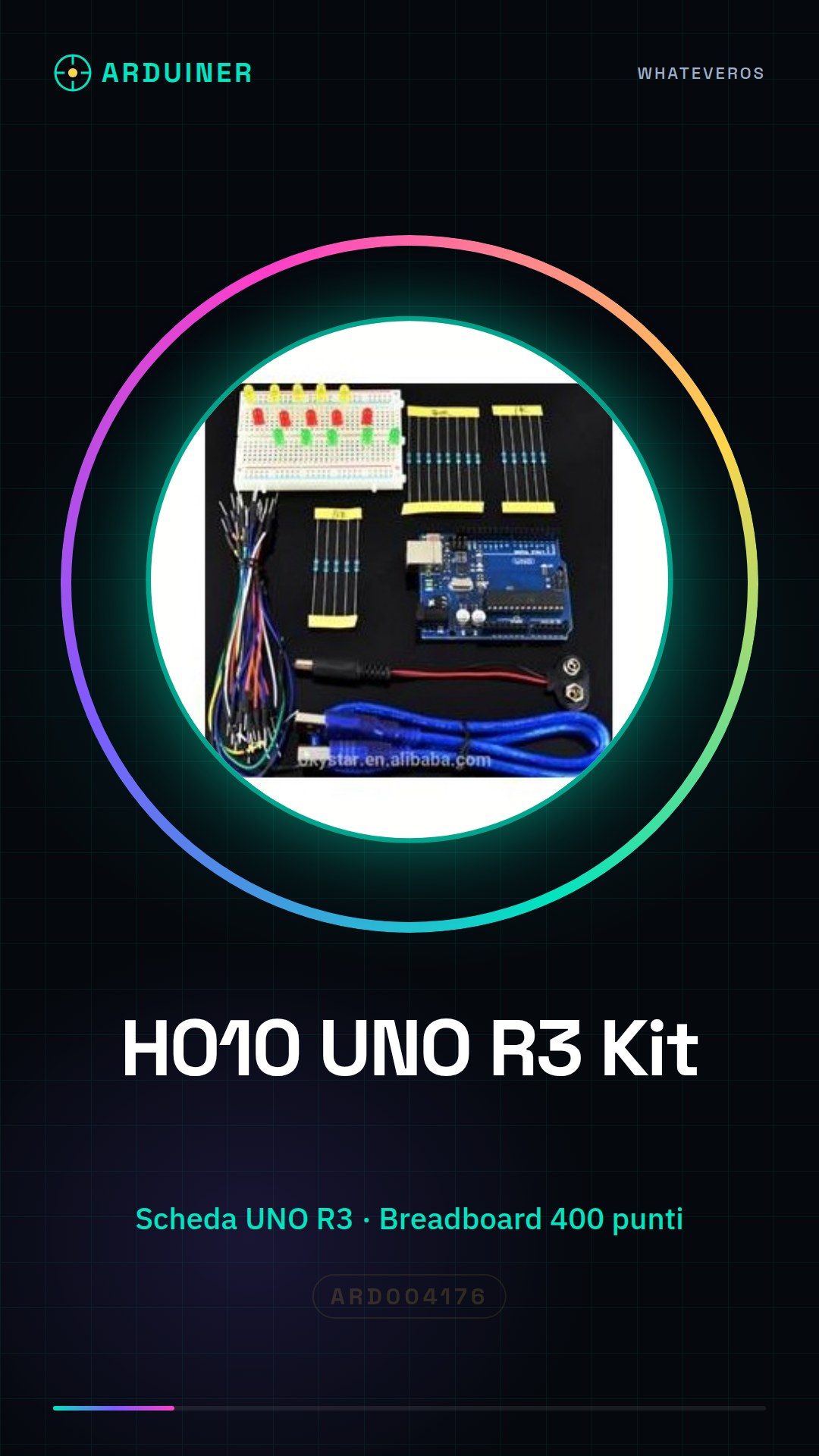
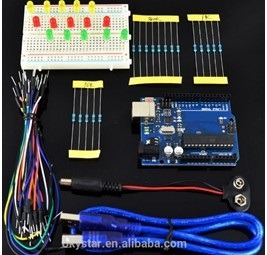
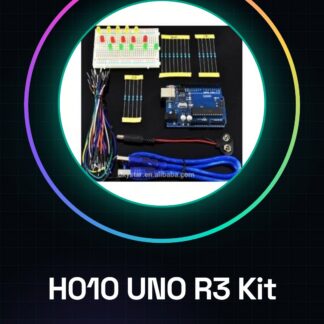
The H010 UNO R3 + breadboard 400 point + LED Starter Learning Kit for Arduino (2) is a set of tools to start programming with Arduino. It includes an UNO R3 board, a 400-point breadboard, and LEDs to create simple electronic projects.
Features
- UNO R3 Board
- 400-point breadboard
- LED
What it is for
This kit is ideal for beginners who want to learn the basics of Arduino. It allows creating simple projects such as a blinking LED signal.
Tutorial: How to use H010 UNO R3 + breadboard 400 point + LED Starter Learning Kit
This kit is ideal for beginners and intermediates who want to learn how to use Arduino. It contains a Mainboard UNO R3, a breadboard, and LEDs to start creating projects.
What you need
- H010 UNO R3
- breadboard 400 point
- LED
- USB cable
Steps
- 1. Install the UNO R3 mainboard on the breadboard.
- 2. Connect the LED to pin 13 of the mainboard.
- 3. Connect the GND lead to the breadboard.
- 4. Download the Arduino IDE software.
- 5. Open the Arduino IDE software.
- 6. Write the code: `void setup() {} void loop() { digitalWrite(13, HIGH); delay(1000); digitalWrite(13, LOW); delay(1000); }`.
- 7. Upload the code to the mainboard.
- 8. Turn on the LED.
Example code
void setup() {} void loop() { digitalWrite(13, HIGH); delay(1000); digitalWrite(13, LOW); delay(1000); }Mini project
Create a blinking signal with the LED. Connect the LED to pin 13, the GND to the breadboard and upload the code.
Common mistakes
- Do not connect the VCC to the breadboard.
- Check the datasheet for the correct polarity of the LED.
- Make sure the USB cable is properly connected.
- Check the datasheet for the version of the Arduino IDE software.
Recommended accessories
- 220 ohm resistor
- Push buttons
- Pressure sensors
- 16×2 LCD display
Frequently asked questions
How can I check the version of the Arduino IDE software?
Open Arduino IDE, go to File > Preferences and check the version in Preferences > Version.
Which pins can I use to connect the LED?
You can use any pin, but pin 13 is pre-defined for the LED.
How can I access the datasheet?
Check the official Arduino website or the manufacturer’s website.
I lost the USB cable, where can I buy one?
You can purchase a compatible USB cable from various online stores or electronics shops.
Reviews
There are no reviews yet.