 EN
 IT Italiano
 ES Español
 FR Français
 DE Deutsch
Description
What it is
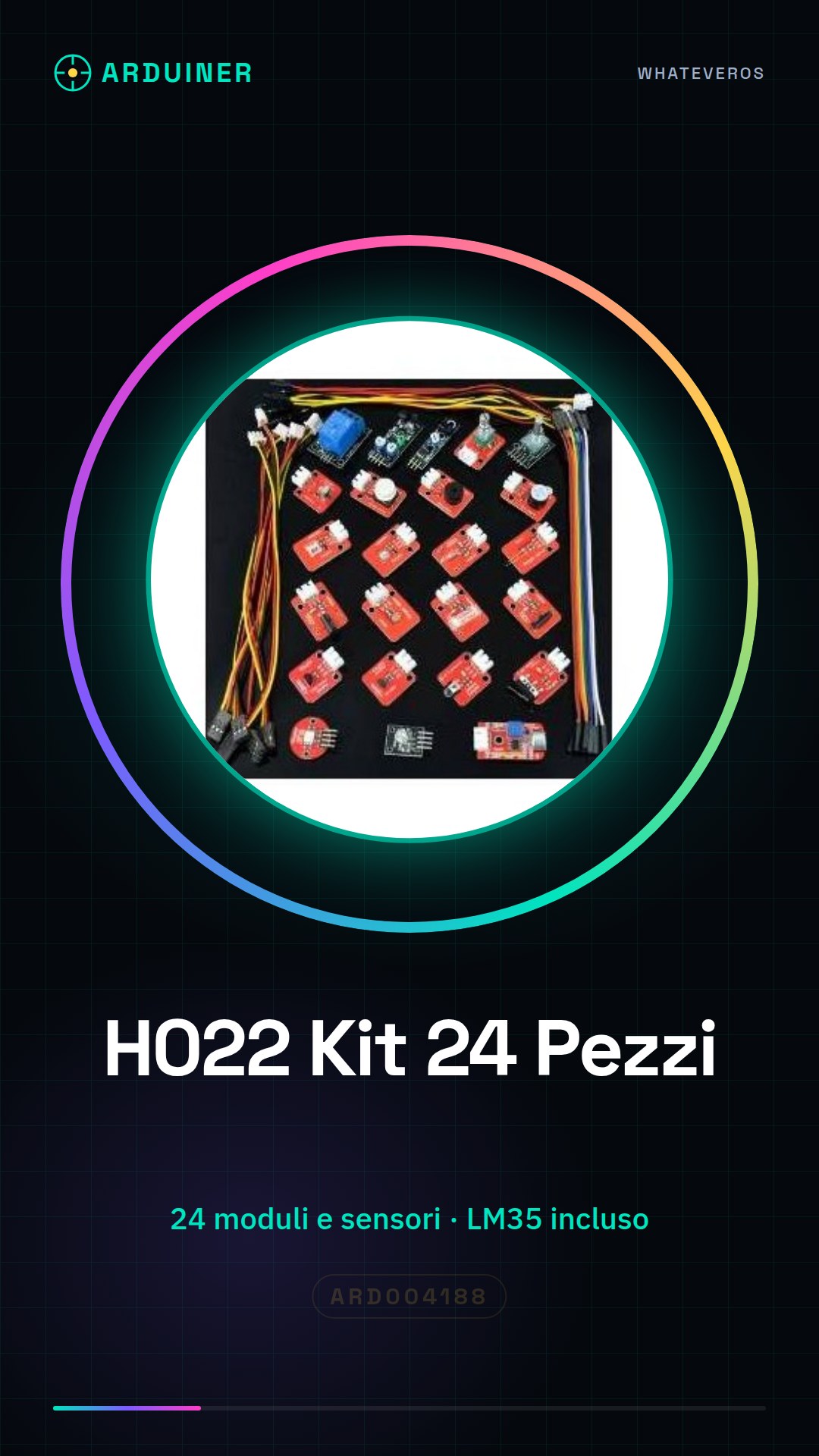
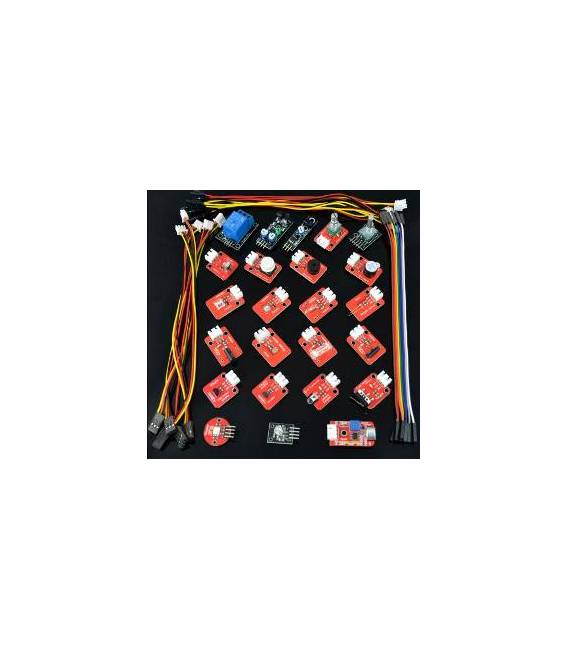
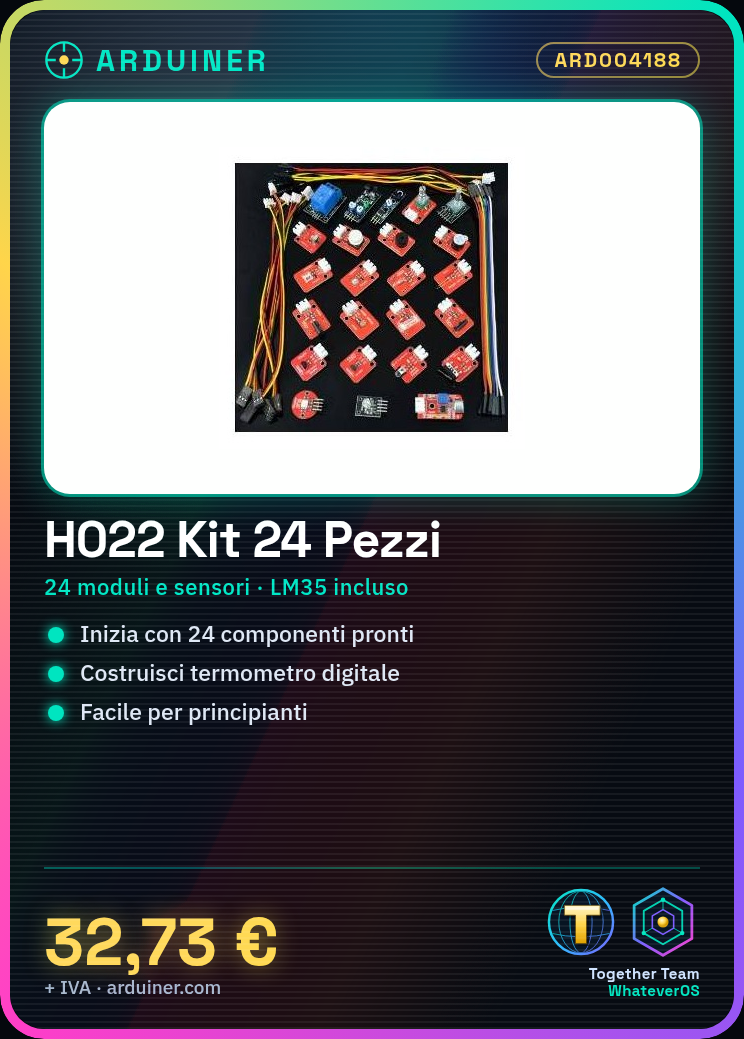
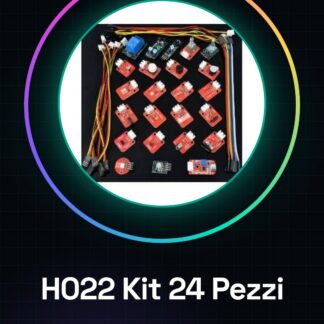
The H022 Kit 24 Pieces is a package of ready-to-use modules and sensors for Arduino, ideal for beginners who want to explore the world of electronics. The kit includes a variety of components necessary to create interactive projects without having to purchase individual pieces separately.
Features
- Includes 24 ready-to-use modules and sensors
- Includes a LM35 temperature sensor to create digital thermometers
What it is for
The components in the H022 kit are ideal for beginners who want to start working with Arduino. The kit is compatible with most Arduino microcontrollers and can be used to create various electronics projects, such as digital thermometers or other interactive devices.
Tutorial: How to use H022 Modules and Sensors Kit for Arduino
The H022 kit is ideal for beginners who want to explore the world of electronics with Arduino. It contains a variety of ready-to-use modules and sensors, allowing you to create interactive projects without having to purchase individual components.
What you need
- Arduino Uno or compatible
- computer with Arduino IDE software installed
- kit H022
Steps
- Check that the kit contains all the modules and sensors listed in the inventory.
- Install the Arduino IDE on the computer if it is not already present (https://www.arduino.cc/en/software).
- Connect the Arduino to the computer via the USB cable included in the kit.
- Open the Arduino IDE software and connect to the Arduino in the ‘Tools > Serial Port’ menu.
- Download the example code provided with the kit’s modules or find them online to start programming.
- Connect a module to the Arduino’s port following the specific datasheet of the component.
- Load the selected sketch from the previous step onto the circuit.
- Monitor the output through the ‘Serial Monitor’ window of Arduino IDE.
Mini project
Create a digital thermometer with the included LM35 temperature sensor. Connect the sensor to the Arduino’s analog pins, load the sketch to read the values, and display the temperature on the serial monitor.
Common mistakes
- Do not verify that the Arduino IDE is correctly configured with the connected Arduino.
- Omit checking the datasheet of the modules before programming them.
- Connect the wrong pins of the module to the circuit.
- Ignore the verification of the connection between Arduino and computer.
Recommended accessories
- Basic prototyping kit
- 3D printed case for Arduino
- Additional sensors of various types
- LCD or graphic display library
Frequently asked questions
What is the power supply voltage of the kit?
Check the datasheet of the specific modules.
Can I use this kit with Raspberry Pi?
Yes, some modules are compatible with Raspberry Pi. Check the specifications for each module separately.
Reviews
There are no reviews yet.