 EN
 IT Italiano
 ES Español
 FR Français
 DE Deutsch
Description
What it is
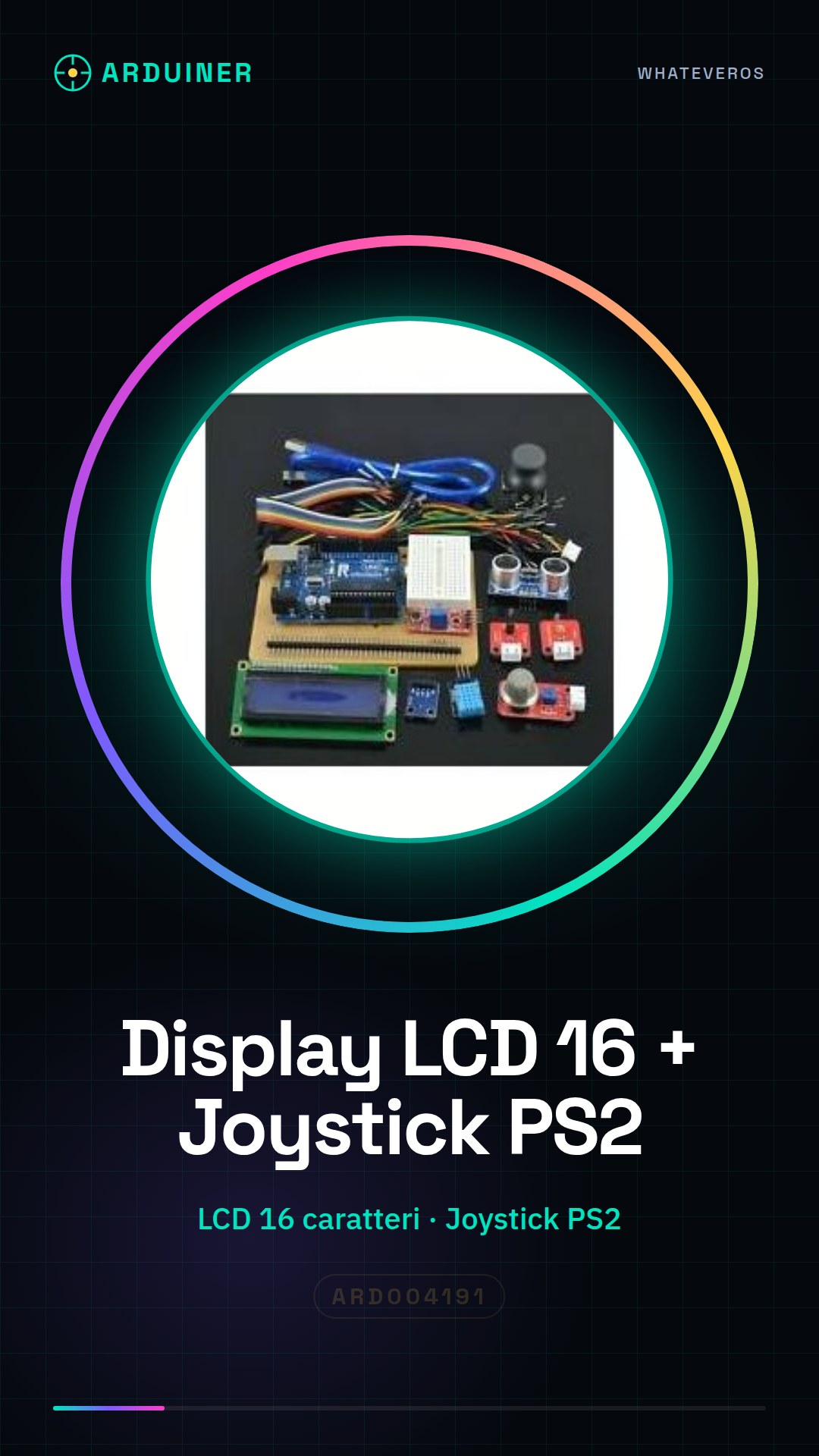
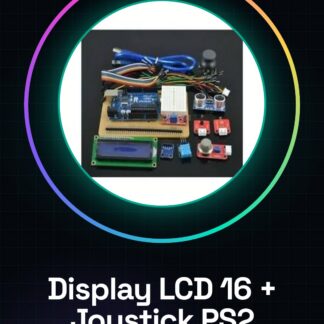
The H025 Analog Display Kit with PS2 Game Joystick for Arduino is a component that allows adding interactivity to Arduino-based electronic projects. This kit integrates a 16-character LCD display with a PS2 joystick, offering a complete solution for creating intuitive graphical interfaces.
Features
- 16 Character LCD Display H025
- Includes PS2 Game Joystick
What it is for
This kit is ideal for makers who want to integrate a display and an input system into a single component. It can be used to create small digital clocks, interactive controllers, or any other project that requires user interaction through an LCD display and a PS2 joystick.
Tutorial: How to Use H025 Analog Display Kit with PS2 Joystick
The H025 Analog Display Kit with PS2 Game Joystick is ideal for makers who want to create graphical interfaces and intuitive controls for their Arduino projects. This component combines a 16-character LCD display with a PS2 joystick, making it perfect for both beginners and more experienced creators.
What you need
- Arduino Uno or compatible
- H025 Analog Display Kit
- PS2 Game Joystick
- USB cable
- AA batteries (for the PS2 joystick)
- Arduino IDE software
Steps
- Connect the display kit to pin 12 of the Arduino for the data signal.
- Connect the display’s GND and VCC pins to the corresponding power pins of the Arduino.
- Connect the PS2 joystick communication lines (DAT, CLK) to available digital pins on the Arduino (check the datasheet).
- Load an Arduino sketch that reads data from the joystick and displays it on the LCD screen.
- Check the proper functioning of the display and joystick through the Arduino IDE serial monitor.
- Customize the sketch to add functionalities such as incrementing or decrementing the values displayed on the LCD with the PS2 joystick.
Example code
void setup() {
  Serial.begin(9600);
}

void loop() {
  // Leggi i dati dal joystick e visualizza su LCD
}
Mini project
Create a small digital clock that shows the current time on the LCD display. Use the PS2 joystick to adjust the time.
Common mistakes
- Fail to connect the data line of the display correctly.
- Forget to upload the Arduino sketch.
- Use an inadequate voltage to power the kit (check the datasheet).
- Omit to connect the GND and VCC pins of the PS2 joystick.
Recommended accessories
- USB B – A cable
- 9V battery for Arduino
- 3D printed case for Arduino Uno
Frequently asked questions
Which Arduino pins should I use?
Check the datasheet of the H025 display kit and connect the DAT, CLK pins of the PS2 joystick to the available digital pins of the Arduino.
How can I customize the display?
Modify the Arduino sketch to add text or display data from other sensors.
Reviews
There are no reviews yet.