 EN
 IT Italiano
 ES Español
 FR Français
 DE Deutsch
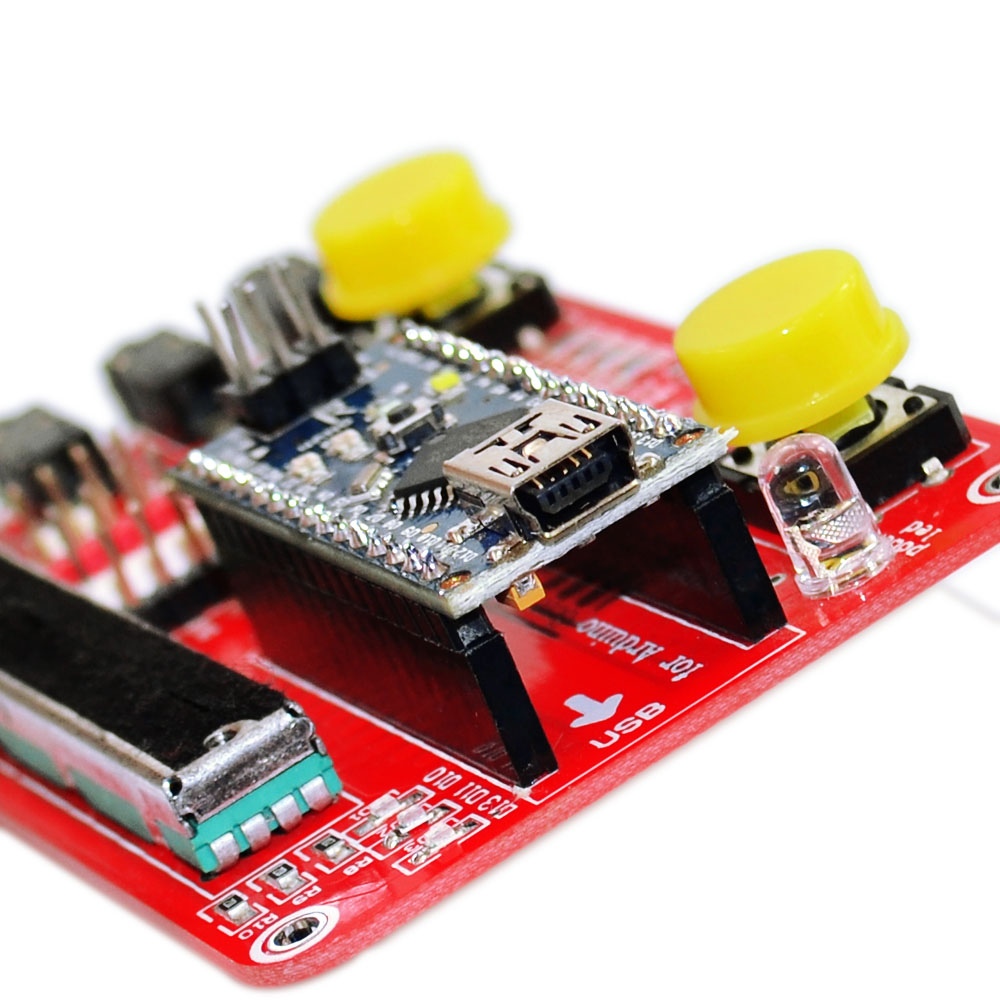
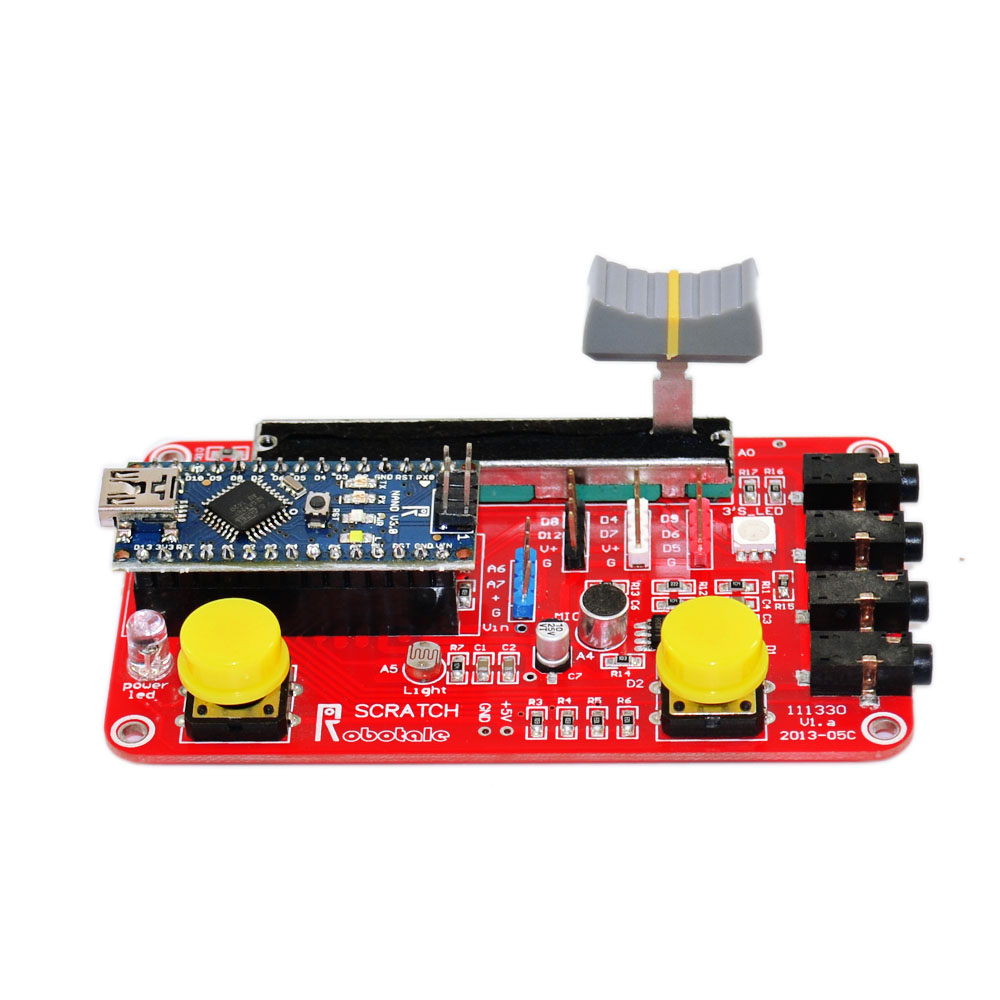
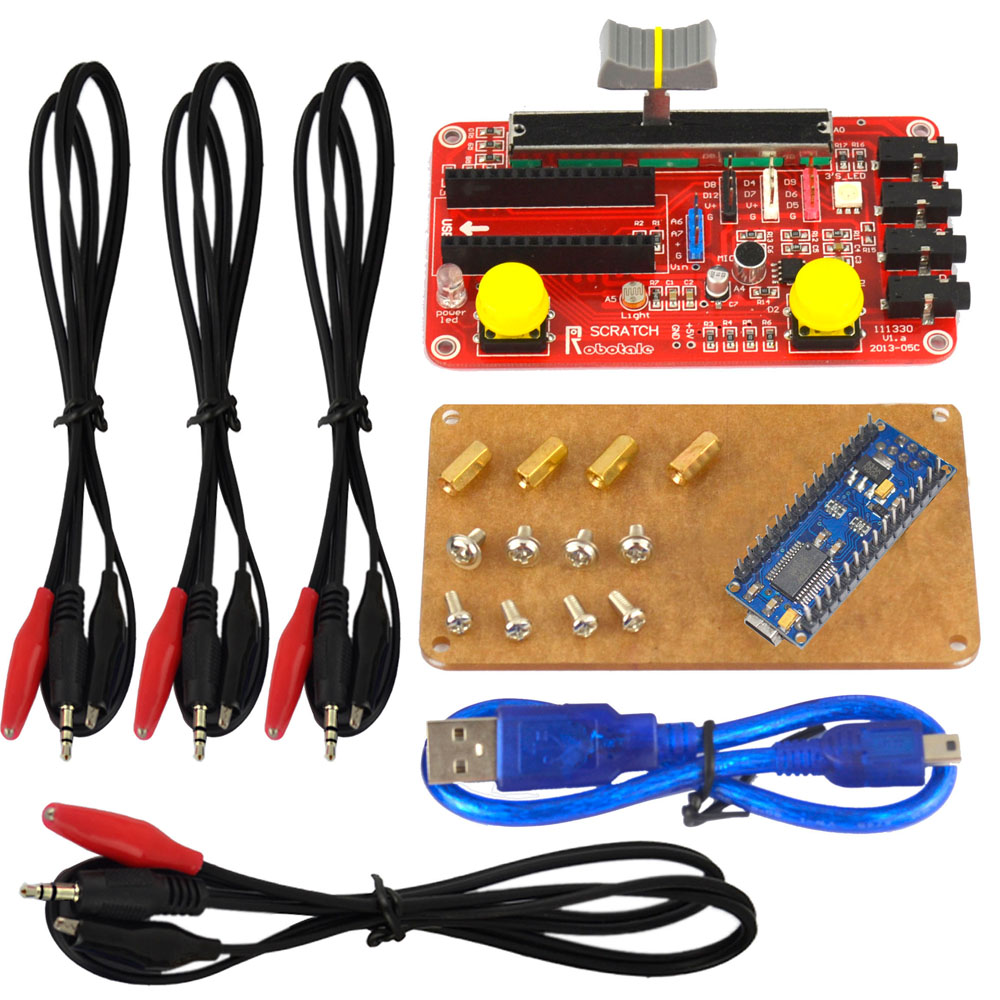
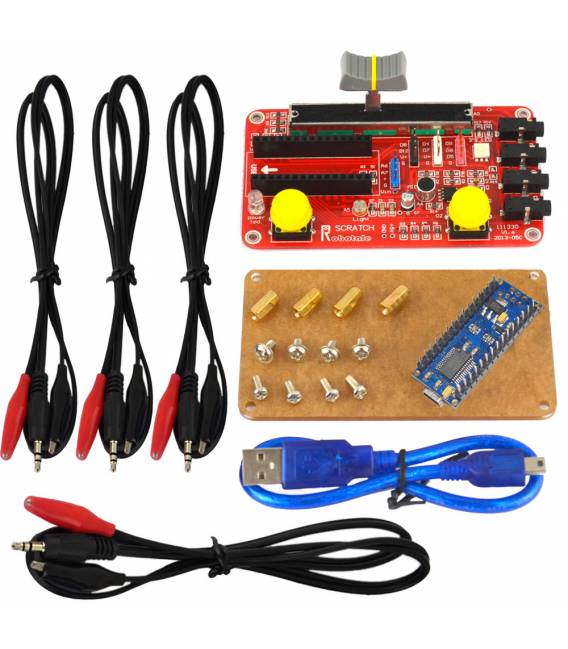
Description
What it is
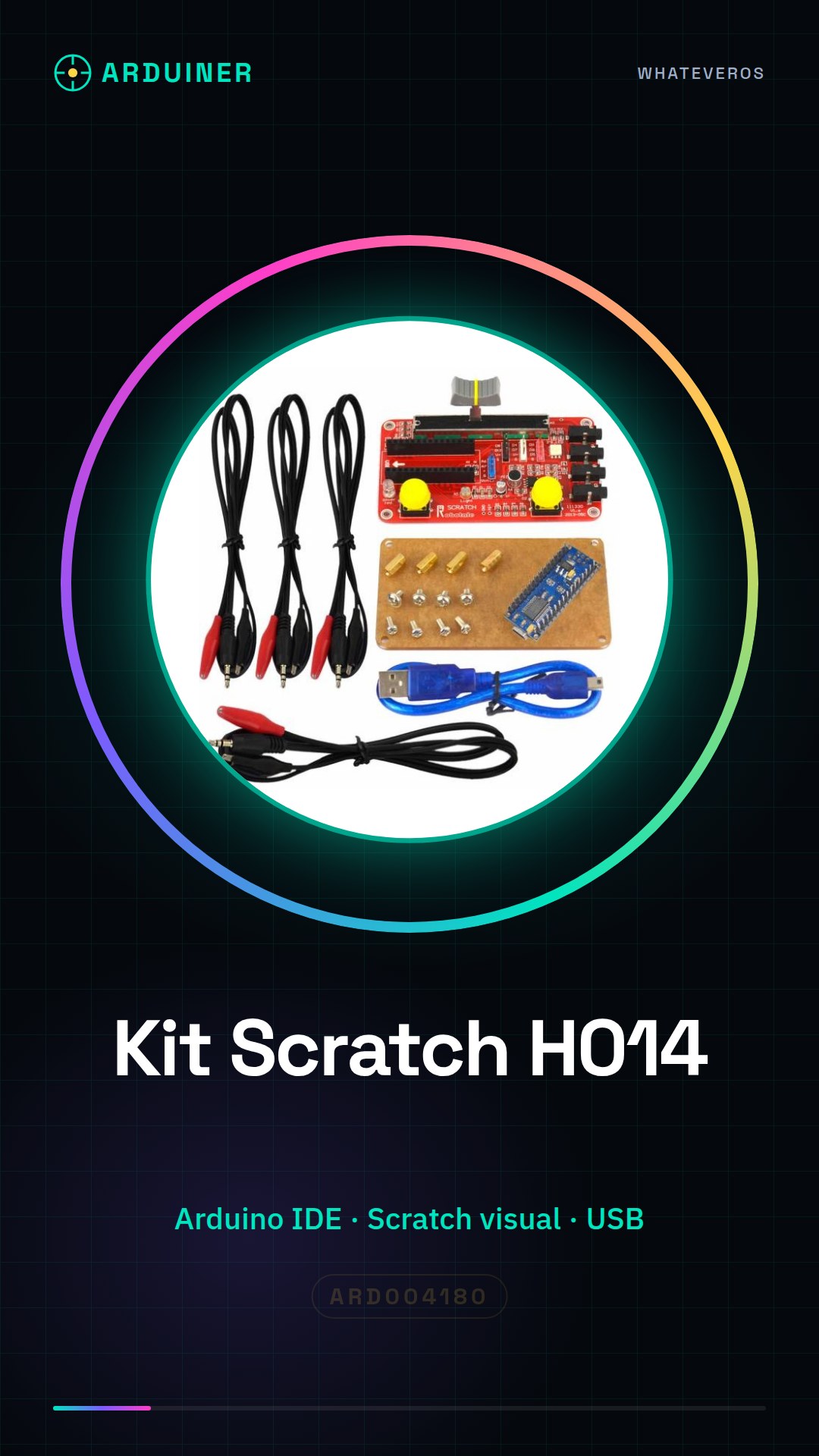
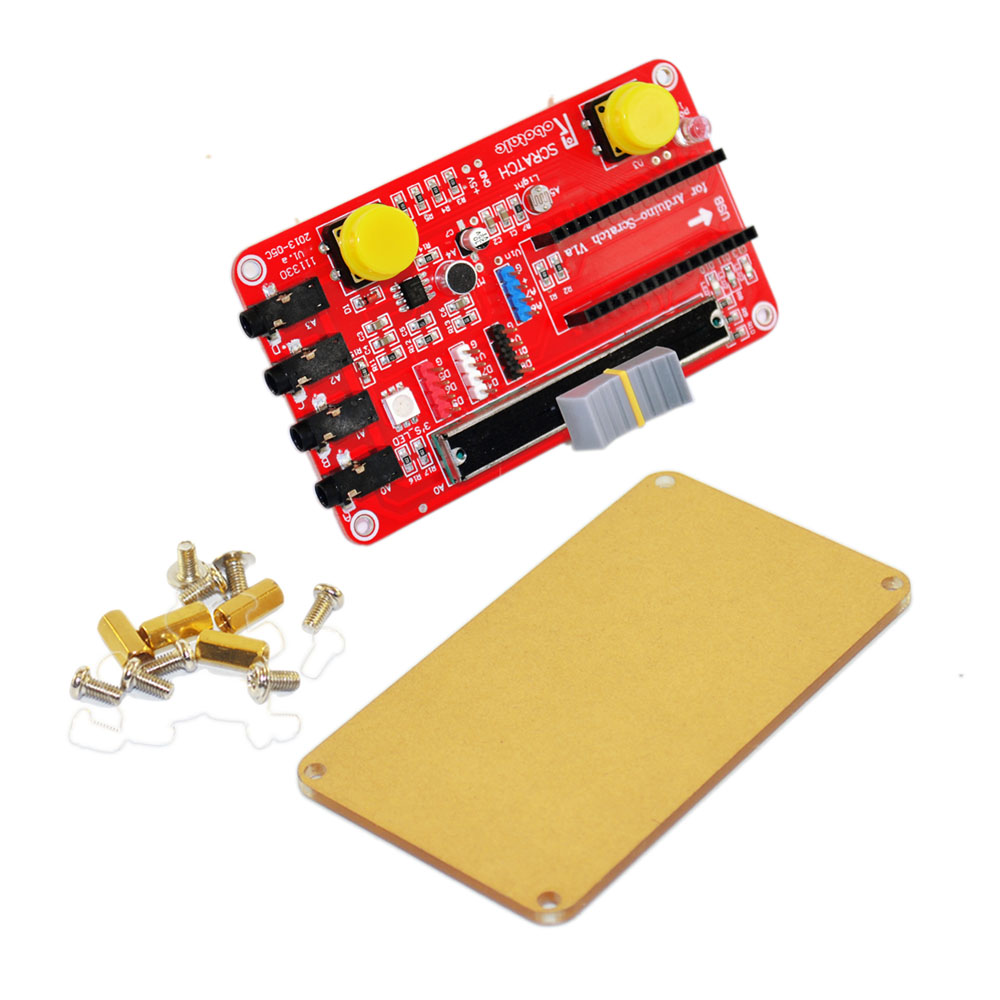
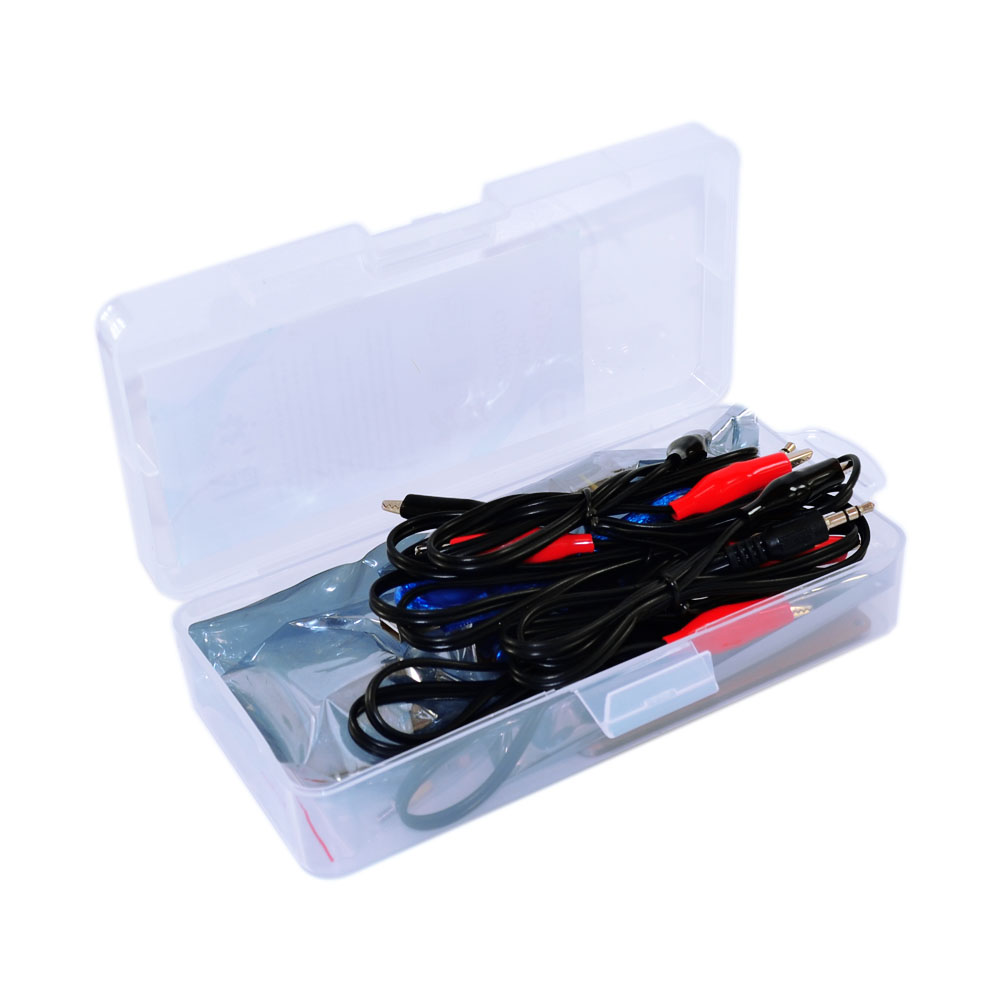
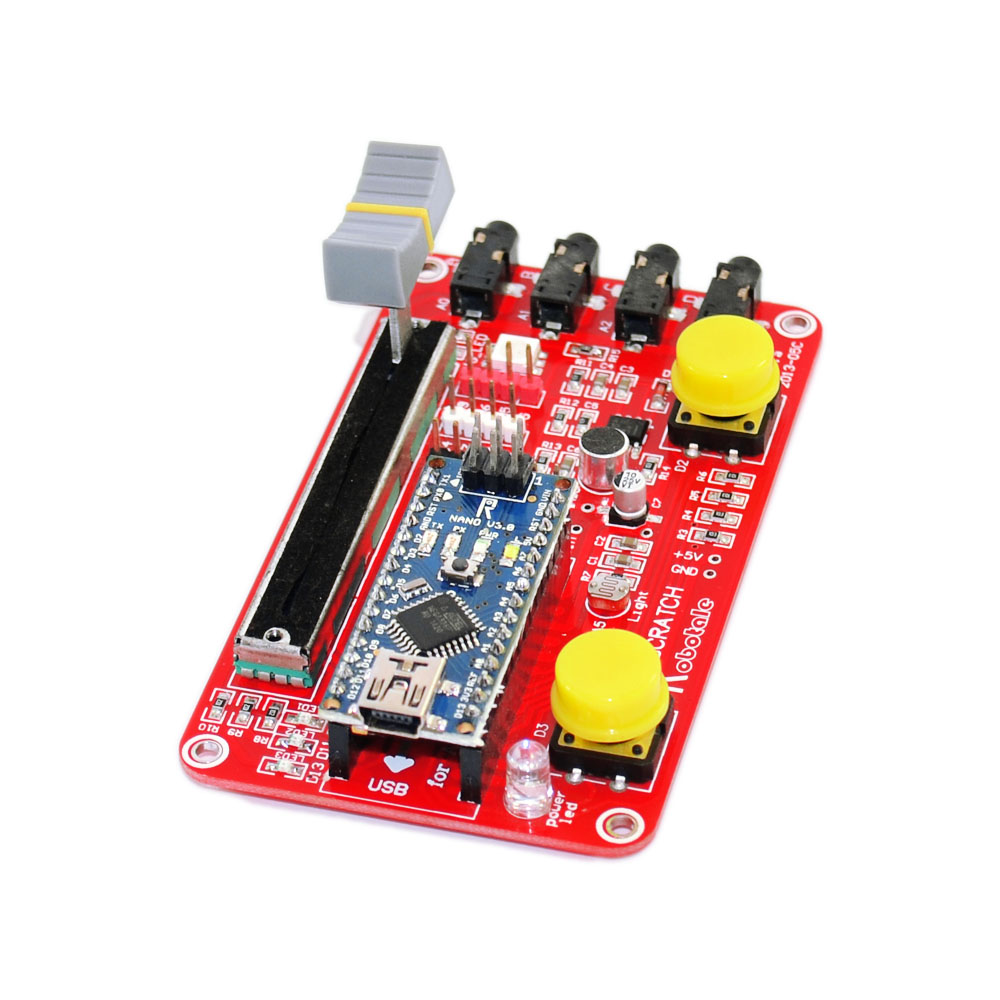
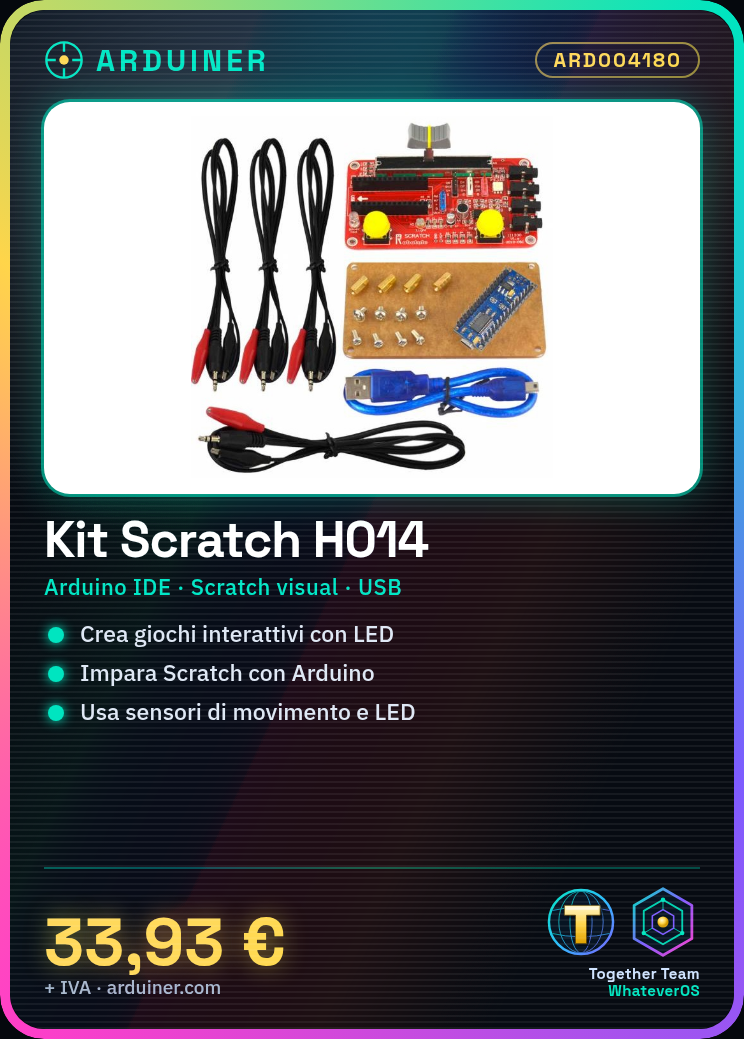
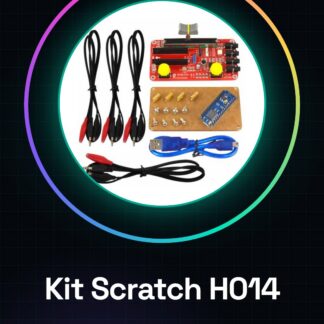
The Scratch Learning Kit H014 is a package designed for beginners who want to start exploring the world of electronic programming with Arduino. This kit allows you to learn Scratch, a visual programming language, by integrating the features of Arduino.
Features
- Ideal for beginners in Arduino and Scratch
- Allows you to create interactive projects such as games with LEDs
What it is for
This kit is perfect for makers, students, or anyone who wants to learn how to program Arduino devices. You can use it to create simple electronic programming projects such as interactive games that follow the mouse movement with LEDs.
Tutorial: How to use the Scratch Learning Kit H014
This kit helps you learn Scratch with Arduino, ideal for beginners and those who want to explore electronic programming.
What you need
- Scratch
- Arduino IDE
- Scratch Arduino H014
- Computer with USB connector
Steps
- Download and install Scratch and Arduino IDE.
- Connect the Scratch H014 mainboard to the Arduino IDE.
- Load the example code provided.
- Start Scratch and connect the mainboard.
- Try the first example project.
- Explore the code blocks and create your project.
- Check the datasheet for further details on the features.
- Connect the sensors and control the LEDs.
Example code
```
# Esempio di codice
when green flag clicked
set [x v] to [0]
forever
  if <touching [mouse-pointer]?> then
    move [10] steps
  end
end
```
Mini project
Create a game to follow the mouse with the LEDs.
Common mistakes
- Do not upload the code to Arduino.
- Forget to connect the mainboard to Scratch.
- Do not use the mouse as input.
- Do not explore the code blocks.
Recommended accessories
- Motion sensors
- LEDs
- Connection cords
- USB cables
Frequently asked questions
How can I connect the sensors?
Check the datasheet for connection pinout.
Which code blocks to use?
Use the ‘touching’ and ‘move’ code blocks.
Why doesn’t my project work?
Check connections and code.
Can I use this with Raspberry?
This kit is designed for Arduino, not for Raspberry.
Reviews
There are no reviews yet.