 EN
 IT Italiano
 ES Español
 FR Français
 DE Deutsch
Description
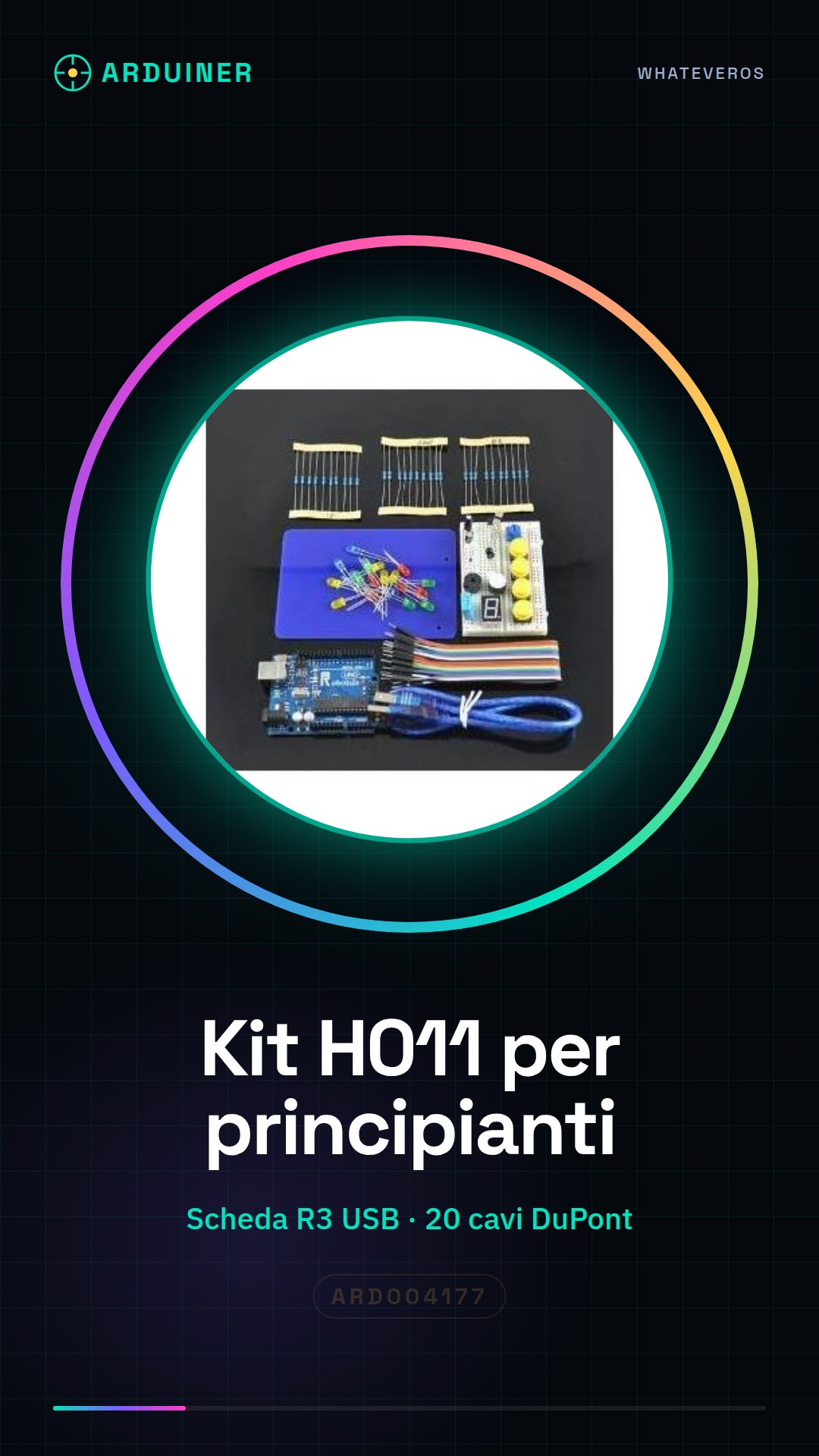
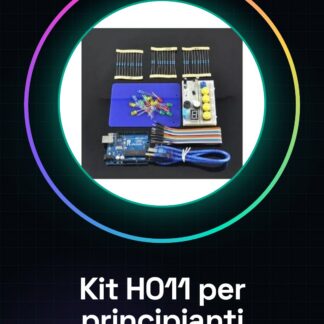
Learning Kit based on H011
| Kit List | Qty |
| R3 board with USB cable | 1 |
| 400 hole perfboard < / td> | 1 |
| Blue PCB, digital tube (1pc / set) | 2 |
| Dupont cable </ td > | 20 |
| With button hat | 4 |
| Buzzer / Tilt Switch (2 pieces / set) | 4 |
| Potentiometer | 1 |
| Temperature and Humidity Sensor </td> | 1 |
| Flame Sensor </td> | 1 |
| LM35 Temperature Sensor </td> | 1 |
| Analog Temperature Sensor </td> | 1 |
| Photoresistor | 3 |
| RGB Light </td> | 1 |
| 220R / 1K / 10K Resistors (10 each) | 30 |
| LED Yellow / Green / Red / Blue (5 pieces / each) | 20 |
| Advanced Plastic Box </td> | 1 |
Tutorial: How to Use H011 Learning Kit
The H011 Learning Kit is an excellent choice for beginners who want to start exploring the world of electronics and programming. This kit will guide you through practical projects, helping you understand how circuits and hardware interfaces work.
What you need
- Arduino Uno
- Computer with Arduino IDE installed
- USB A-Micro B Cable
- 5V Power Supply
Steps
- Install the Arduino IDE on your computer if it is not already present.
- Download and install the necessary library for the H011 kit from the official website or GitHub.
- Connect the H011 module to the Arduino Uno via the appropriate connectors, ensuring that all connections are secure.
- Open a new sketch in the Arduino IDE and include the library installed for the H011 kit.
- Write or copy the example sketch provided by the kit into the code section of the IDE.
- Compile the program and check the error output, verifying any issues with the connections.
- Upload the sketch to the Arduino Uno microcontroller via the USB cable.
- Monitor the project results through the Serial Monitor section of the IDE.
Example code
// Includere la libreria per H011
#include <libreriaH011.h>

// Inizializzare l'oggetto H011
H011 kit;

void setup() {
 // Inizializza il modulo H011
 kit.begin();
}

void loop() {
 // Aggiungi qui le istruzioni per eseguire i comandi del progetto
}
Mini project
Create a simple home security system with the Arduino Uno and the H011 kit. Connect motion sensors to the kit, program Arduino to send an email or SMS notification when motion is detected.
Common mistakes
- Incorrect connection between Arduino and H011 kit
- Wrong microcontroller selection
- Lack of adequate power supply
- Outdated library
Recommended accessories
- Arduino Uno R3
- Arduino Sensor Kit
- 3D Printing for Custom Prototypes
- 5V USB Power Supply with Variables
Frequently asked questions
What is the difference between H011 and other modules?
H011 offers a more complete interface and additional features compared to similar modules.
Can I use this kit with Raspberry Pi?
Yes, but it may be necessary to install specific drivers or libraries for the Raspberry Pi.
Reviews
There are no reviews yet.