 EN
 IT Italiano
 ES Español
 FR Français
 DE Deutsch
Description
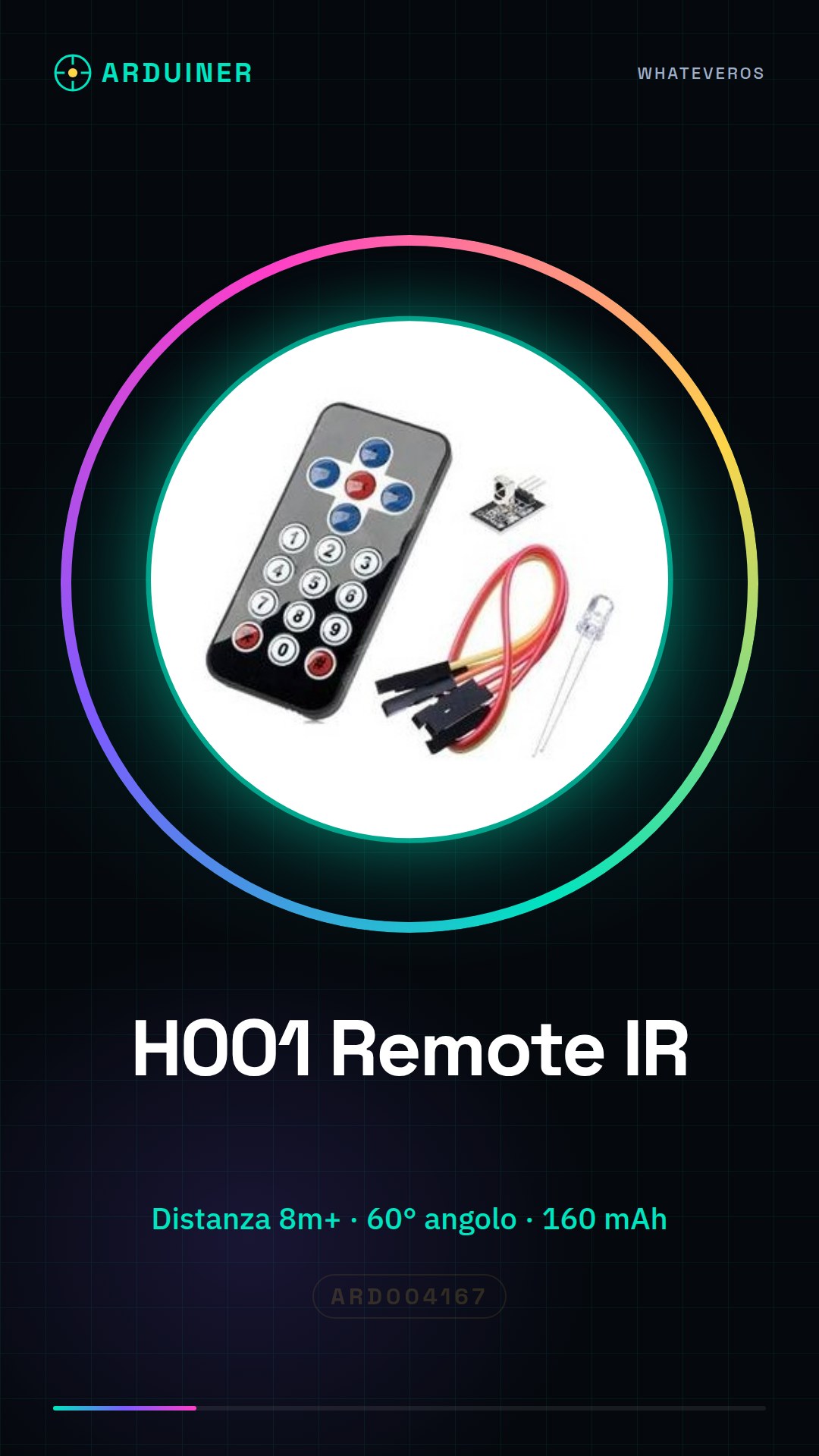
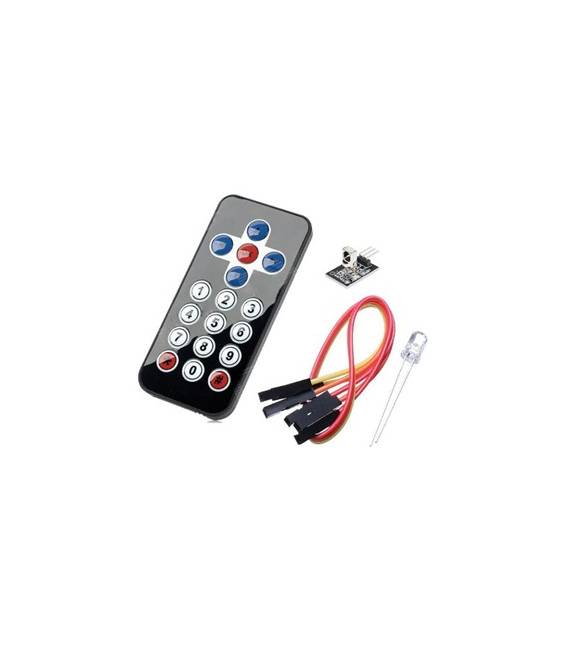
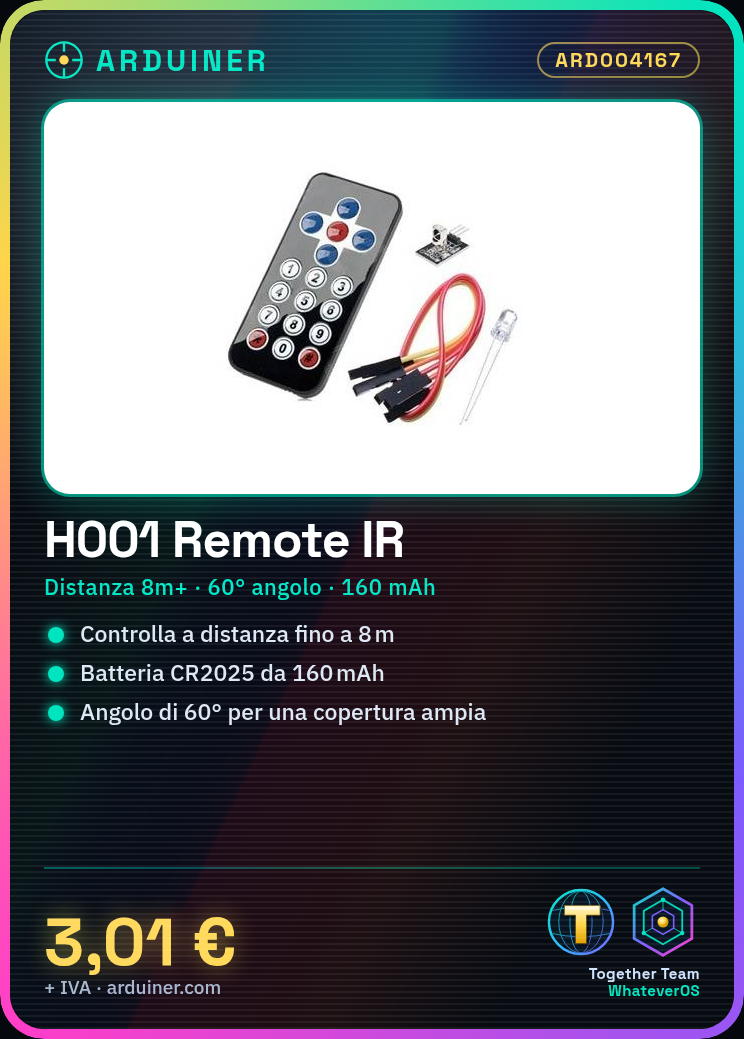
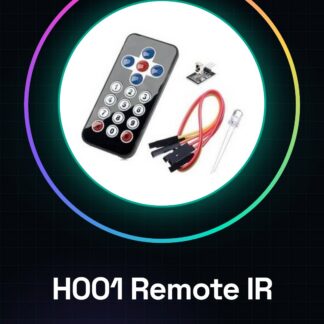
H001 Arduino Wireless Infrared Remote Control Kit (black)
Ultra-thin infrared remote control Product parameters:
1. CR2025 button cell battery capacity 160mAh
2. Transmission distance: 8m or more (specific environment, receiver sensitivity and other factors)
3. Effective angle: 60 degrees
4. Adhesive material: 0.125 mm PET, lifespan of 20,000 uses.
5. Stable quality, economical
6. Quiescent current 3-5uA, dynamic current 3-5mA.
Tutorial: How to use H001 Arduino Wireless Infrared Remote Control
This kit allows you to control devices remotely using an infrared remote. Ideal for home automation and remote control projects.
What you need
- Arduino H001
- Infrared remote
- USB cable
- Jumper connector
Steps
- Download the Arduino code from the product page.
- Connect to your Arduino via the USB cable.
- Load the code onto your Arduino.
- Connect the infrared remote to pin 2 of Arduino with a jumper connector.
- Connect the receiver component to pin 3 of Arduino.
- Set the infrared remote settings according to the datasheet.
- Check the receiver specifications on the datasheet.
- Test the system with the remote.
Example code
void setup() {} void loop() { // Codice da aggiungere }Mini project
Create a small automatic lighting system. Connect an LED to pin 13 of Arduino and control it with the remote.
Common mistakes
- Set the infrared remote settings correctly.
- Verify that the receiver and remote have the same frequency.
- Check the electrical connections.
- Add the necessary code to handle the received signals.
Recommended accessories
- LED
- 220 Ohm resistor
- Jumper connections
- Multimeter
Frequently asked questions
How to set the infrared remote?
Check the datasheet.
Which specifications to check on the receiver?
Check the datasheet.
Why is the system not working?
Check electrical connectivity, code, and remote settings.
Reviews
There are no reviews yet.