 EN
 IT Italiano
 ES Español
 FR Français
 DE Deutsch
Description
What it is
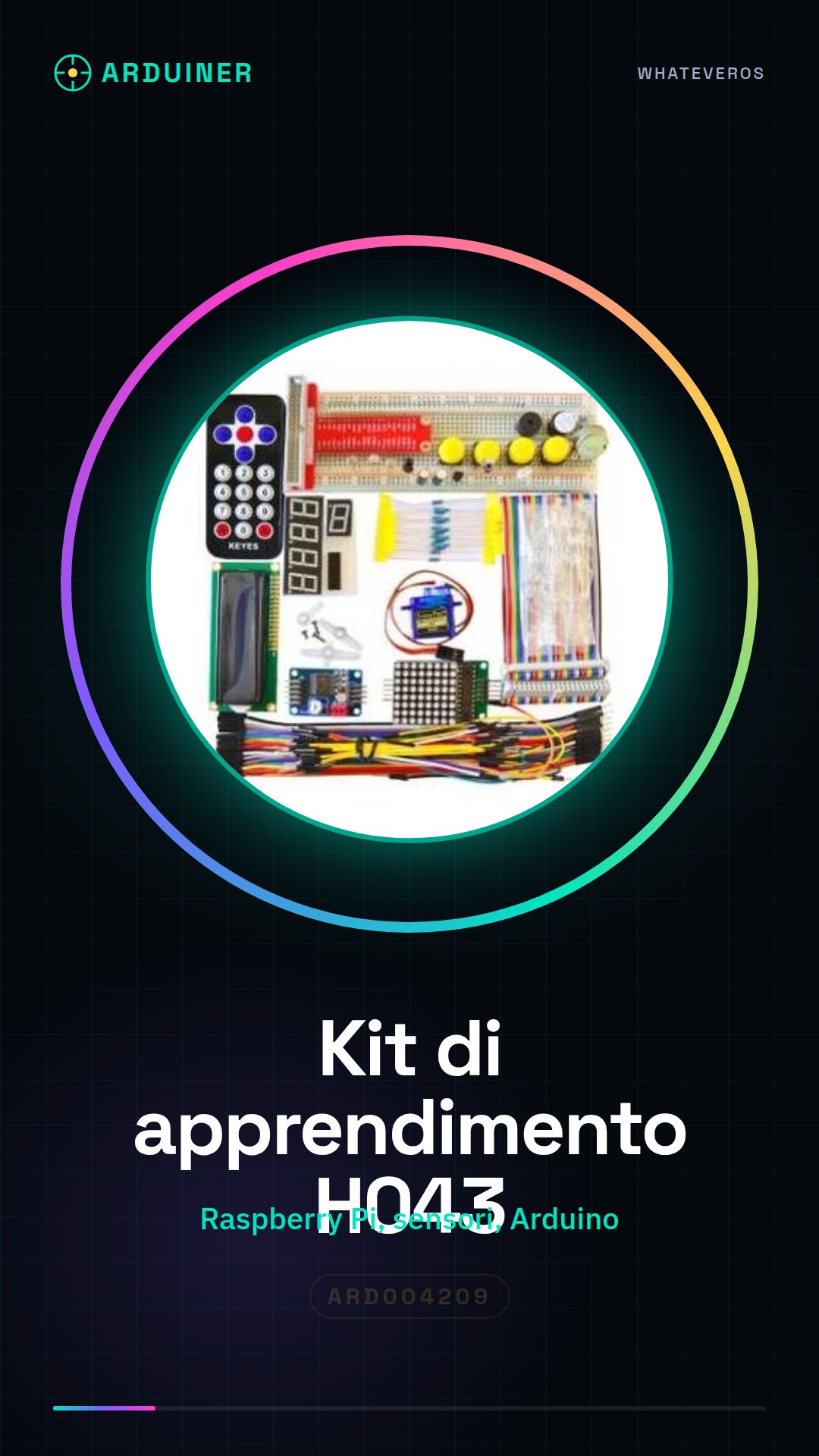
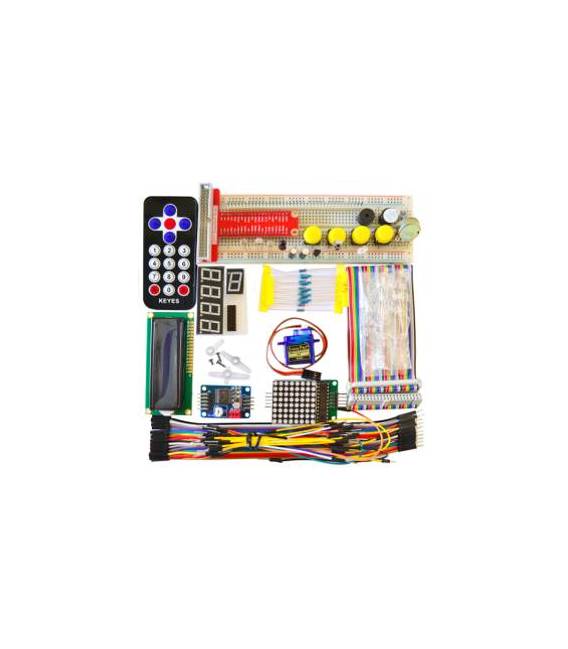
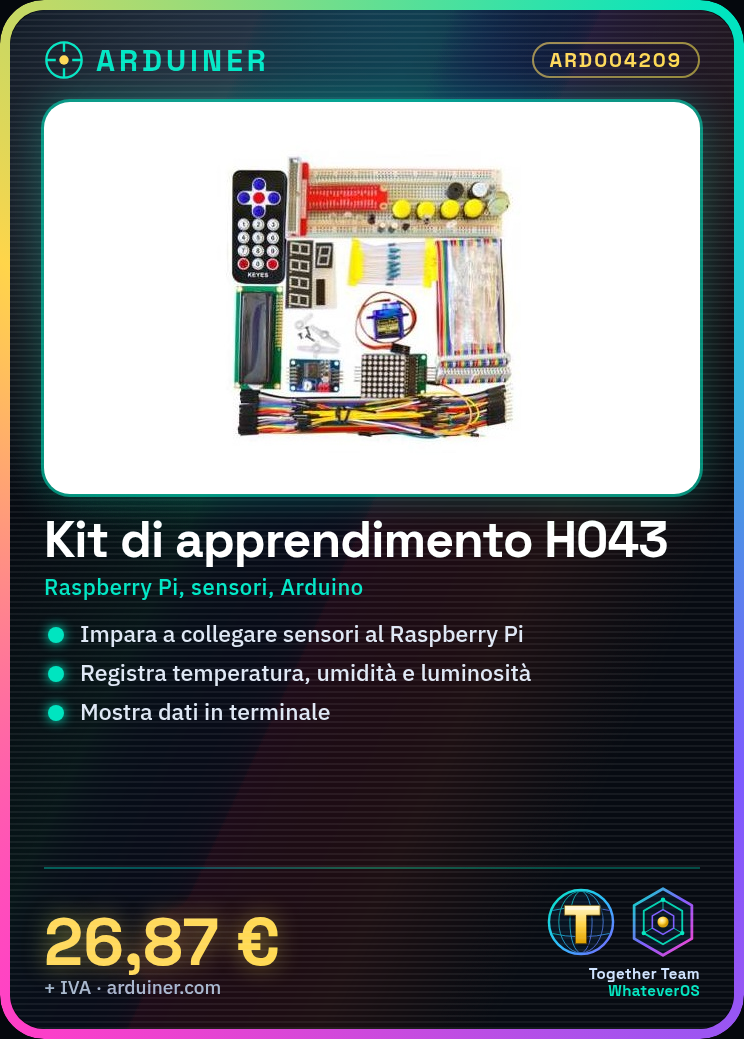
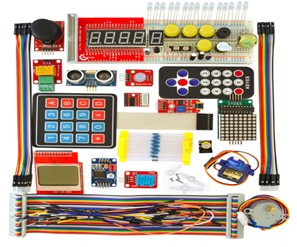
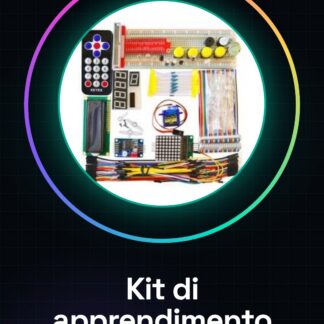
H043 is a learning kit designed for beginners who wish to start exploring the world of small computers and microcontrollers, combining the use of Raspberry Pi with elements of Arduino. This package allows you to learn how to connect sensors and other external devices to your board.
Features
- Ideally suited for beginners
- Includes components necessary for basic experiments with Raspberry Pi and Arduino
What it is for
H043 is ideal for creating an environmental monitoring system that records temperature, humidity, and light level in real-time. You can view the data in a terminal window.
Tutorial: How to use H043 Learning Kit for Raspberry PI
The H043 kit is ideal for beginners who want to start exploring the world of small computers with Raspberry Pi. With this package, you will learn how to connect sensors and external devices to your board.
What you need
- Raspberry Pi
- SD card installed
- USB power supply
- HDMI cable (if available)
- Monitor or TV with HDMI input
Steps
- Install the operating system on an SD card and insert it into the Raspberry Pi.
- Connect the USB power supply to the Raspberry Pi to start the board.
- If necessary, connect a monitor or TV via HDMI cable.
- Access the terminal of the Raspberry Pi and verify that all devices in the kit are recognized by the system.
- Install the necessary libraries to manage the sensors included in the kit (check the datasheet).
- Write a simple Python script to read data from the sensors.
- Display real-time data in a terminal window or on a local web site.
- Modify the script to create a small interactive application.
Example code
import RPi.GPIO as GPIO
GPIO.setmode(GPIO.BCM)
# Verifica sul datasheet per impostare i pin corretti e leggere i dati dai sensori
Mini project
Create an environmental monitoring system that records temperature, humidity, and light level in real-time. Display the data in a terminal window.
Common mistakes
- Sensors not recognized during script execution
- Insufficient power supply for Raspberry Pi
- Incorrect GPIO pin configuration
- Connectivity issues between the monitor and the Raspberry Pi
Recommended accessories
- Ethernet cable
- Arduino prototyping kit
- 3D printer
- Battery pack to power the Raspberry Pi in case of emergency
Frequently asked questions
Which Python libraries do I need to install?
Python RPi.GPIO and Adafruit_DHT (check the datasheet).
How can I connect a flat-screen monitor to the Raspberry Pi?
Use an HDMI cable or connect the board to a Wi-Fi network with remote access.
What other components can I add to expand the functionality of the kit?
Consider motion sensors, LCD displays and relays.
Reviews
There are no reviews yet.