 EN
 IT Italiano
 ES Español
 FR Français
 DE Deutsch
Description
What it is
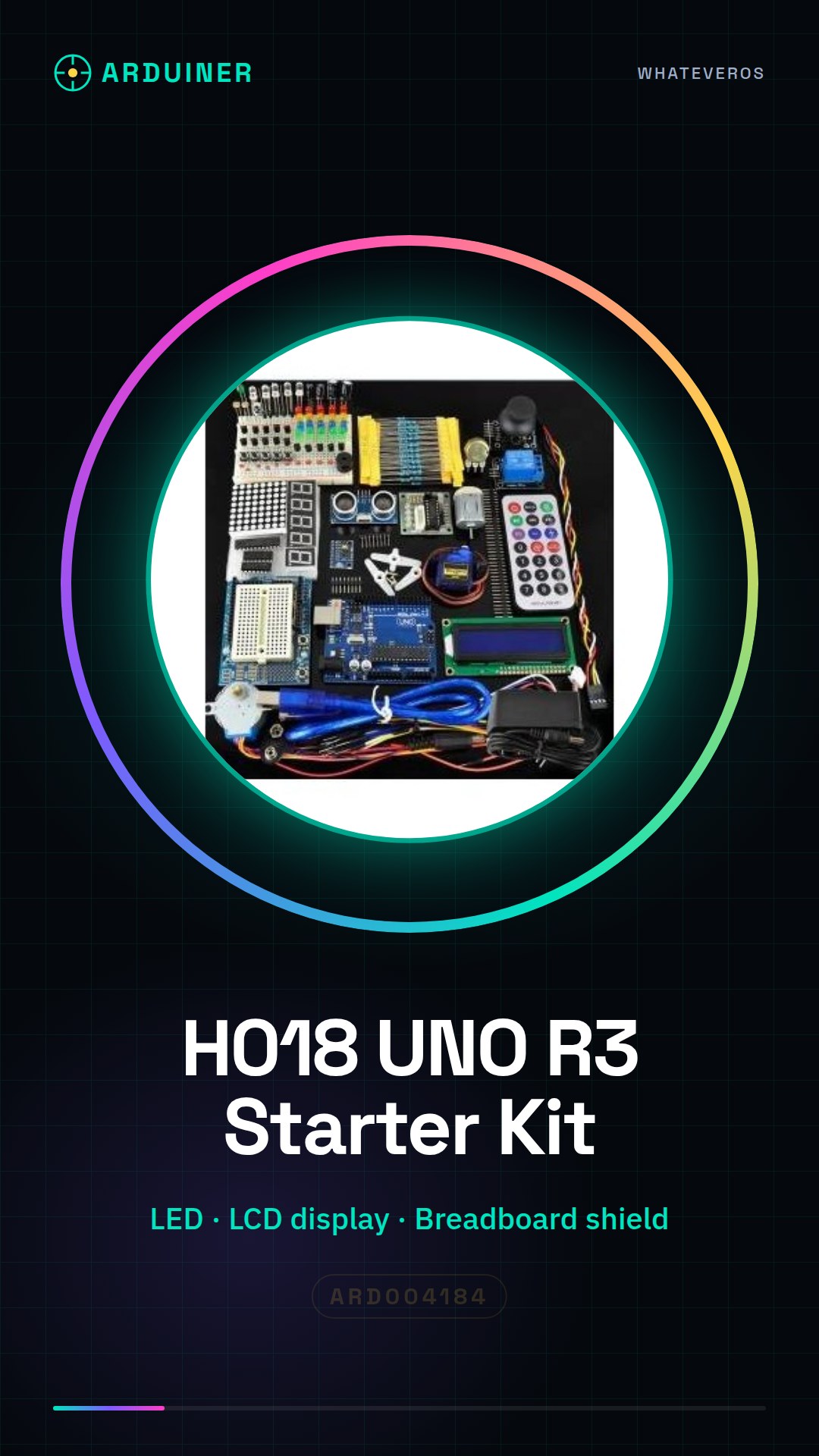
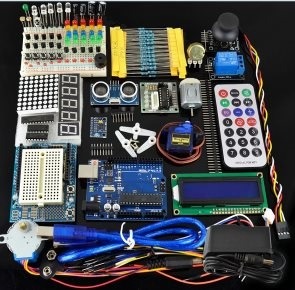
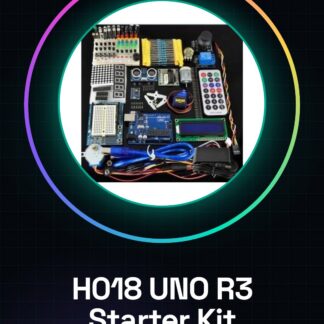
The H018 UNO R3 Ultimate Starter Kit is a complete set to start with Arduino, including fundamental components such as LED, LCD display, breadboard shield, and sensors. This kit is designed for beginners and intermediates in electronic programming.
Features
- Includes an LED
- Includes an LCD display
- Breadboard shield included
- Includes a sensor
What it is for
This kit is ideal for exploring the basics of Arduino and creating simple projects like an LED timer that turns the LED on and off every second. It is compatible with Arduino UNO R3.
Tutorial: How to use H018 R3 Ultimate Starter Kit
The H018 R3 kit is ideal for beginners and intermediates in electronics. Included are an LED, an LCD display, a breadboard shield, and a sensor, which will help you explore the basics of Arduino.
What you need
- Arduino UNO R3 board
- Breadboard
- Connecting cables
- Computer with Arduino IDE installed
Steps
- 1. Mount the Breadboard Shield on your Arduino UNO R3.
- 2. Connect the LED to the Breadboard Shield following the specified configuration.
- 3. Connect the LCD display to the Breadboard Shield.
- 4. Connect the sensor to the Breadboard Shield.
- 5. Load the example code for the LED onto Arduino.
- 6. Verify the correct configuration for the LCD display in the datasheet.
- 7. Load the example code for the LCD display.
- 8. Test the sensor with the example code.
Example code
void loop() { digitalWrite(LED_BUILTIN, HIGH); delay(1000); digitalWrite(LED_BUILTIN, LOW); delay(1000);}Mini project
Create an LED timer that turns the LED on and off every second.
Common mistakes
- Connect the LED to the same pin that the Arduino uses for reset.
- Do not verify the configuration of the LCD display in the datasheet.
- Omit the code for the sensor.
- Forget to load the code onto Arduino before testing.
Recommended accessories
- 16×2 LCD Display
- RGB LED
- Temperature Sensor
- 9V Battery
Frequently asked questions
How can I customize the LCD display?
Check the datasheet for the available functions to customize the LCD display.
Does the detector work with the kit?
The detector is compatible with the kit. Check the datasheet for the correct configuration.
Can I use this kit with another Arduino model?
The Breadboard Shield is designed for the Arduino UNO R3. Check compatibility with other models.
Does the kit include code for all components?
The kit includes example code for the LED and the LCD display. The detector requires custom code.
Reviews
There are no reviews yet.