 EN
 IT Italiano
 ES Español
 FR Français
 DE Deutsch
Description
What it is
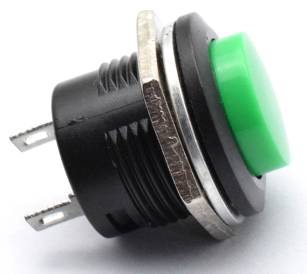
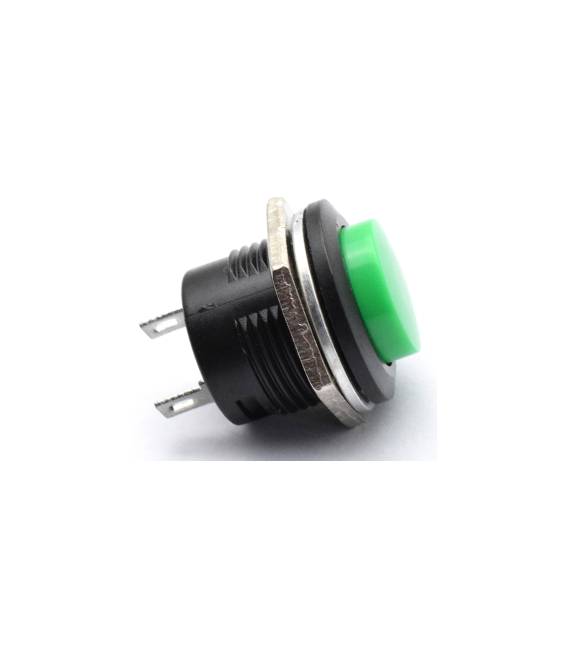
The R13-507 Green 16mm Push Button Switch is a self-locking push button switch with a green finish and a diameter of 16mm. The package includes 3 pieces of this switch.
Features
- Type: Self Lock Push Button Switch
- Color: Green
- Diameter: 16mm
- Quantity: 3 pieces
What it is for
This switch is ideal for electronic projects that require manual control, such as turning lights, motors, or other devices on and off. It can be used by both beginners and more experienced users.
Tutorial: How to use the R13-507 Green 16mm Push Button Switch
This push button switch is ideal for manual control projects, such as lights or motors. Useful for beginners and intermediates.
What you need
- R13-507 Green 16mm Push Button Switch
- Arduino or microcontroller
- Power supply
- Connection wire
Steps
- 1. Check that the switch works as per the datasheet.
- 2. Prepare the microcontroller and power supply.
- 3. Connect the switch to a digital pin on the microcontroller (e.g., D2).
- 4. Connect the power supply to ground and VCC.
- 5. Write the code: `int buttonPin = 2; int buttonState = 0; void setup() { pinMode(buttonPin, INPUT); } void loop() { buttonState = digitalRead(buttonPin); if (buttonState == HIGH) { // Turn on or off an LED } }`
- 6. Upload the code to the microcontroller.
- 7. Press the switch and verify that the code works correctly.
- 8. Install the switch in the final project.
Example code
int buttonPin = 2; int buttonState = 0; void setup() { pinMode(buttonPin, INPUT); } void loop() { buttonState = digitalRead(buttonPin); if (buttonState == HIGH) { // Accendi o spenga un LED } }Mini project
Create a switch to control a light. Connect an LED to an analog pin and check that the switch controls the brightness.
Common mistakes
- Do not check the switch before installation.
- Connect the switch to the wrong pin.
- Omit code verification.
- Do not use an incorrect power supply.
Recommended accessories
- LED
- Resistor
- 5V Power Supply
- Connection Cable
Frequently asked questions
My switch does not work.
Check the connection and the code. Check the datasheet for any specific requirements.
What is the maximum supported voltage?
Check the datasheet.
Can I use this switch to control a motor?
No, use a motor-specific switch.
What is the difference between this and other switches?
Check the datasheet for technical specifications.



Reviews
There are no reviews yet.