 EN
 IT Italiano
 ES Español
 FR Français
 DE Deutsch
Description
What it is
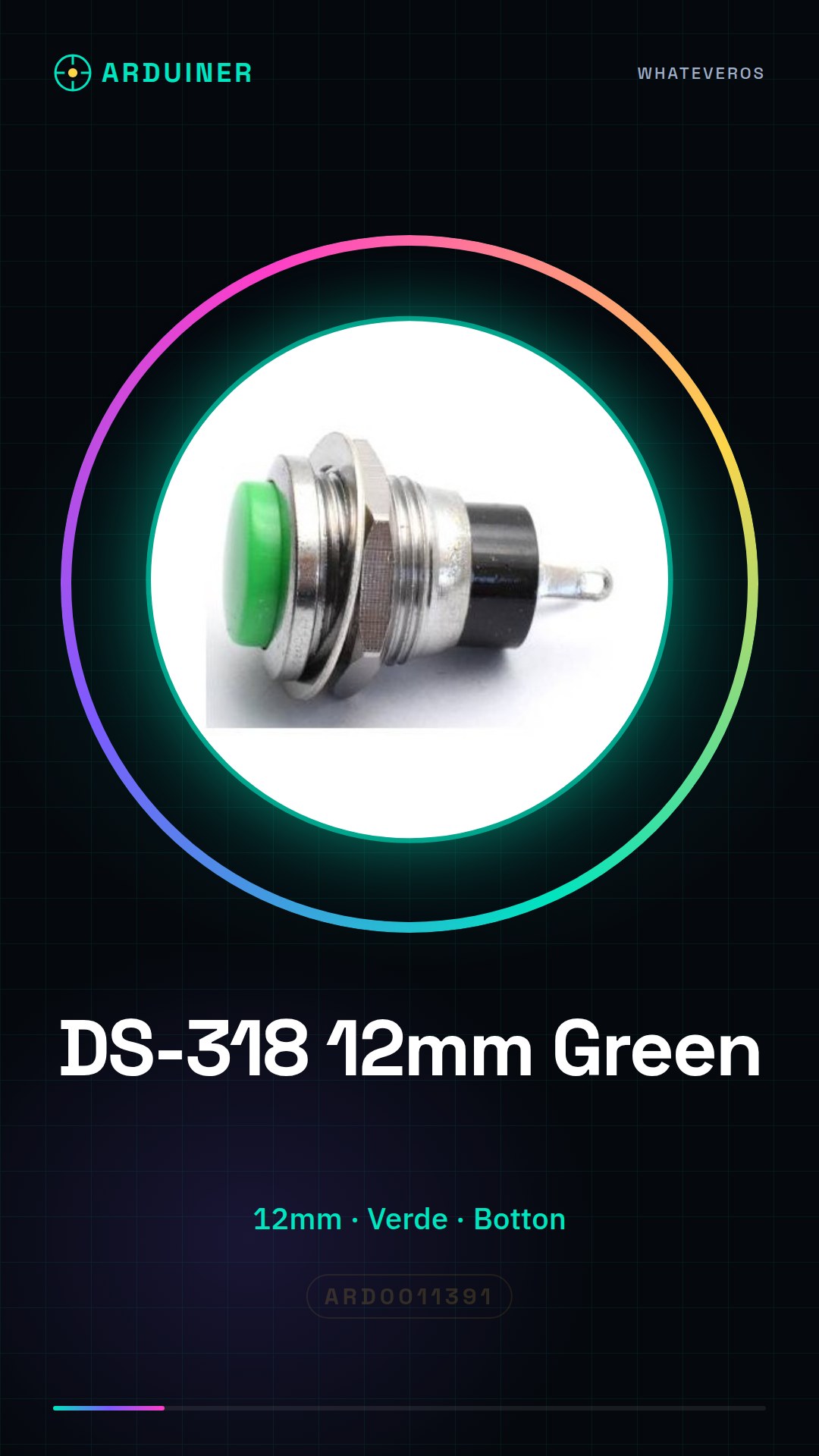
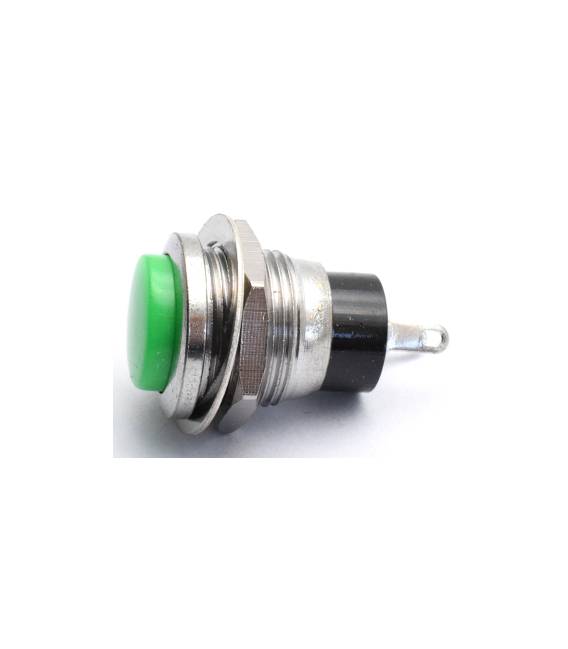
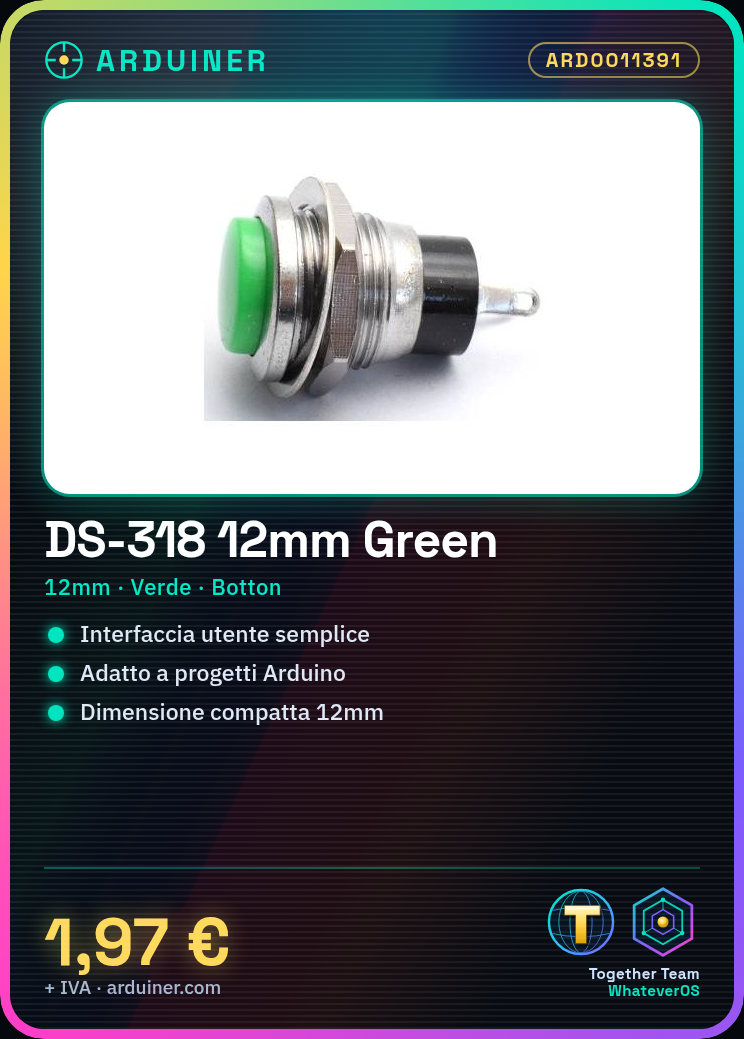
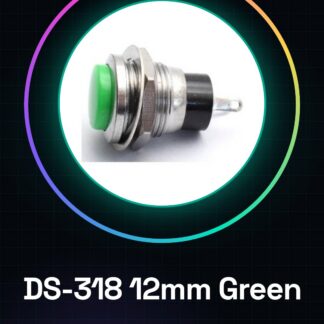
The DS-318 / 12mm Green button is a simple non-locking push button switch in green color.
Features
- Dimensions: 12mm
- Color: Green
- Type: Push Button Switch
- Function: Non-Locking
What it is for
The DS-318 / 12mm Green button is ideal for creating simple user interfaces on Arduino or other microcontroller projects. It can be used to activate functions, send signals, or record user inputs. Example use: a simple home alarm project that sends a message via serial monitor each time the button is pressed.
Tutorial: How to use Botton DS-318 / 12mm Green
The Botton DS-318 / 12mm Green is a simple green push button switch without locking function. Ideal for beginners and small projects.
What you need
- Arduino Uno or compatible
- Jumper Wire
- Breadboard
Steps
- Connect the button to the breadboard
- Connect the positive terminal of the button to a 5V power pin on the Arduino
- Connect the negative terminal of the button to a digital pin on the Arduino
- Connect a resistor pull-down between the digital pin on the Arduino and the negative terminal of the button
- Write and upload the Arduino sketch to read the state of the button
- Monitor the serial communication to see when the button is pressed
Example code
void setup() {
  pinMode(2, INPUT_PULLUP);
  Serial.begin(9600);
}

void loop() {
  int buttonState = digitalRead(2);
  Serial.println(buttonState);
}
Mini project
Create a simple home security project that sends a message via the serial monitor every time the button is pressed.
Common mistakes
- Do not connect the pull-down resistor
- Press the button without connecting it properly
- Do not check the serial communication
Recommended accessories
- 10kΩ pull-down resistor
- Arduino Uno
- Breadboard
- Jumper wires
Frequently asked questions
How do you connect the button?
Connect the button terminals to the breadboard and then to the pin on the Arduino as described in the steps.
What is the function of a pull-down resistor?
The pull-down resistor keeps the pin in a stable state when the button is not pressed.



Reviews
There are no reviews yet.