 EN
 IT Italiano
 ES Español
 FR Français
 DE Deutsch
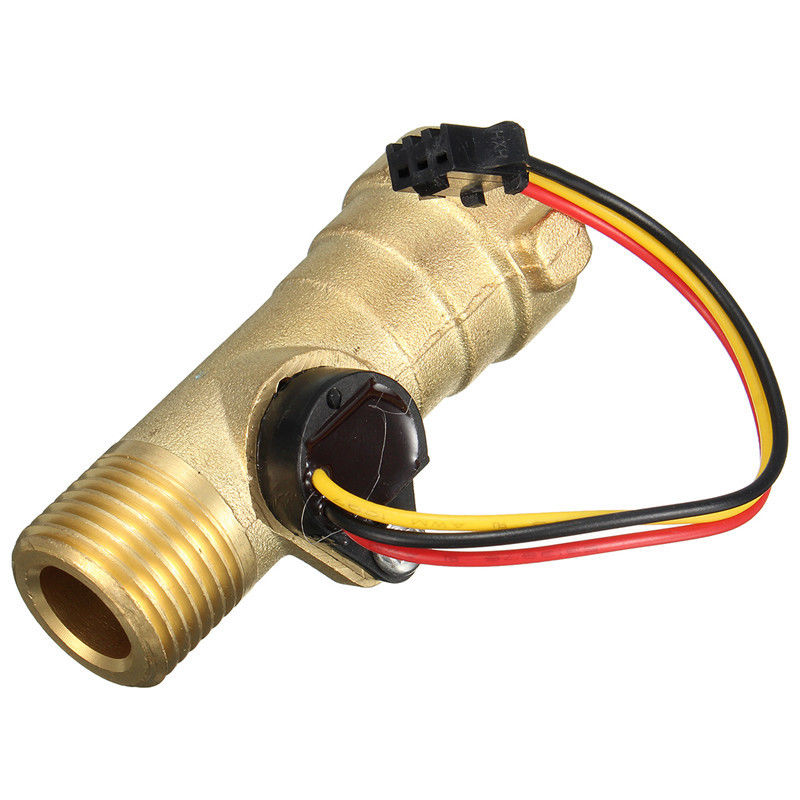
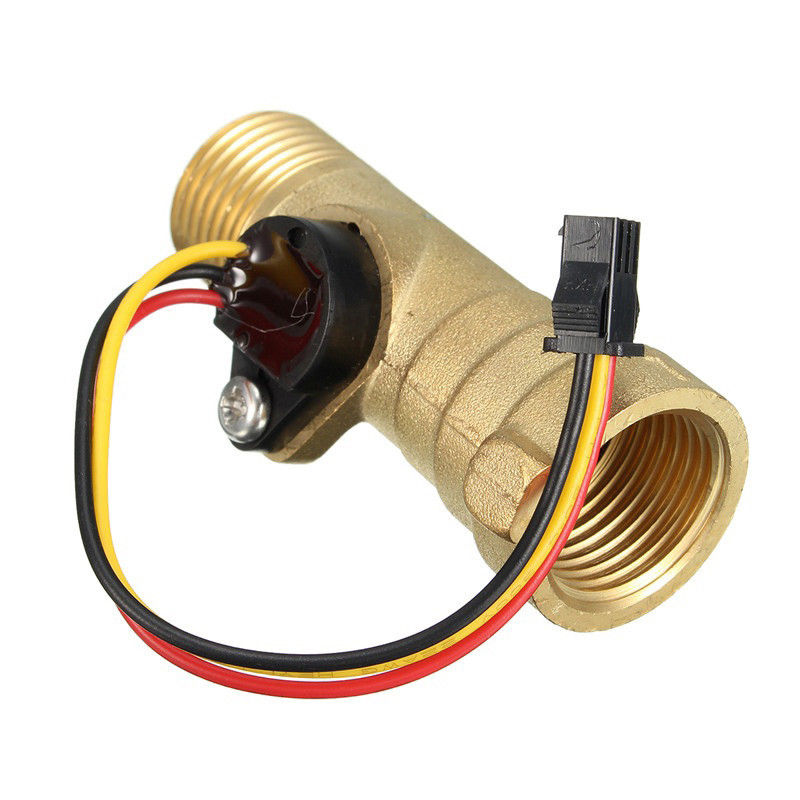
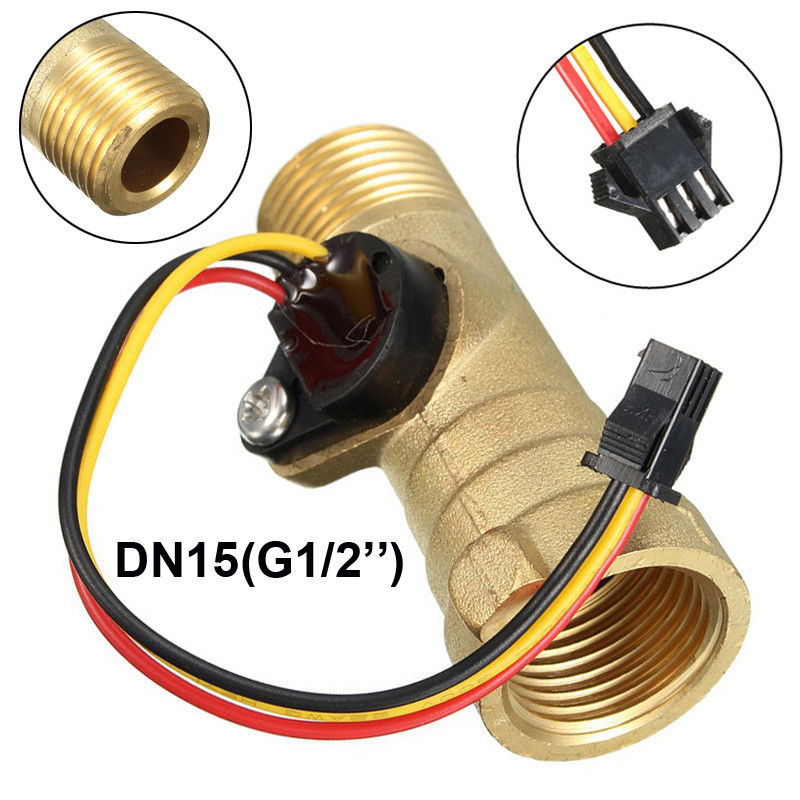
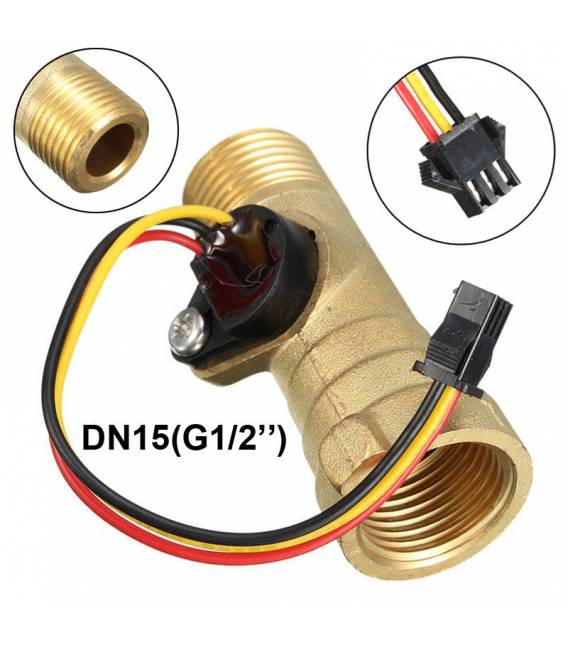
Description
What it is
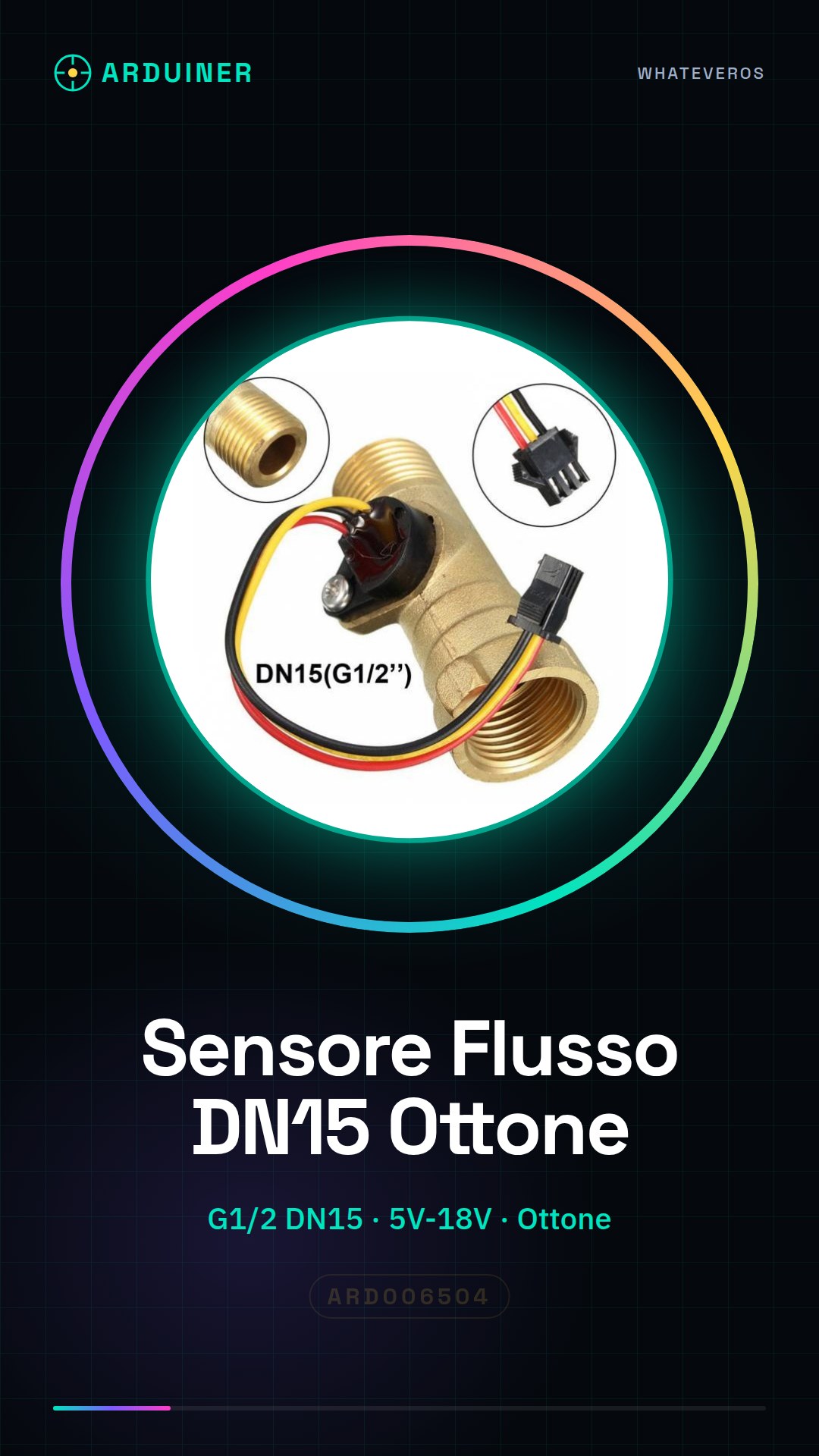
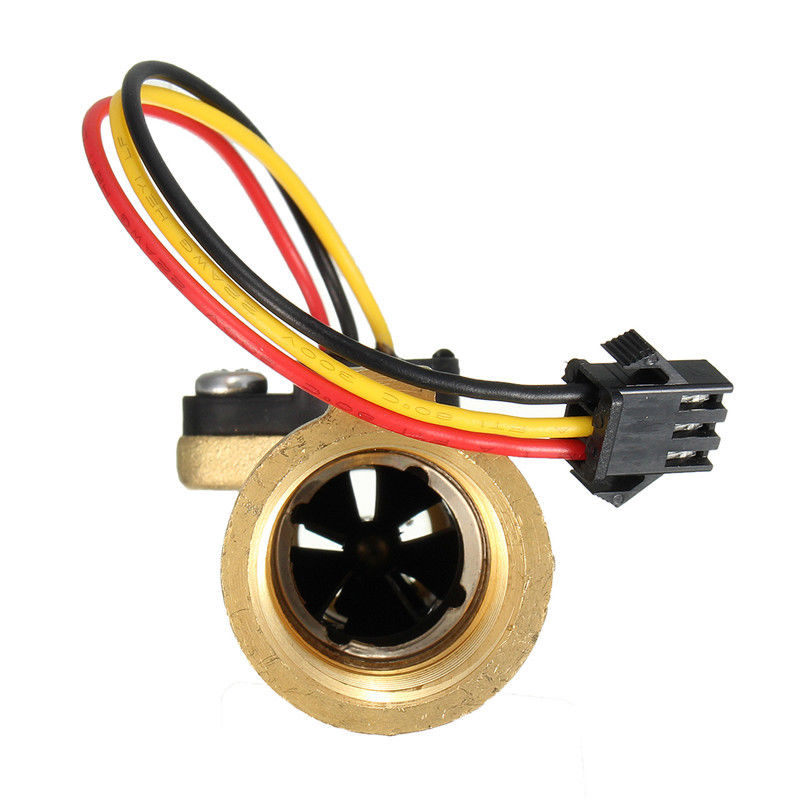
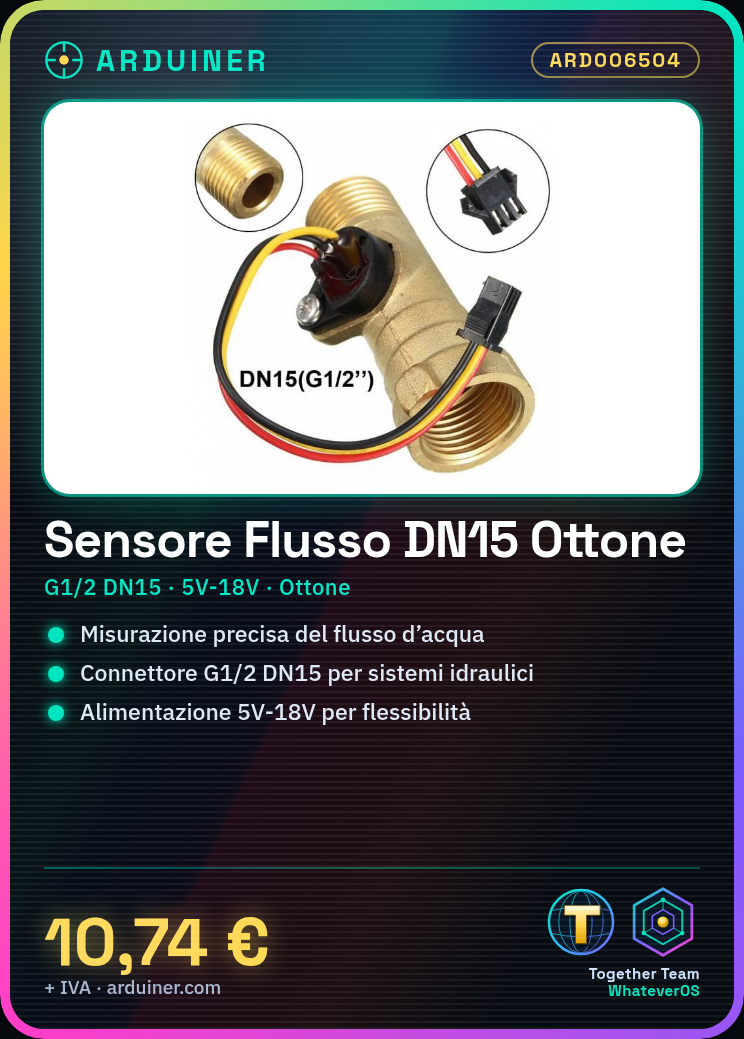
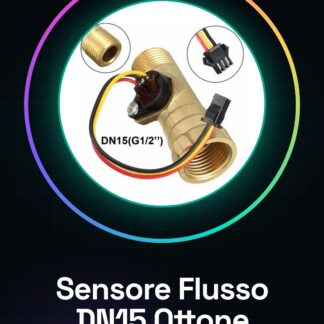
The G1/2 DN15 Water Flow Sensor Brass is a device used for monitoring water flow in hydraulic systems. This magnetic Hall effect flow sensor allows for precise and reliable measurement of the amount of water flowing through the system.
Features
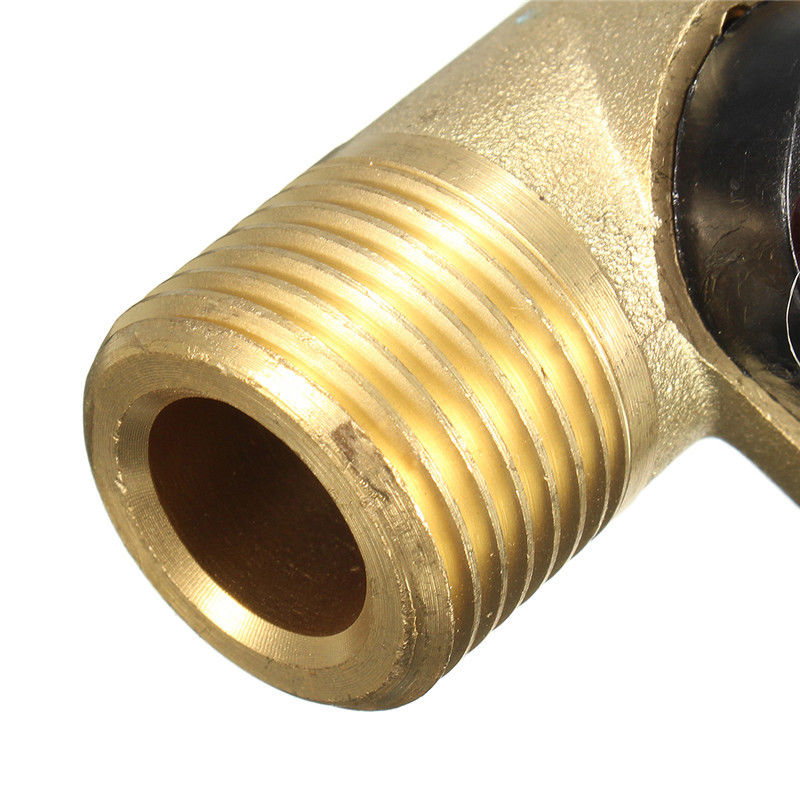
- Connector Type: G1/2 DN15
- External Material: Brass
- Power Supply Variables: 5V – 18V
What it is for
This sensor can be used in various applications such as water counters, automatic irrigation systems, and smart home devices. It is ideal for beginner and intermediate makers who want to integrate water flow measurement into their Arduino or ESP projects.
Tutorial: How to Use G1/2 DN15 Water Flow Sensor
The G1/2 DN15 water flow sensor is a useful device for monitoring water flow in various applications such as water counters, automatic irrigation systems, and smart home devices. It is ideal for beginner and intermediate makers who want to integrate water flow measurement into their projects.
What you need
- Arduino Uno
- USB connection between Arduino and PC
- Power supply cable
Steps
- Connect the sensor to the G1/2 DN15 water fitting.
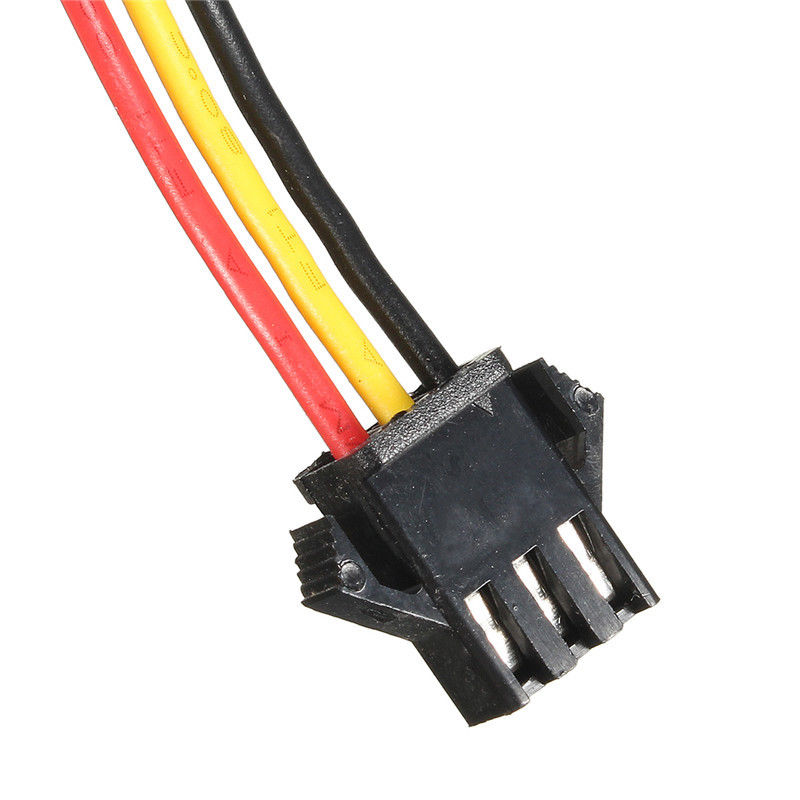
- Connect the sensor pins to the breadboard or directly to the Arduino (refer to the datasheet for specific details).
- Download and install the Arduino IDE on a computer.
- Load the example sketch provided in the source code.
- Open the Serial Monitor in the Arduino IDE to view the water flow readings.
- Adjust any parameters such as supply voltage (5V – 18V) based on project requirements.
- Check that the sensor is correctly recognized by the Arduino and that the readings are accurate.
- Explore further functionalities by integrating water flow data with cloud services or LCD displays.
Example code
void setup() {
  Serial.begin(9600);
}

void loop() {
  int flowValue = analogRead(A0); // Verifica sul datasheet per il pin corretto
  Serial.println(flowValue);
}
Mini project
Create a water flow monitoring system that sends real-time data to a cloud platform like ThingSpeak.
Common mistakes
- Connect the sensor with reversed polarity
- Ignore the power supply voltage check
- Fail to properly configure the pins in the Arduino code
- Omit the installation of the necessary driver for serial communication
Recommended accessories
- Arduino Uno
- 16×2 LCD Display
- ESP8266 WiFi Module
- LiPo Battery and Charging Module
Frequently asked questions
What is the measurement range of the sensor?
Check the datasheet to obtain the actual flow range.
Can I connect multiple sensors to my Arduino?
Yes, but make sure to use a multiplexer or a multi-channel analog-to-digital conversion module.
Does the sensor work only with potable water?
Generally yes, but check the product specifications for any limitations.
Reviews
There are no reviews yet.