 EN
 IT Italiano
 ES Español
 FR Français
 DE Deutsch
Description
What it is
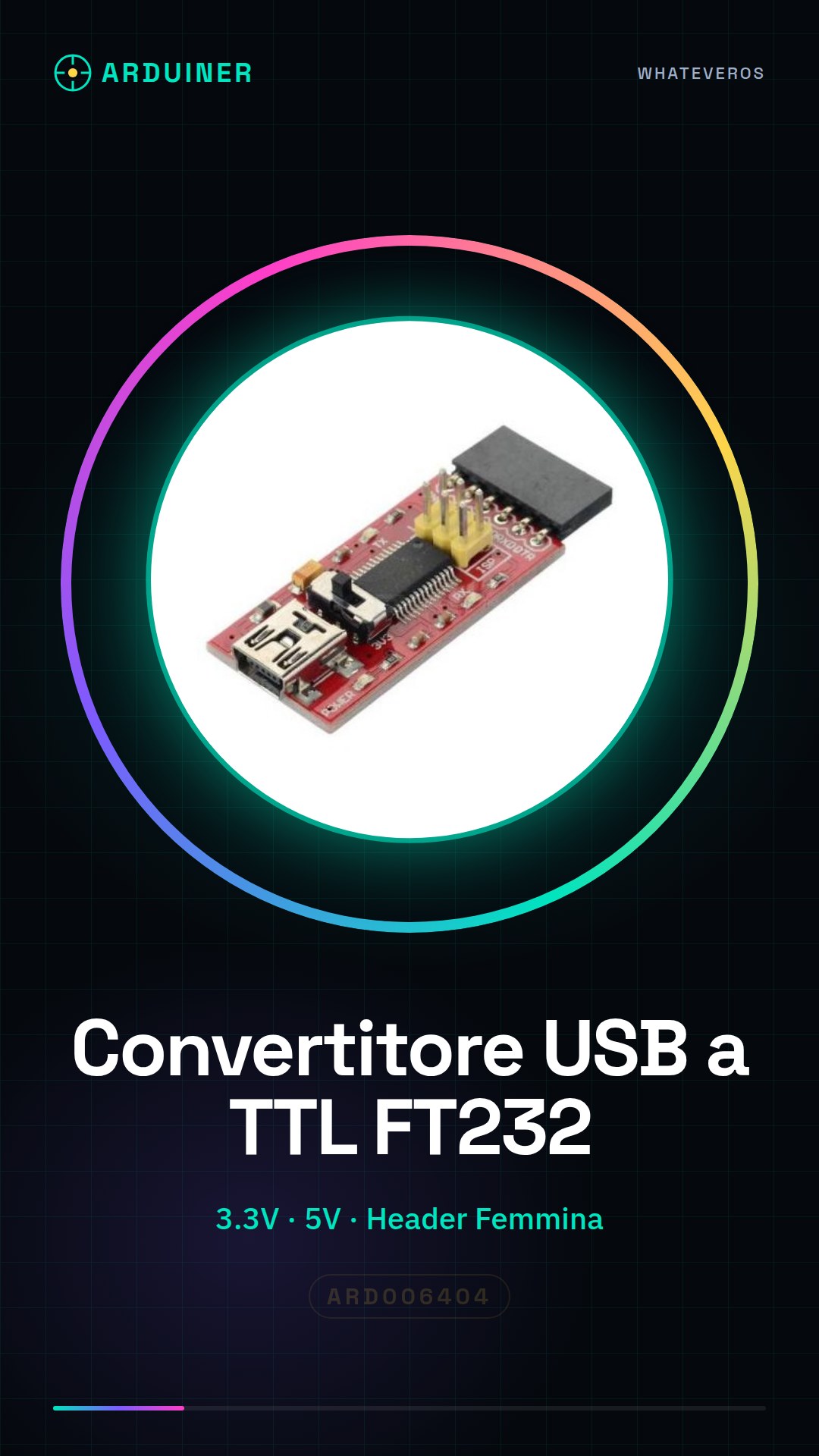
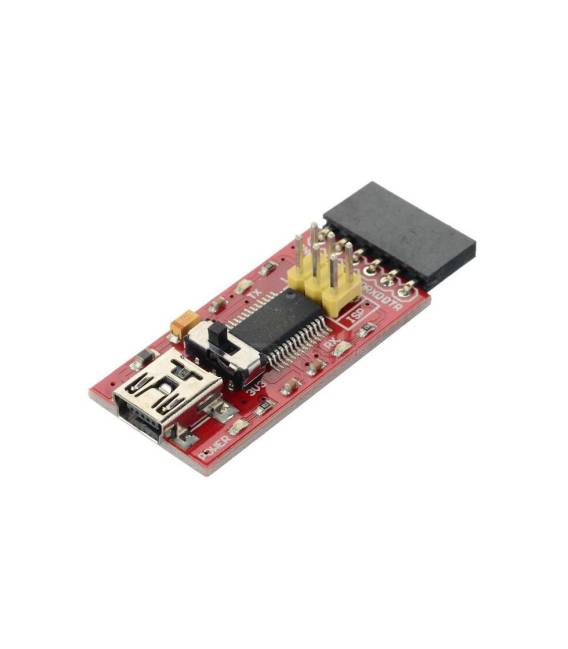
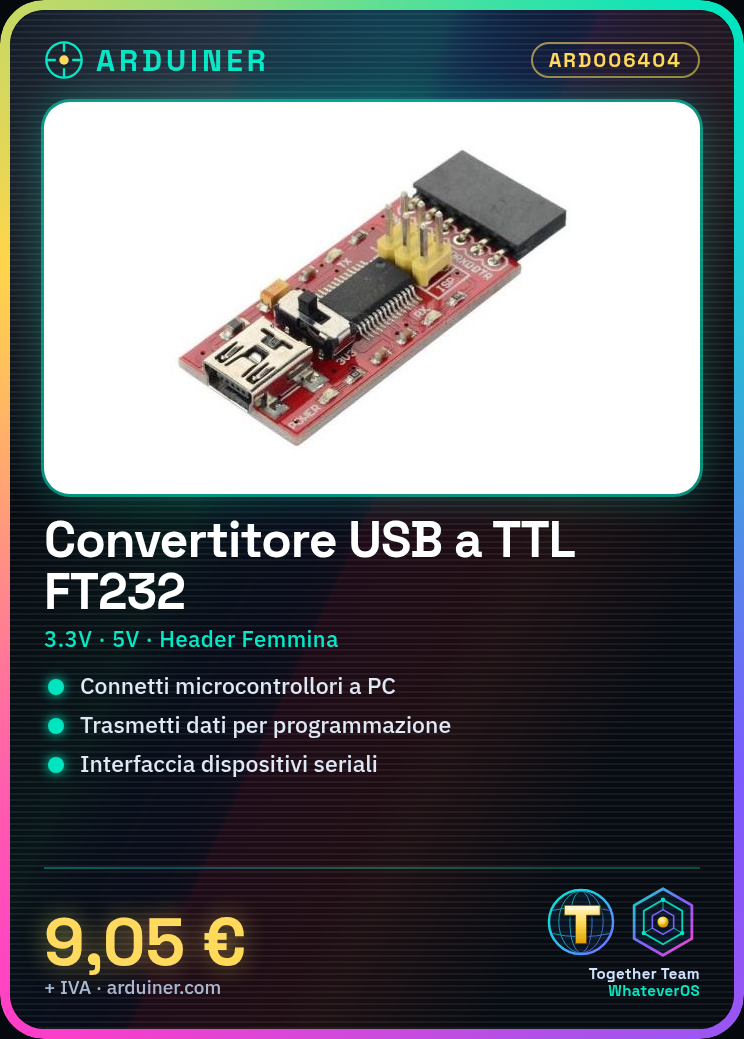
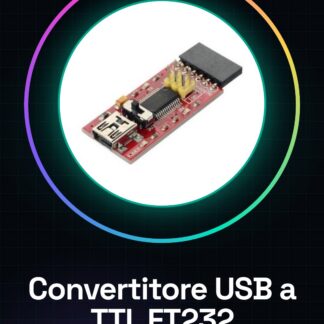
The FTDI USB to TTL FT232 Module 3.3V 5V with Female Header is an electronic component that allows communication between a device with a TTL interface (e.g., Arduino, Raspberry Pi) and a computer via USB port.
Features
- USB to TTL FT232 Converter
- 3.3V and 5V Power Supply
- USB Male Connector
- Female Header for TTL Connection
What it is for
This converter is essential for connecting serial devices to a computer. It can be used for:
– Transmitting data between Arduino and a computer for programming and monitoring.
– Connecting TTL protocol devices to a computer for remote control or data reading.
Compatible with Arduino and Raspberry Pi.
Tutorial: How to use FTDI USB to TTL FT232 Module 3.3V 5V with Female Header
This converter is essential for connecting serial devices to a computer. Useful for beginner and intermediate makers.
What you need
- FTDI USB to TTL FT232 Module 3.3V 5V with Female Header
- Arduino or compatible microcontroller
- USB cable
- FFC cable to connect to the microcontroller
Steps
- 1. Download and install the FTDI driver on your computer.
- 2. Connect the USB converter to your computer.
- 3. Connect the microcontroller to the converter using the FFC cable.
- 4. Set the communication speed to 115200 bps.
- 5. Upload the source code to Arduino.
- 6. Check communication with Serial Monitor.
- 7. Verify the supply voltage in the datasheet.
- 8. Use the converter to interface with serial devices.
Example code
Serial.begin(115200);
Serial.println("Hello, World!");
Mini project
Create a simple counter in Arduino and display the numbers on Serial Monitor.
Common mistakes
- Forget to install the FTDI driver.
- Connect the microcontroller with the wrong voltage.
- Set the communication speed to something other than 115200 bps.
- Omit the verification of the supply voltage.
Recommended accessories
- Arduino Uno
- ESP32 Microcontroller
- FFC Cable
- Serial Cable
Frequently asked questions
The FTDI drivers do not install automatically, what should I do?
Download the drivers from the official FTDI website and install them manually.
Can I use this converter with a non-Arduino microcontroller?
Yes, it is compatible with any microcontroller that supports serial communication.
What is the difference between 3.3V and 5V?
3.3V is better suited for 3.3V-based microcontrollers, while 5V is standard.
How can I check the power supply voltage?
Check the datasheet or use a multimeter.
Reviews
There are no reviews yet.