 EN
 IT Italiano
 ES Español
 FR Français
 DE Deutsch
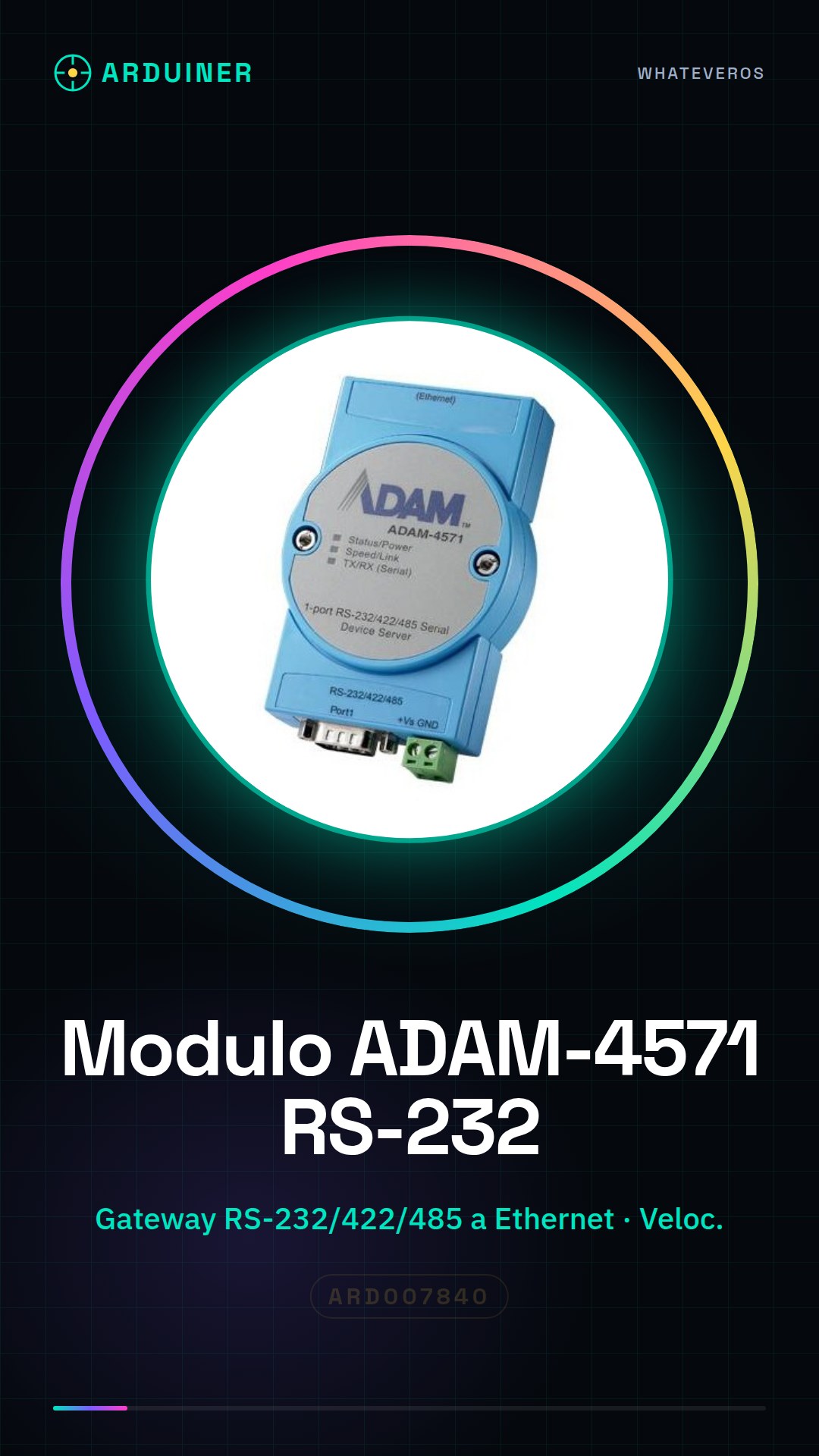
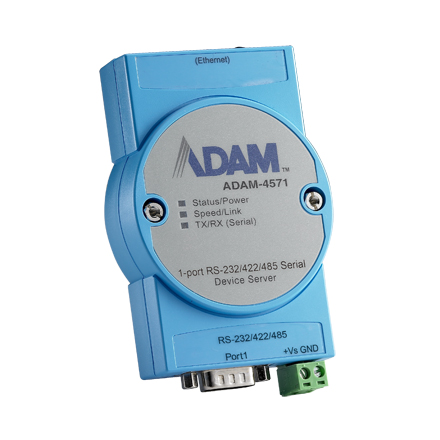
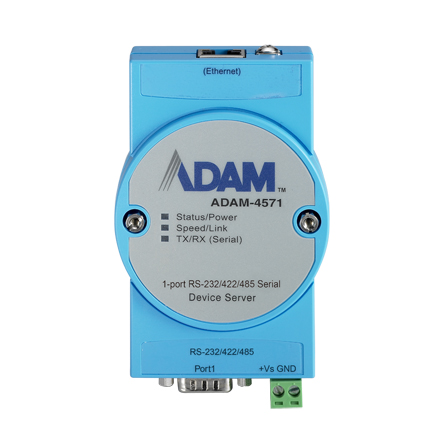
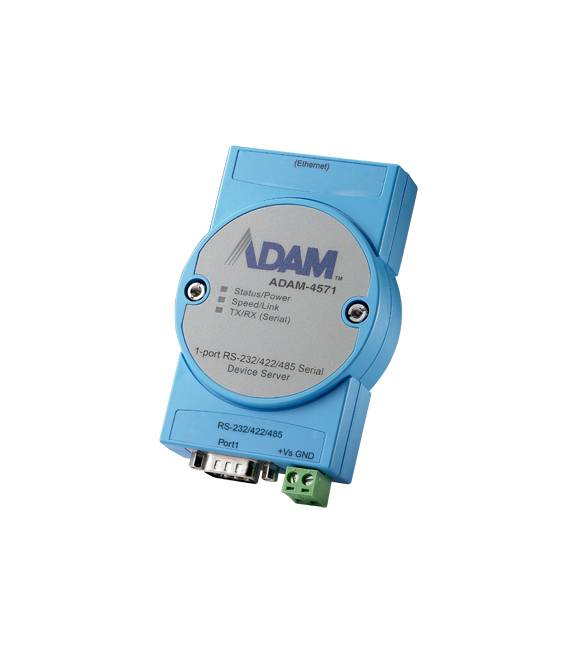
Description
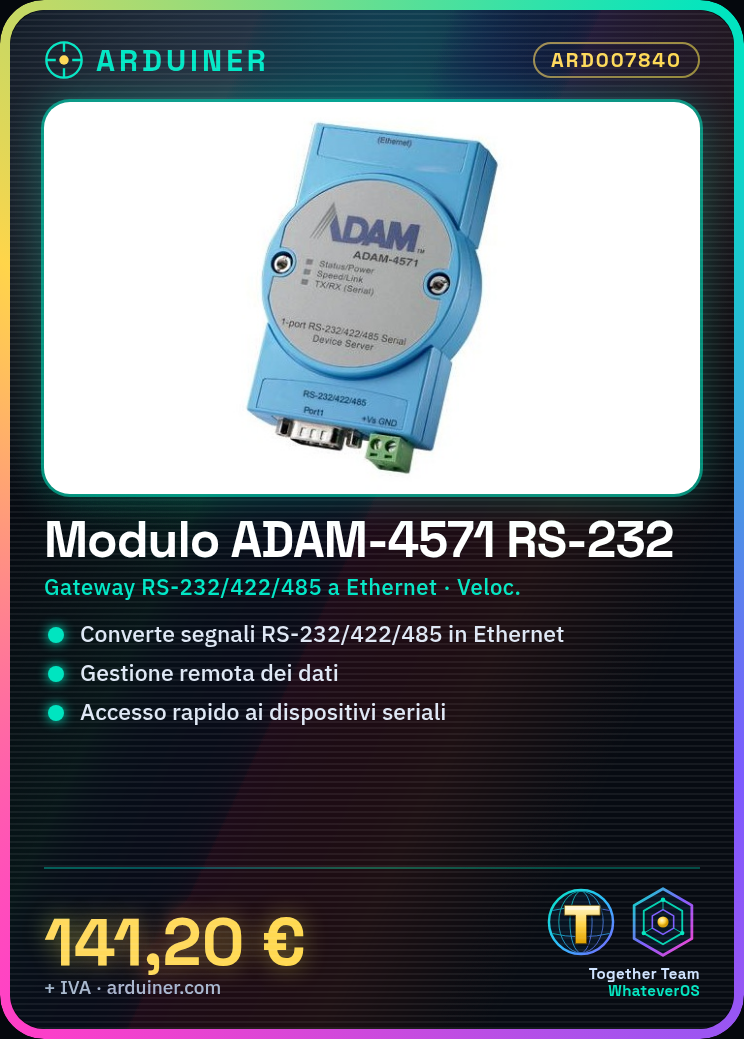
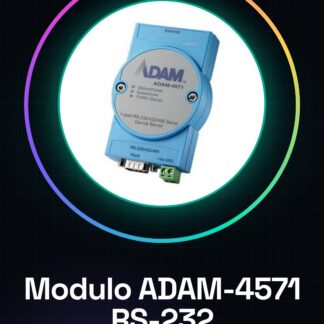
ADAM-4571 and ADAM-4571L are fast and cost-effective data gateways between serial interfaces and Ethernet. The units also offer the benefits of remote management and data accessibility to RS-232/422/485 devices
Tutorial: How to use ADAM-4571
The ADAM-4571 is an industrial module that converts serial protocols to Ethernet, ideal for connecting industrial devices to local or remote networks.
What you need
- ADAM-4571
- PC or Raspberry Pi
- Ethernet cable
- RS232/422/485 cables
Steps
- 1. Connect the ADAM-4571 to the PC/Raspberry Pi with an Ethernet cable.
- 2. Connect the RS232/422/485 buses to the module terminals.
- 3. Install the Ethernet driver on PC/Raspberry Pi.
- 4. Configure the ADAM-4571 through the configuration software.
- 5. Verify the connection of the serial buses.
- 6. Configure communication parameters (speed, mode).
- 7. Verify communication with RS232/422/485 devices.
- 8. Configure the remote control via management software.
Mini project
Configure an RS232 device to send a message via Ethernet to a remote server.
Common mistakes
- Forget to install the drivers.
- Connect the serial buses to the wrong place.
- Set incorrect communication parameters.
- Do not check the connection before configuring.
Recommended accessories
- Ethernet cable
- RS232/422/485 cables
- Configuration software
- RS232 device
Frequently asked questions
How can I verify the connection of the serial buses?
Use an oscilloscope or multimeter to check the signals.
What drivers are needed for the ADAM-4571?
Install the Ethernet drivers for the PC/Raspberry Pi.
Can I use the ADAM-4571 with Arduino?
Yes, but check the protocol compatibility.
Reviews
There are no reviews yet.