 EN
 IT Italiano
 ES Español
 FR Français
 DE Deutsch
Description
Tutorial: How to Use FT232BL
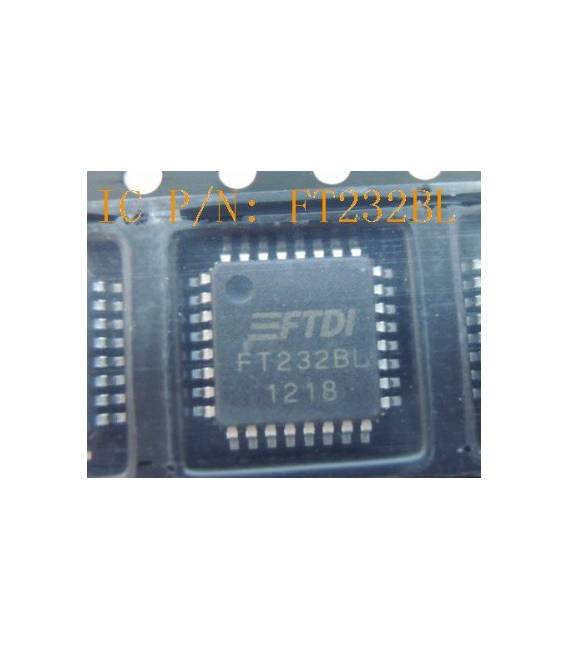
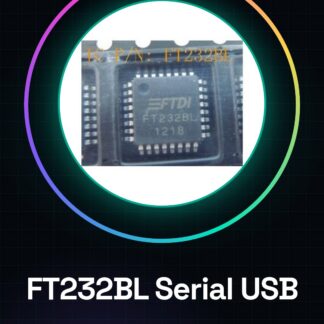
The FT232BL is a USB serial converter necessary to connect serial devices to a computer. Useful for beginners and intermediates in electronics.
What you need
- FT232BL
- USB cable
- Arduino
- FTDI cable
- Check the datasheet
Steps
- 1. Installation: Download and install the FTDI driver on your computer.
- 2. Connection: Connect the USB cable to the FT232BL.
- 3. Connection: Connect the other end of the FTDI cable to your Arduino.
- 4. Configuration: Check if your Arduino recognizes the device.
- 5. Sketch: Load the ‘Serial Monitor’ sketch onto Arduino.
- 6. Test: Send messages from the serial monitor and observe the response.
- 7. Verification: Check the correct electrical current.
- 8. Usage: Use the FT232BL to connect serial devices to your computer.
Example code
Serial.begin(9600);Mini project
Create a simple button counter on Arduino and display the values on the serial monitor.
Common mistakes
- Do not install the FTDI drivers.
- Connect the USB cable to the FT232BL with the reverse.
- Do not configure the baud rate correctly.
- Do not use a compatible FTDI cable.
Recommended accessories
- Arduino
- FTDI cable
- Button
- Resistor
Frequently asked questions
FTDI drivers not installing?
Check the driver version and try again.
Why does it not recognize the device?
Check the correct connection and installed drivers.
What are the FTDI drivers?
Download the FTDI drivers from the official website.
Can I use another serial converter?
Yes, but make sure it is compatible with Arduino.
Reviews
There are no reviews yet.