 EN
 IT Italiano
 ES Español
 FR Français
 DE Deutsch
Description
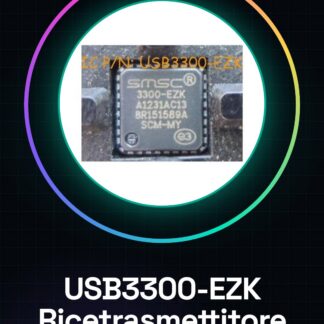
Tutorial: How to Use USB Transceiver USB3300-EZK
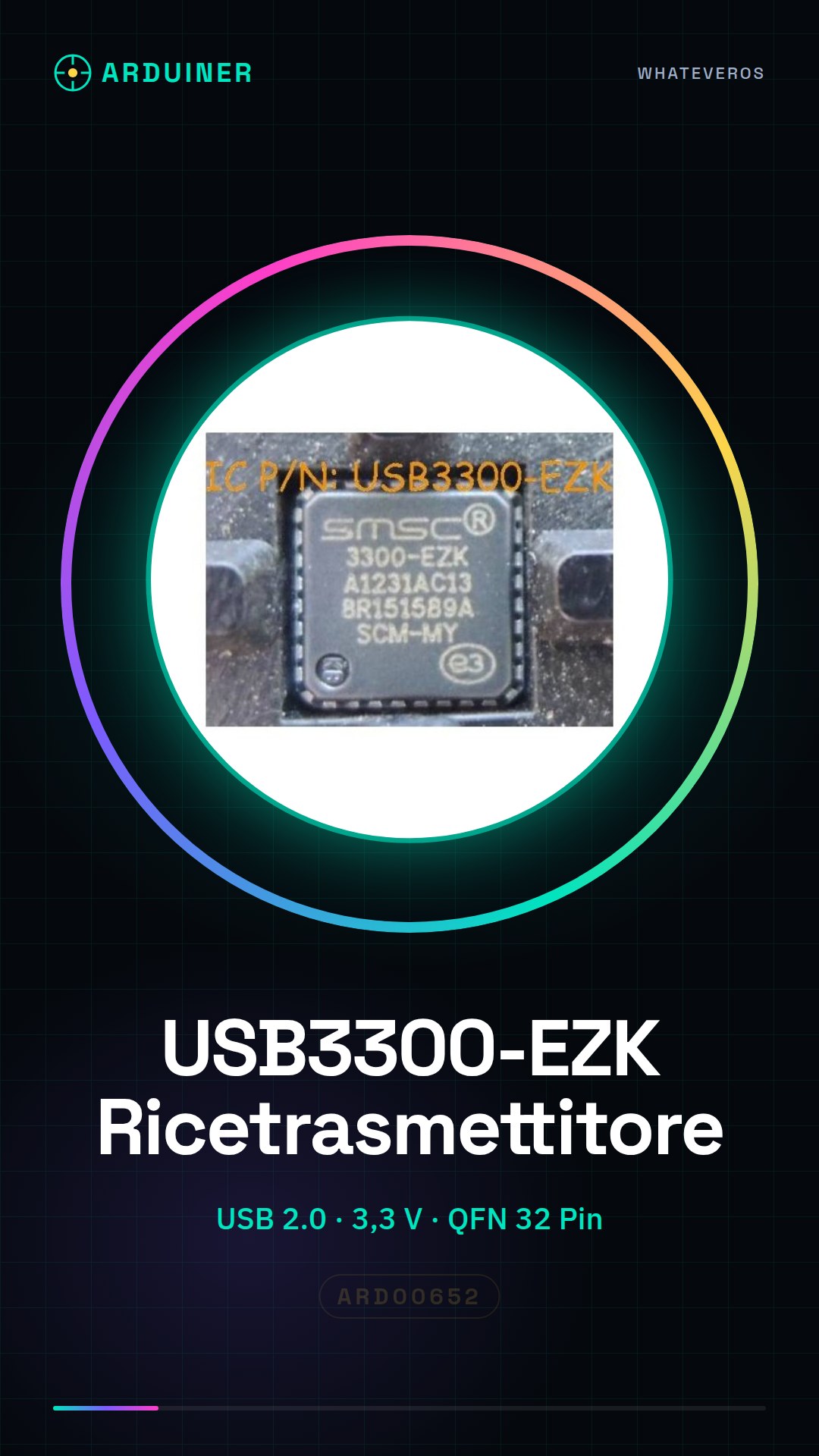
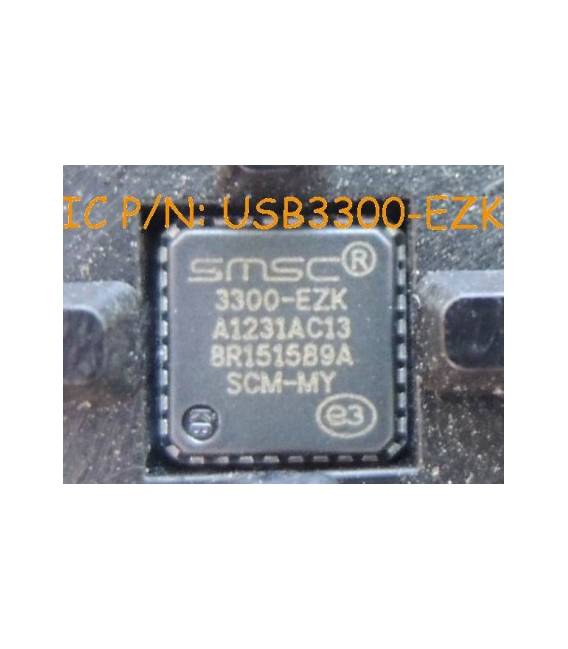
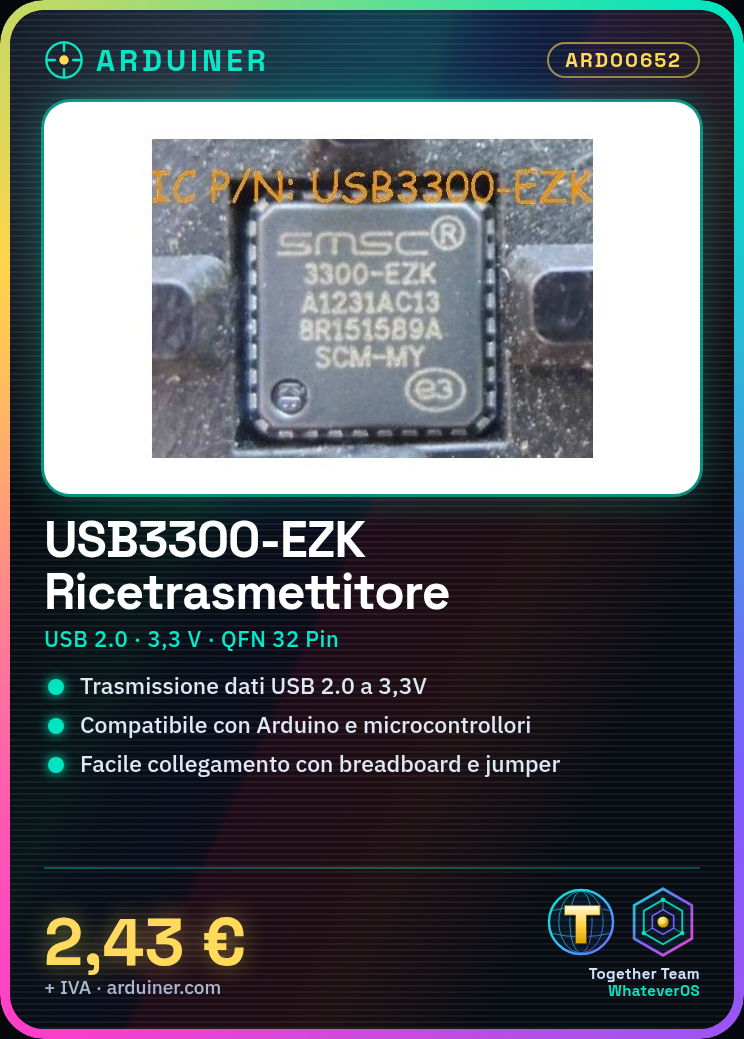
The USB transceiver USB3300-EZK is an integrated circuit that allows data transfer via a USB 2.0 port at 3.3V. It is ideal for electronic projects that require USB communication on low-power devices.
What you need
- Arduino or compatible microcontroller
- USB A-B cable
- Connect to computer
Steps
- Check the transceiver specifications on the datasheet to understand the necessary pins.
- Connect the transceiver to the corresponding pins of the Arduino or microcontroller using a breadboard and jumper wires.
- Supply power to the integrated circuit, ensuring the voltage is 3.3V.
- Install the necessary libraries to manage the transceiver in your Arduino development environment.
- Write a simple sketch to initialize and test USB communication.
- Check the serial monitor output of the Arduino to ensure that the data is being transmitted correctly.
- If necessary, add code to handle any communication errors or connection interruptions.
- Test the project with various scenarios to ensure its stability and reliability.
Example code
// Esempio di sketch Arduino
#include <USB.h>
void setup() {
  USB.begin();
}
void loop() {
  // Codice per inviare dati tramite USB
}
Mini project
Create a temperature sensor that sends the read data to a computer via USB port. Use a DS18B20 sensor and the USB3300-EZK transceiver.
Common mistakes
- Ensure that the power supply voltage is correct (3.3V).
- Check the connections between the transceiver and the Arduino.
- Install all necessary libraries before writing the Arduino sketch.
Recommended accessories
- USB A-B cable
- DS18B20 sensor
- Breadboard
- Jumper connectors
Frequently asked questions
How can I verify that the transceiver is working correctly?
Check the output on the Arduino serial monitor and verify the USB connection with a debugging software like PuTTY.
Which libraries do I need to install to use this module?
Check the datasheet of the transceiver for the specifications of the required libraries.
Reviews
There are no reviews yet.