 EN
 IT Italiano
 ES Español
 FR Français
 DE Deutsch
Description
What it is
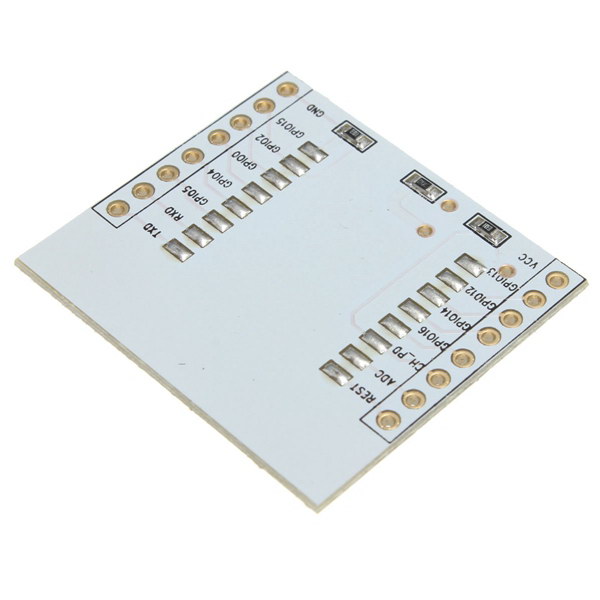
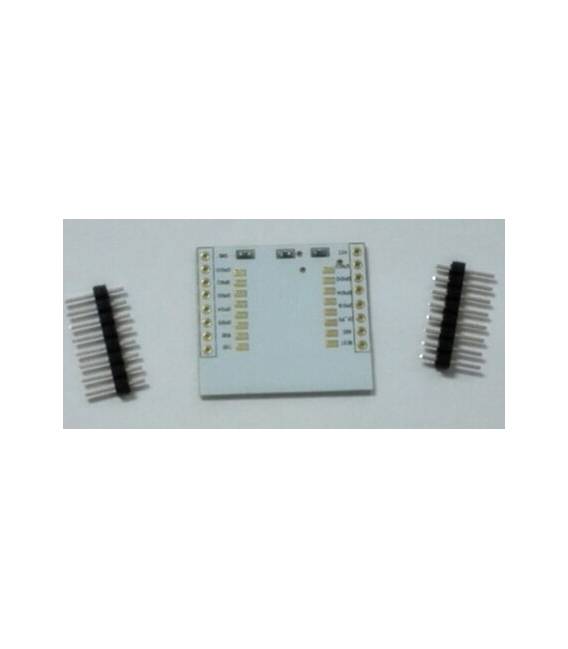
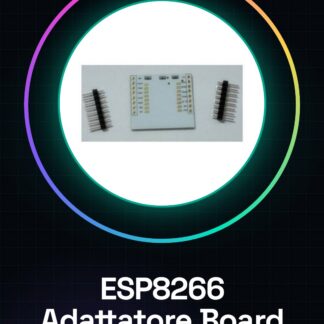
The ESP8266 Solderable Adapter Board IO Output is a module to facilitate connection and soldering to the ESP8266 IO pins.
Features
- Connection to ESP8266 IO pins
- Soldering required
What it is for
The ESP8266 Solderable Adapter Board is ideal for Arduino projects that require Wi-Fi and Internet of Things (IoT) functionality. It allows for easy integration of the ESP8266 with the microcontroller, simplifying access to I/O pins. Typical uses include creating home alarm systems that send email notifications upon door or window opening.
Tutorial: How to use Solderable ESP8266 Adapter Board IO Output
The ESP8266 Adapter Soldering Board is a practical module for anyone who wants to integrate Wi-Fi and Internet of Things (IoT) functionality into their Arduino projects. This board simplifies the physical connection of the ESP8266 to the microcontroller, making it easier to access the I/O pins.
What you need
- Arduino Uno or compatible
- USB connection for power and sketch upload
- Soldering iron
- Solder
Steps
- Connect the ESP8266 module to the Arduino microcontroller using the VCC, GND, TX, RX connectors as indicated in the datasheet.
- Solder the ESP8266 module pins to the soldering pads on the opposite side of the board.
- Verify the correct installation of the Arduino IDE and install the necessary driver for the ESP8266 (check the datasheet)
- Load the example sketch provided with the ESP8266 installation in the Arduino library
- Configure Wi-Fi settings in the sketch code, including SSID and password (check the datasheet)
- Verify connectivity with the ESP8266 module using a serial console or monitoring app
Example code
// Includere la libreria ESP8266WiFi
#include <ESP8266WiFi.h>
// Configurare le credenziali Wi-Fi
const char* ssid = "SSID";
const char* password = "PASSWORD";
Mini project
Create a simple home security system that sends an email notification when the main door is opened.
Common mistakes
- Failing to properly verify Wi-Fi credentials in the code
- Omission of the necessary driver configuration for the ESP8266
- Soldering error causing short circuits or broken connections
Recommended accessories
- PIR motion sensors
- 5V relay
- LCD module
- External ESP8266 antenna
Frequently asked questions
How can I know which pins are available?
Check the module datasheet to see the pin mapping.
Which libraries do I need to install?
Generally, ESP8266WiFi and other project-specific ones are sufficient (check the datasheet).

Reviews
There are no reviews yet.