 EN
 IT Italiano
 ES Español
 FR Français
 DE Deutsch
Description
What it is
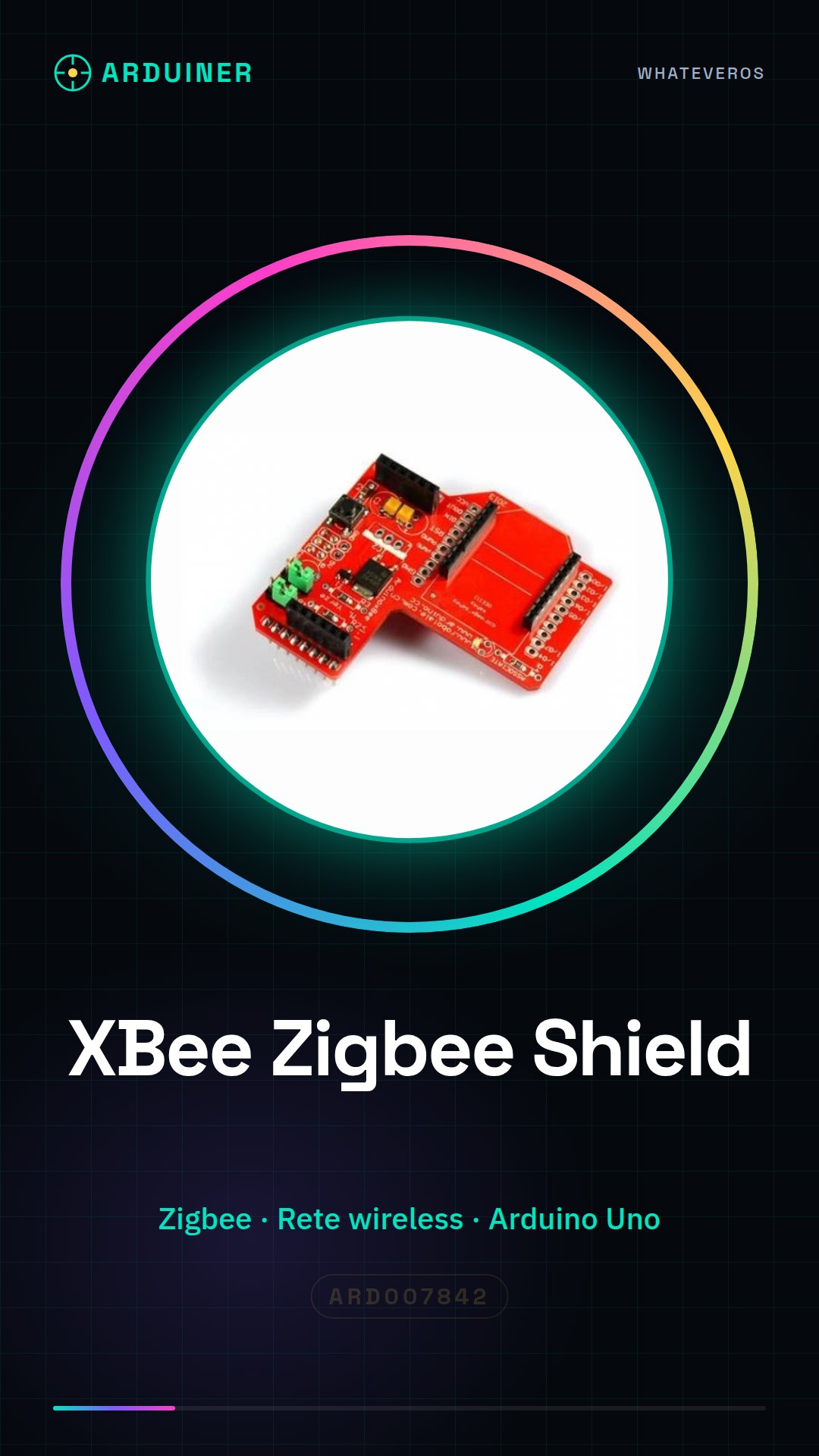
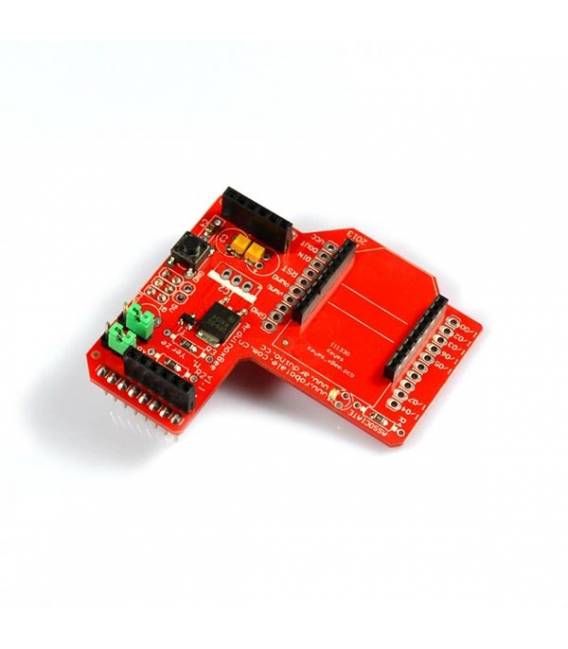
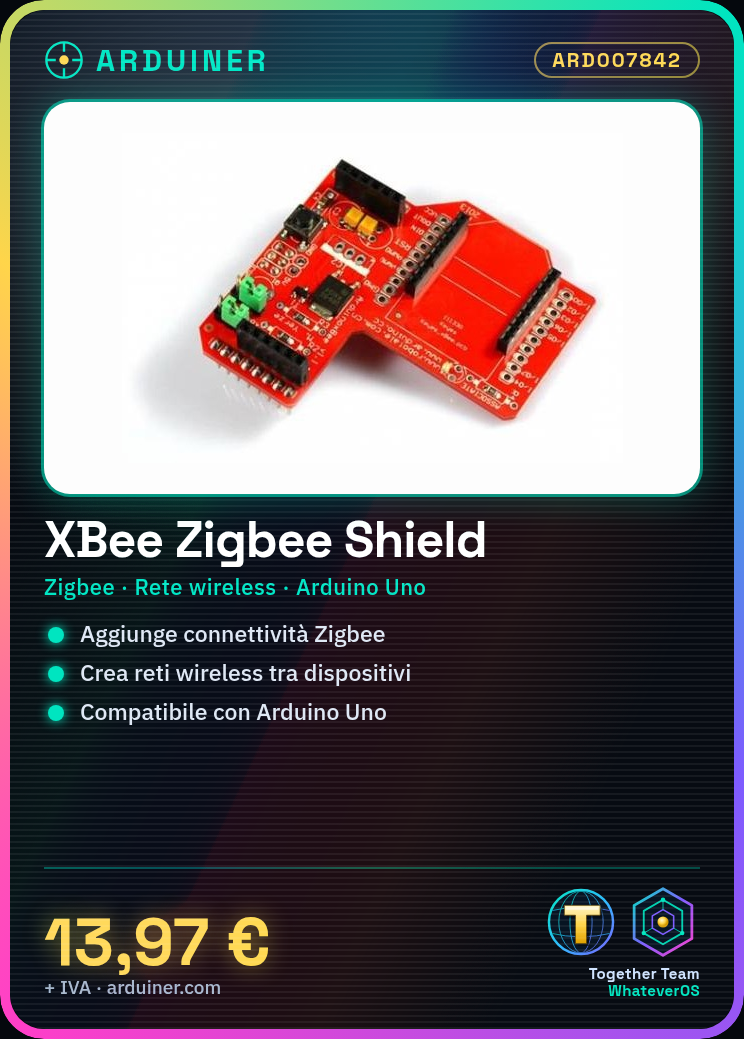
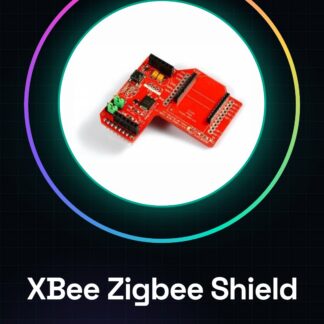
The Arduino XBee Zigbee Shield is a module that allows adding Zigbee connectivity to Arduino devices. This shield enables the creation of wireless networks between multiple devices, ideal for IoT and remote control projects.
Features
- Option to connect an XBee module for Zigbee communication
- Ideally suited for applications requiring wireless connectivity between Arduino devices
What it is for
The shield is used to create wireless sensor networks, transmitting real-time data from one sensor to another Arduino device. Check the datasheet for additional technical specifications.
Tutorial: How to use Arduino XBee Zigbee Shield
The Arduino XBee Zigbee Shield allows you to create wireless networks between Arduino devices. Ideal for beginners who want to start exploring wireless communication.
What you need
- Arduino Uno or compatible
- XBee module
- USB A-Micro B cable
Steps
- Connect the XBee Shield to the Arduino using the backplane slots.
- Connect the XBee module to the socket specified on the shield.
- Insert the Arduino board into the computer via USB cable.
Example code
// Includere la libreria XBee
#include <SoftwareSerial.h>

// Definire i pin per la comunicazione SoftwareSerial
#define RX 0
#define TX 1

SoftwareSerial xbee(RX, TX);

void setup() {
  Serial.begin(9600);
  xbee.begin(9600);
}

void loop() {
  if (xbee.available()) {
    Serial.write(xbee.read());
  }
}
Mini project
Create a wireless sensor network. Connect a temperature sensor to an XBee and transmit real-time data to another Arduino with the XBee Shield.
Common mistakes
- Ensure that the XBee module is properly inserted into the socket.
- Verify the XBee module configuration via XCTU or similar software.
- Check the electrical connections between Arduino and shield.
- Radio interference issues, try changing the XBee channel.
Recommended accessories
- XBee Explorer USB
- XBee Series 1 Module
- DHT22 Sensor
- External antenna for XBee
Frequently asked questions
How can I configure the XBee module?
Use XCTU or similar software to properly set the address and other properties of the module.
Can I connect other modules to this shield?
Yes, but make sure there are no power supply conflicts or slot conflicts.
Reviews
There are no reviews yet.