 EN
 IT Italiano
 ES Español
 FR Français
 DE Deutsch
Description
What it is
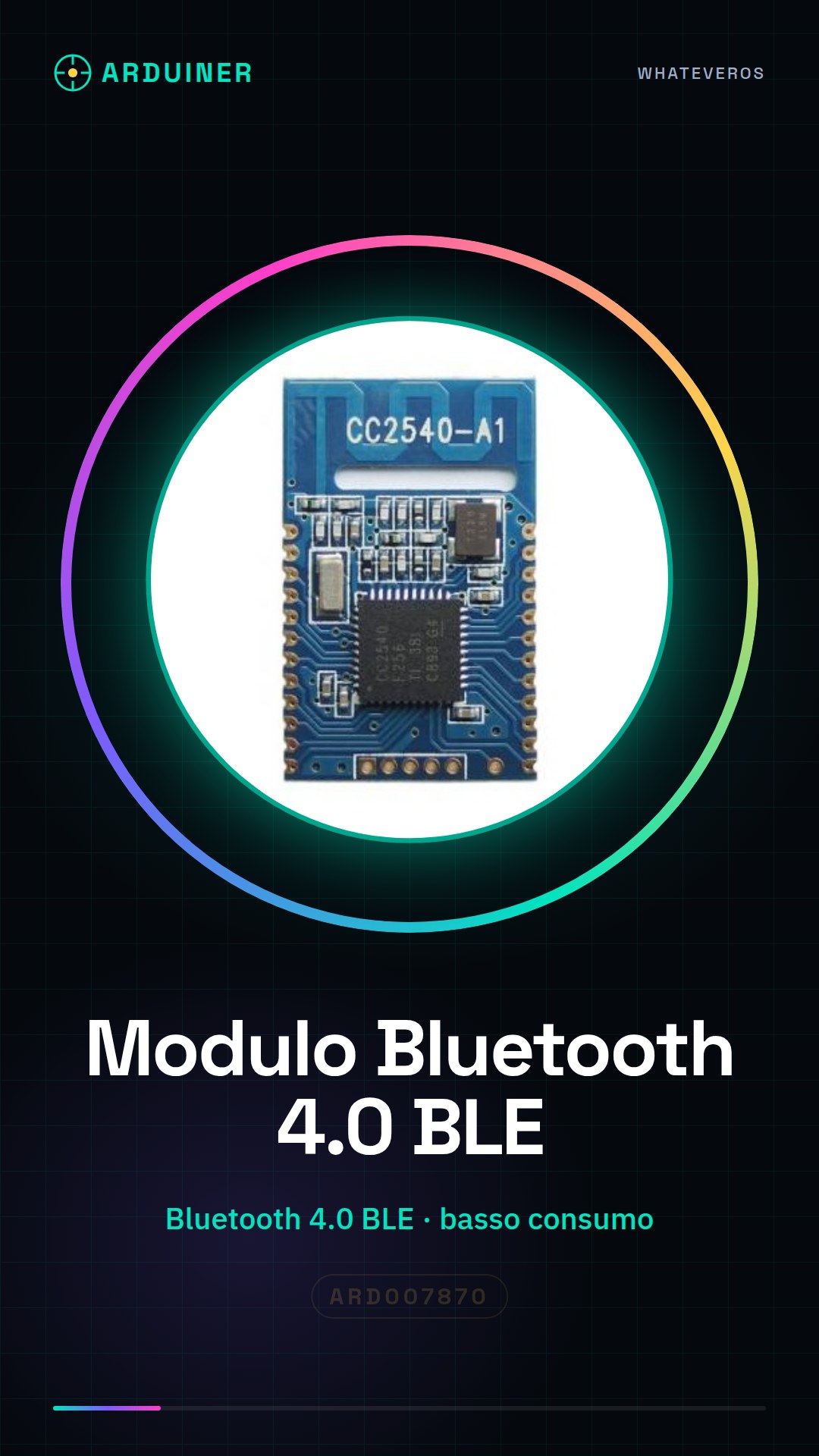
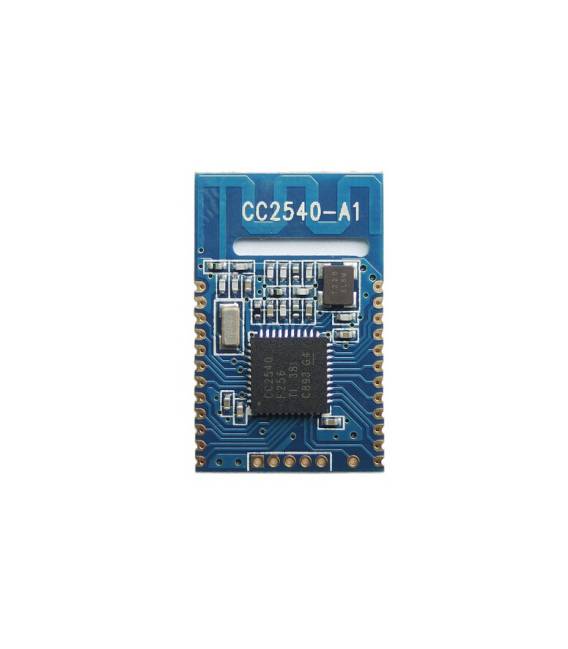
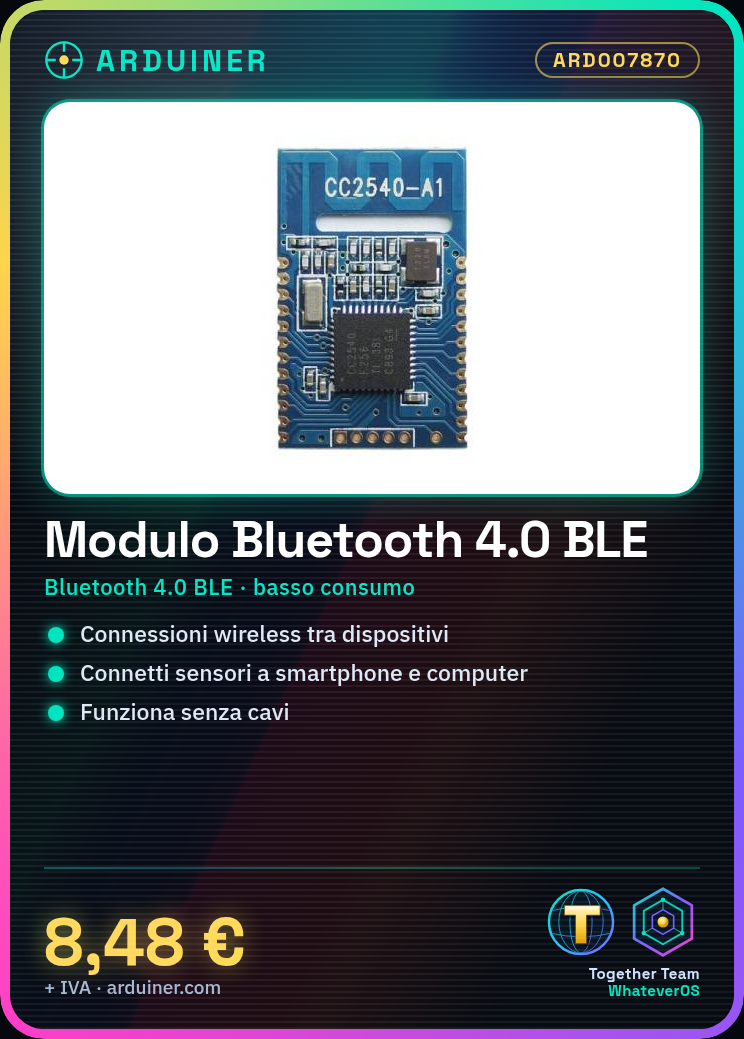
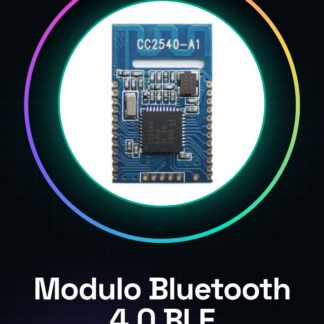
The Bluetooth 4.0 BLE RF-CC2540A1 module is a component for Arduino that allows creating wireless connections between electronic devices, such as sensors or actuators, and other Bluetooth-enabled devices, such as smartphones and computers.
Features
- Bluetooth 4.0 BLE (Low Energy) Technology
- Optimized for Arduino
What it is for
This module is ideal for projects that require wireless communication between electronic devices and smartphones or computers, without the use of cables. It is suitable for both beginners and intermediate makers looking to explore IoT applications. It can be used to create home alarm systems, remote sensor monitoring, or any other project that requires Bluetooth communication.
Tutorial: How to Use the RF-CC2540A1 Bluetooth Module
The RF-CC2540A1 Bluetooth module is ideal for connecting Arduino devices to mobile phones or computers without any cable. This component is perfect for both beginners and intermediate makers looking to explore wireless communication.
What you need
- Arduino Uno
- Computer with Arduino IDE installed
- Software Serial Monitor
Steps
- Connect the following pins of the module to those of the Arduino: VCC to 3.3V, GND to GND, TX to RX0 and RX to TX0.
- Install the ‘SoftwareSerial’ library through the Arduino library manager.
- Upload the provided sketch to the Arduino.
- Open Serial Monitor in Arduino IDE (115200 baud rate) to check the Bluetooth connection.
Example code
// Includi la libreria SoftwareSerial
#include <SoftwareSerial.h>

// Definisci i pin TX e RX del modulo
#define BT_TX_PIN 0
#define BT_RX_PIN 1

SoftwareSerial btModulo(BT_TX_PIN, BT_RX_PIN);

void setup() {
  Serial.begin(9600);
  btModulo.begin(9600);
}

void loop() {
  if (btModulo.available()) {
    char c = btModulo.read();
    Serial.print(c); // Invia i dati ricevuti alla seriale del computer
  }
}
Mini project
Create a home alarm system that sends a Bluetooth notification to your phone when doors are opened.
Common mistakes
- Check that the power supply voltage is adequate (3.3V).
- Check the TX and RX configuration between Arduino and module.
- Make sure the SoftwareSerial library is installed correctly.
- Check the baud rate settings for serial communications.
Recommended accessories
- LCD module to display received messages
- PIR motion sensors
- Buzzer or LED for alarm
Frequently asked questions
How can I tell if the module is connected properly?
Verify that the serial communication between Arduino and module is stable by checking the data sent in the Serial Monitor.
What is the maximum connection distance of the module?
Check the datasheet for precise information on Bluetooth range.
Reviews
There are no reviews yet.