 EN
 IT Italiano
 ES Español
 FR Français
 DE Deutsch
Description
What it is
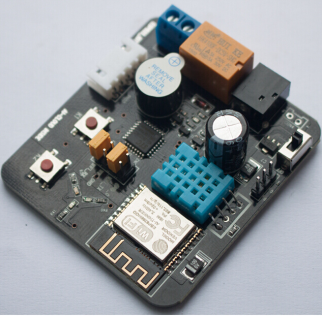
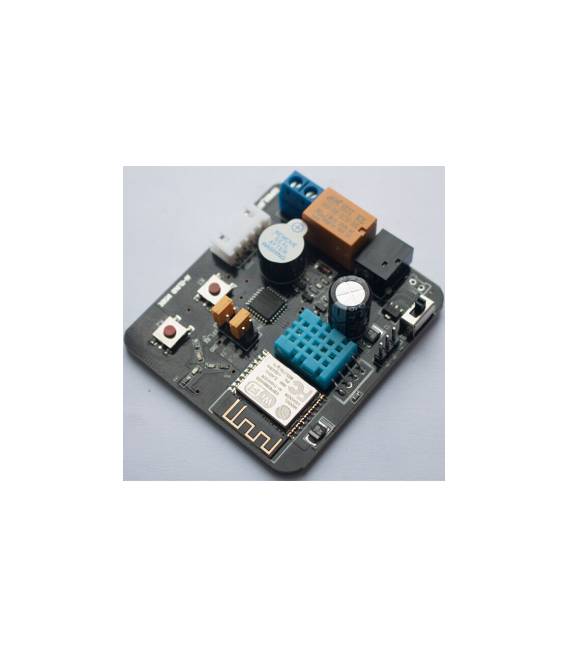
The ESP8266 Board ESP-13 is a development board with integrated DHT11 sensor and buzzer. It is designed for Arduino and IoT projects, allowing connection to the internet via the ESP8266 module.
Features
- Microcontroller: ESP8266
- Wireless Connection: 802.11b
- Sensor: DHT11 (temperature and humidity)
- Integrated buzzer
What it is for
The ESP-13 board is ideal for environmental monitoring and alarm projects. You can use it to create home alarm systems that send email notifications when the temperature exceeds a certain threshold. Compatibility with Arduino allows easy integration into existing projects.
Tutorial: How to use ESP-13 with DHT11 and Buzzer
The ESP-13 is a small development board based on the ESP8266 that allows makers to connect to the internet. In this tutorial, you will learn how to integrate a DHT11 sensor and a buzzer to monitor environmental conditions and generate alarms.
What you need
- ESP-13
- DHT11 Sensor
- Buzzer
- Arduino IDE installed
- USB cable
Steps
- Connect the ESP-13 to the computer via the USB cable.
- Open Arduino IDE and select the correct ESP8266 board (e.g., NodeMCU 1.0)
- Install the necessary libraries for DHT11 and ESP8266
- Connect the DHT11 to GPIO4 pin of the ESP-13 (check the datasheet).
- Connect a buzzer to the ESP-13, using a protection resistor (560 ohm) between the positive voltage and the buzzer.
- Upload the Arduino sketch to the ESP-13.
- Verify that the DHT11 sensor data is displayed correctly.
- Test the acoustic alarm with the buzzer.
Example code
// Inserisci qui uno sketch semplice per leggere i dati dal DHT11 e attivare il BuzzerMini project
Create a home alarm system that sends email notifications when the temperature exceeds a certain threshold.
Common mistakes
- Error in the installation of the necessary libraries.
- Incorrect connection of the DHT11 or buzzer.
- Wrong GPIO pin selection for the DHT11 (check the datasheet).
- Wi-Fi connection issues unresolved in the code.
Recommended accessories
- ESP8266 WebServer Shield
- LCD Display 16×2
- RTC DS3231 Module
- LiPo Battery
Frequently asked questions
Which libraries are needed for the DHT11?
DHT.h
How can I connect the ESP-13 to a Wi-Fi network?
Use the WiFiNINA or ESP8266WiFi library.
Reviews
There are no reviews yet.