 EN
 IT Italiano
 ES Español
 FR Français
 DE Deutsch
Description
What it is
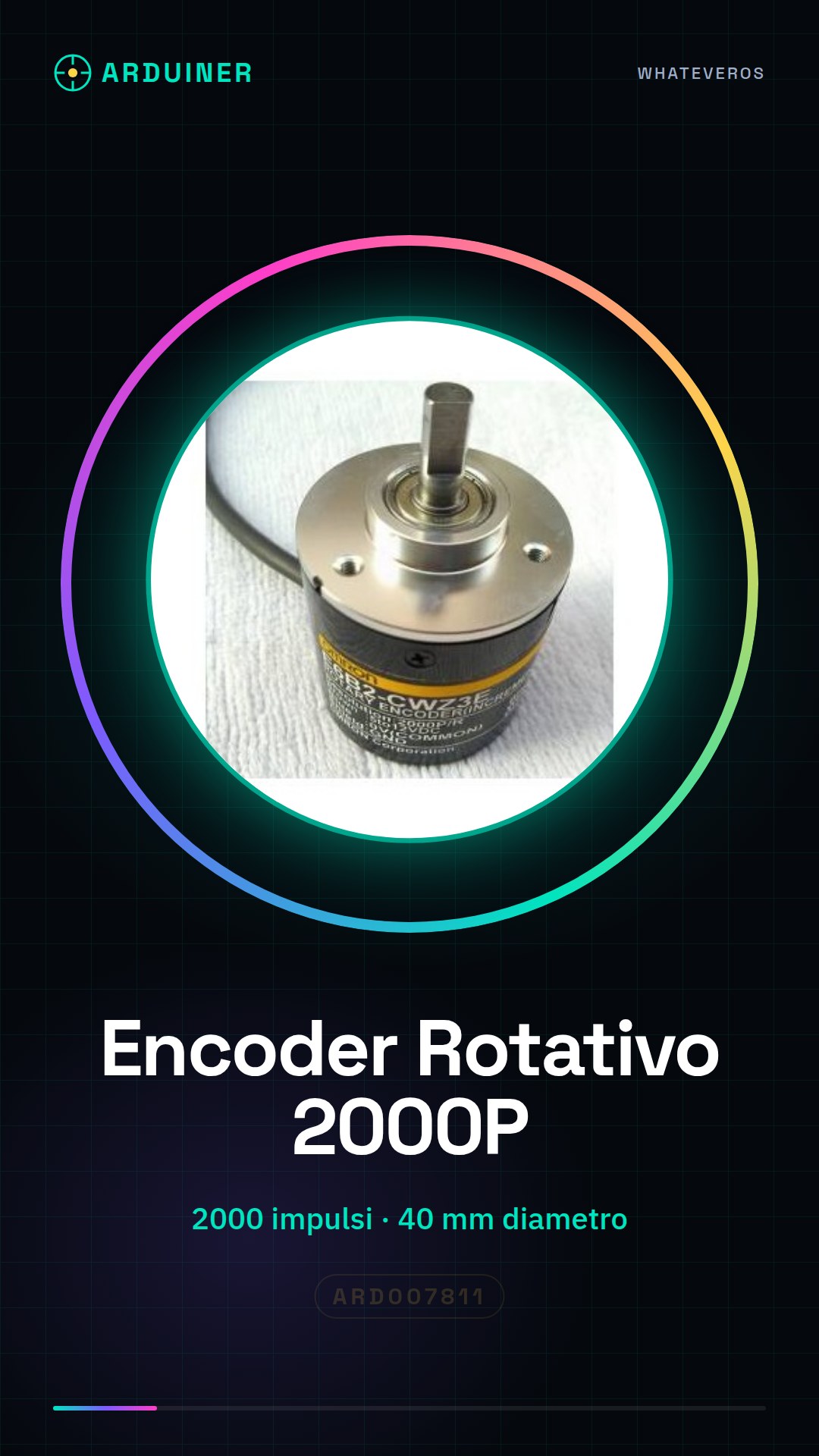
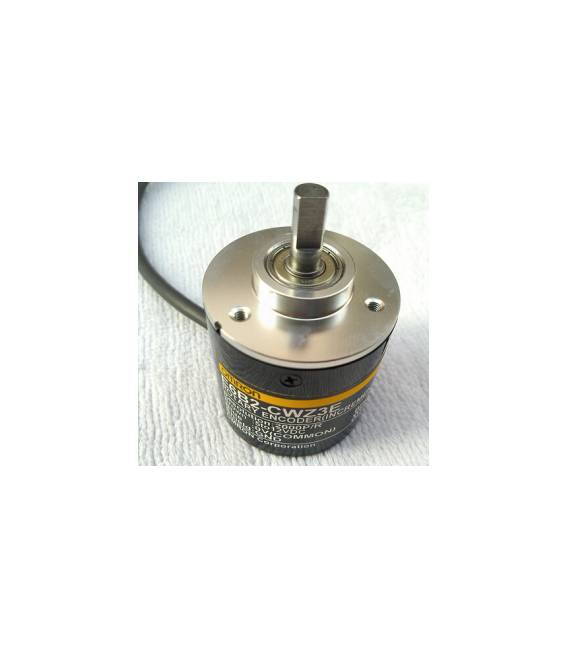
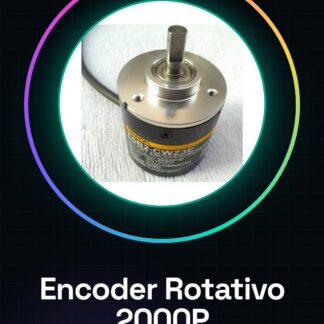
The E6B2-CWZ3E is an electronic component used to measure the number of rotations of a mechanical device. The encoder’s output is a digital signal that can be interpreted by a microcontroller such as Arduino to determine the angle of rotation or the rotation speed.
Features
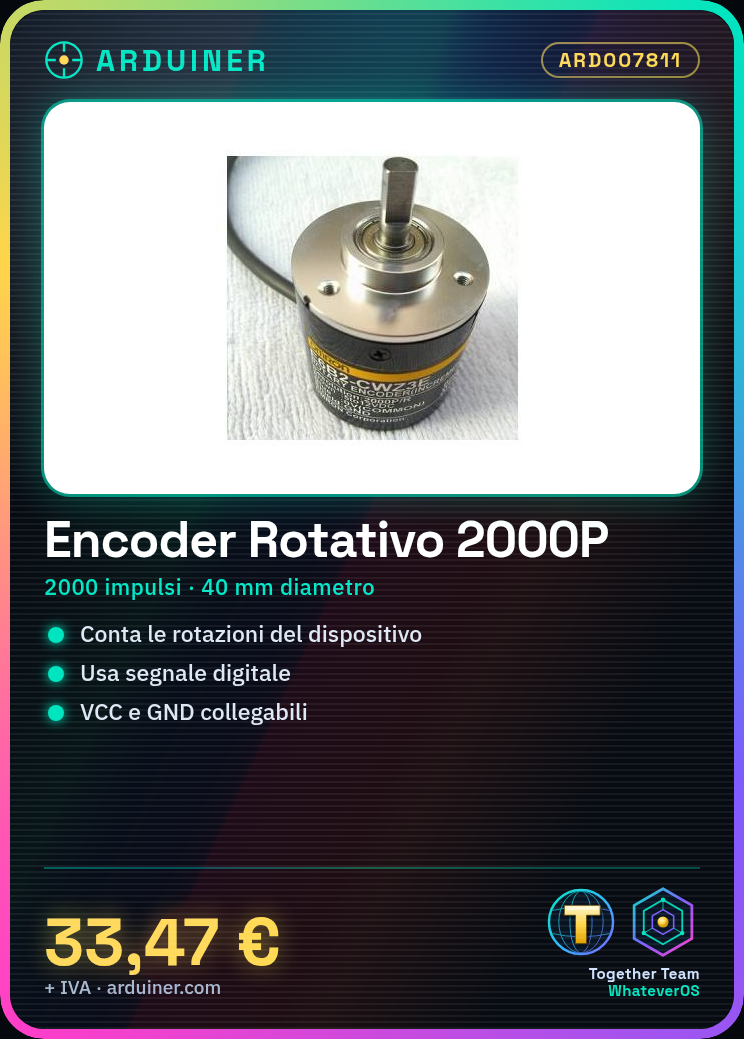
- Model: E6B2-CWZ3E
- Pulses per rotation: 2000P/R
- Diameter: 40 mm (check the datasheet)
What it is for
The E6B2-CWZ3E rotary encoder is ideal for Arduino projects that require precise motion control, such as:
- Rotation counter for drones or robots
- Step motor control
- Measurement of the rotation angle of a device
- Arduino or compatible
- Power supply cable
- Multimeter (check the datasheet)
- 1. Mount the encoder on your project, ensuring that the rotation is free.
- 2. Connect the VCC pin of the encoder to the VCC of your Arduino.
- 3. Connect the GND pin of the encoder to the GND of your Arduino.
- 4. Connect the DO (Data Output) pin of the encoder to a digital pin of your Arduino.
- 5. Load the provided Arduino code.
- 6. Verify the rotation of the encoder with a sample sketch.
- 7. Adapt the code to use the encoder as needed.
- 8. Test your project.
Tutorial: How to use E6B2-CWZ3E Rotary Encoder 2000P/R
The E6B2-CWZ3E rotary encoder is a component used to measure the rotation of a device. Useful for projects requiring precise movement control, suitable for beginner and intermediate makers.
What you need
Steps
Example code
```void setup() { Serial.begin(9600); pinMode(2, INPUT); attachInterrupt(digitalPinToInterrupt(2), count, CHANGE);}int count = 0;void loop() { if (digitalRead(2) == HIGH) { count++; Serial.println(count); }}```Mini project
Create a simple rotation counter for a drone or robot. In 30 minutes, you can mount the encoder, connect it, and control the rotations.
Common mistakes
- Connecting VCC and GND incorrectly.
- Failing to verify the encoder rotation correctly.
- Omitting the installation of the interrupt in the code.
- Not using a digital pin for the DO.
Recommended accessories
- Arduino Uno
- Power supply cable
- Multimeter
- Mounting Kit
Frequently asked questions
How can I verify the encoder rotation?
Use a sample sketch or check the DO pin with a multimeter.
Which pins should I use for the encoder?
Use a digital pin for the DO and VCC and GND for power supply.
Can I use this encoder with an Arduino Mega?
Yes, the encoder is compatible with all types of Arduino.
Reviews
There are no reviews yet.