 EN
 IT Italiano
 ES Español
 FR Français
 DE Deutsch
Description
What it is
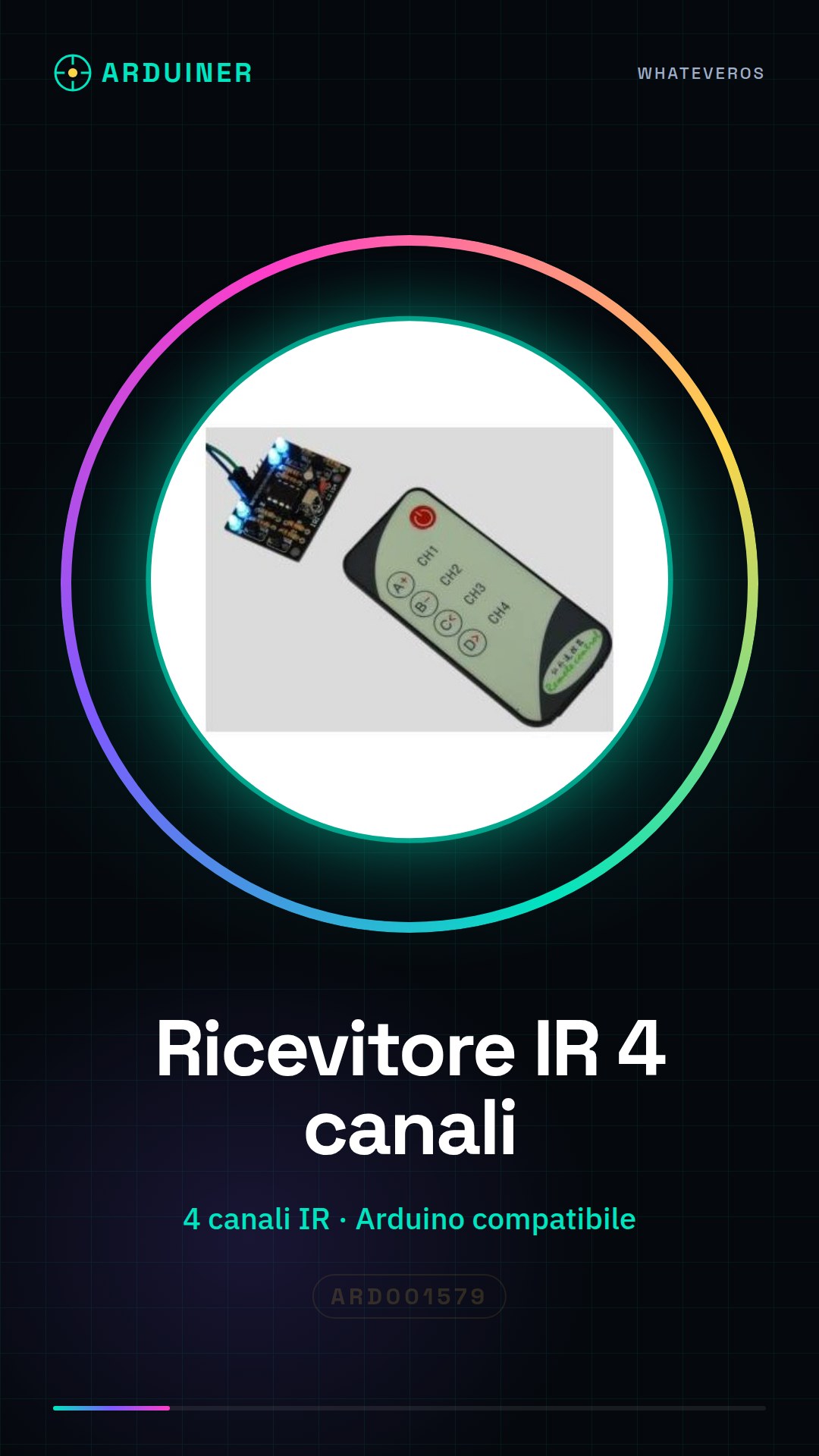
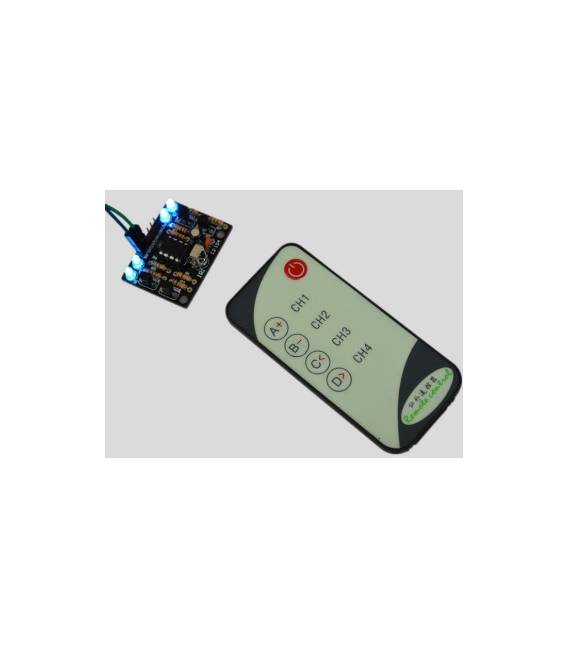
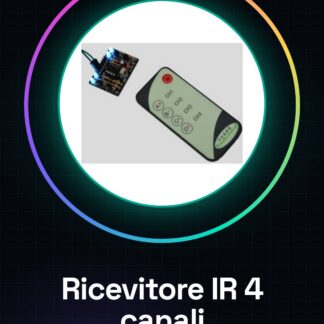
The 4 Channel IR Receiver Module with Remote Control is a device compatible with Arduino for electronic projects. This module allows receiving infrared signals from a standard remote control, enabling remote control of various devices or functions.
Features
- 4 Channel Infrared Receiver
- Compatible with Arduino and other microcontrollers
What it is for
This module is useful for projects requiring remote command management, such as turning devices on and off or controlling LEDs. It is ideal for both beginners and more experienced enthusiasts.
Tutorial: How to use the 4 Channel Infrared Receiver
This 4 channel infrared receiver is ideal for projects requiring remote command management. Useful for beginners and intermediates, it allows controlling various features with a remote control.
What you need
- Arduino
- Infrared Remote Control
- Power cable
- 1 kΩ resistor (optional)
Steps
- 1. Connect the Arduino to the power source.
- 2. Connect the infrared receiver to digital pin 9 of the Arduino.
- 3. Connect a 1 kΩ resistor between the VCC pin of the receiver and the 5V pin of the Arduino.
- 4. Connect the GND pin of the receiver to the GND of the Arduino.
- 5. Upload the following code to the Arduino.
- 6. Use the remote control to send commands.
- 7. Check the datasheet for further details.
- 8. Try controlling different channels on the remote.
Example code
```void setup() { Serial.begin(9600); irrecv.enableIRIn(); // Start the receiver } void loop() { if (irrecv.decode(&results)) { Serial.println(results.value, HEX); irrecv.resume(); // Receive the next value } } ```Mini project
Create a project that turns on and off with a remote control. In 30 minutes, you can mount an LED and connect it to the receiver to control it with the remote.
Common mistakes
- Do not connect the receiver to an analog pin.
- Ensure that the remote control and the receiver have the same frequency.
- Verify that the remote control is functioning.
- Check the correct polarity of the connections.
Recommended accessories
- LED
- Resistor for LED
- Infrared Remote Control
- Arduino Shield
Frequently asked questions
My receiver does not respond to the remote control.
Check the frequency of the remote control and the receiver. Make sure it is the same.
What is the difference between channels?
Each channel of the remote control can send a different command. You can control different channels using the remote control.
Can I connect multiple receivers?
Yes, you can connect multiple receivers to different channels on different digital pins.
What is the frequency of the receiver?
Check the datasheet for the specific frequency of the receiver.
Reviews
There are no reviews yet.