 EN
 IT Italiano
 ES Español
 FR Français
 DE Deutsch
Description
What it is
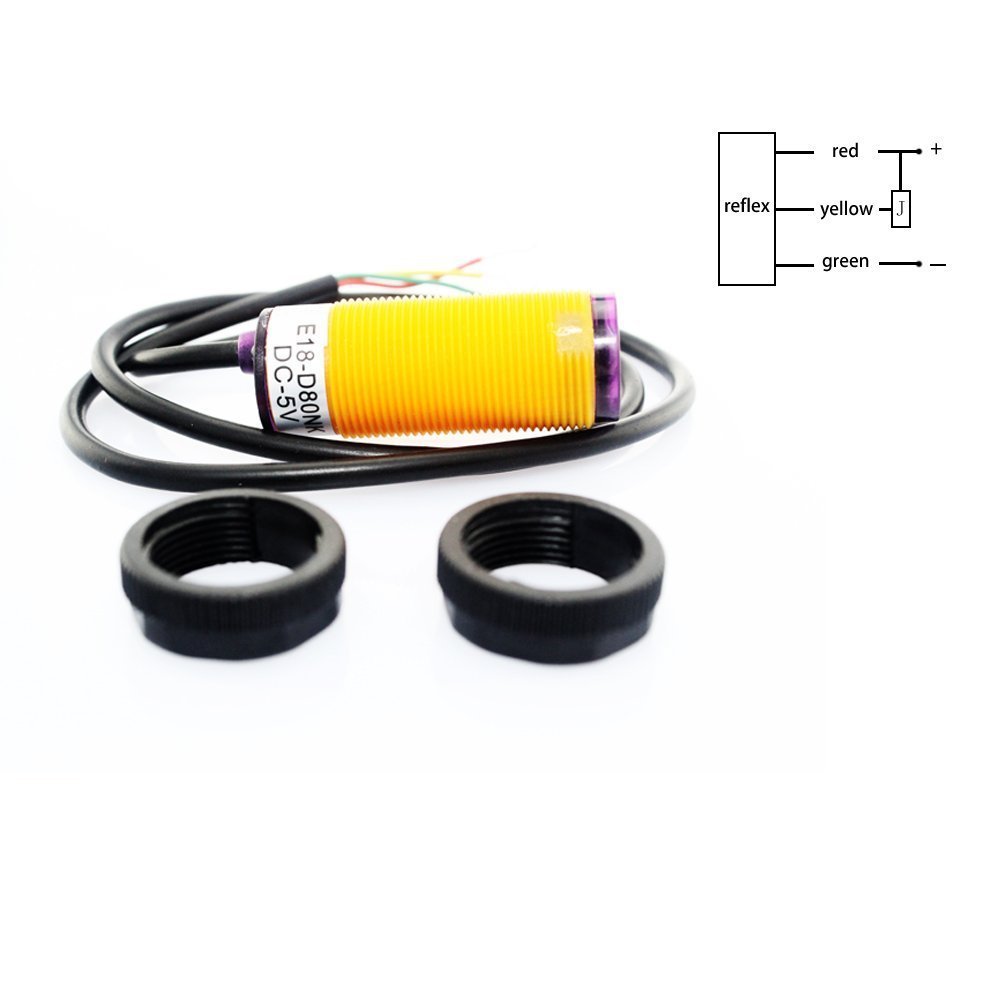
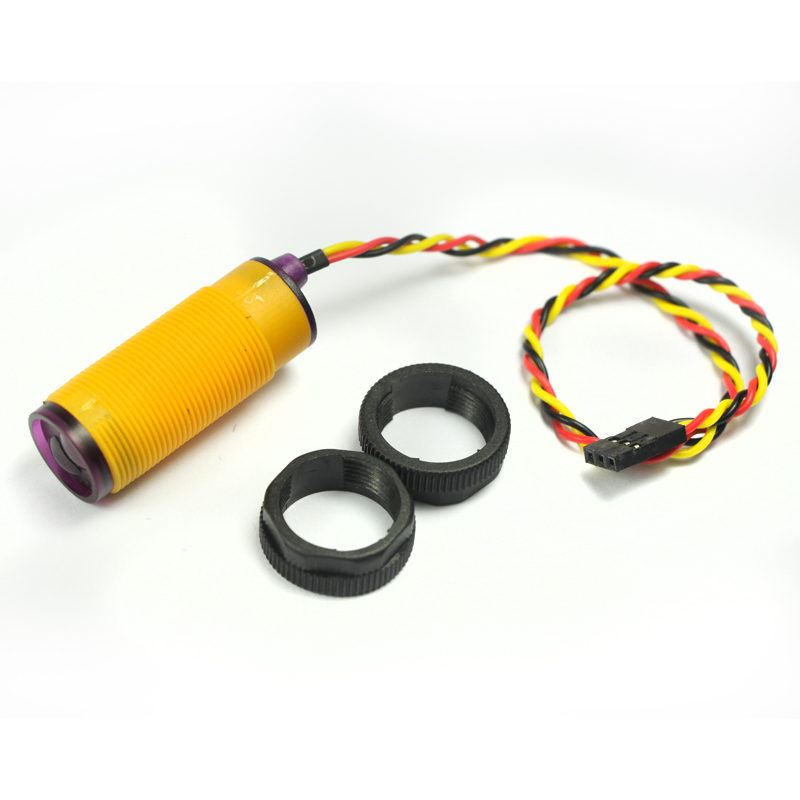
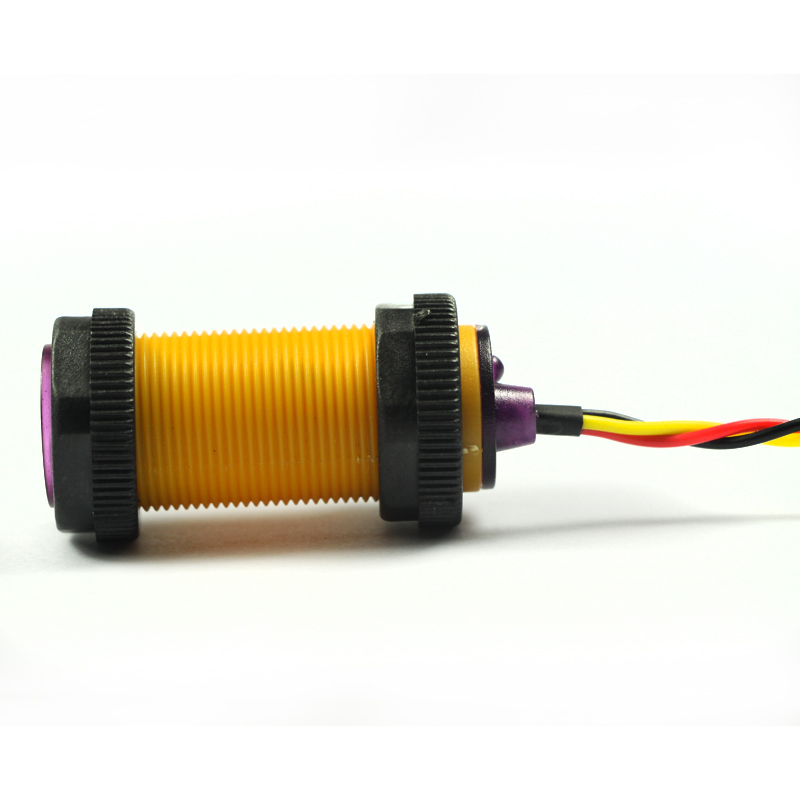
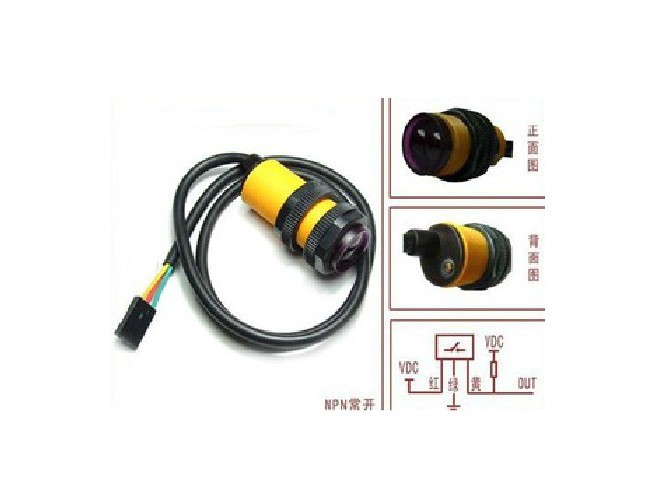
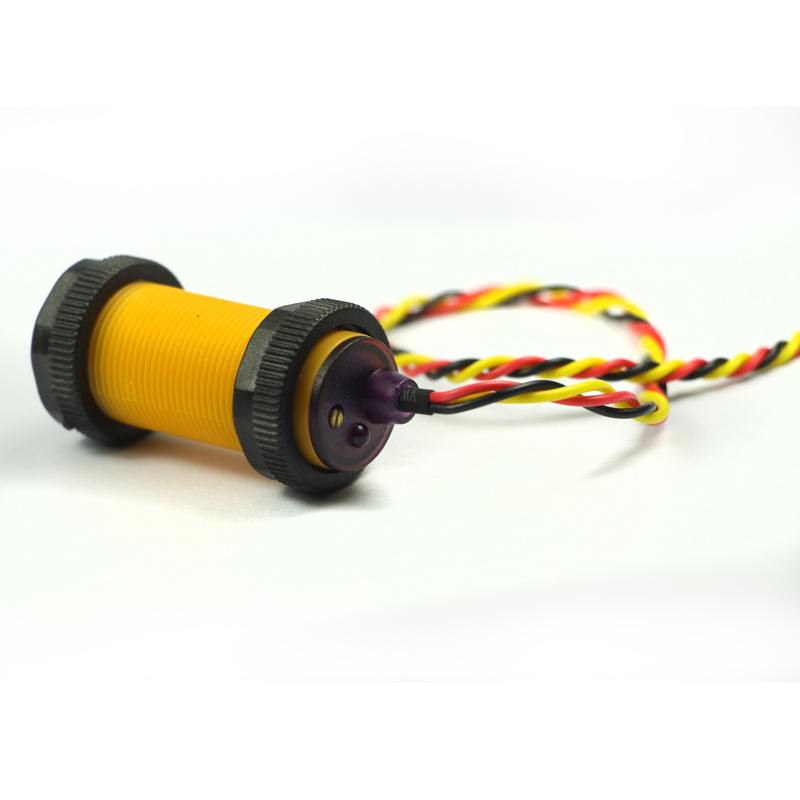
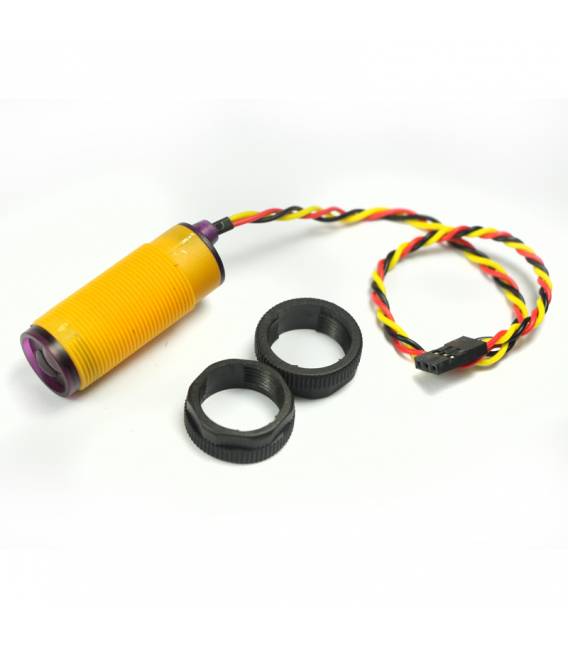
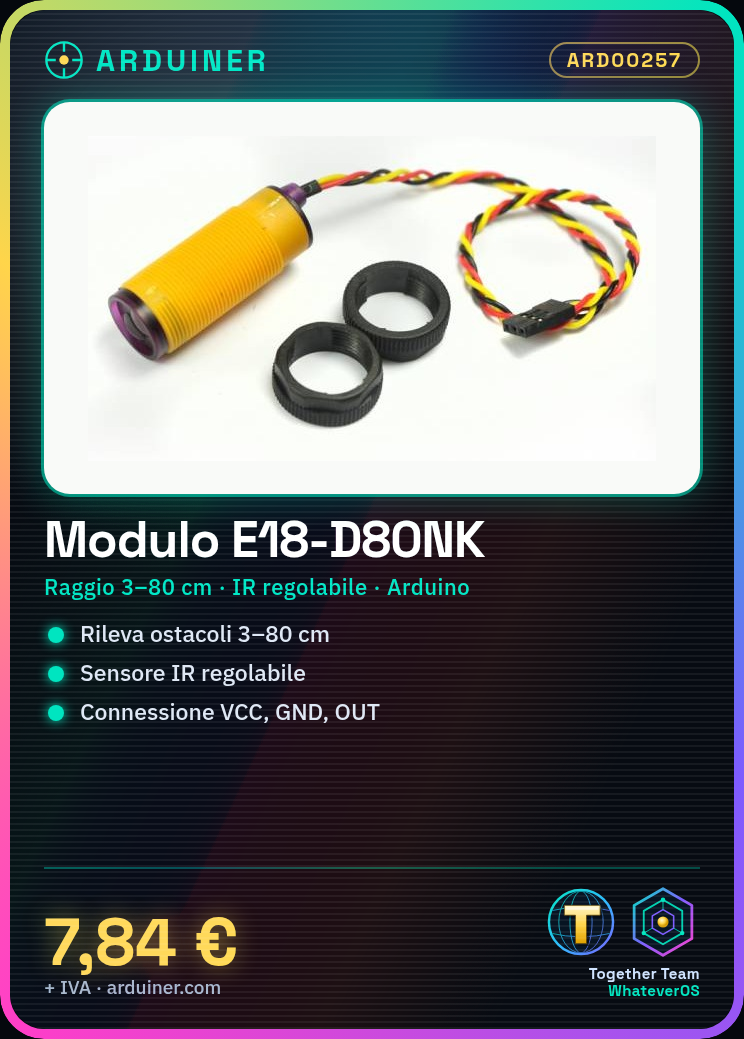
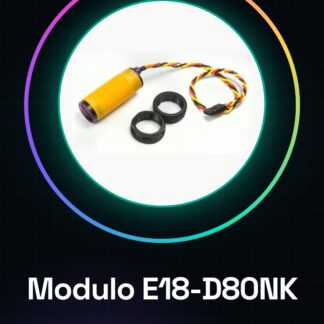
The E18-D80NK module is an adjustable infrared sensor used for obstacle detection in robotics and Arduino projects. This device allows devices to detect objects at variable distances from 3 to 80 cm.
Features
- Adjustable Infrared Sensor
- Detection Range: 3 – 80 cm
- Ideally suited for Arduino and robotics projects
What it is for
The E18-D80NK module is ideal for creating obstacle avoidance systems, such as autonomous robots. It can be easily integrated into Arduino projects to help devices detect and respond to obstacles in their environment.
Tutorial: How to Use the E18-D80NK Obstacle Avoidance Module
The E18-D80NK module allows Arduino projects to detect obstacles from 3 to 80 cm. Ideal for beginners.
What you need
- Arduino Uno
- USB Cable
- Power Supply
Steps
- Connect VCC and GND to the module with the power supply.
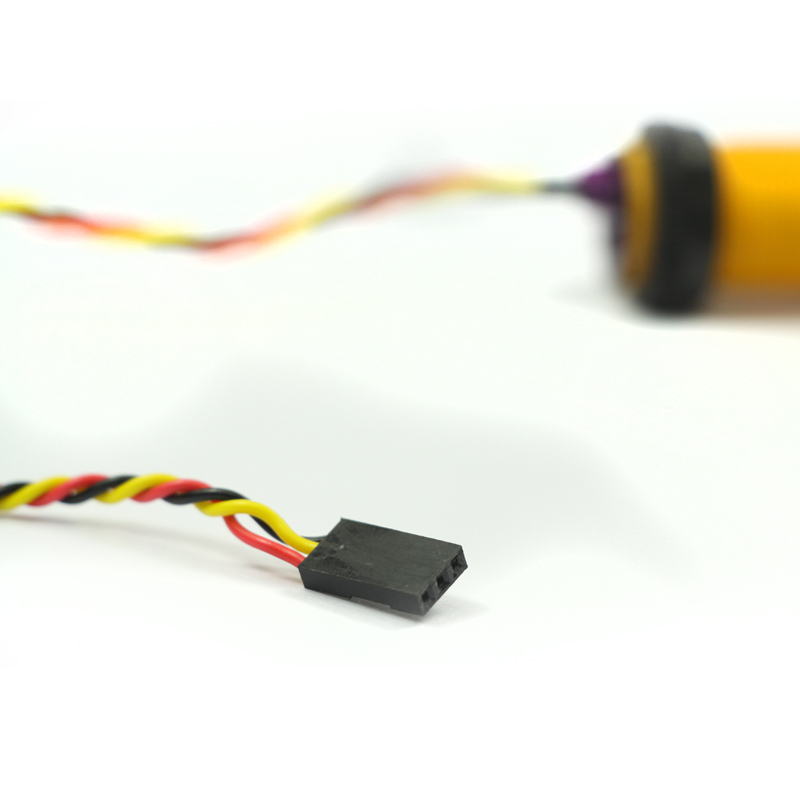
- Connect OUT of the module to a digital pin of Arduino.
- Download the example code from the GitHub repository.
- Compile and run the sketch on Arduino.
- Check that the LED on the module lights up near an obstacle.
Example code
const int triggerPin = 2; const int echoPin = 3;

void setup() {
pinMode(triggerPin, OUTPUT);
pinMode(echoPin, INPUT);
Serial.begin(9600);
}

void loop() {
digitalWrite(triggerPin, LOW);
delayMicroseconds(5);
digitalWrite(triggerPin, HIGH);
delayMicroseconds(10);
digitalWrite(triggerPin, LOW);
long duration = pulseIn(echoPin, HIGH);
calcDistance(duration);
}
Mini project
Create an obstacle-avoiding robot in 30 minutes.
Common mistakes
- Connect the module to the wrong pin.
- Do not verify the correct distance on the datasheet.
- Use an electrical voltage that does not conform.
- Insert an obstacle that is too large or too small for the sensor’s measurements.
Recommended accessories
- Arduino Nano
- 3.7V LiPo Battery
- Mobile Robot Kit Arduino
Frequently asked questions
How to adjust the detection distance?
Check the datasheet and use the trimmer to adjust the distance.
The sensor does not work.
Check the electrical connections between Arduino and module.

Reviews
There are no reviews yet.