 EN
 IT Italiano
 ES Español
 FR Français
 DE Deutsch
Description
What it is
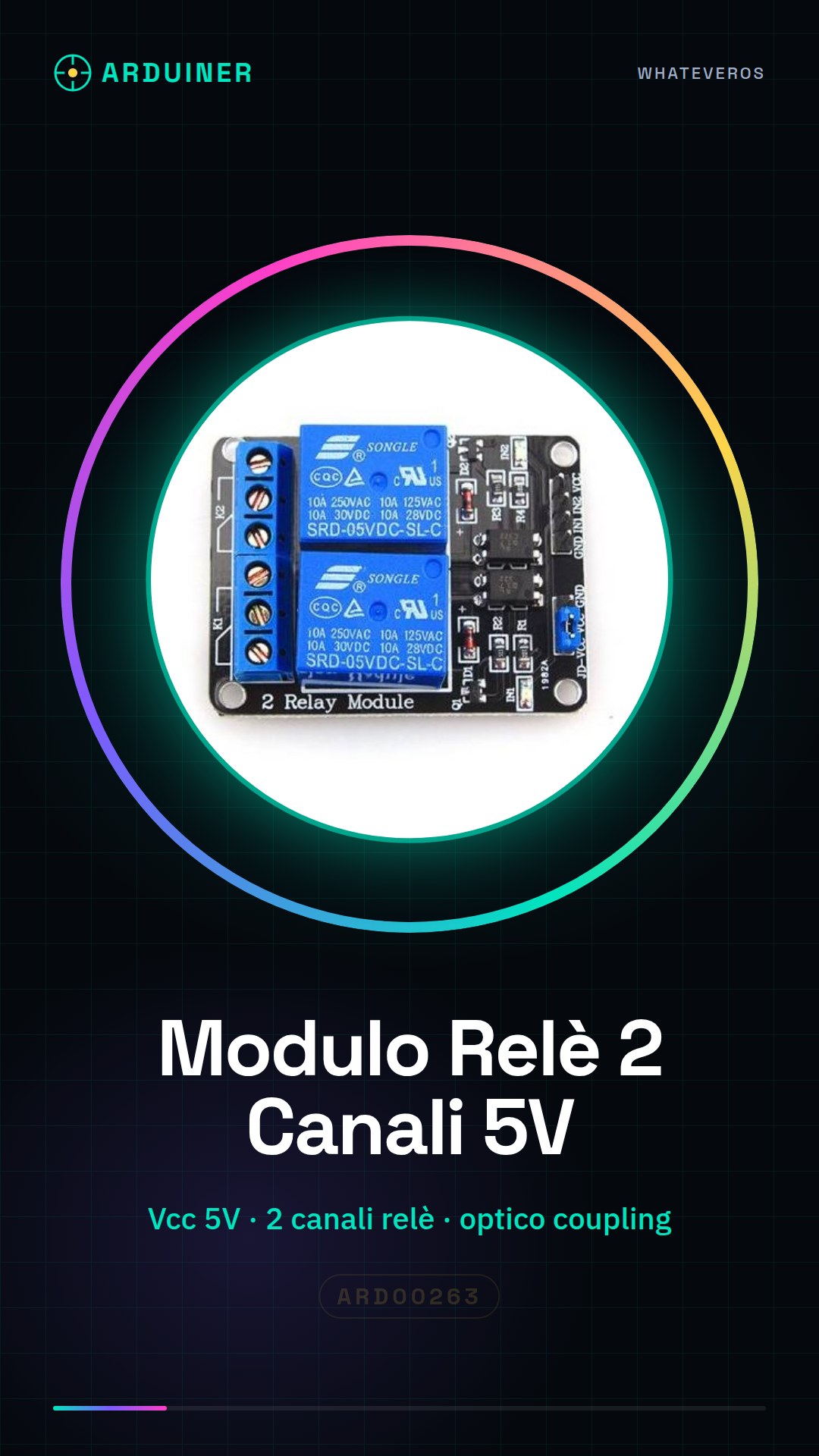
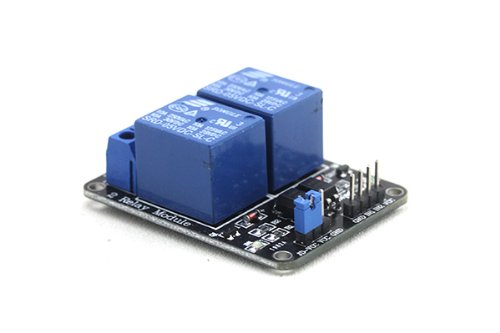
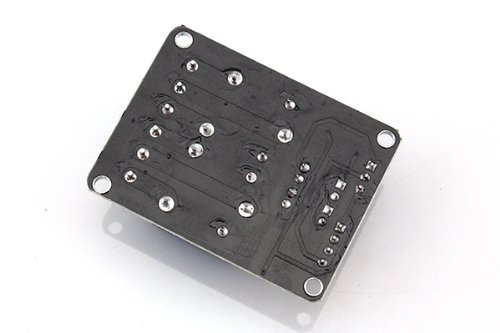
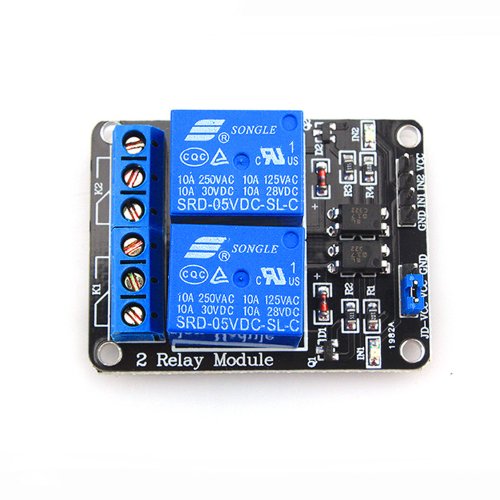
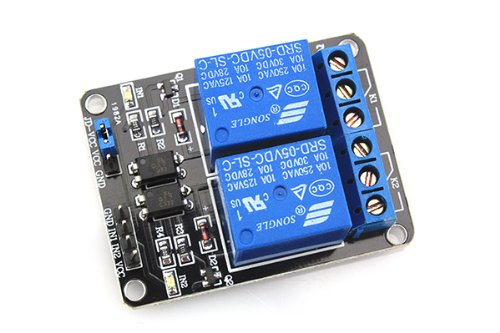
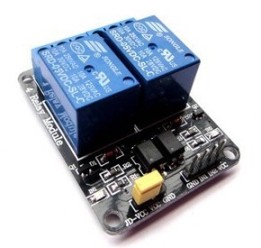
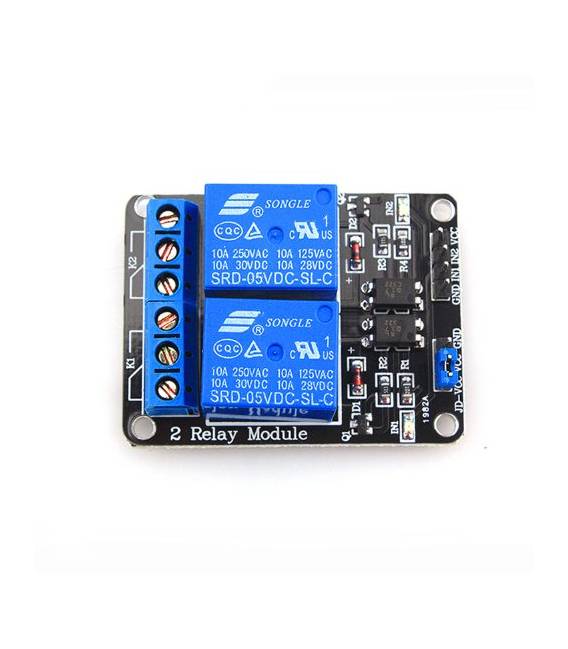
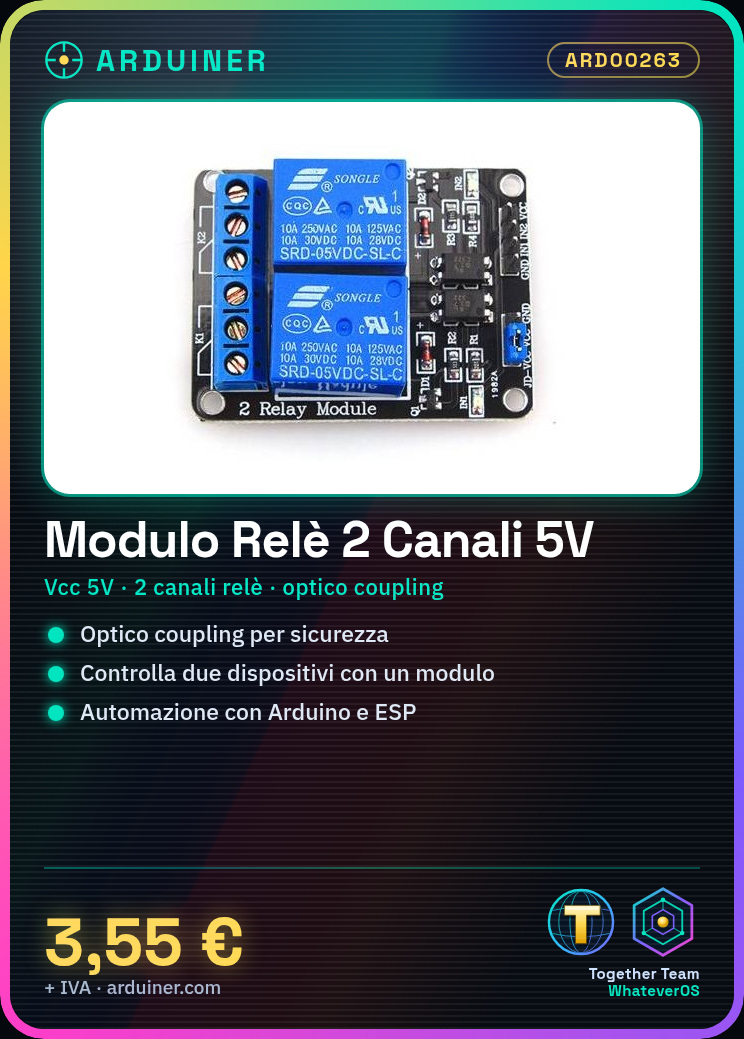
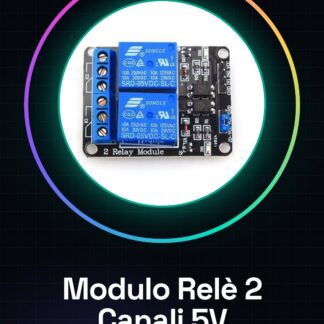
The 2 Channel Relay Module is a component for Arduino that allows controlling electrical devices through the logical control provided by the microcontroller. This module uses optical coupling technology to separate the logical and electrical circuits, ensuring greater safety.
Features
- Vcc: 5V
- Number of relay channels: 2
What it is for
Relay modules are useful for home and industrial automation projects, such as creating automatic lighting systems or activating electrical devices based on specific conditions. The module is compatible with Arduino and ESP.
Tutorial: How to use the 2 Channel Relay Module
This module allows you to control electrical devices with Arduino, ideal for home and industrial automation projects.
What you need
- Arduino
- 2 connection wires
- 2 relays
- Module datasheet
Steps
- 1. Mount the module on a breadboard or a protoboard.
- 2. Connect the GND pin of the module to the GND of Arduino.
- 3. Connect the VCC pin of the module to the VCC of Arduino (5V).
- 4. Connect the output pins (OC1 and OC2) to the relay.
- 5. Connect the relay contacts to the devices to be controlled.
- 6. Upload the source code to Arduino.
- 7. Check the datasheet for further details.
- 8. Test the module with a simple sketch.
Example code
```void setup() { pinMode(3, OUTPUT); pinMode(4, OUTPUT);}void loop() { digitalWrite(3, HIGH); delay(1000); digitalWrite(3, LOW); digitalWrite(4, HIGH); delay(1000); digitalWrite(4, LOW);}```Mini project
Create an automatic lighting system by connecting the module to two lamps and using the code above to alternate the lighting.
Common mistakes
- Connect the VCC to 3.3V instead of 5V.
- Forget to check the datasheet.
- Do not use the breadboard correctly.
- Do not test the module before connecting it to sensitive devices.
Recommended accessories
- Relay
- Breadboard
- Connection wires
- Lamps
Frequently asked questions
Which pins of the module to use?
Use the OC1 and OC2 pins for the relay.
Can you use the module with Arduino Uno?
Yes, the module is compatible with Arduino Uno.
Does the module support high currents?
Check the datasheet for specific details.
Reviews
There are no reviews yet.