 EN
 IT Italiano
 ES Español
 FR Français
 DE Deutsch
Description
What it is
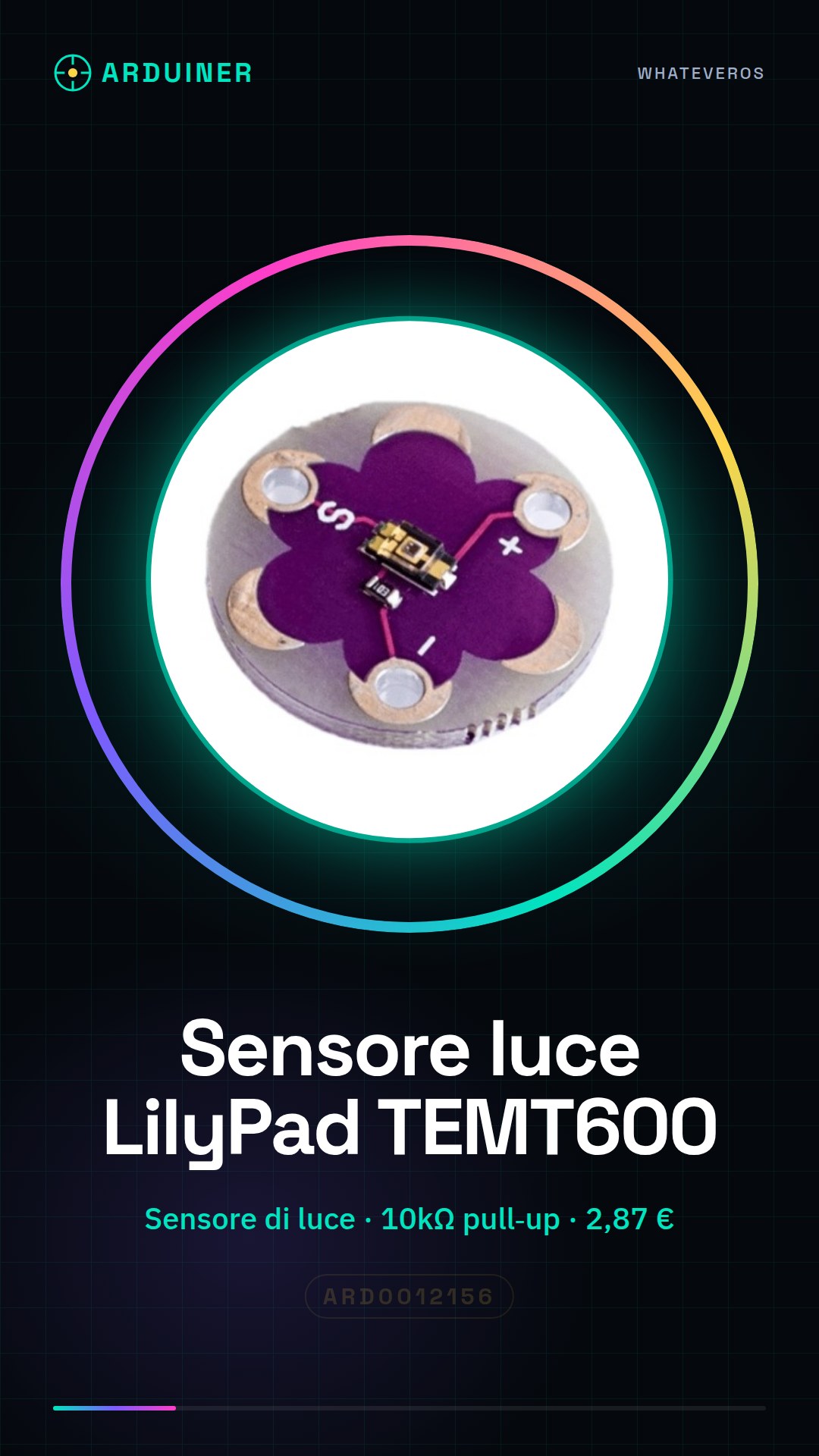
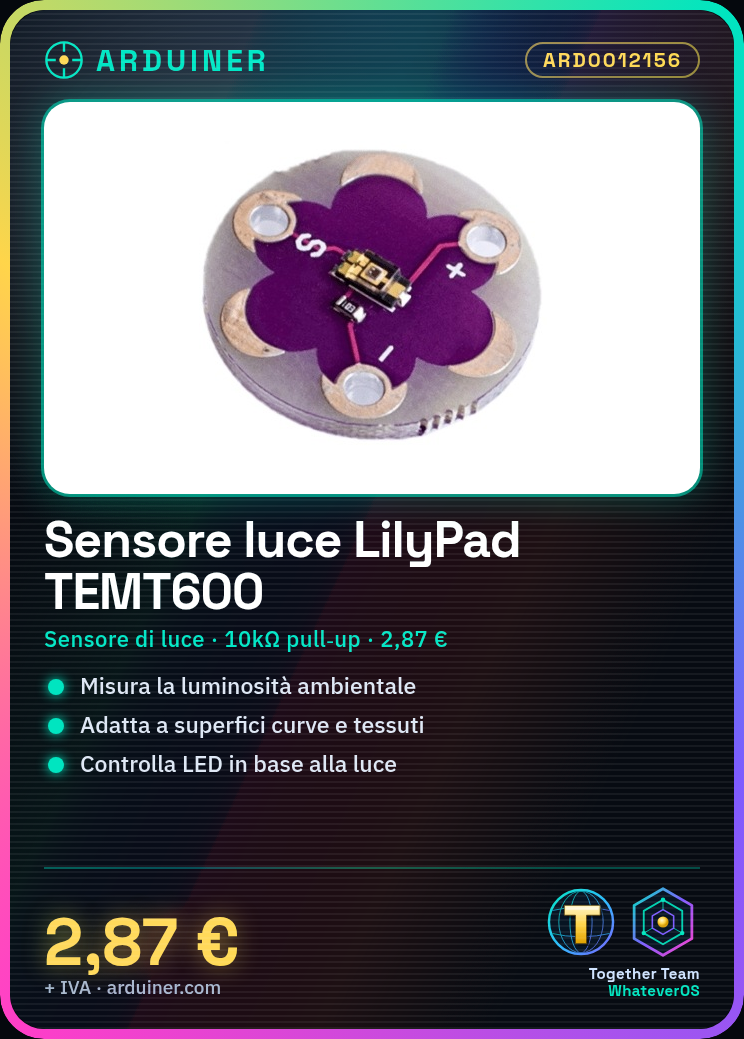
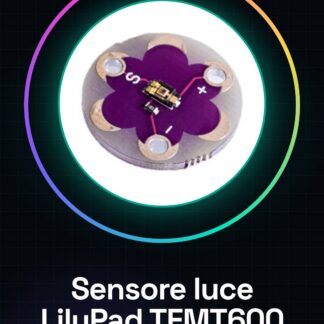
The LilyPad TEMT600 Light Sensor is an electronic component designed to detect ambient light levels. Its flexible form makes it ideal for projects with fabric or curved surfaces.
Features
- Type: Light Sensor
- Model: TEMT600
- Brand: LilyPad
- SKU: ARD0012156
- Price: 2.87 €
What it is for
The LilyPad TEMT600 Light Sensor is useful for applications that require light level measurement, such as:
- Automatic lighting projects that turn LEDs on or off based on ambient light.
- Control of light levels in an environment.
- Development of presence sensors based on light levels.
The sensor is compatible with Arduino and other electronic prototyping platforms.
Tutorial: How to use LilyPad TEMT600 Light Sensor
The LilyPad TEMT600 light sensor is ideal for measuring the ambient light around you. Useful for automatic lighting projects or to control the amount of light in an environment.
What you need
- Arduino Uno or compatible
- Power supply cable for Arduino
- Multimeter (for functionality check)
- Verify on the datasheet: 10kΩ resistor
Steps
- 1. Mount the sensor on the protoboard or directly on the circuit.
- 2. Connect the GND of the sensor to the GND of Arduino.
- 3. Connect the VCC of the sensor to 5V of Arduino.
- 4. Connect the output of the sensor (OUT) to a digital pin of Arduino (e.g., A0).
- 5. Connect to Arduino with the minimum sketch.
- 6. Verify the sensor reading with a serial console.
- 7. Verify on the datasheet: the sensor works best with a pull-up resistor.
- 8. Adapt the code to manage light values.
Example code
```void setup() { Serial.begin(9600);}void loop() { int luce = analogRead(A0); Serial.println(luce); delay(1000);}```Mini project
Create a simple artificial intelligence to turn on/off an LED when the light decreases.
Common mistakes
- Do not directly connect VCC to 5V without a pull-up resistor.
- Check that the pin used for the sensor is correct.
- Ensure that the sensor is properly mounted.
- Check the cable connections.
Recommended accessories
- LED
- 1kΩ resistor
- 5V power supply cable
- Multimeter
Frequently asked questions
What is the difference between VCC and GND?
VCC provides positive power, GND provides the negative ground to complete the circuit.
Why should I use a pull-up resistor?
Avoid incorrect readings from the sensor when it is not connected to a digital pin.
Can I use a light sensor in a temperature control project?
No, the sensor measures light intensity, not temperature.
How should I read the sensor values?
Lower values indicate more light, higher values indicate less light.
Reviews
There are no reviews yet.