 EN
 IT Italiano
 ES Español
 FR Français
 DE Deutsch
Description
Technical Description
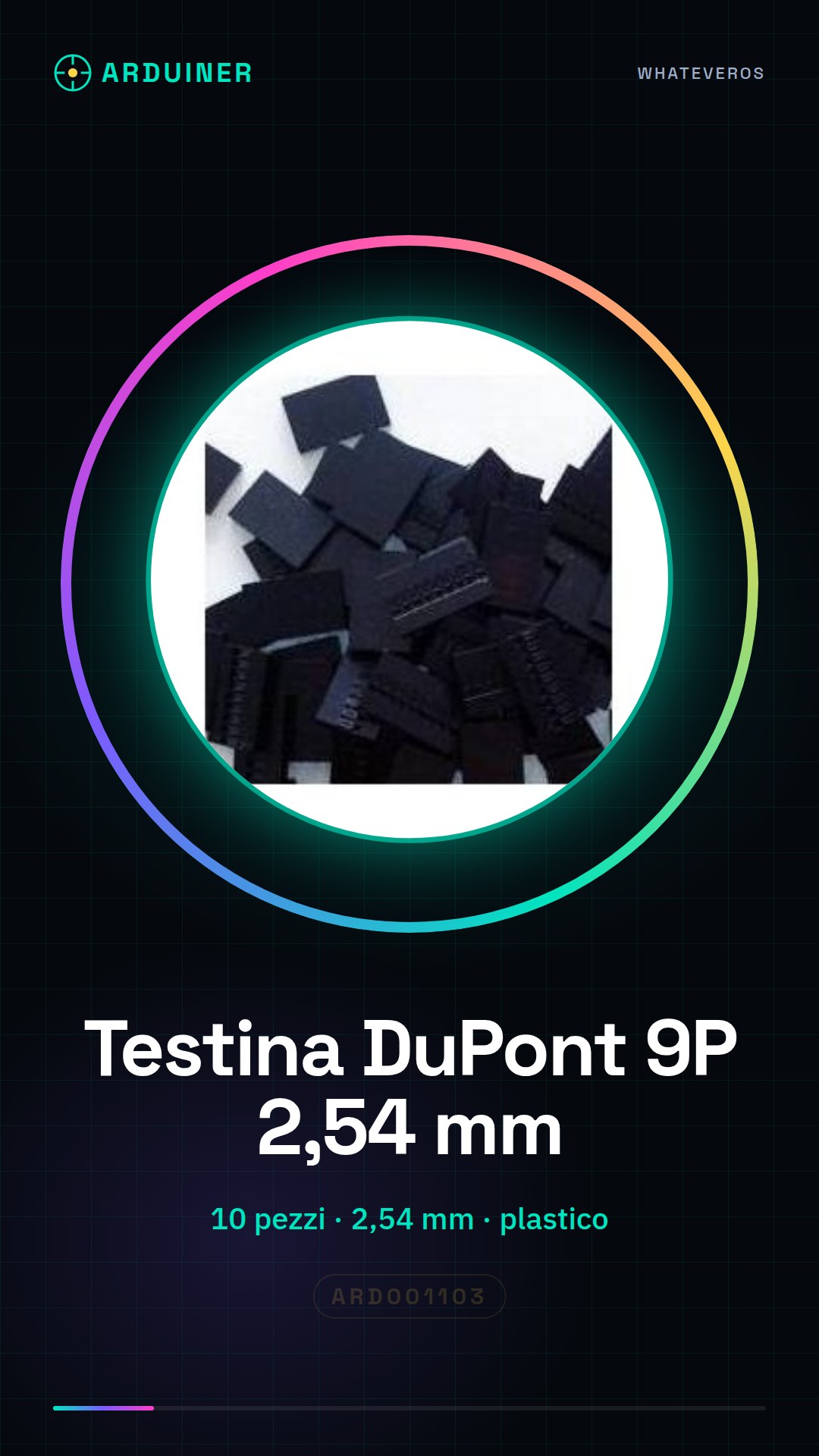
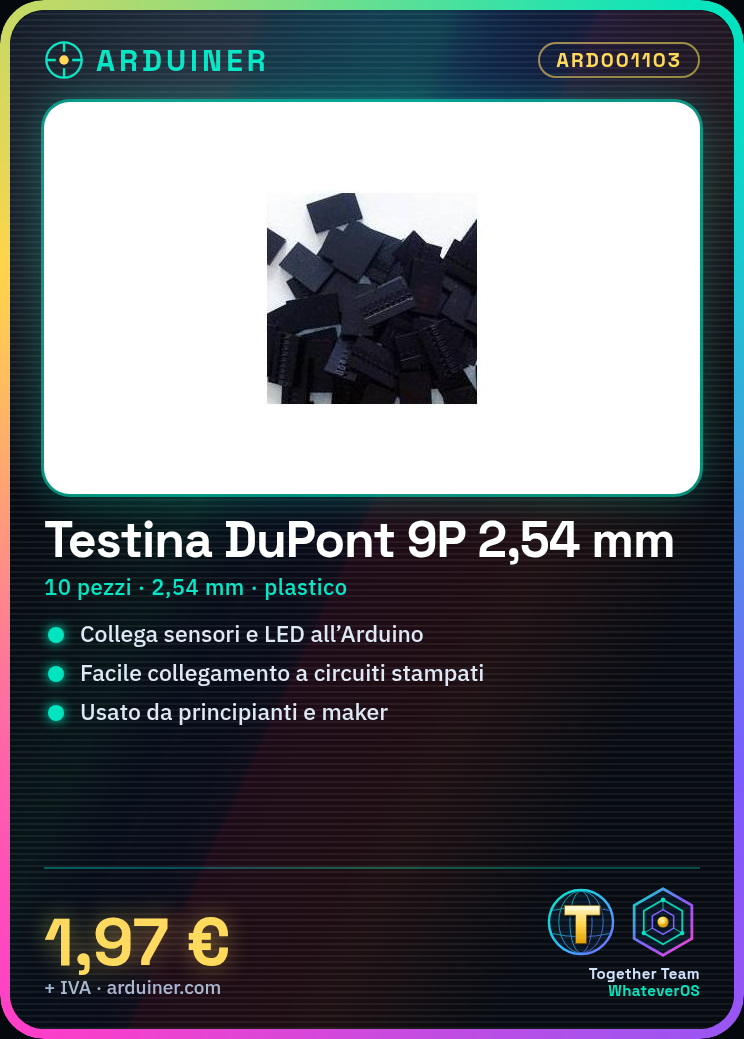
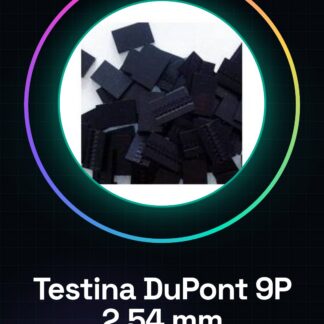
The DuPont 9P connector is an electronic connector used to easily connect electronic components to each other or to a printed circuit board. These connectors are suitable for prototyping and quick testing of electronic circuits, allowing for a stable and secure connection.
The DuPont 9P connector features a pitch of 2.54 mm, which is the standard for most electronic connectors. The plastic housing provides protection and facilitates the insertion and removal of connectors.
These connectors are commonly used in Arduino and other microcontroller projects to connect sensors, LEDs, and other electronic components to the printed circuit board.
Key Specifications
| Parameter | Value |
| Model | DuPont Connectors 9P Connector |
| Quantity | 9 pieces |
| Pitch | 2.54 mm |
| Material | Plastic |
| Interface | 9P Connector |
| Container | N/A (see manufacturer’s technical sheet) |
Installation and Usage
- Insert the DuPont connector into the printed circuit board connector.
- Check that the contacts are securely inserted and do not pop out.
- If necessary, connect the other end of the connector to another component or to the Arduino microcontroller to complete the circuit.
- Verify the stability of the connection.
- Perform a circuit test to ensure that the connection works correctly.
Compatibility and Requirements
- The DuPont 9P connector is compatible with most electronic connectors that use a 2.54 mm pitch.
- It can be used with microcontrollers such as Arduino and other electronic systems.
- A compatible connector is required for proper use of the DuPont connector.
Limitations and Important Notes
- The DuPont 9P connector is not designed for permanent connections.
- It is important to check that the pin spacing is compatible with 2.54 mm.
- Do not use pins that are too large or too small for the connector.
- Ensure that the pin is inserted correctly to avoid short circuits.
Troubleshooting
The DuPont pin does not connect to the connector.
Probable cause: The connector spacing is not compatible with 2.54 mm.
Solution: Check the connector compatibility and use a compatible DuPont pin.
The DuPont pin easily comes off the connector.
Probable cause: The connector contacts are damaged or dirty.
Solution: Check and clean the connector contacts.
The circuit does not work properly.
Probable cause: The DuPont pin is not inserted fully.
Solution: Reinsert the DuPont pin correctly into the connector.
The circuit has a short circuit.
Probable cause: The DuPont header is inserted in the wrong direction.
Solution: Reinsert the DuPont header into the connector in the correct direction.
Use cases
Parking sensor for the garage
Objective: To detect parking space occupancy in the garage.
What’s needed: DuPont header 9P, distance sensor, Arduino Uno.
Steps: 1) Connect the distance sensor to the printed circuit board connector. 2) Connect the distance sensor to the Arduino Uno. 3) Configure the Arduino code to detect distance. 4) Test the parking detection system.
Expected outcome: The parking detection system works correctly.
Personal step counter
Objective: To count a person’s steps.
What’s needed: DuPont header 9P, accelerometer, Arduino Uno.
Steps: 1) Connect the accelerometer to the printed circuit board connector. 2) Connect the accelerometer to the Arduino Uno. 3) Configure the Arduino code to count steps. 4) Test the step counter.
Expected result: The step counter works correctly.
Home Security Alarm System
Objective: Detect movement in the house.
What you need: 9P Dupont connector, motion sensor, Arduino Uno.
Steps: 1) Connect the motion sensor to the printed circuit board connector. 2) Connect the motion sensor to the Arduino Uno. 3) Configure the Arduino code to activate the alarm. 4) Test the alarm system.
Expected result: The alarm system works correctly.
Temperature Monitoring
Objective: Monitor the temperature in an environment.
What you need: 9P Dupont connector, temperature sensor, Arduino Uno.
Steps: 1) Connect the temperature sensor to the printed circuit board connector. 2) Connect the temperature sensor to the Arduino Uno. 3) Configure the Arduino code to monitor the temperature. 4) Test the temperature monitoring system.
Expected result: The temperature monitoring system works correctly.
Smart Lighting System
Objective: Adjust the lighting based on ambient light.
Required: Dupont 9P header, light sensor, Arduino Uno.
Steps: 1) Connect the light sensor to the printed circuit board connector. 2) Connect the light sensor to the Arduino Uno. 3) Configure the Arduino code to adjust the lighting. 4) Test the smart lighting system.
Expected result: The smart lighting system works correctly.
Noise Control System
Objective: Detect noise in an environment.
What is needed: Dupont 9P connector, microphone, Arduino Uno.
Steps: 1) Connect the microphone to the printed circuit board connector. 2) Connect the microphone to the Arduino Uno. 3) Configure the Arduino code to detect noise. 4) Test the noise control system.
Expected result: The noise control system works correctly.
Traffic control system
Objective: Detect traffic at an intersection.
What is needed: Dupont 9P connector, motion sensor, Arduino Uno.
Steps: 1) Connect the motion sensor to the printed circuit board connector. 2) Connect the motion sensor to the Arduino Uno. 3) Configure the Arduino code to control traffic. 4) Test the traffic control system.
Expected result: The traffic control system works correctly.
Energy Consumption Control System
Objective: Monitor the energy consumption of a device.
What is needed: Dupont 9P header, current sensor, Arduino Uno.
Steps: 1) Connect the current sensor to the printed circuit board connector. 2) Connect the current sensor to the Arduino Uno. 3) Configure the Arduino code to monitor energy consumption. 4) Test the energy consumption control system.
Expected result: The energy consumption control system works correctly.
In the package
- 9 pieces
Complete the project
- Dupont 4P header, 10P 2.54mm Dupont connector with plastic housing: Used to connect other electronic components to the printed circuit board.
- 25 pieces Dupont 4P header, Dupont 2.54MM pitch, plastic housing Dupont, caps: Used to connect sensors and LEDs to the printed circuit board.
- 25 Pieces 3P Dupont Header, 2.54MM Spacing, Dupont Plastic Housing, Caps: Used to connect connectors and microcontrollers to the printed circuit board.
Technical FAQs
What is the utility of a Dupont 9P header?
The Dupont 9P header allows for easy connection of various electronic components to each other or to a printed circuit board.
Can I use Dupont headers for non-standard connectors?
Check the datasheet of your connector to see if the spacing is compatible with 2.54 mm.
Why does the circuit not work correctly?
Check that the Dupont header is fully and correctly inserted into the connector.
Why does the Dupont header easily come off the connector?
Check that the connector contacts are not damaged or dirty.
Tutorial: How to use Dupont 9P Header
Dupont connector tips are essential for electronic connectors, allowing for easy connection of components such as sensors or LEDs to the Arduino. Ideal for beginners and makers who want to create projects without complications.
What you need
- 1 piece of Dupont connector tip 9P
- Connection to the printed circuit board
Steps
- Insert the Dupont connector tip into the connector of the printed circuit board.
- Check that the contacts are well inserted and do not pop out.
- If necessary, connect the other end of the connector tip to another component or to the Arduino microcontroller to complete the circuit.
Mini project
Connecting a light sensor to the Arduino board using a Dupont connector tip 9P.
Common mistakes
- Do not insert the connector tip completely into the connector.
- Do not use connector tips that are too large or too small for the connector.
- Do not forget to check if the contacts are well established.
- Do not insert the connector tip in the wrong direction in the connector.
Recommended accessories
- Dupont cable
- Arduino Uno R3
- Light sensor LDR
Frequently asked questions
What is the purpose of a 9P Dupont connector?
It allows for easy connection between various electronic components or to a printed circuit board.
Can I use Dupont connectors for non-standard connectors?
Check the datasheet of your connector to see if the pitch is compatible with 2.54mm.

Reviews
There are no reviews yet.