 EN
 IT Italiano
 ES Español
 FR Français
 DE Deutsch
Description
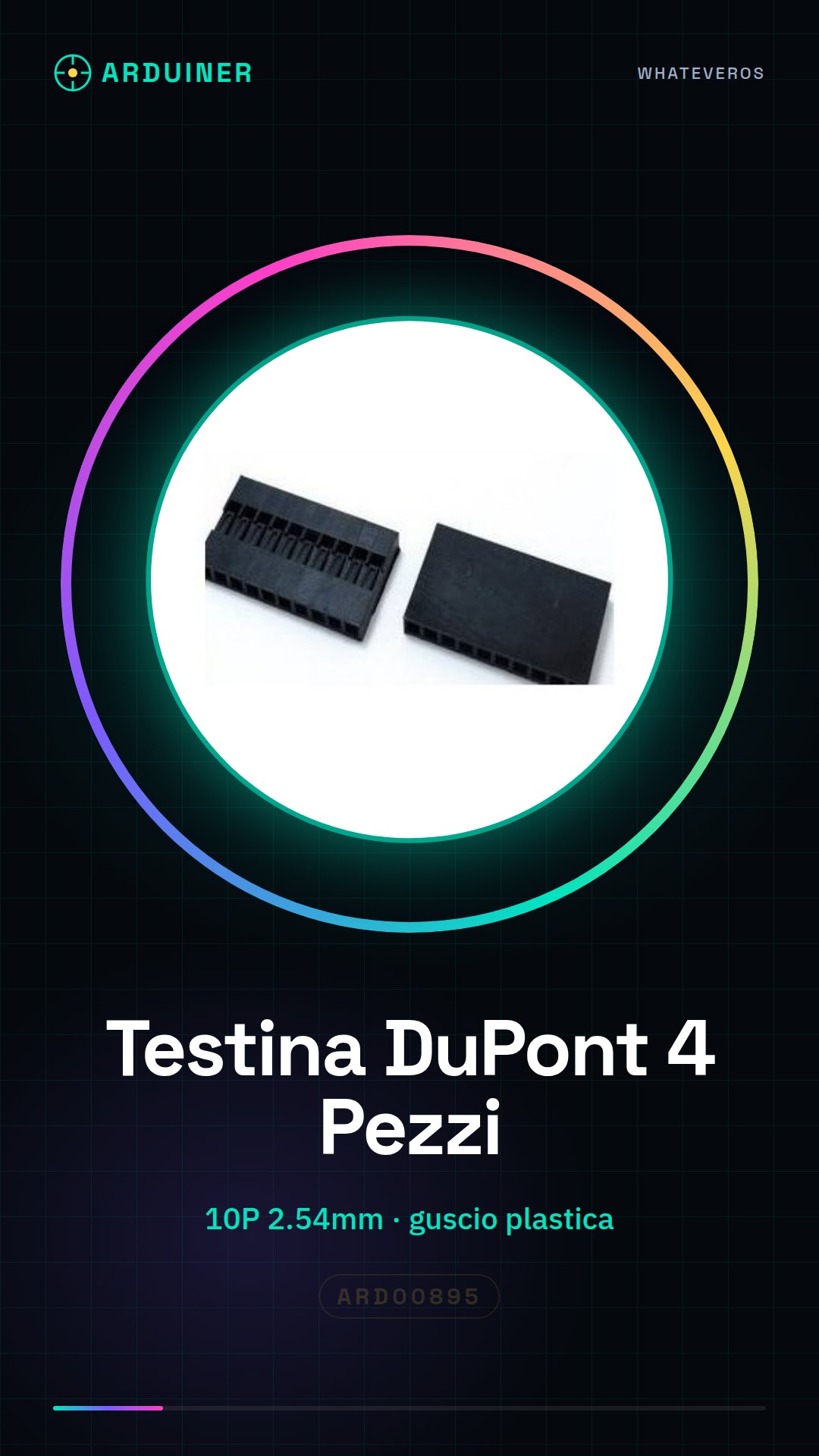
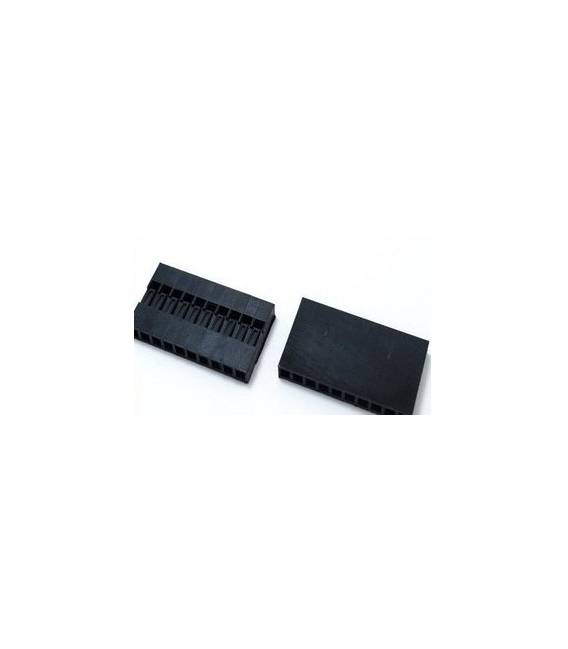
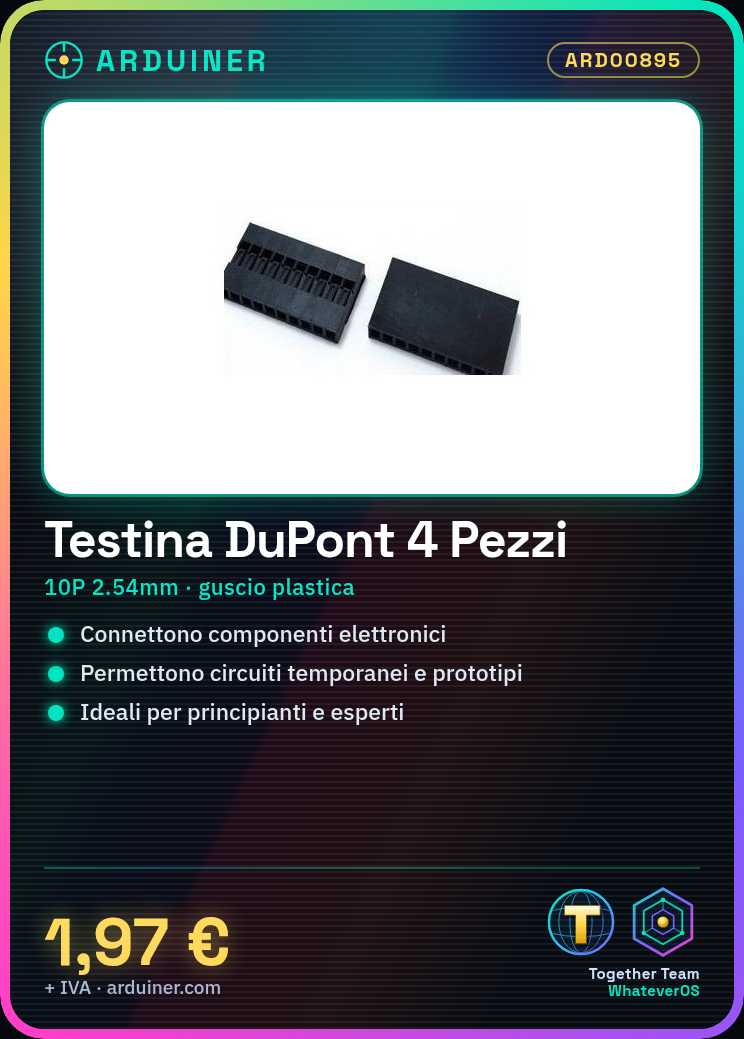
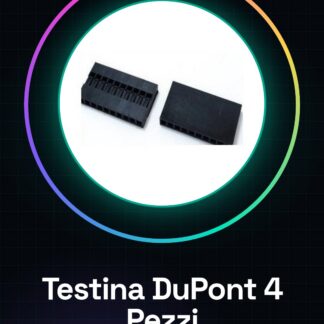
4PCS DuPont head, 10P pitch 2.54mm DuPont plastic shell plug chief
Tutorial: How to use DuPont head with plastic shell
DuPont Connectors heads are essential for connecting various electronic components to each other, allowing the creation of temporary circuits or prototypes. Ideal for both beginners and experts.
What you need
- Arduino Uno
- Perforated card
- Components to test (e.g., LED, resistors)
Steps
- Step 1: Check the type of connection required between the electronic components you wish to connect.
- Step 2: Insert the DuPont head into the hole of the perforated card or the connector of the component.
- Step 3: Repeat the previous step for the other end of the DuPont head, thus connecting two components to each other.
- Step 4: Ensure that the DuPont head is securely inserted and does not slip out during assembly operations.
- Step 5: To connect multiple components together, use another Dupont connector or connect the components directly to each other using Dupont connectors.
- Step 6: If necessary, use a hook to remove the Dupont connector from a component without damaging it.
Mini project
Create a simple control interface with LEDs and buttons connected via Dupont connectors to an Arduino Uno. Try to turn the lights on in response to commands.
Common mistakes
- Insert the Dupont connector into the pin of the perforated card without ensuring it is properly inserted and stable.
- Use worn or damaged Dupont connectors, increasing the risk of short circuits.
- Do not use a hook to properly remove the Dupont connector from a component.
Recommended accessories
- Perforated card
- Prototype connection
- USB A-Micro B cable
- Arduino Uno
Frequently asked questions
What are the dimensions of this Dupont connector?
Check the datasheet to obtain the precise measurements.
Can I use these Dupont connectors with a Raspberry Pi?
Yes, but it may be necessary to adapt the Raspberry Pi connectors to ensure a proper connection.
Reviews
There are no reviews yet.