 EN
 IT Italiano
 ES Español
 FR Français
 DE Deutsch
Description
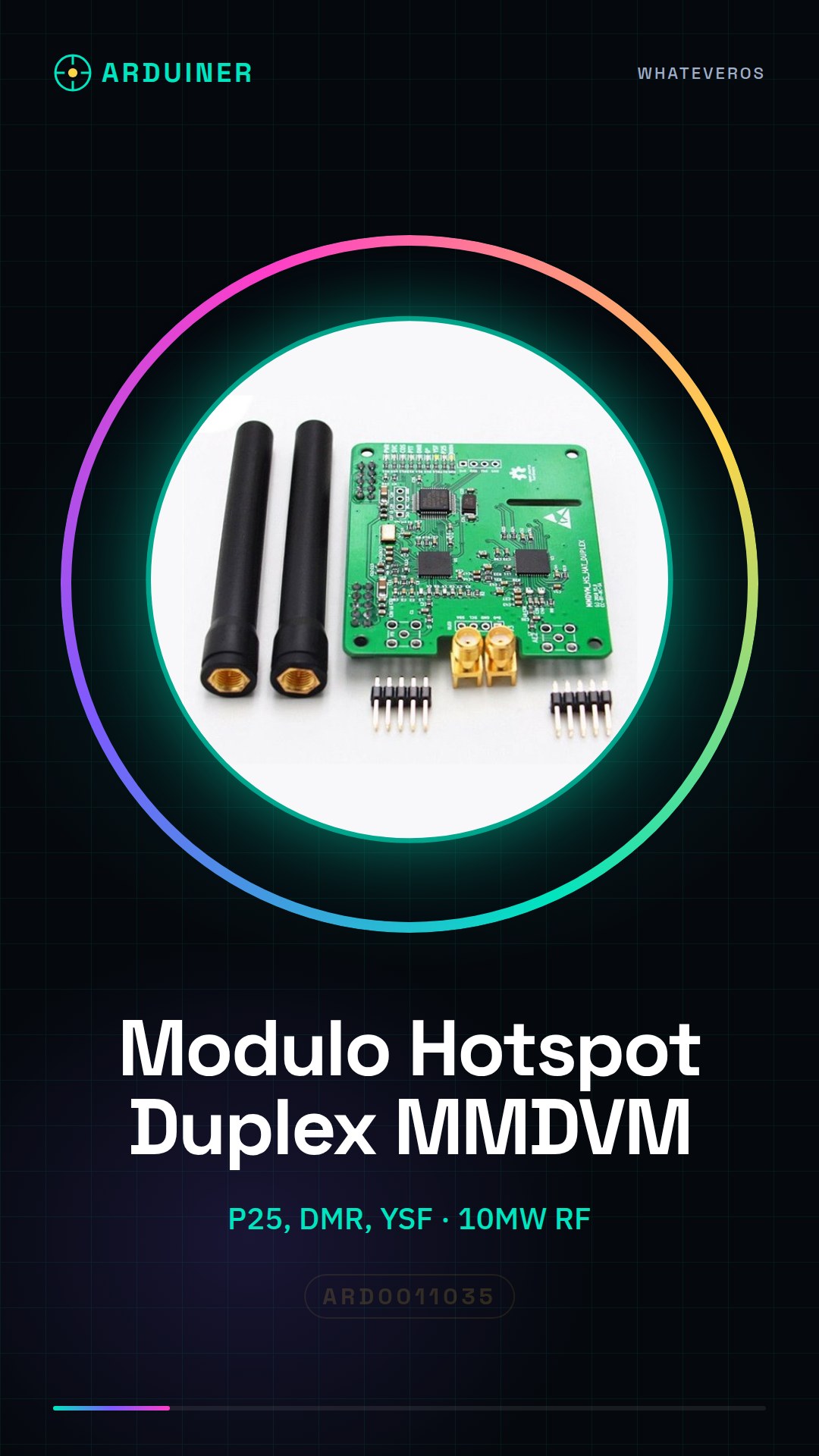
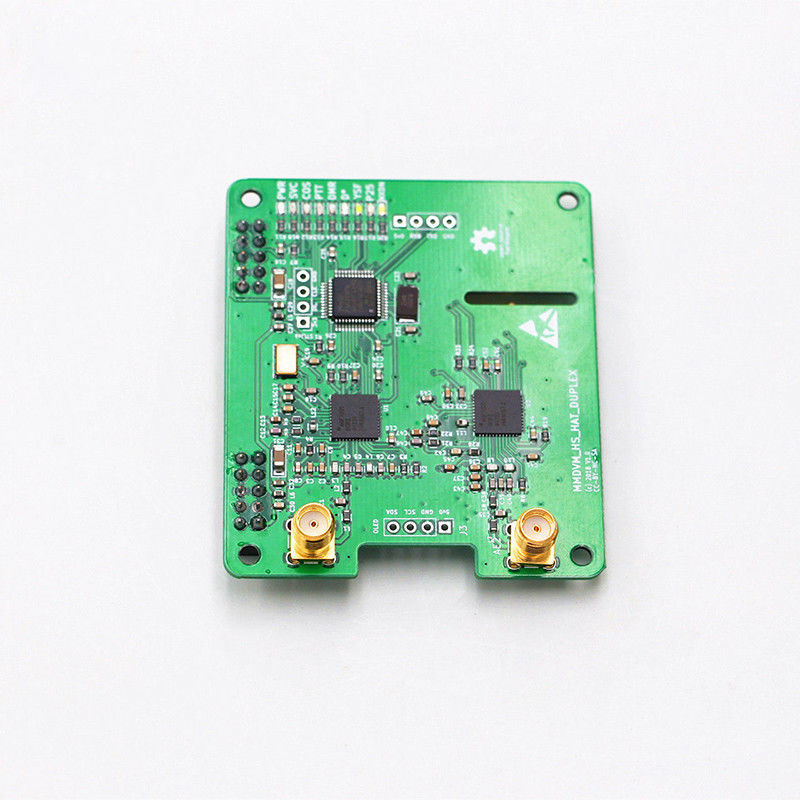
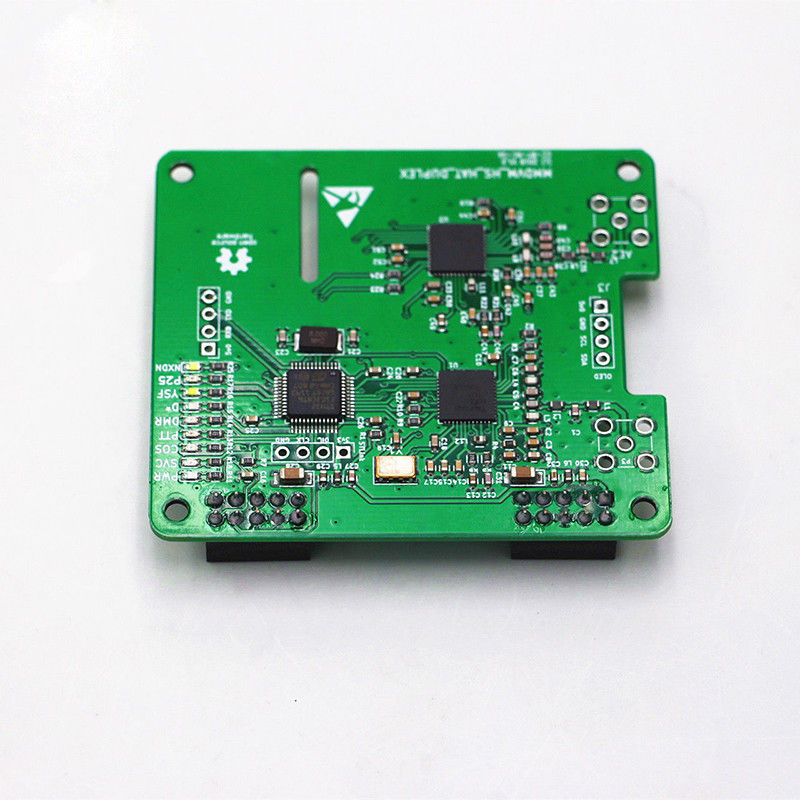
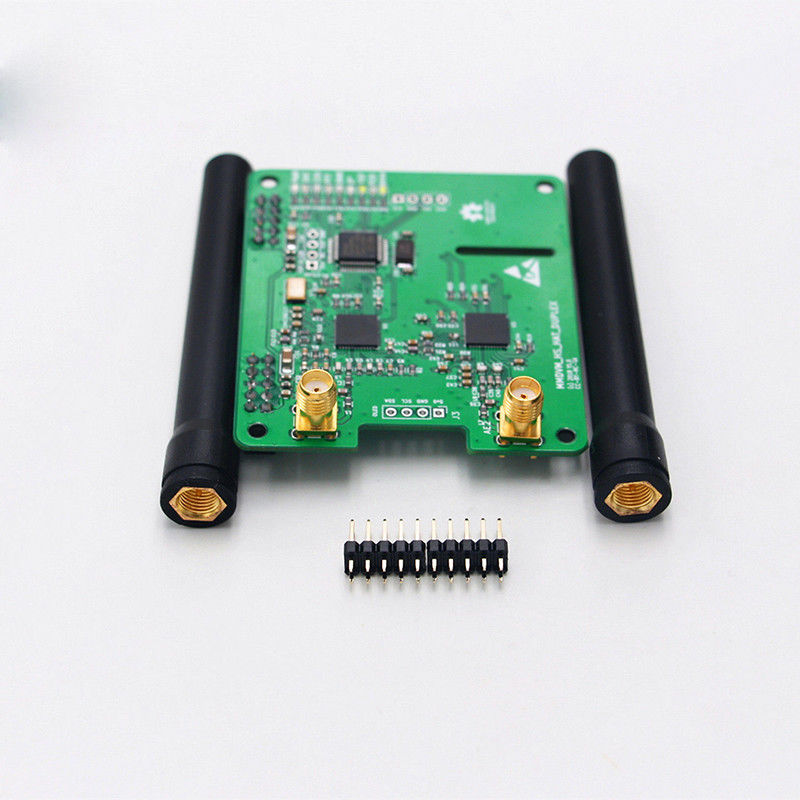
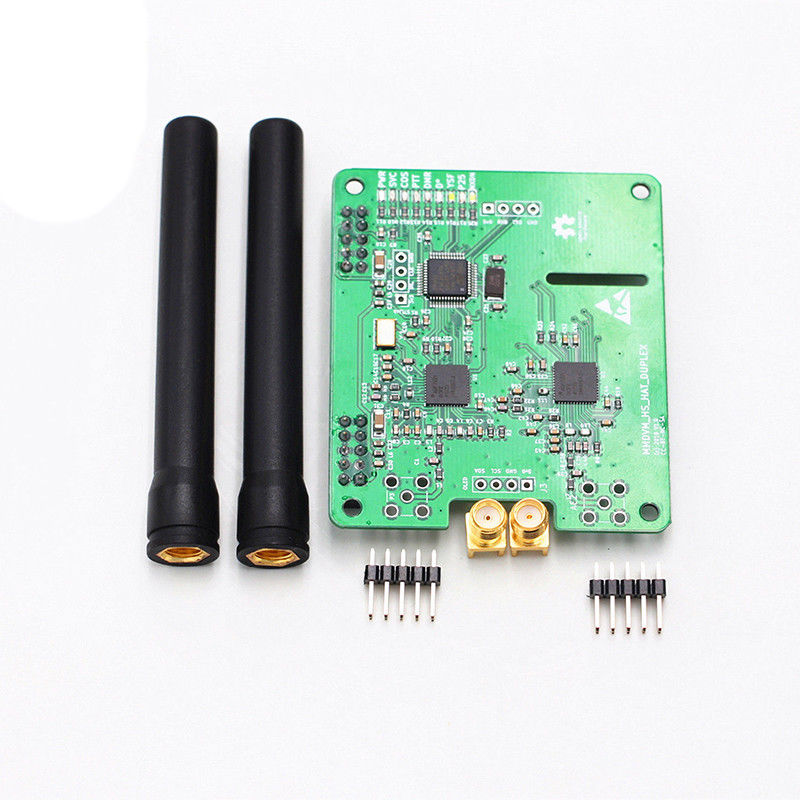
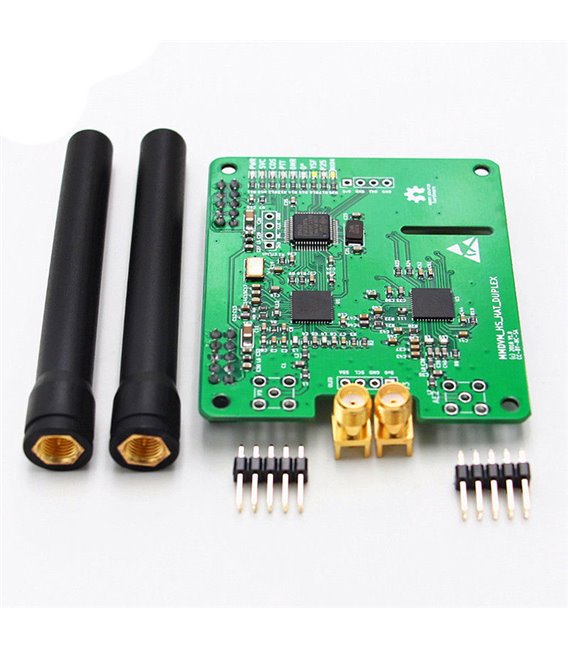
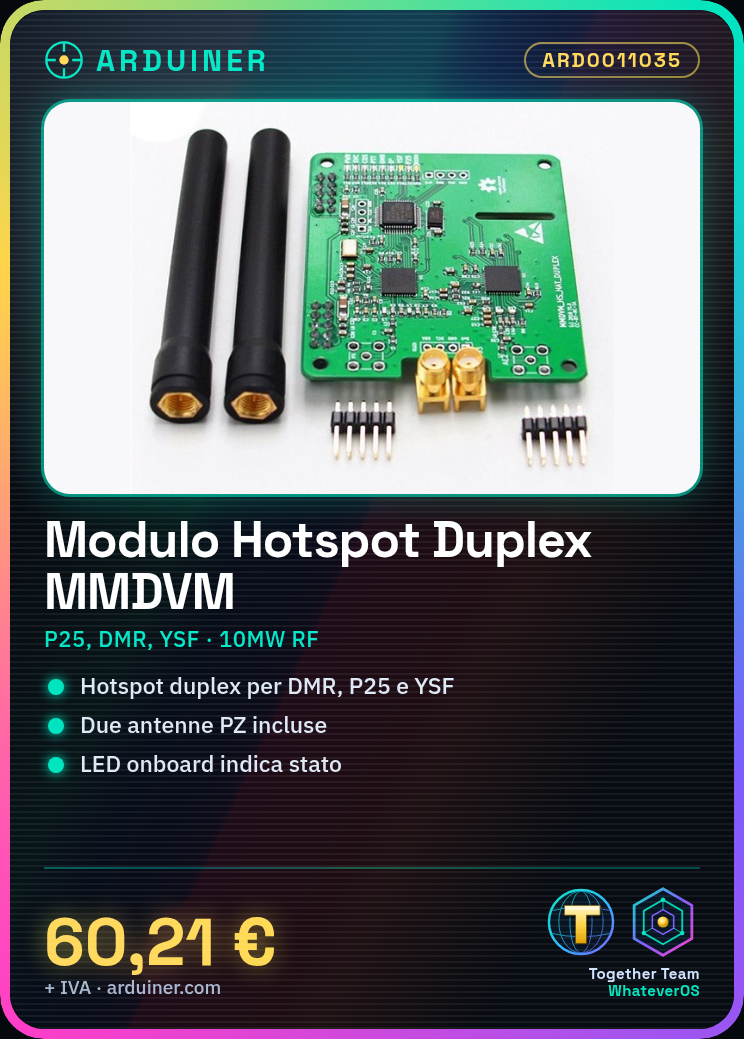
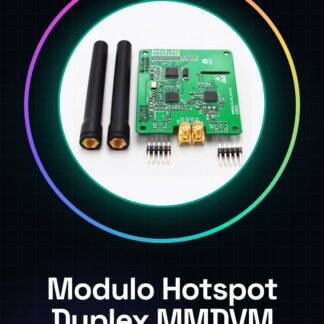
Hotspot Duplex MMDVM P25 DMR YSF Module for Raspberry Pi + 2 PZ Antenna
PRODUCT CARD:
* MMDVM duplex hotspot module supporting P25 DMR YSF for raspberry PI with 2 antennas
* 32-bit ARM multi-menu high-performance processor
* Supports DMR, P-25, D-star and fusion system
* Pre-loaded firmware that is easily updated via software
* Onboard LED to show status (TX, Rx, PTT, mode)
* SMA antenna connector, antenna included
* UHF 430-450 MHz, 433 mhz and 900 MHz
* Up to 10 MW of RF power
VHF 144 220 OPERA FREQ
NOTE:
Pre-loaded firmware. Please do not update the firmware yourself.
* Top part is the low antenna RX TX for the pi.
* UHF + VHF
* SMA antenna
* Select modem: STM32_HS_GPIO
* Set TX, RX frequency
* TX, RX frequency has better 10M or more pieces
* SLOT1, SLOT2 support
Contents of the package:
2 * antenna
1 * module
Tutorial: How to use the Duplex MMDVM P25 DMR YSF Hotspot Module
This module allows you to create a hotspot for amateur radio communication using the Raspberry Pi platform. Ideal for those who want to build a bidirectional communication system.
What you need
- Raspberry Pi
- Duplex MMDVM P25 DMR YSF Hotspot Module
- 2 PZ Antennas
- Micro USB for power supply
Steps
- Check the datasheet for the compatible Raspberry Pi specifications.
- Connect the MMDVM module to the Raspberry Pi via GPIO.
- Power the Raspberry Pi with a Micro USB cable.
- Install the necessary libraries on the Raspberry Pi (check the datasheet).
- Configure the MMDVM module via web interface or SSH.
- Connect the PZ antennas to the module.
- Start the module to test connectivity.
- Configure the communication system (check the datasheet)
Mini project
Set up an MMDVM P25 DMR YSF hotspot using a Raspberry Pi and PZ antennas. In 30 minutes, you can have a bidirectional communication system.
Common mistakes
- Connect the module to the Raspberry Pi before powering it on.
- Forget to install the necessary libraries.
- Fail to configure the module correctly.
- Fail to connect the PZ antennas correctly.
Recommended accessories
- Raspberry Pi Zero W
- USB power cable
- PZ antennas
- GPIO connection cable
Frequently asked questions
What are the specifications of the compatible Raspberry Pi?
Check the datasheet.
How can I test the connectivity?
Use an MMDVM monitoring software.
Which PZ antennas are compatible?
Check the datasheet.
Reviews
There are no reviews yet.