 EN
 IT Italiano
 ES Español
 FR Français
 DE Deutsch

Description
What it is
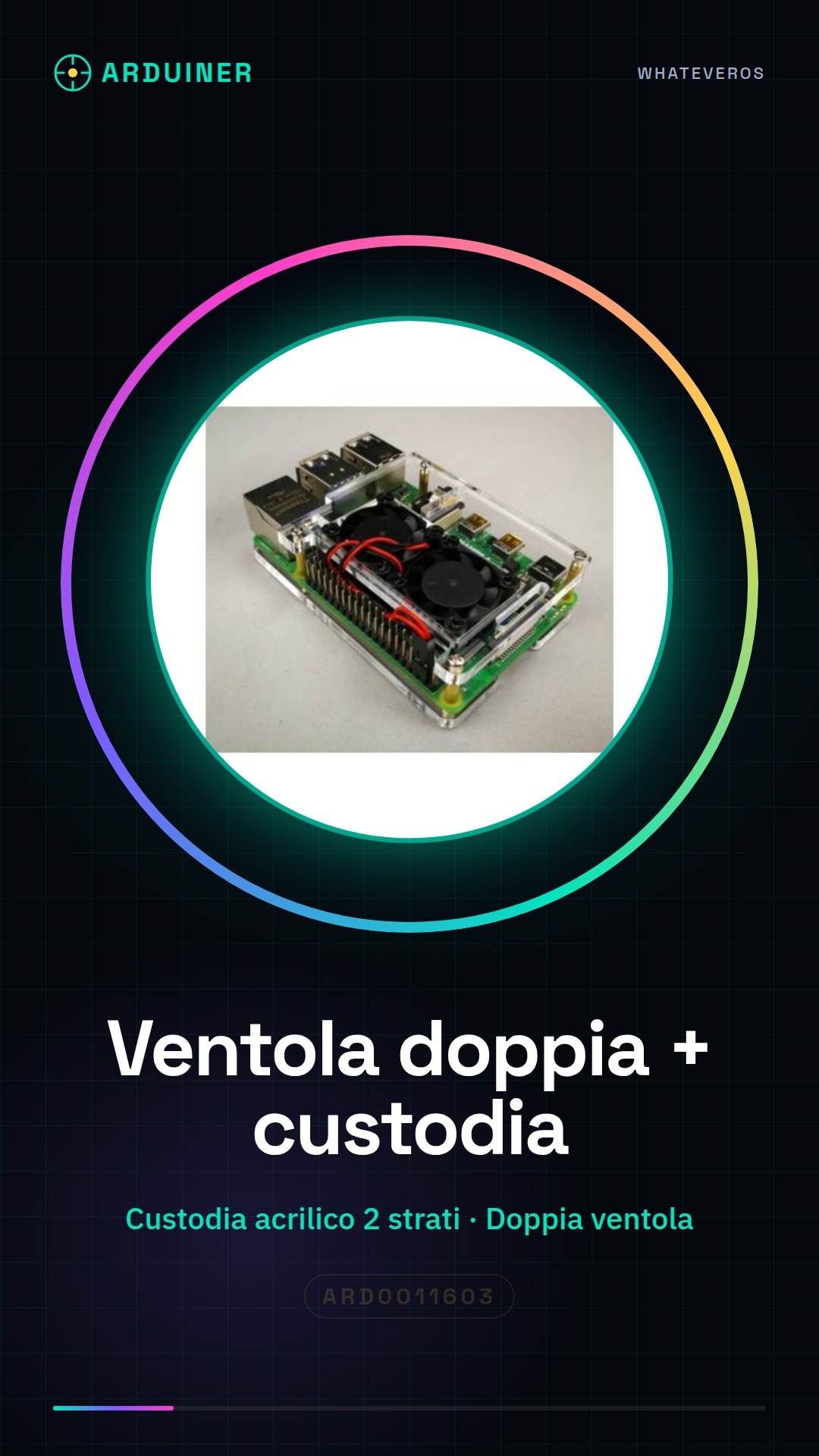
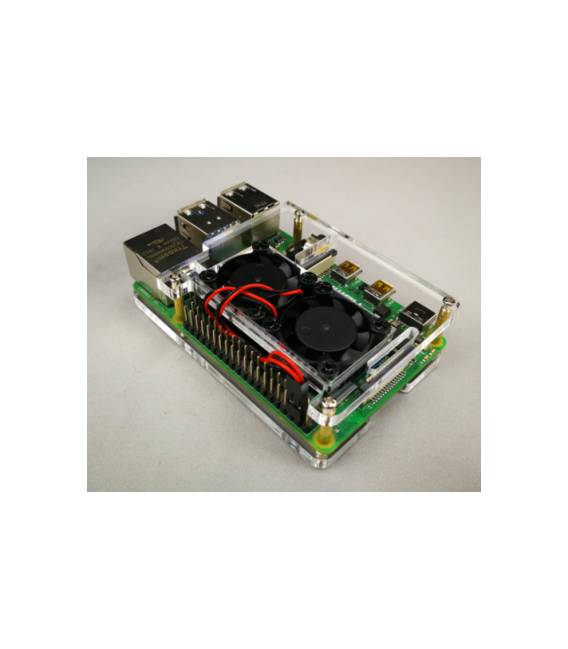
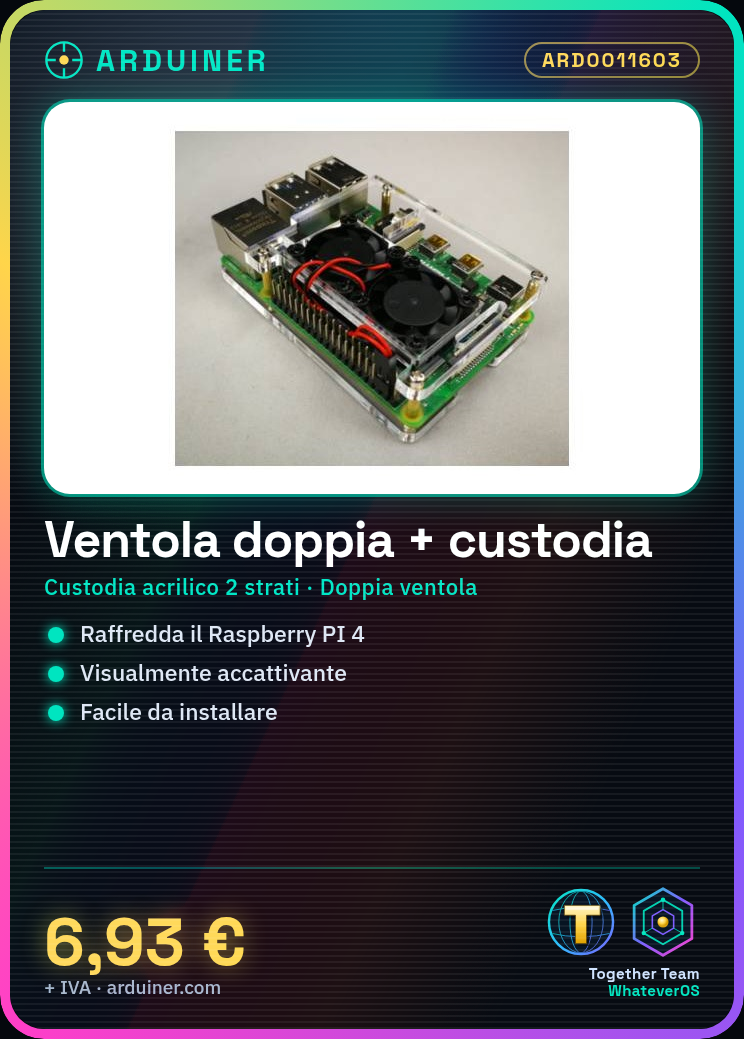
The double fan with a two-layer transparent acrylic case is a component specifically designed for the Raspberry PI 4. This device offers an effective and visually appealing cooling solution, enhancing the safety and efficiency of the system.
Features
- Two-layer transparent acrylic case
- Double fan for cooling
- Compatible with Raspberry PI 4
What it is for
This product is ideal for anyone using the Raspberry PI 4 in warm or heavily used environments. The double fan and two-layer case provide an effective cooling solution, improving system performance. It is easy to install: simply mount the double fan in the transparent case and colocate it with the Raspberry PI 4.
Tutorial: How to use Double fan + transparent acrylic case
This dual fan with transparent acrylic housing helps to cool the Raspberry PI 4, improving its performance. Useful for anyone using the Raspberry PI 4 in warm or heavily used environments.
What you need
- Dual fan + acrylic housing
- Raspberry PI 4
- Electrical connections
- Check the datasheet
Steps
- Make sure the dual fan and housing are in good condition.
- Ensure the fan is compatible with the Raspberry PI 4.
- Check the datasheet for any required connectors or adapters.
- Connect the fan to the GPIO port of the Raspberry PI 4.
- Use a 5V adapter if necessary.
- Verify the correct activation of the fan through the operating system.
- Check the cooling of the Raspberry PI 4.
- Verify the stability of the system.
Mini project
Mount the dual fan in the clear case and colocate it with the Raspberry PI 4. Power on the Raspberry PI 4 and check the processor temperature with an app like ‘htop’.
Common mistakes
- Connect the fan directly to the GPIO pins without an adapter.
- Forget to check compatibility with the Raspberry PI 4.
- Do not verify the correct activation of the fan.
- Ignore the cooling control of the Raspberry PI 4.
Recommended accessories
- 5V Adapter
- USB cable
- Reset button
- Raspberry PI 4 cord
Frequently asked questions
The fan turns on but the Raspberry PI 4 is still warm?
Check the correct connection and cooling of the Raspberry PI 4.
Which GPIO pins to use for the connection?
Use GPIO pins compatible with 5V.
Can I use this fan with other devices?
Check compatibility with other devices.
Does the clear case prevent cooling?
The transparent case should not impede cooling, but check for the proper activation of the fan.



Reviews
There are no reviews yet.