 EN
 IT Italiano
 ES Español
 FR Français
 DE Deutsch
Description
What it is
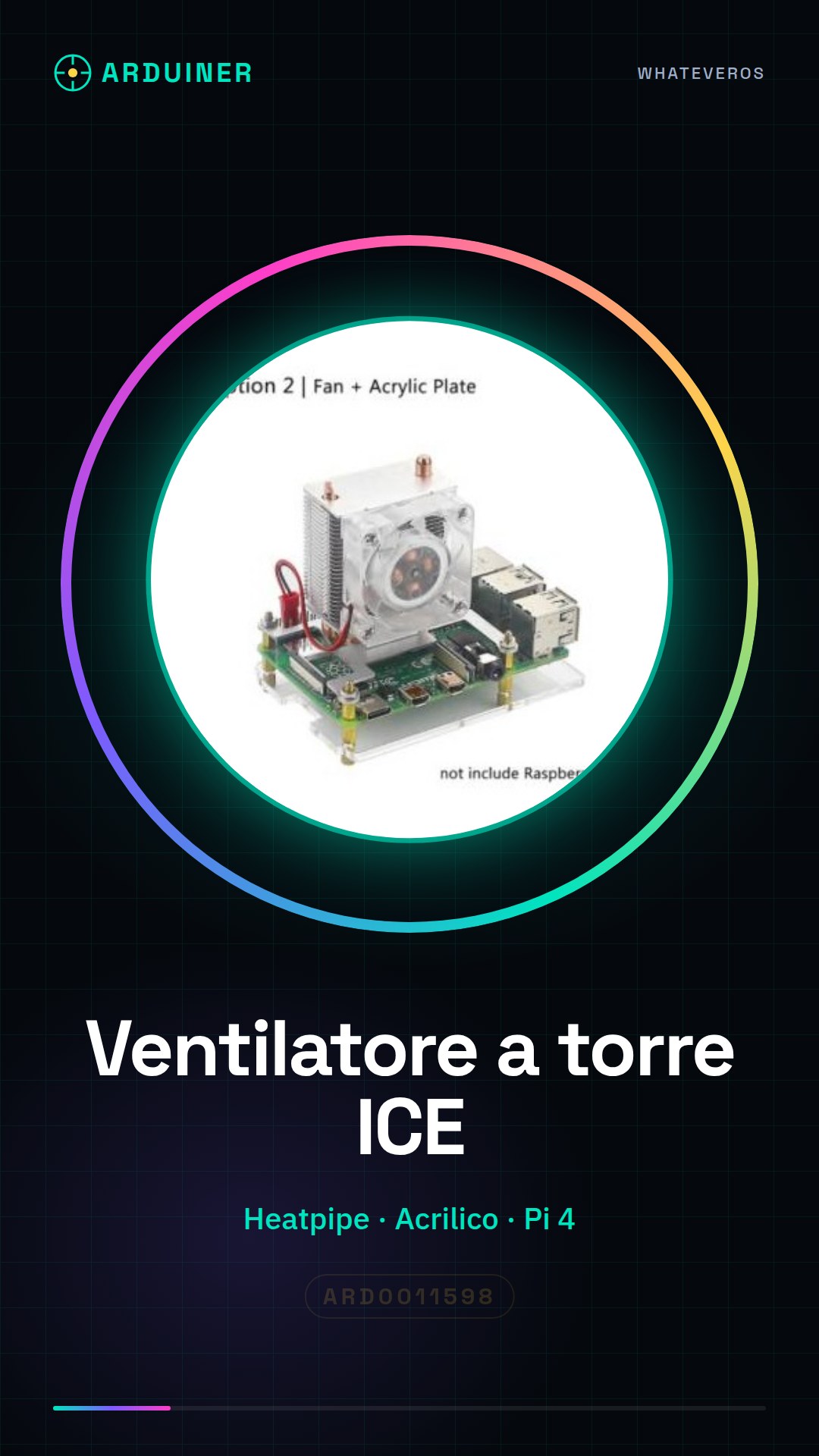
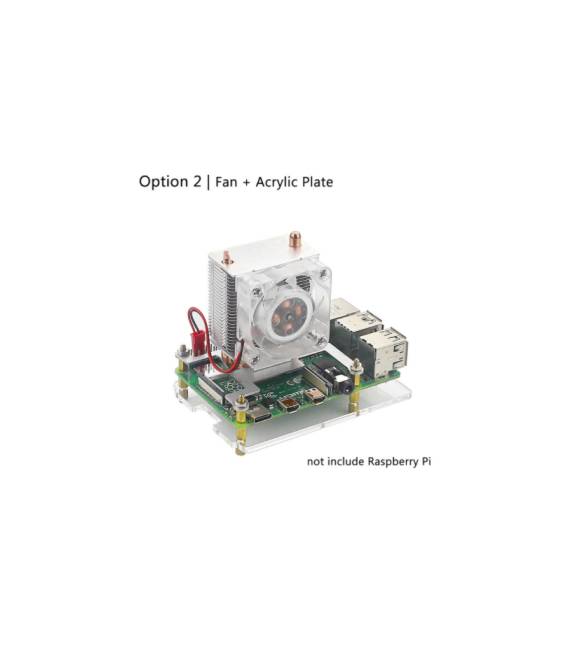
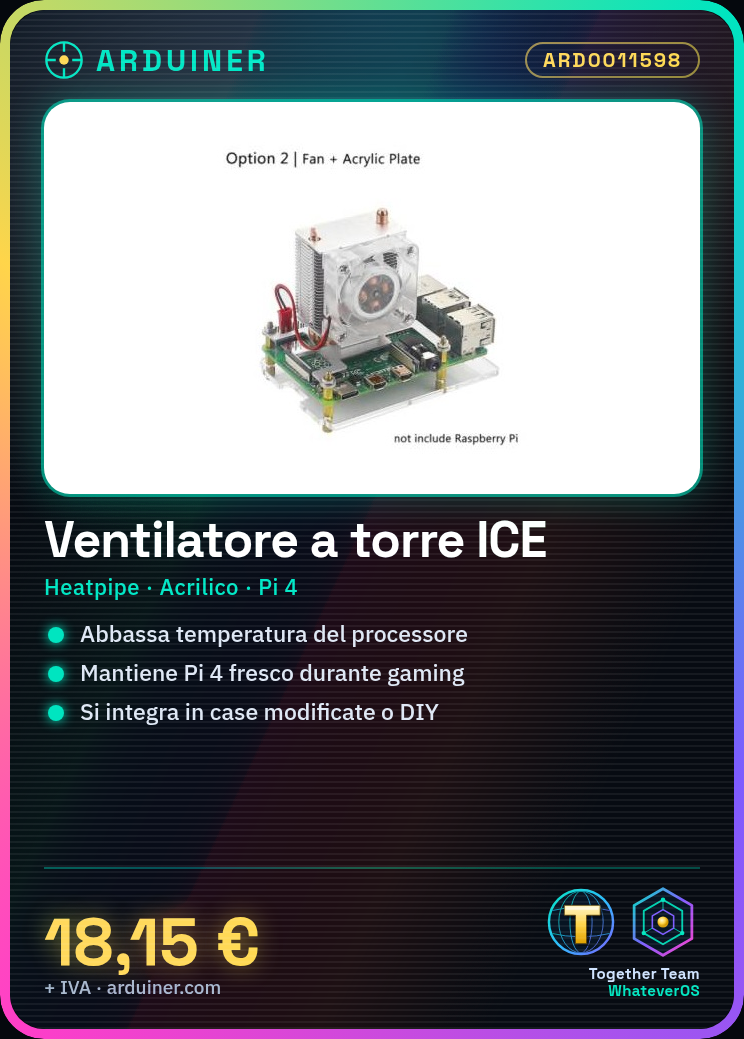
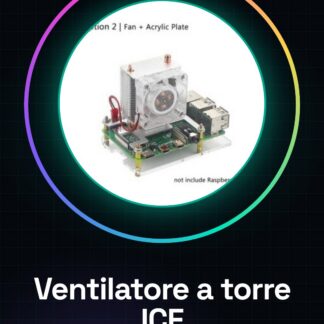
The Tower ICE Fan with heatpipe and acrylic plate is a cooling device specifically designed for the Raspberry Pi 4. This component significantly lowers the processor temperature during intensive work or gaming sessions, ensuring optimal performance.
Features
- Tower fan with heatpipe
- Acrylic plate
- Ideally designed for the Raspberry Pi 4
What it is for
Mainly serves to keep your Raspberry Pi 4 cool and high-performing during intensive work or gaming sessions. It can be integrated into modified cases or DIY projects that require efficient cooling.
Tutorial: How to use Tower Fan Heatpipe for Raspberry Pi 4
This tower heatpipe fan is ideal for keeping your Raspberry Pi 4 cool during intensive work sessions or gaming. It fits perfectly into modified cases and DIY projects that require efficient cooling.
What you need
- Raspberry Pi 4
- insulated tape
- Phillips screwdriver
- Tower Heatpipe Fan ARD0011598
Steps
- Completely disconnect the Raspberry Pi from all power sources and connected devices.
- Gently position the acrylic plate of the fan on the top of the Raspberry Pi, ensuring full coverage of the CPU.
- Use insulated tape to secure the base of the fan to the support or modified case.
- Connect the fan’s power and data connectors to the corresponding pins on the Raspberry Pi following the datasheet.
- Check that all connections are secure and stable, then reboot the Raspberry Pi to test the fan’s functionality.
Mini project
Create a custom cooling system by integrating this tower fan with an external power supply and a custom board for the Raspberry Pi 4.
Common mistakes
- Connecting the connectors incorrectly
- Not securing the fan base firmly
- Ignoring the need to fully open modified cases for optimal airflow
- Overloading the system with too many heat-generating devices
Recommended accessories
- Cases Mod Raspberry Pi 4 (ARD001234)
- External USB-C Power Supply (ARD001567)
- Mounting Kit for Case Mods (ARD001987)
- Desktop Digital Thermometer (ARD001123)
Frequently asked questions
Does the fan work with other models of Raspberry Pi?
Check the product datasheet to see if the fan is compatible with your specific requirements.
How can I adjust the fan speed?
The speed can be adjusted through dedicated software or by modifying the power supply settings on the Raspberry Pi.
How much noise does the fan emit at maximum speed?
Check the datasheet to obtain the noise level specification.



Reviews
There are no reviews yet.