 EN
 IT Italiano
 ES Español
 FR Français
 DE Deutsch
Description
What it is
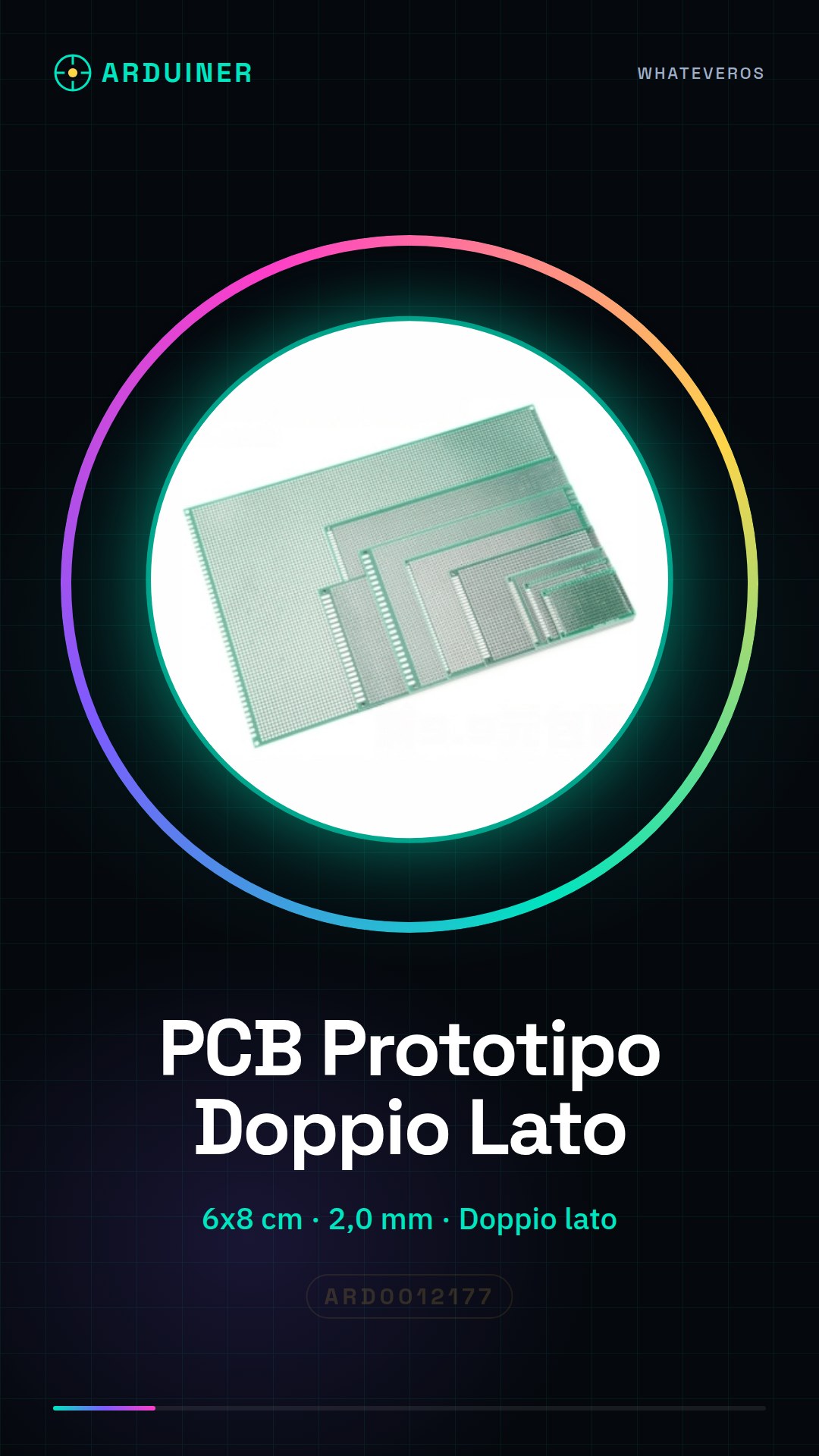
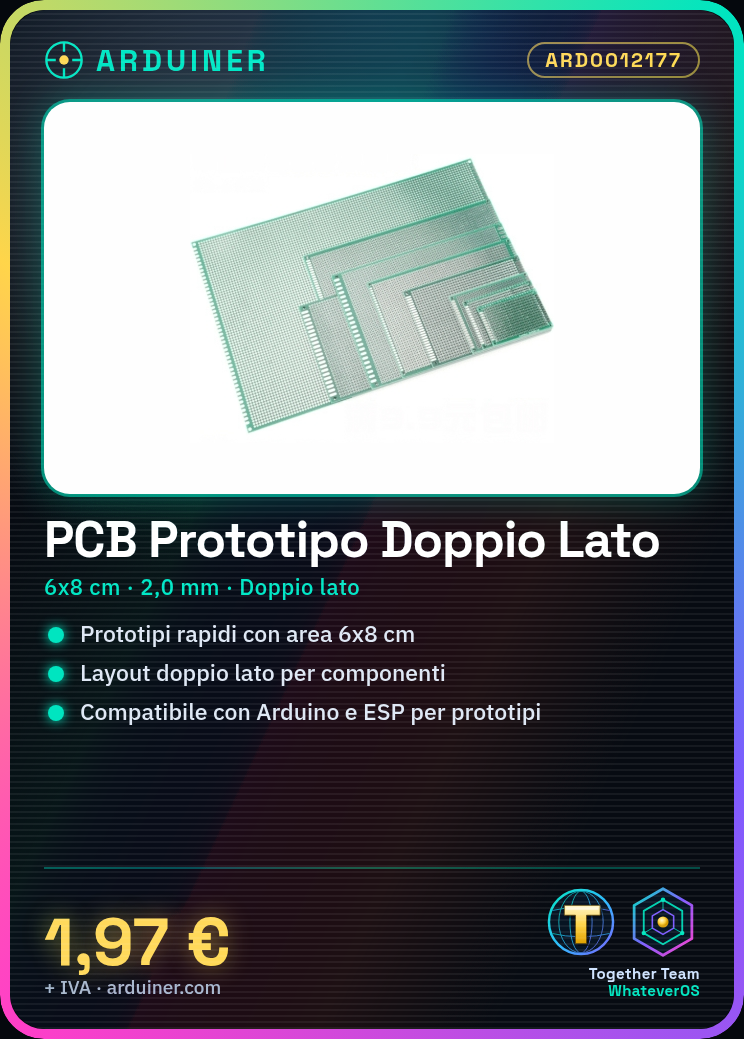
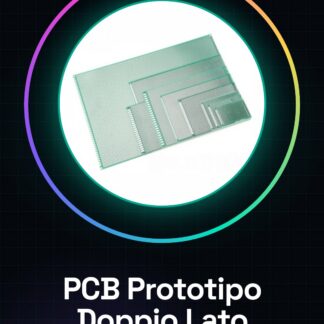
The Double-Sided 6x8cm 2.0mm PCB Prototype is a universal printed circuit board designed for makers and students who want to quickly develop and test electronic circuit prototypes. With a workspace area of 6×8 cm and a double-sided interface, this PCB offers enough surface area for small to medium-sized projects.
Features
- Dimensions: 6×8 cm
- Thickness: 2.0 mm
- Double-sided
What it is for
This PCB is ideal for creating electronic circuit prototypes, allowing ideas to be tested and developed before moving to large-scale production. It is compatible with various components, including Arduino and ESP, making the prototyping process more flexible and faster.
Tutorial: How to Use Double-Sided 6x8cm 2.0mm PCB Prototype
The Double-Sided PCB Prototype 6x8cm 2.0mm is an ideal support for makers and students who want to quickly create electronic circuit prototypes. With a workspace sufficient for small to medium-sized projects, this PCB is perfect for testing ideas and designing circuits before moving to large-scale production.
What you need
- Permanent marker
- Pliers
- Arduino Uno
- Sensors
- Resistors
- Capacitors
Steps
- 1. Check the compatibility of the PCB with the components you wish to use.
- 2. Use a permanent marker to trace the circuit layout.
- 3. Connect the components to the PCB using pliers.
- 4. Verify the connection between components.
- 5. Connect the PCB to your Arduino Uno or another power source.
- 6. Verify that the circuit works correctly.
- 7. If necessary, modify the PCB layout.
- Once satisfied with the result, use the PCB to test your project.
Mini project
Create a light sensor using an LDR and an Arduino Uno. Connect the LDR to the PCB and write a simple sketch to measure brightness.
Common mistakes
- Do not check the compatibility of components with the PCB.
- Do not use a permanent marker to trace the circuit layout.
- Do not check the connection between components.
- Do not test the circuit before moving to final production.
Recommended accessories
- Arduino Uno
- Sensor Kit
- Component Kit
- 3D Printing Kit
Frequently asked questions
How can I clean the PCB?
Use a soft cloth and isopropyl alcohol to remove any glue or dust residues.
Can I use the PCB for long-term projects?
The PCB is ideal for prototypes, but for long-term projects it is recommended to use a custom PCB.
Reviews
There are no reviews yet.