 EN
 IT Italiano
 ES Español
 FR Français
 DE Deutsch
Description
What it is
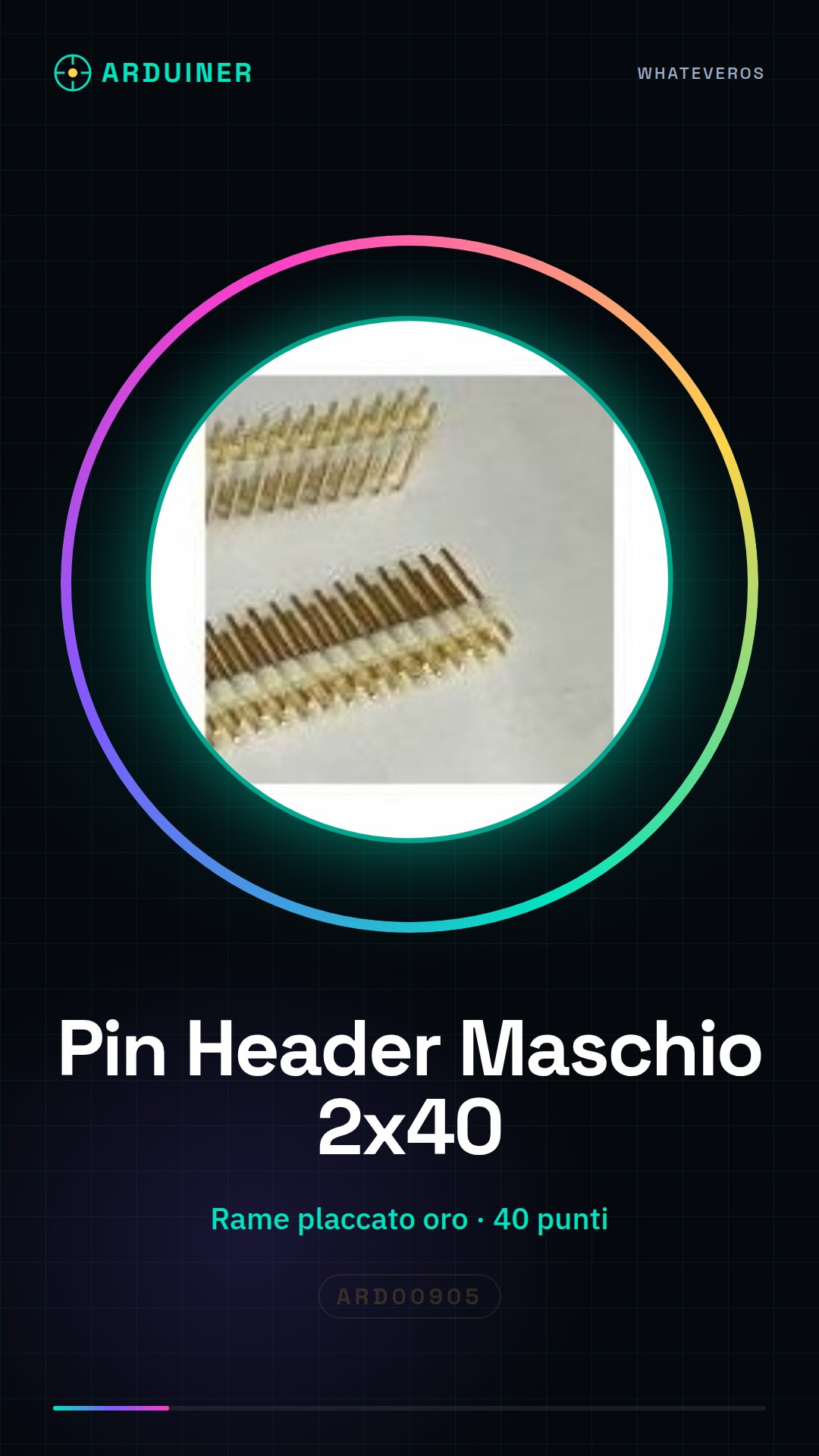
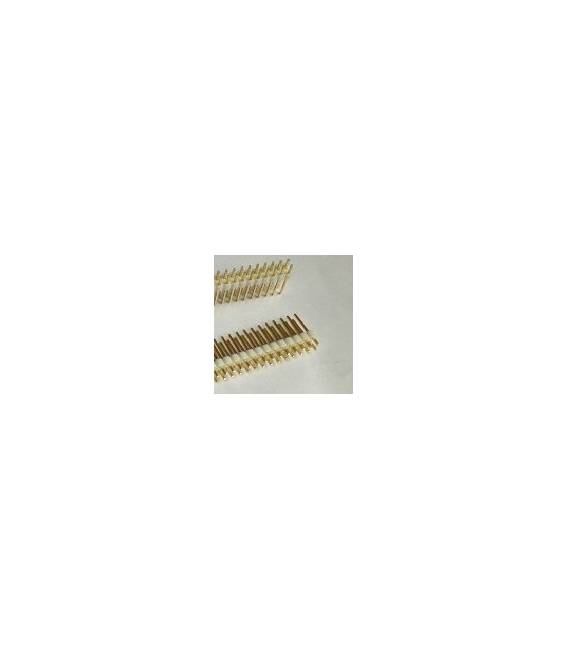
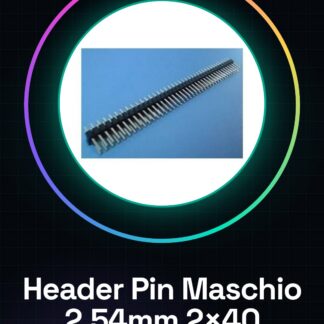
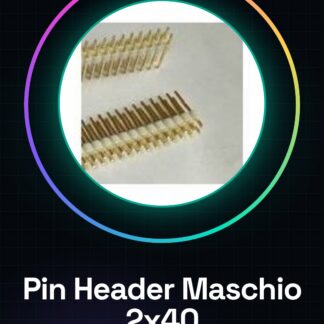
Male header pins White 2×40 in gold-plated brass are essential components for connecting PCB boards to breadboards. This item consists of four identical pieces, each with 40 connection points.
Features
- Type: Male header pin
- Material: Gold-plated brass
- Length: check datasheet
- Connection points: 40 per piece (2×40)
- Color: White
- Quantity: 4 pieces
What it is for
Male headers are used to connect your Arduino or other electronic modules to the breadboard, providing a secure and reliable connection. They are ideal for beginners who want to create flexible and easily modifiable prototypes. You can use them to connect LEDs and buttons to your Arduino via the header pins.
Tutorial: How to Use Male Header Pins 2×40
Male header pins are essential for connecting your Arduino or other electronic modules to the breadboard. They are ideal for beginners who want to create flexible and easily modifiable prototypes.
What you need
- Arduino
- Breadboard
- Connection cable
Steps
- Step 1: Identify the side with the writing ‘UP’ or ‘TOP’. This is the part that should be inserted into the breadboard.
- Step 2: Insert the header pins into the breadboard. Make sure not to force them too much, the breadboard slots should easily accommodate the pins.
- Step 3: Connect your Arduino or other electronic modules to the header pins to create stable connections.
- Step 4: Check that all connections are secure. If necessary, use a piece of electrical tape to secure the header pins to the breadboard.
Mini project
Create a simple interface with LEDs and buttons connected through the header pins to your Arduino.
Common mistakes
- Insert pin headers on the wrong side of the breadboard
- Force too much pressure during the insertion of pin headers, damaging the breadboard or the pins
- Do not secure pin headers properly to the breadboard, causing unstable connections
Recommended accessories
- Arduino Uno R3
- Large breadboard
- Various connection cables
- Electrical tape
Frequently asked questions
What is the difference between a male pin header and a female pin header?
A male pin header has metallic prongs that insert into the breadboard, while a female pin header has slots where the pins can be inserted.
Can I use these pin headers with a custom PCB?
Yes, but make sure to check the datasheet of your PCB for the specifications for pin header connections.
Reviews
There are no reviews yet.